Sonos Playlists
For your scripts
Settings module for Sonos Remote: up to ten user-configured playlists or favourites.
A module, not an app: it shows nothing by itself and adds functions that your scripts import.
- Topic
- Smarthome
- Includes
- Module
Runs on
- Does not run on 32×8 (TC001 & DIY) Made for 52×16 (TC002).
- Runs on 52×16 (TC002)
- Does not run on 32×8 with AWTRIX 3 (TC001 & DIY) Made for AWTRIX NG.
Choose your display in the next step.
Script description
Sonos Playlists — settings module
A dependency of Sonos Remote for TC002. This module provides ten playlist/favourite slots; it does not draw a screen or start music on its own. Tested with Sonos Remote 3.3.1 on official AWTRIX NG TC002 beta 1.1.6.
Installation
Install under the exact name sonos_playlists. When installing Sonos Remote, select Install with dependencies in the Hub (Install all in the clock web UI) if its dependency prompt appears. For a manual installation, install this module before the main app.
Settings
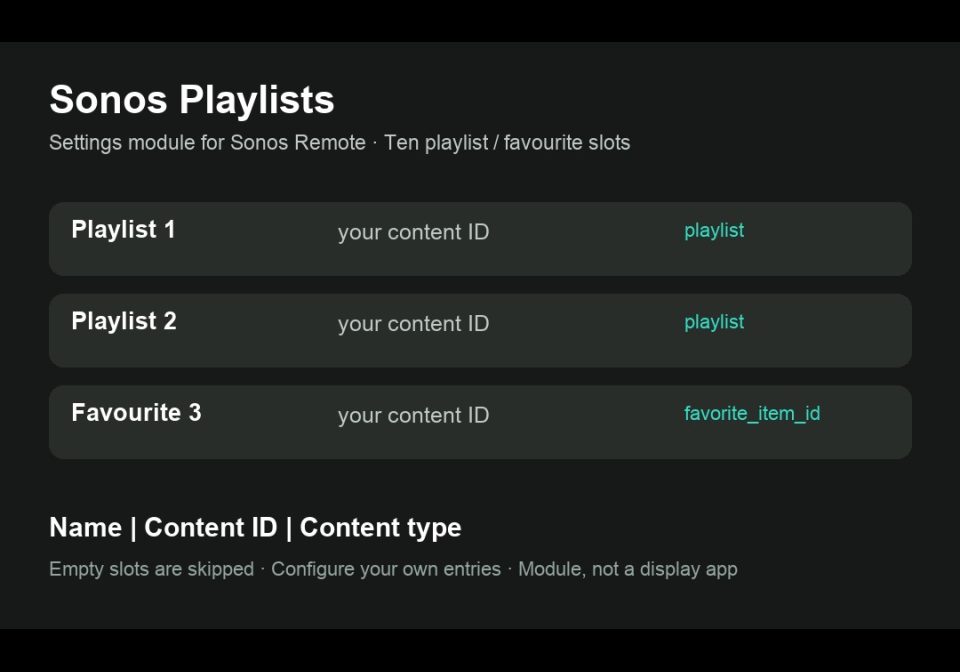
Open Apps → Modules → Sonos Playlists → settings. Each field uses Name|content id|content type. Leave unused slots empty; the remote skips them. Use your own source URL/URI or favourite ID and the content type accepted by Home Assistant's Sonos integration. Test it with media_player.play_media in Home Assistant first. No Spotify sign-in is stored on the clock.
Sonos Remote needs Home Assistant's Sonos and MQTT integrations plus the companion blueprint; installing this module does not configure Home Assistant.
Source and setup: https://github.com/lucaamo/tc002-sonos-remote
License: PolyForm Noncommercial 1.0.0, supplied in the source repository. Required Notice: Copyright © Stephan Mühl (Blueforcer) https://github.com/Blueforcer/awtrix-ng. Community contribution by lucaamo; no official endorsement is implied.
Sign in to view and copy the code of this script.
Discussion 0
Ask a question, suggest a change or share how you use it.
No comments yet. Start the conversation.
Have an idea?
Sign in to ask questions and join the conversation.