Weather
On your display
Live conditions from Open-Meteo with a sky that actually weathers.
- Topic
- Smarthome
- Includes
- Script
Runs on
- Runs on 32×8 (TC001 & DIY) 32×8 (TC001 & DIY) version
- Runs on 52×16 (TC002)
- Does not run on 32×8 with AWTRIX 3 (TC001 & DIY) Made for AWTRIX NG.
Choose your display in the next step.
Script description
Weather
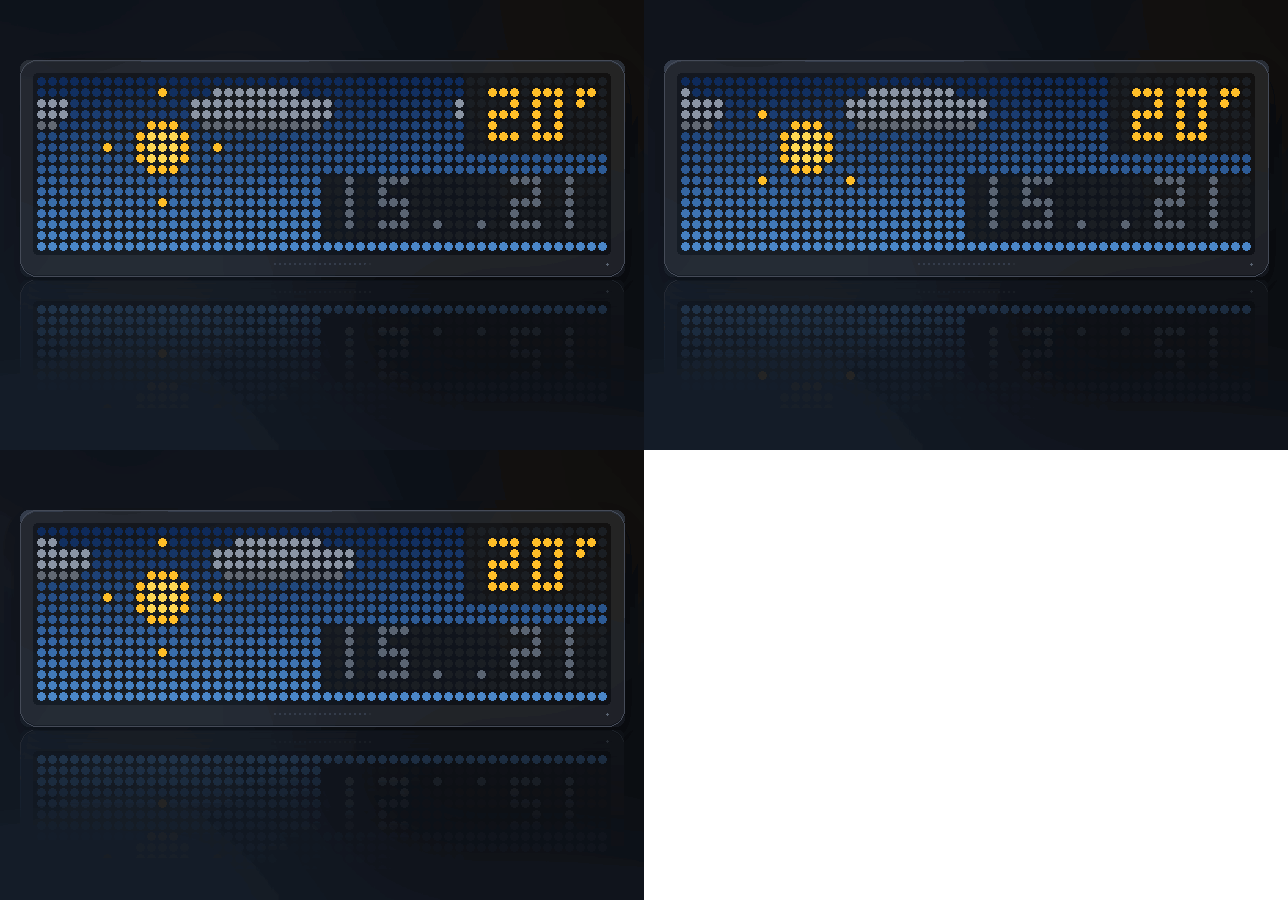
A sky that actually weathers, and one press for the numbers behind it — including when it will rain.
Panels: 52x16 and 32x8 · Data: Open-Meteo, no account or key needed
Not an icon with a number next to it
Most weather apps on a small panel draw a symbol. This draws the weather.
Cloud moves in three layers at three different speeds, so an overcast day is
still a panel that is doing something rather than a grey rectangle.
Rain leans with the wind and splashes where it lands. Falling lines on their
own read as static noise; the splash at the bottom is what makes it rain.
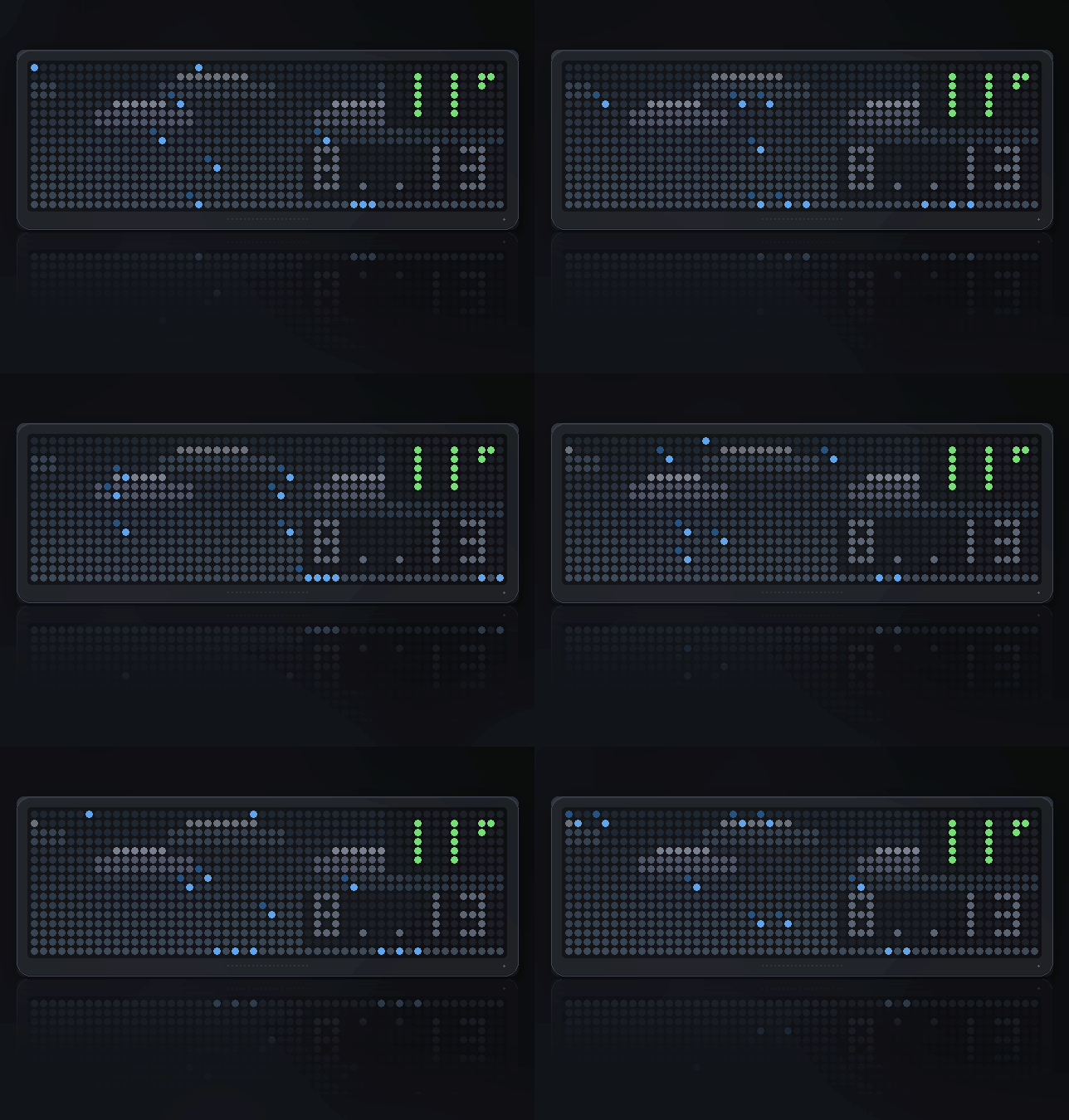
Snow sways from side to side as it falls and piles into a drift along the
bottom of the panel.
Thunderstorms light the clouds from the inside for two frames at a time,
with a bolt and a little afterglow. A flash that is on half the time is not a
flash, it is a lamp.
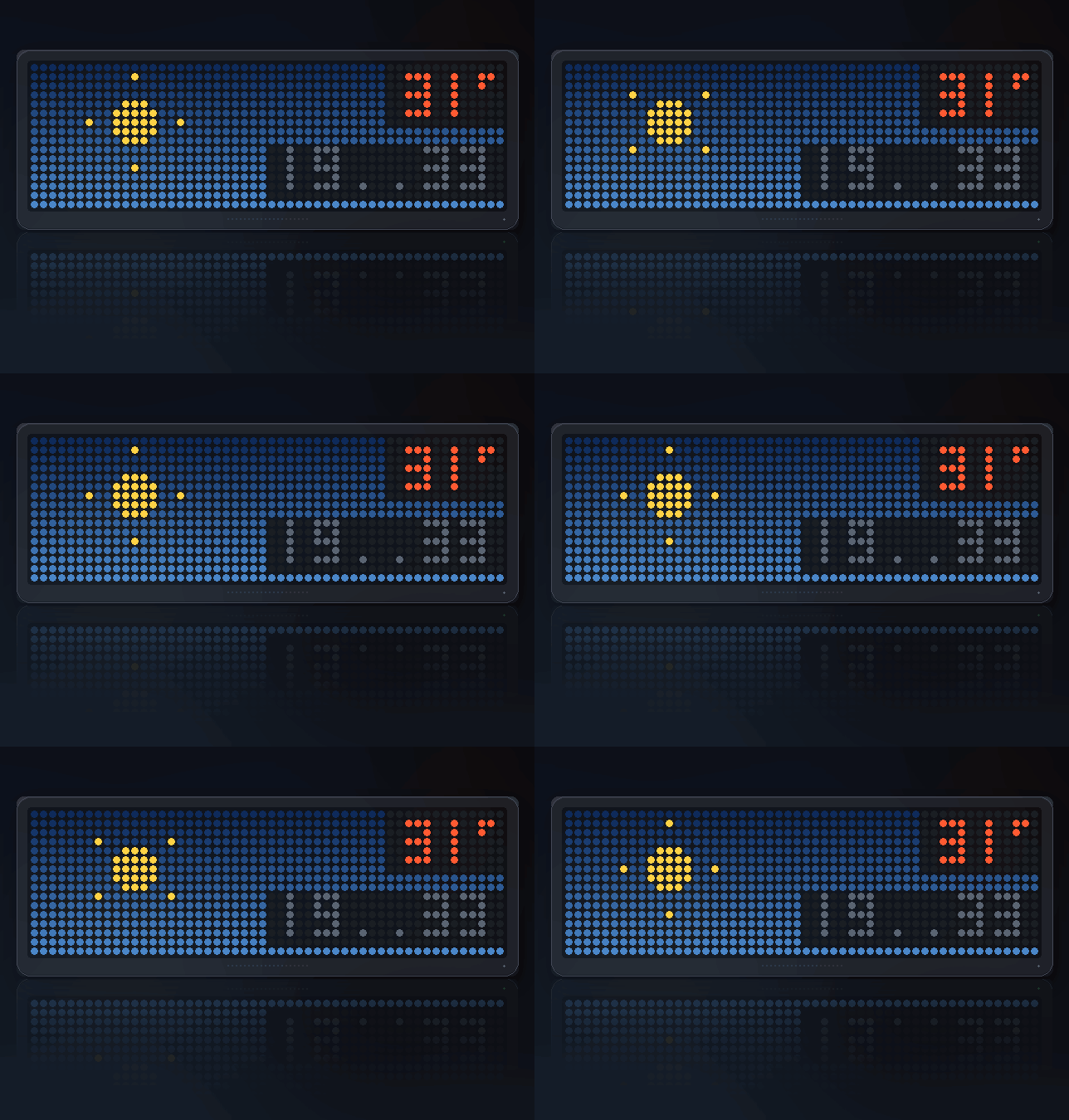
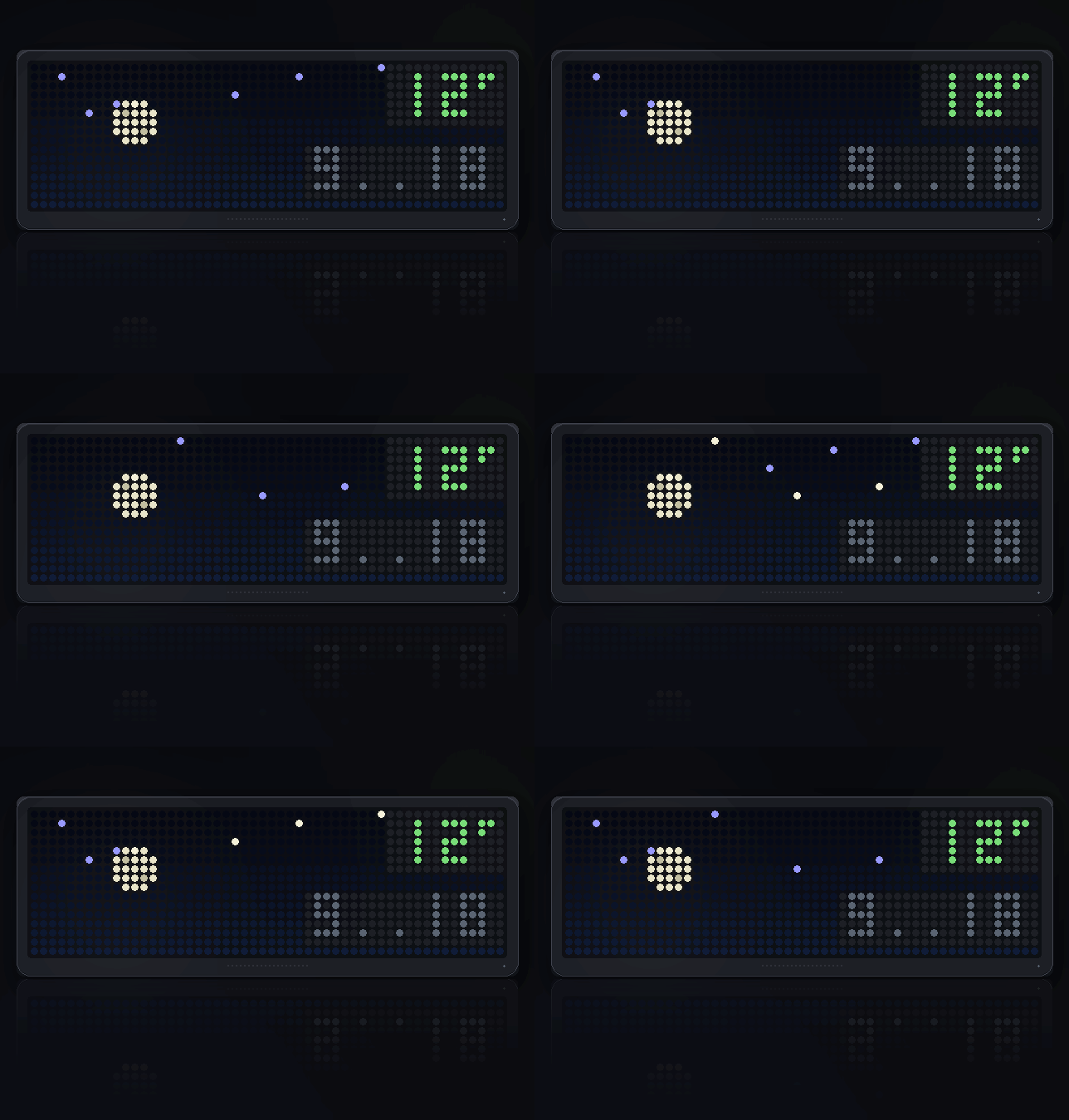
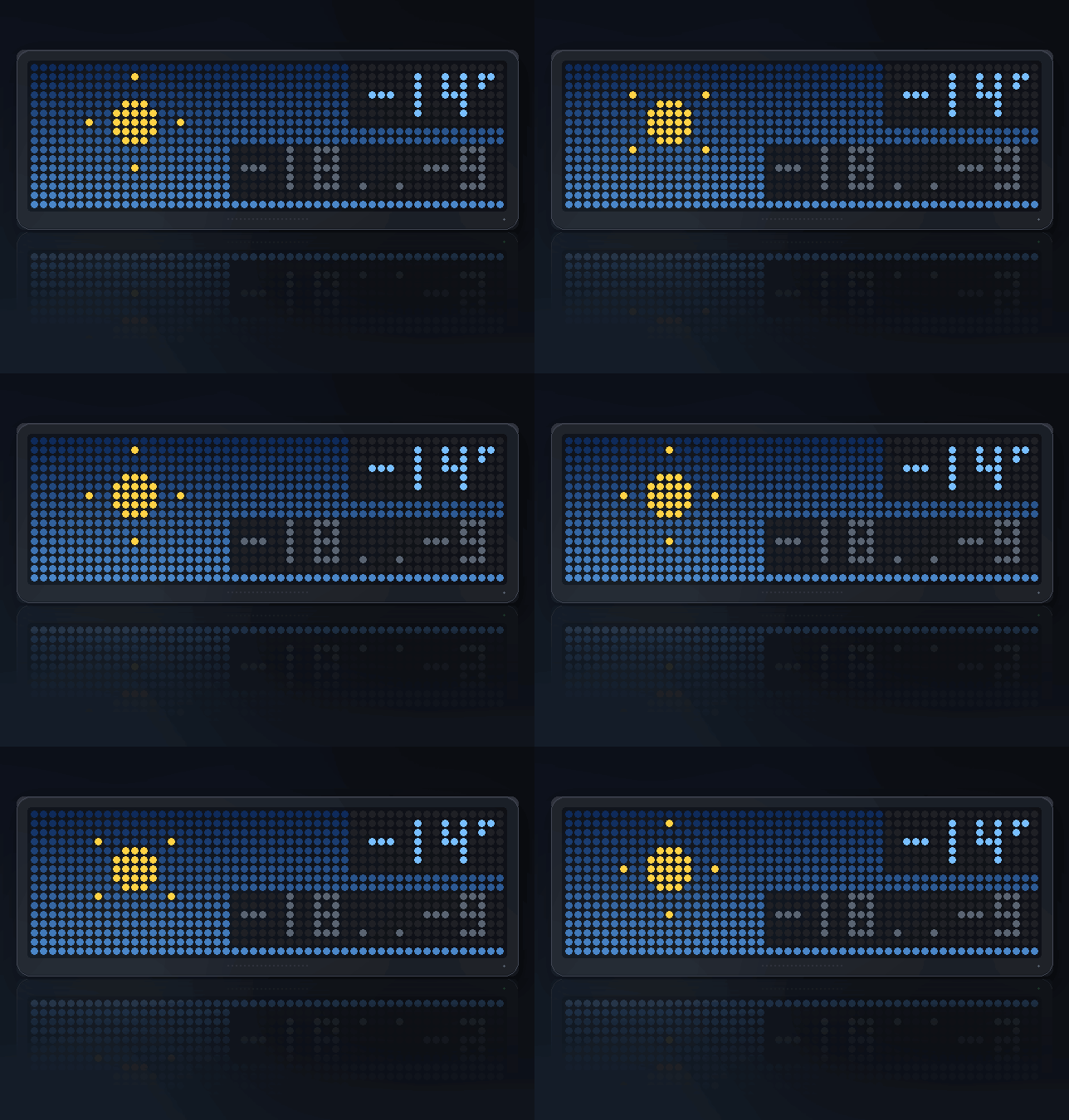
Fog sits in drifting bands. Clear skies get a sun with turning rays by
day and a moon with scattered stars after dark.
Press SELECT for the rest
The sky is the thing worth looking at, so it stays the main screen and the
rotation always shows it. SELECT steps through five pages of detail, and it
drops back to the sky on its own after twelve seconds — a clock left on the wind
page is showing you the least interesting thing it knows.
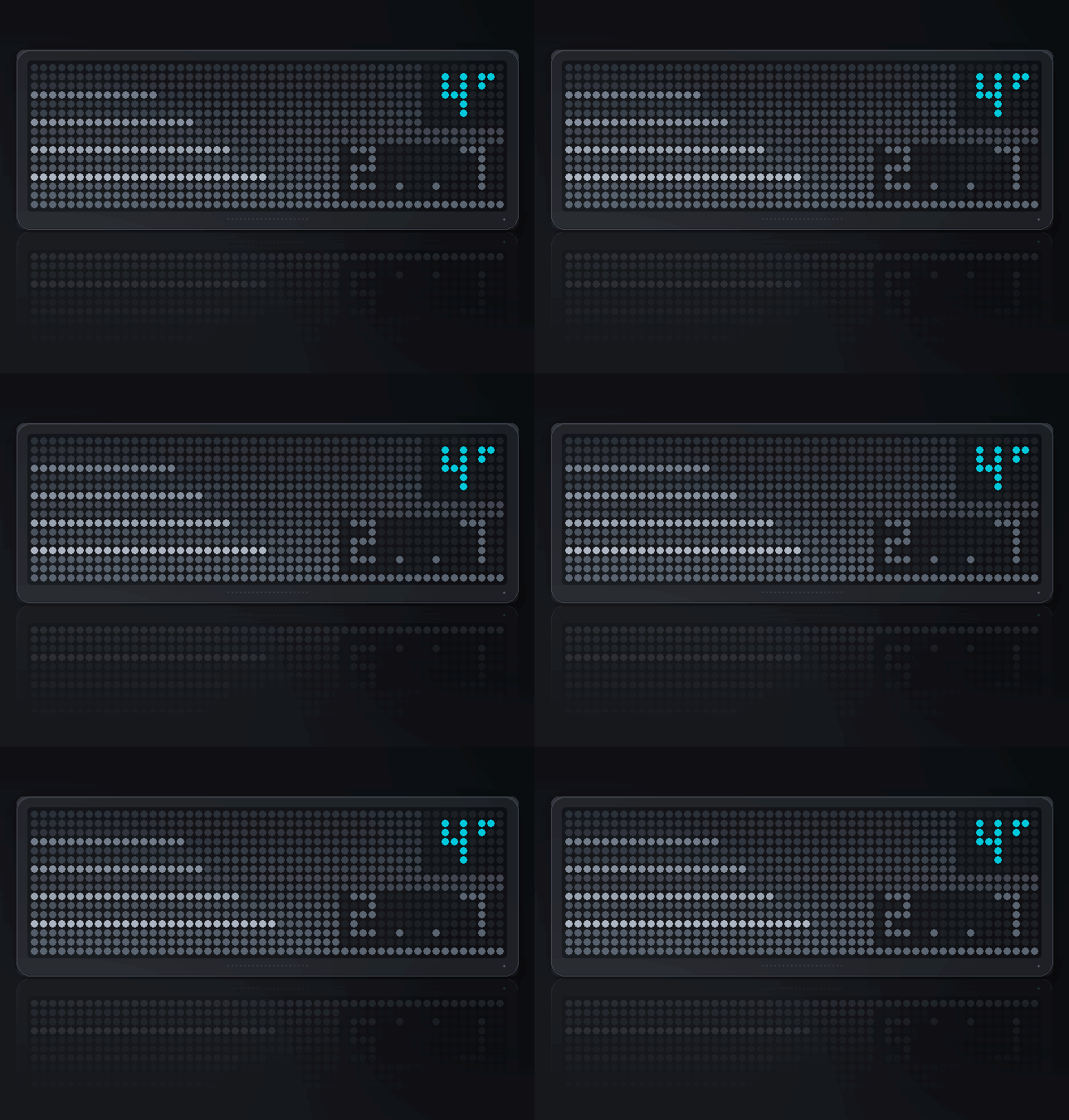
Rain outlook
The page this was built for. "RAIN 4H" means it is more likely than not to
rain four hours from now; "DRY" means nothing above an even chance in the
next twelve.
Underneath, those twelve hours as a bar chart of probability — because the
number tells you whether and the bars tell you when. A shower passing
through looks completely different from a front moving in, and you can see
which at a glance.
Fifty percent is the threshold on purpose. Below that the honest answer is
"probably not", and a clock that cries wolf gets ignored.
Wind
Speed in km/h, the direction it comes from by name, and an arrow pointing the
way it is actually blowing. Those are opposite, which is worth saying: a
southwesterly is from the southwest, so the arrow points northeast.
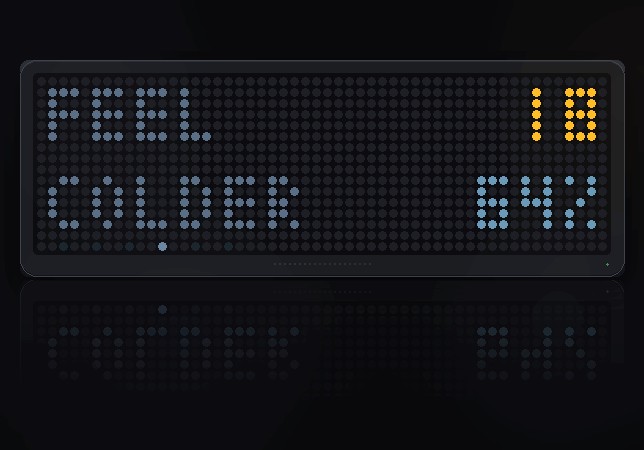
Feels like
The apparent temperature, how it differs from the real one — WARMER,
COLDER or SAME — and the humidity. On a damp cold day this is the number
that decides what you wear, not the thermometer.
Sunrise and sunset
Both times, with a rising sun above and a setting one below.
Today
The day's high and low, total rainfall in millimetres, and the UV index —
coloured green, amber or orange, so you do not have to remember what 6 means.
A row of pips along the bottom shows which page you are on, so you know how many
presses are left.
The main screen numbers
Temperature is coloured from blue through green to red — five bands, which is as
many as you can read at a glance. The day's high and low sit underneath in a
dimmer colour: useful in the morning, ignorable the rest of the time, which is
what a second line should be.
A thin bar along the bottom shows how old the reading is. It refreshes every ten
minutes, so a full bar means something is wrong.
When it cannot reach the internet
It tells you which kind of nothing it got, because they want different things
done about them:
- NO NET — nothing answered at all. No wi-fi, or the connection was refused.
- HTTP plus a code — the server answered and said no.
- BAD DATA — it answered with something unparseable.
Settings
- Latitude / Longitude (52.37, 4.89) — set these first; the defaults are
Amsterdam - Fahrenheit (off)
- Night sky after dark (on)
On the smaller panel
Eight rows has no space for a temperature and a range side by side, so the main
screen takes turns: the temperature for four seconds, the day's range for two.
Space is what is in short supply there, and time is not.
The detail pages are all there, fitted to the height. The rain outlook has no
room for a bar chart, so the twelve hours become twelve pixels where
probability is brightness rather than height — and sunrise and sunset alternate
rather than sharing the screen.
Sign in to view and copy the code of this script.
Discussion 0
Ask a question, suggest a change or share how you use it.
No comments yet. Start the conversation.
Have an idea?
Sign in to ask questions and join the conversation.