Abfall ICS v1
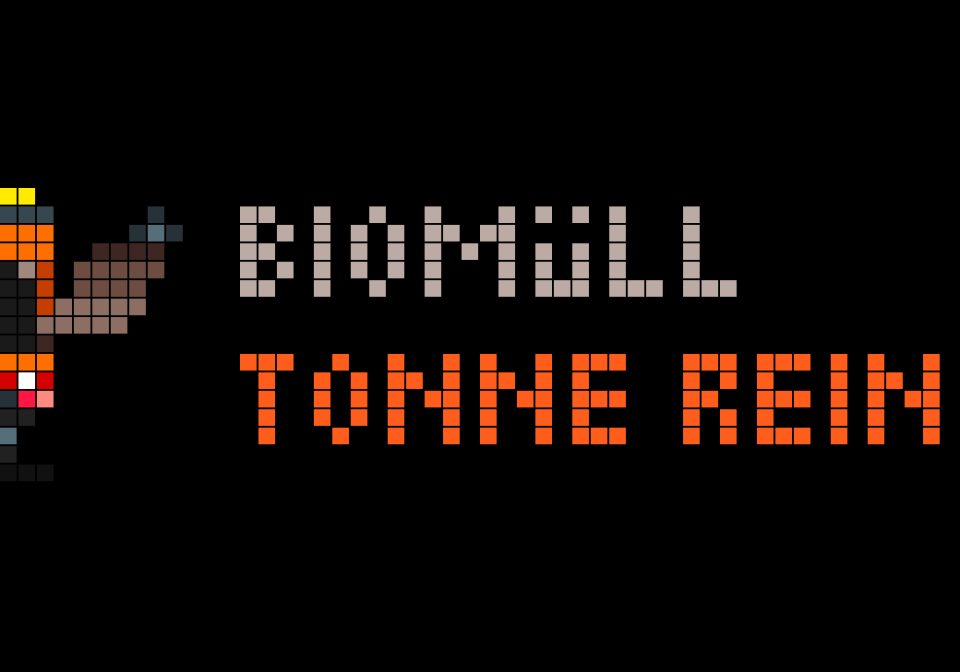
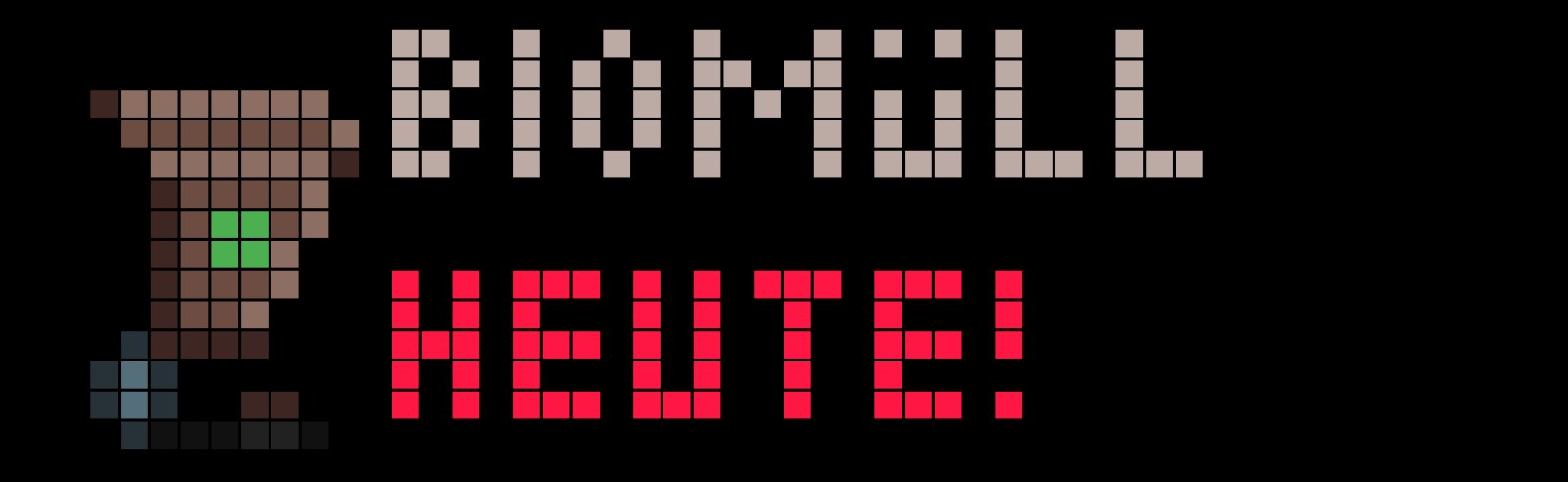
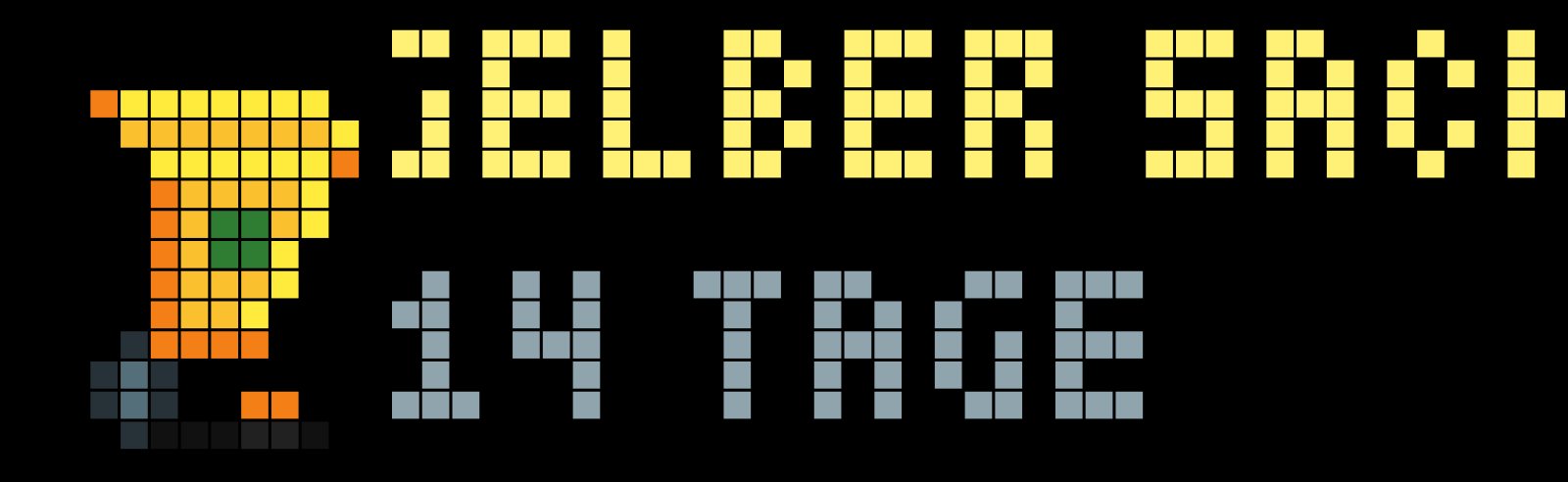
On your display
Abfall ICS – Smart Waste Collection Reminder for AWTRIX NG
- Topic
- Smarthome
- Includes
- Script
Runs on
- Does not run on 32×8 (TC001 & DIY) Made for 52×16 (TC002).
- Runs on 52×16 (TC002)
- Does not run on 32×8 with AWTRIX 3 (TC001 & DIY) Made for AWTRIX NG.
Choose your display in the next step.
Script description
Abfall ICS – Smart Waste Collection Reminder for AWTRIX NG
Version 1.0 | 52×16 LED Display | No MQTT or Home Assistant Required
Overview
Abfall ICS is a smart waste collection reminder for AWTRIX NG. It automatically downloads waste collection schedules from an online iCalendar (ICS) feed provided by your local waste management company.
The app displays upcoming collection dates with colorful, animated waste bins and a garbage truck animation.
The main advantage: No MQTT, no Home Assistant, no Node-RED, and no external automation are required!
Simply enter your personal ICS calendar URL, and AWTRIX NG handles the rest.
Main Features
- Direct ICS calendar integration: Downloads waste collection dates directly from your local waste management provider.
- Automatic updates: Refreshes the calendar at a configurable interval (weekly by default).
- Smart reminders: Displays upcoming collections only within a configurable reminder period (3 days by default).
- Collection day reminders: Shows "TODAY!" on collection day.
- Bring your bins back: Changes the message to "TONNE REIN!" (bring your bin back inside) at a configurable time, 12:00 by default.
- Automatic hiding: Today's collection disappears after a configurable time, 15:00 by default.
- Multiple collections: If two or more waste types are collected on the same day, each is displayed separately.
- Animated pixel art: Colorful waste bins, smooth animations, and an animated garbage truck.
- Waste category filtering: Enable or disable individual waste types.
- Automatic category recognition: Recognizes common German waste collection names.
- Offline fallback: Stores upcoming appointments locally so previously downloaded dates remain available if the calendar server is temporarily unreachable.
- Duplicate detection: Identical collection dates and waste types are automatically deduplicated.
- Automatic app rotation: Calculates the required display duration based on the number of active reminders.
How to Get Your ICS Calendar URL
You need an iCalendar (ICS) download link from your local waste management provider.
Many waste collection companies and municipalities already offer this feature on their websites.
- Visit your local waste management provider's website.
- Find the waste collection calendar or collection schedule.
- Select your municipality, street, or collection district.
- Look for an option such as "iCalendar", "ICS", "Calendar Export", "Download Calendar", or "Add to Calendar".
- Copy the download link instead of downloading the file manually.
- Paste the complete URL into the
ics_urlsetting in AWTRIX NG.
Important: You need the actual calendar download URL, not the URL of the website displaying the calendar.
The link may contain parameters identifying your location and waste categories. Keep these parameters unchanged.
Example: Landkreis Stendal, Germany
Waste management provider:
https://als-stendal.de/entsorgungstermine/
Example ICS download URL:
This example is included as the default URL. Replace it with your own calendar URL to receive the correct collection dates for your location.
The script is not limited to Landkreis Stendal. Other waste management providers can be used if they offer a compatible, publicly accessible ICS calendar feed.
Configuration Options
| Setting | Default | Description |
|---|---|---|
ics_url |
Stendal example | Complete ICS calendar download URL |
refresh_days |
7 | Calendar refresh interval in days (1–14) |
warn_days |
3 | Number of days before collection to start displaying reminders (1–14) |
reminder_hour |
12 | Hour when today's message changes to "TONNE REIN!" |
hide_hour |
15 | Hour when today's collection reminder disappears |
slot_seconds |
8 | Display duration per waste category (4–20 seconds) |
hide_far |
false | Additional distance-filter option retained from the original app; the ICS version already limits reminders to warn_days |
show_rest |
true | Show residual/general waste |
show_bio |
true | Show organic waste |
show_yellow |
true | Show yellow bins or packaging waste |
show_paper |
true | Show paper and cardboard |
show_glass |
true | Show glass collection |
show_hazard |
true | Show hazardous waste collection |
show_bulky |
true | Show bulky waste |
show_other |
true | Show other or unrecognized waste categories |
All settings can be configured directly in AWTRIX NG.
Example Reminder Schedule
For a collection scheduled on Monday:
| Day | Display |
|---|---|
| Friday | Collection in 3 days |
| Saturday | Collection in 2 days |
| Sunday | Collection tomorrow |
| Monday morning | Collection TODAY! |
| Monday from 12:00 | TONNE REIN! |
| Monday from 15:00 | Today's reminder disappears |
The times and reminder period are configurable.
When no collection is due within the reminder period, the app stays hidden and does not unnecessarily occupy the LED display.
Supported Waste Categories
The app automatically identifies common German collection names, including:
- Residual waste / Restabfall / Restmüll
- Organic waste / Bioabfall / Biomüll
- Yellow bin / Gelbe Tonne / Gelber Sack
- Paper / Papier / Pappe
- Glass / Glas
- Hazardous waste / Schadstoffmobil / Sonderabfall
- Bulky waste / Sperrmüll
Other calendar descriptions may be shown as general waste, depending on their wording.
The original animated waste bins and category-specific colors are preserved.
Technical Details
- Platform: AWTRIX NG
- Programming language: Berry
- Display resolution: 52×16 pixels
- Data source: HTTP/HTTPS iCalendar (ICS) feed
- No MQTT broker required
- No Home Assistant integration required
- No external proxy or Cloudflare Worker required for compatible feeds
- Calendar downloads are limited to 32 KB per HTTP response
- Upcoming appointments are cached locally
- Date calculations and reminder scheduling run directly on the AWTRIX device
Please note: Very large ICS calendars exceeding the download limit may not work. The calendar must be accessible without interactive login or authentication.
Credits & Acknowledgements
Original app: Abfall – Waste Collection Monitor for AWTRIX NG
Original author: fshero
Original script: https://awtrix.de/script/2MFjv85TNORX
Special thanks to fshero, the creator of the original Abfall app, for the excellent pixel-art animations, animated garbage truck, colorful waste bins, and display design.
Abfall ICS is based on fshero's original work. The MQTT-based data input has been replaced with direct iCalendar (ICS) integration, making the app significantly easier to install and use.
The modified version adds automatic calendar downloads, configurable reminders, collection-day notifications, and automatic hiding of completed collection dates.
All credit for the original animations and visual design goes to fshero.
Thank you for sharing this great project with the AWTRIX NG community!
Installation
- Install the Abfall ICS script using AWTRIX Hub or the AWTRIX NG script editor.
- Open the script configuration.
- Enter your personal ICS calendar URL.
- Configure your reminder period and preferred display times.
- Enable or disable the waste categories you want to see.
- Save the configuration.
That's it!
Your AWTRIX device will automatically download your waste collection calendar and display reminders when needed.
No additional server, MQTT configuration, or automation setup is necessary.
Developed and tested with AWTRIX NG on a Ulanzi TC002 (52×16).
Sign in to view and copy the code of this script.
Discussion 0
Ask a question, suggest a change or share how you use it.
No comments yet. Start the conversation.
Have an idea?
Sign in to ask questions and join the conversation.