SomaFM
On your display
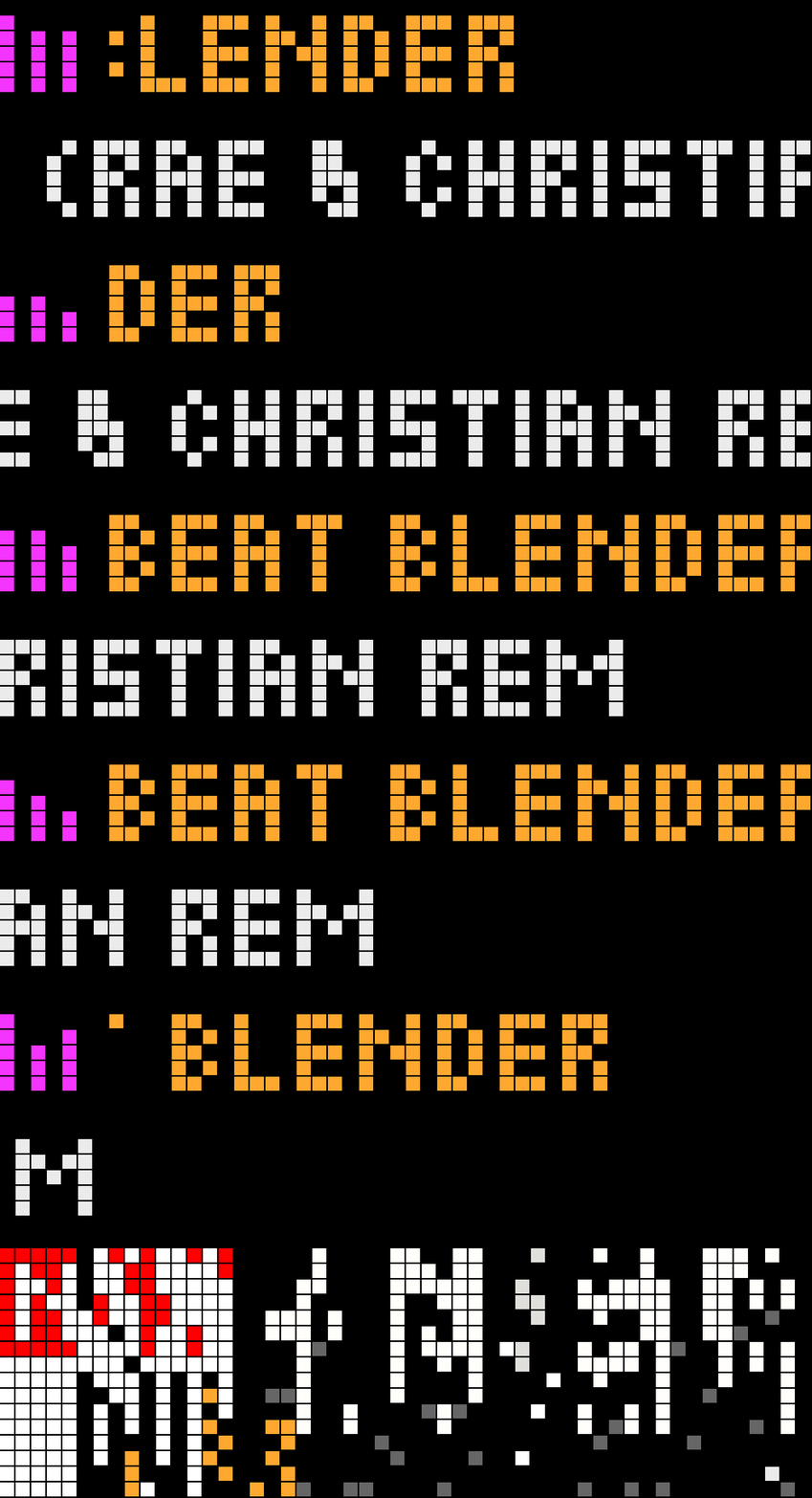
Listen to [SomaFM](https://somafm.com) on the TC002's own speaker and see what's playing, on its 52×16 LED display.
- Topic
- Multimedia
- Includes
- Script
Runs on
- Does not run on 32×8 (TC001 & DIY) Made for 52×16 (TC002).
- Runs on 52×16 (TC002)
- Does not run on 32×8 with AWTRIX 3 (TC001 & DIY) Made for AWTRIX NG.
Choose your display in the next step.
Script description
The tuner for the SomaFM radio apps on the 52×16 TC002. Pick one of SomaFM's channels and it plays on the clock's own speaker. No server or account needed.
⚠️ Do not install this script directly. Install SomaFM Radio (https://awtrix.de/script/lR85BD2PCMjm) and choose Install with dependencies to get the whole package. You don't need to install this by hand: it comes with SomaFM Radio, which also adds a now-playing card to your rotation.
Controls
Knob or ←/→: browse channels. On the now-playing screen, the knob sets the volume and ←/→ switch channel.
Select or knob press: play a channel, or go back to the list.
Long knob press: add or remove a ★ favourite. Favourites stay at the top.
Hold select: leave the app. The radio keeps playing.
Radio off is the first item in the list while something is playing.
The channel list updates online once a day, so seasonal channels come and go.
Install name: keep this script named SomaFM, because the card opens it by that name.
Unofficial hobby project, not affiliated with or endorsed by SomaFM. SomaFM is listener-supported: https://somafm.com/support/
Source: https://github.com/RumbleInTheJungle/somafm-awtrix
Sign in to view and copy the code of this script.
Discussion 0
Ask a question, suggest a change or share how you use it.
No comments yet. Start the conversation.
More scripts in Multimedia
Something wrong with this script? Report it.
Have an idea?
Sign in to ask questions and join the conversation.