Horizont Mod
On your display
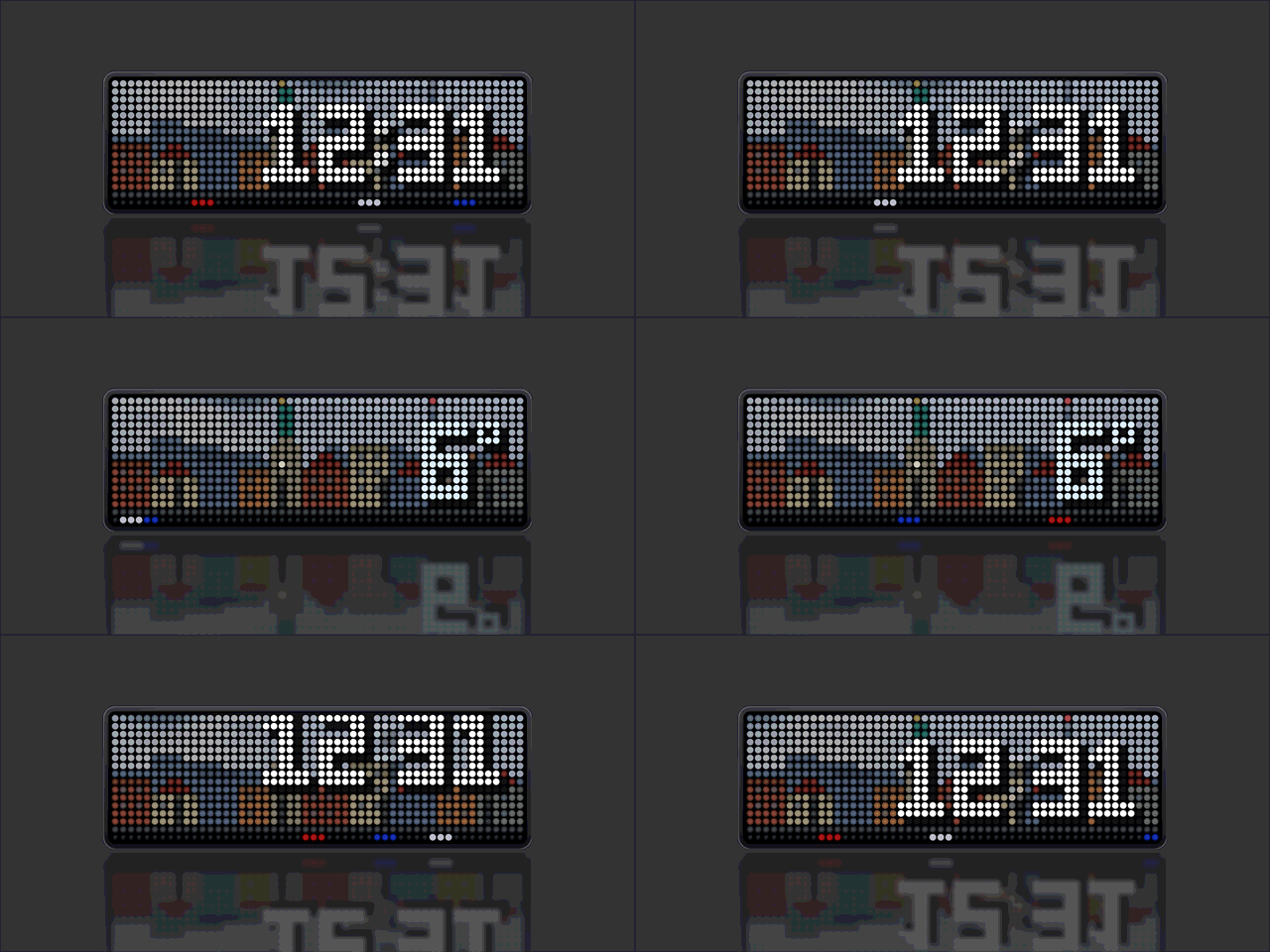
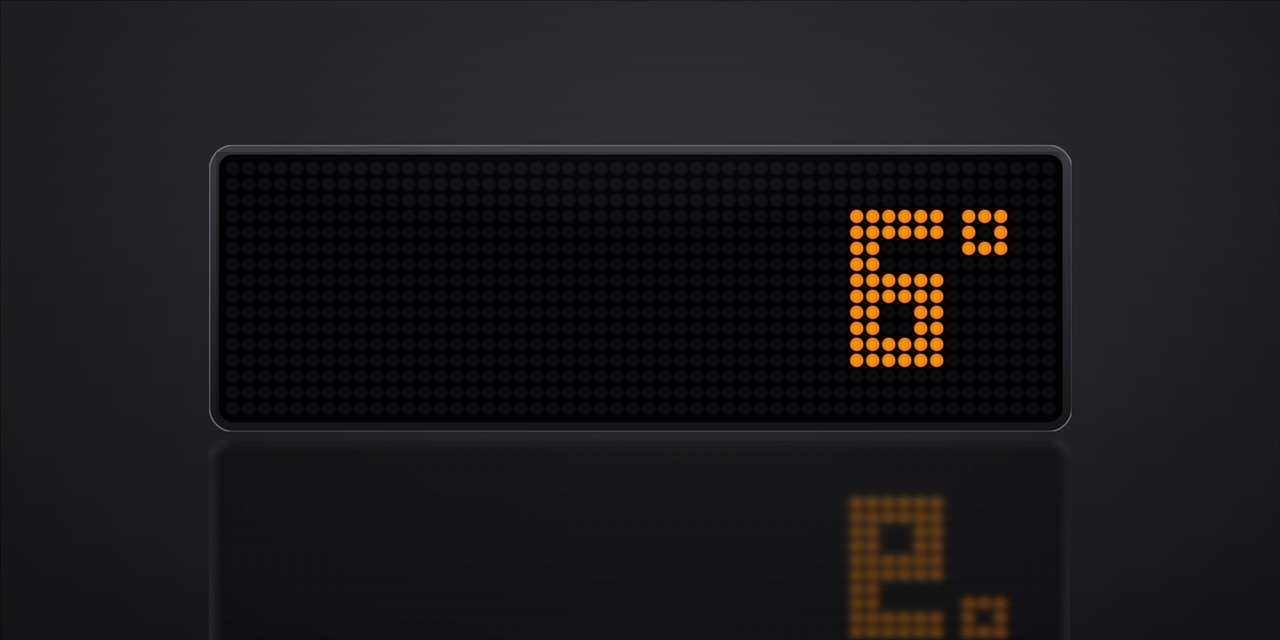
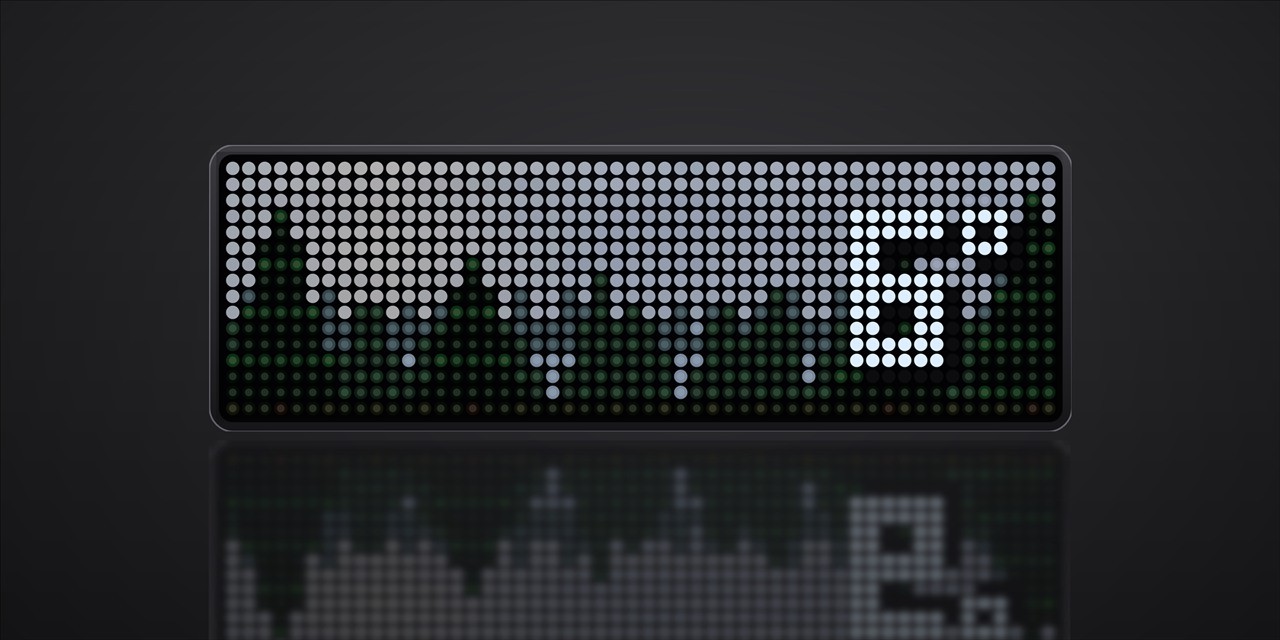
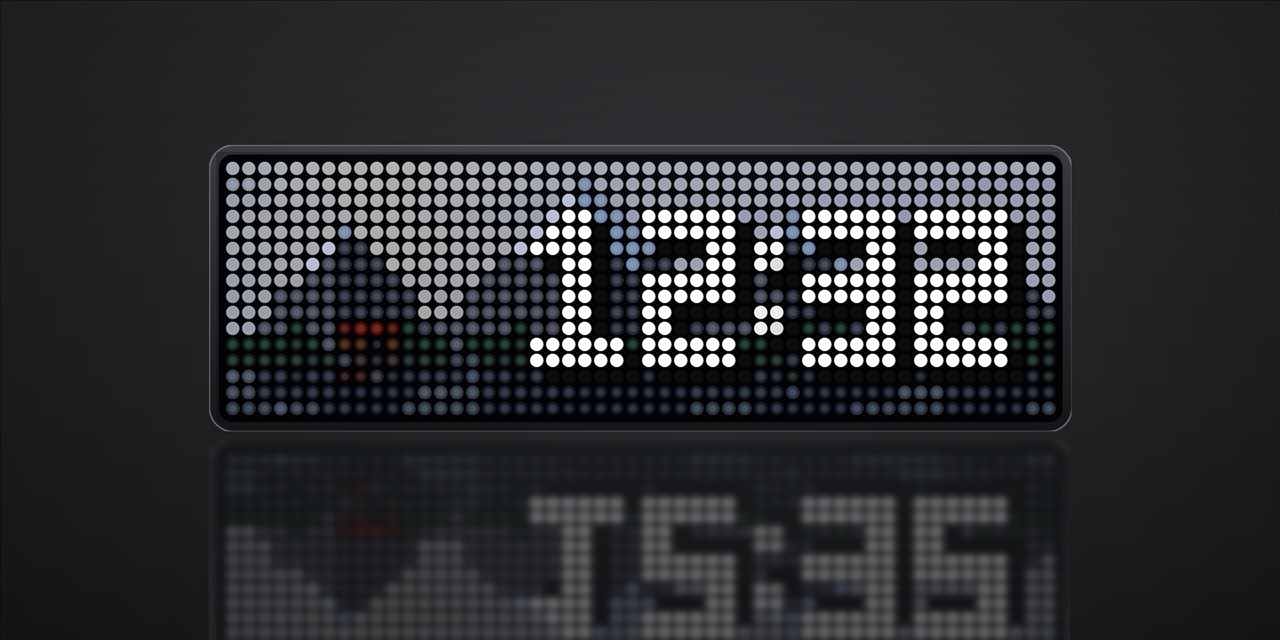
A big clock over the living weather landscape — time and temperature take turns.
- Topic
- Miscellaneous
- Includes
- Script
Runs on
- Does not run on 32×8 (TC001 & DIY) Made for 52×16 (TC002).
- Runs on 52×16 (TC002)
- Does not run on 32×8 with AWTRIX 3 (TC001 & DIY) Made for AWTRIX NG.
Choose your display in the next step.
Script description
About this script
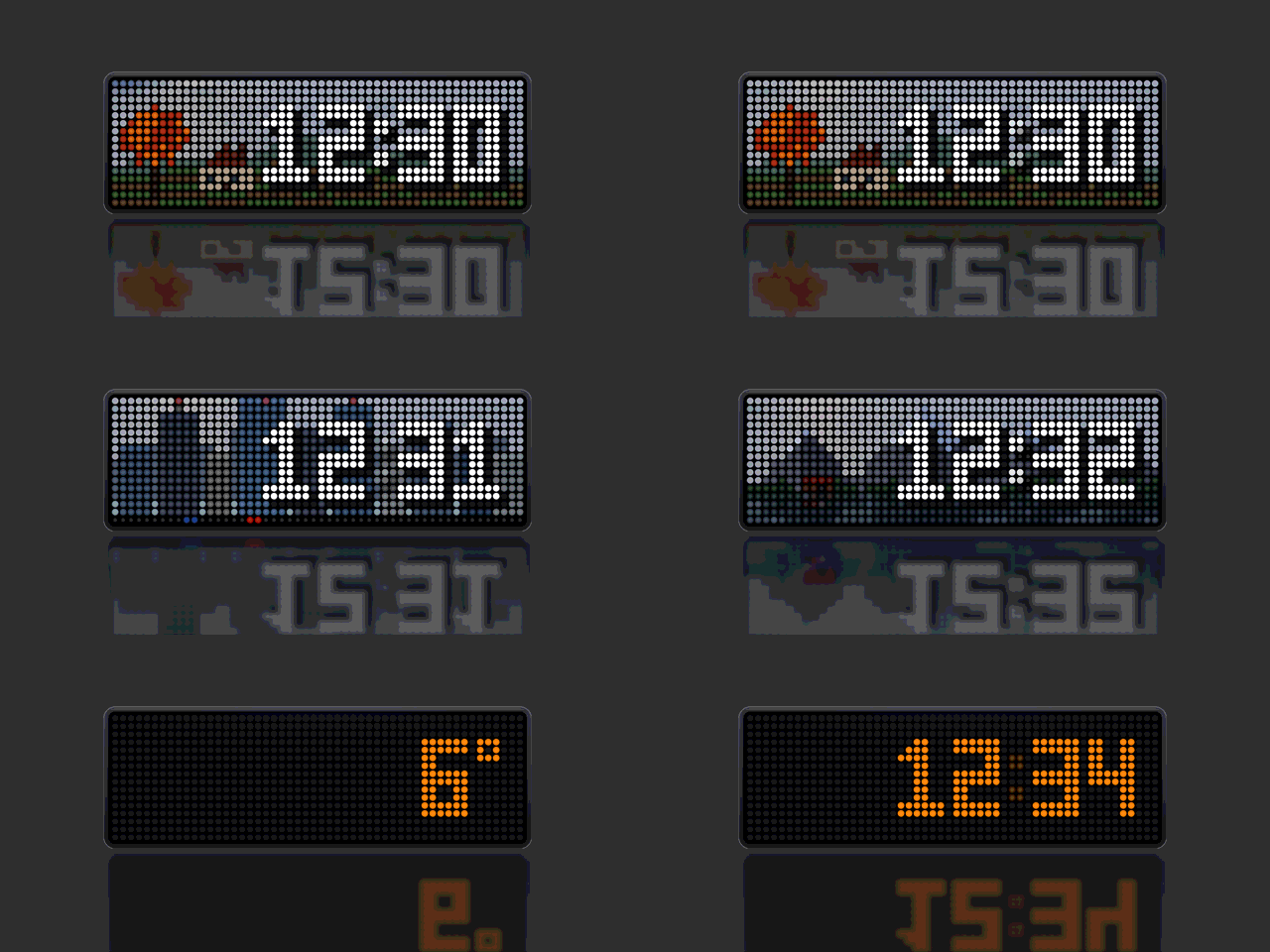
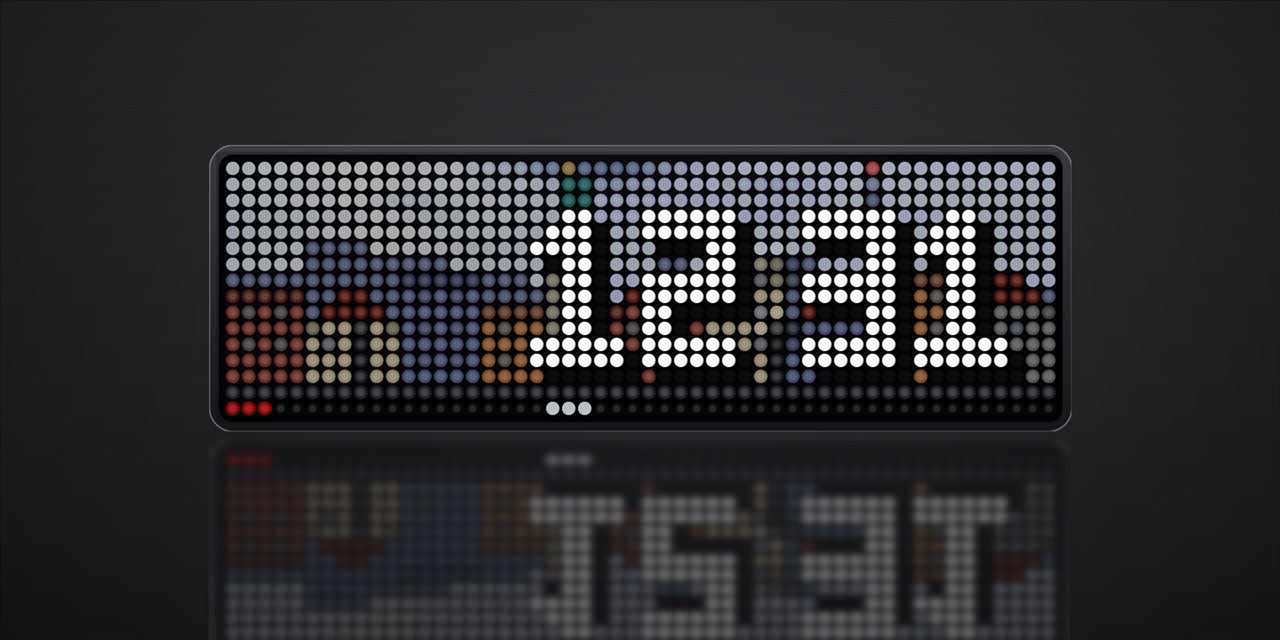
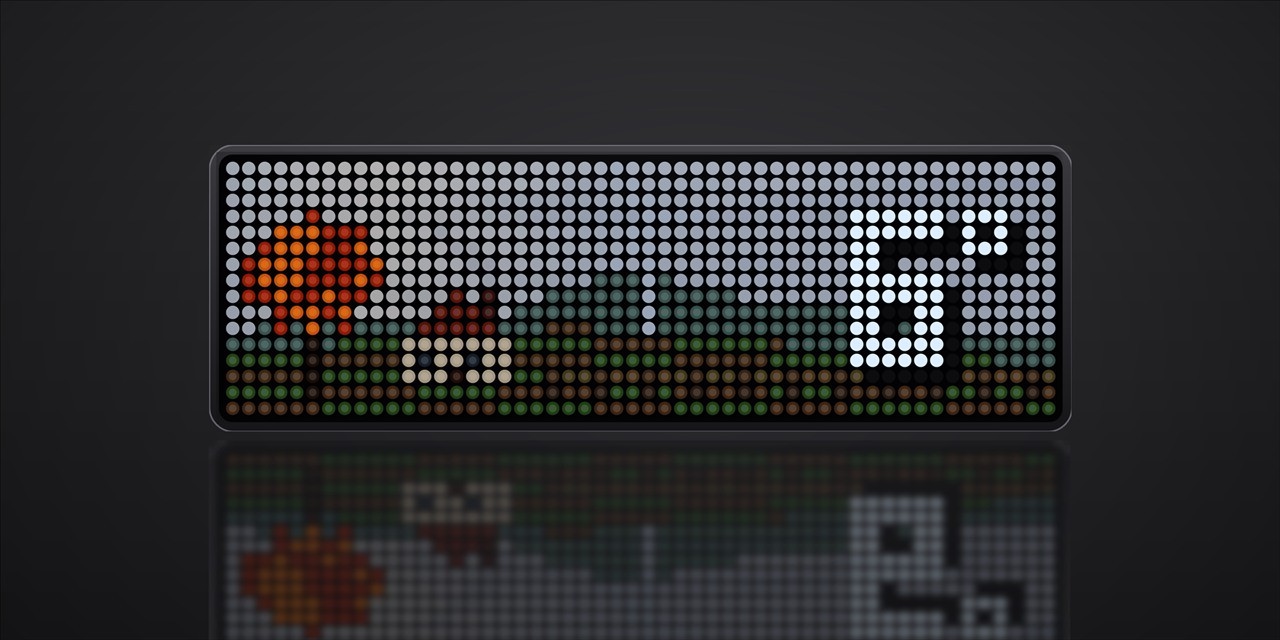
Horizont Mod is a rework of Horizont that gives the clock the room it deserves. The digits are twice as tall as before, so the time reads from across the room, and the temperature slides in on the same big scale a few seconds later.
The landscape is still there — the sun and the moon where they really stand, drifting clouds, rain, snow, fog and stars — but the scenes have been rearranged. The busiest ones are gone, and the rest were shifted to the left, so the big digits sit next to the picture instead of on top of it.
For the night there is a mode that drops the landscape completely and leaves nothing but time and temperature in the colour you pick, between the hours you set.
What is different from the original
| Big digits | A custom 2× pixel font, twelve pixels high, drawn right-aligned over the scene. No system font and no scaling artefacts — every pixel is placed by hand. |
| Time and temperature take turns | The clock is shown for a while, then the temperature slides in from the right, stays a few seconds, and the clock drops back in from the top. Both durations are configurable from 1 to 60 seconds. |
| Night mode | No landscape, no weather animation — only the time and the temperature on black, in any colour you choose, inside a time window you set. Runs on the clock's own time, so no automation needed, and changes apply the moment you save them. |
| Fewer, calmer landscapes | Seven scenes instead of twelve: old town, skyline, country, garden, forest, river and mountains, plus shuffle. The coast, harbour, palm beach, desert and arctic scenes were dropped because the big digits had nowhere to go. |
| Scenes moved out of the way | Every scene was recomposed: the tree, the house, the tower and the church now sit on the left, where the digits do not reach. |
| Temperature colour | The temperature changes colour with its value — pale blue below zero, white around ten degrees, warm yellow and orange when it gets hot. |
| Rolling digits | When a digit changes, the old one rolls over into the new one instead of blinking. The colon pulses slowly. |
| Forecast peek | Turn the knob to look up to 24 hours ahead. While you do, the time and the temperature are repeated in small type in the corners, so you always know what you are looking at. |
Landscapes
Pick one in the settings, or set shuffle and the clock shows a different one each time the app comes up.
| oldtown | Town houses, a church spire, street lamps that come on at dusk and cars driving with their lights on |
| skyline | Towers and glass facades, red aircraft warning lights, traffic below |
| country | A little house with smoke from the chimney when it is cold, a wind turbine turning with the real wind, a tree that follows the seasons |
| garden | A greenhouse, a fruit tree that follows the seasons, flower beds and a bird flying past |
| forest | Tall firs swaying with the wind, a deer crossing in the morning, fireflies on warm summer nights |
| river | A stone bridge, a train that crosses it, water that mirrors the sky |
| mountains | Snowy peaks, alpenglow at sunrise and a cabin with a light in the window |
Settings
| Setting | What it does |
|---|---|
| Location | A city name, or latitude and longitude such as 53.55, 9.99 |
| Landscape | One of the seven scenes, or shuffle |
| Temperature | Show the temperature or not |
| Temp Duration | How long the temperature stays, 1–60 s |
| Time | 24 h, 12 h or off |
| Time Duration | How long the clock stays before the temperature, 1–60 s |
| Units | Celsius or Fahrenheit |
| Refresh | How often the weather is fetched, 5–60 min |
| Night mode | Turn the landscape-free night view on or off |
| Night from / Night to | Start and end of the night window, e.g. 22:00 and 06:00 |
| Night colour | Colour of time and temperature at night |
Good to know
- Runs on AWTRIX NG and needs a 52 × 16 panel (TC002). The layout does not fit 32 × 8.
- The weather comes from Open-Meteo and is refreshed every few minutes. Without a current reading the clock simply shows the time only — it never shows an old temperature as if it were new.
- The landscape, the sun, the moon and the stars are computed on the clock from your coordinates, so the sky is right for your place and your time of day.
- No account, no API key, no sound files.
Credits
Based on Horizont by Blueforcer. Weather data by Open-Meteo.com (CC BY 4.0).
Sign in to view and copy the code of this script.
Discussion 0
Ask a question, suggest a change or share how you use it.
No comments yet. Start the conversation.
More scripts in Miscellaneous
Something wrong with this script? Report it.
Have an idea?
Sign in to ask questions and join the conversation.