Sonos Remote Local
On your display
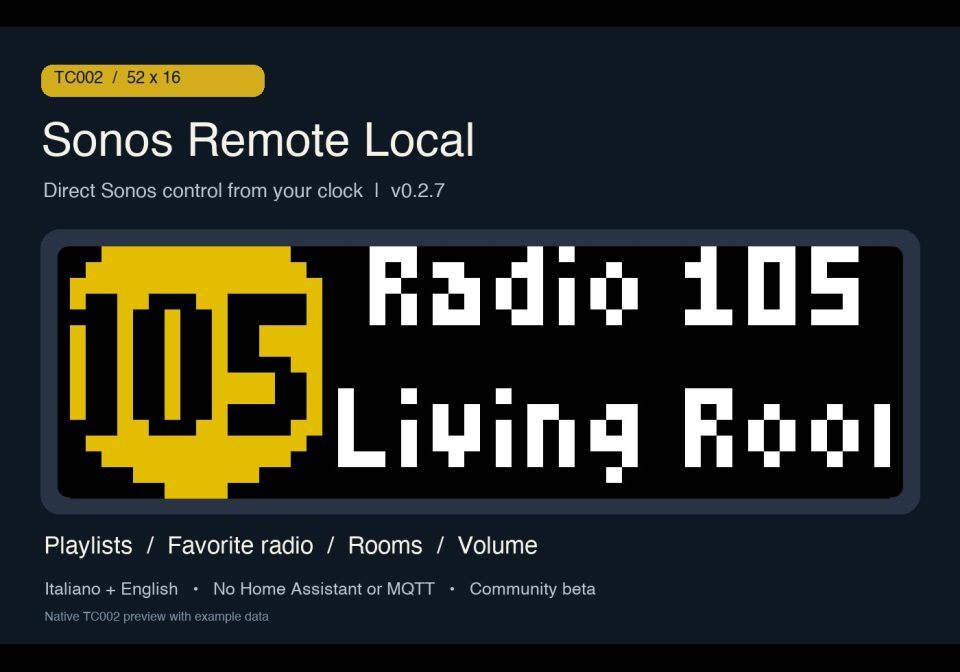
Direct Sonos remote for TC002: playlists, radio, rooms and volume. Italiano/English. No Home Assistant or MQTT.
- Topic
- Smarthome
- Includes
- Script
Runs on
- Does not run on 32×8 (TC001 & DIY) Made for 52×16 (TC002).
- Runs on 52×16 (TC002)
- Does not run on 32×8 with AWTRIX 3 (TC001 & DIY) Made for AWTRIX NG.
Choose your display in the next step.
Flow description
Sonos Remote Local — v0.2.7
A direct Sonos remote for the AWTRIX NG TC002 (52×16). The Berry app runs on the clock and communicates with Sonos over your local network using HTTP/SOAP. No Home Assistant, MQTT broker, computer or bridge is required at runtime. Audio continues to play on Sonos; music services retain their normal account and internet requirements.
Developed for official, unmodified AWTRIX NG firmware, checked on TC002 firmware 1.1.7. This is a separate project from the earlier Sonos Remote for Home Assistant, which can remain installed.
What it does
- Choose a room by its friendly name. Playback follows its existing group coordinator; volume controls the selected room.
- Browse playlists and favorite radio stations. The app combines Sonos favorites (
FV:2) with saved Sonos playlists (SQ:), including service playlists saved to Sonos. Duplicate playlist URIs are removed. - Use the knob while playing: music → previous/next track when supported; radio → previous/next favorite station. Rapid radio changes retain the newest requested station while Sonos finishes the current request.
- Read useful display information: station, room and volume for radio; artist, track title and available artwork for music. Full names scroll; technical radio stream filenames are hidden.
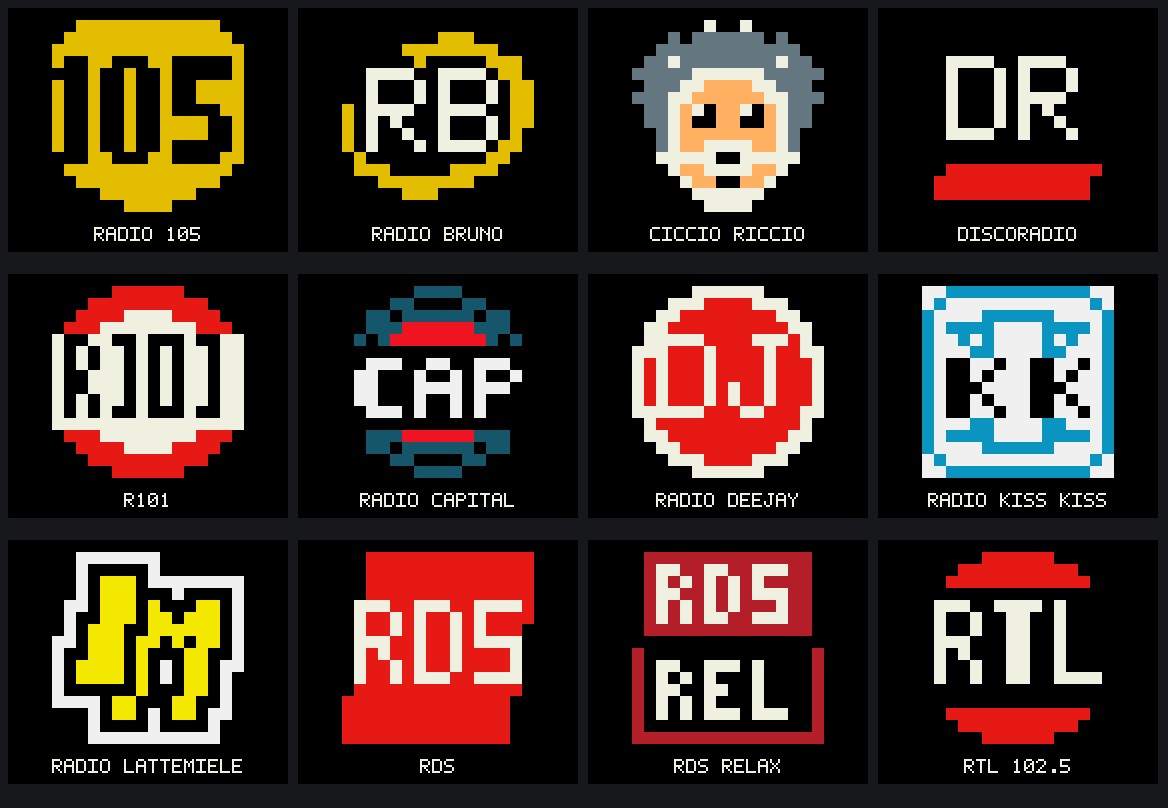
- Twelve custom native 16×16 radio symbols, with an option to prefer original artwork: 105, Bruno, Ciccio Riccio, Discoradio, R101, Capital, Deejay, Kiss Kiss, Lattemiele, RDS, RDS Relax and RTL 102.5. Version 0.2.7 improves Capital, Kiss Kiss and Lattemiele and preserves the other nine.
- Italiano / English, selected in app settings, plus an on-screen controls guide. The on-demand app remains open until you exit it.
Installation and setup
- Send this app to your TC002 and include its required helpers: Sonos Local Protocol (0.2.3) and Sonos Local UI (0.2.7). For manual installation, use the exact names
sonos_local_protocol,sonos_local_ui, thensonos_local_probe. The main app retains that internal name for existing local installations. - In the Berry app settings, enter the IP address of one Sonos speaker under IP Sonos iniziale / Seed IP, then save. The clock reads Sonos topology to discover rooms; speakers must be reachable on the LAN, including TCP port 1400. A DHCP reservation for the seed speaker is useful.
- Choose Lingua / Language → Italiano or English, save, and launch Sonos Remote Local. Restart the app after a language change. Italian is the default; Sonos-provided names keep their own language.
- Open Player / Lettore to select a room, then Playlists / Playlist or Radio to choose and start a favorite. Use Refresh favorites / Aggiorna preferiti after changing your Sonos collection.
Controls
| Control | Action |
|---|---|
| Turn knob in menus | Browse items |
| Short knob click | Confirm a selection; while playing, play/pause |
| Hold knob | Back; from playback, open the main menu |
| Turn knob during music | Previous/next track, if the source supports it |
| Turn knob during radio | Previous/next favorite station |
| Top left/right buttons | Selected-room volume −/+; hold to repeat |
| Short middle button | Show/close the controls guide |
| Hold middle button | Exit to the AWTRIX carousel |
Beta notes and limits
Starting a playlist appends it to the existing Sonos queue, seeks to its first added track and starts playback; the queue is not cleared. The browser reads favorites/saved playlists, not the full streaming-service library. Existing groups are respected, but creating groups, stereo pairs, Sub or surround configurations is not implemented.
Status uses bounded polling with one request at a time and a configurable timeout. Audio commands are not automatically retried. Some progressive JPEG images are not decoded by the firmware; custom radio symbols work without downloading images and other stations have a visible radio fallback.
The 0.2.7 protocol/UI passed 135 isolated Berry checks. The twelve symbols were checked on the TC002 framebuffer, including exact checks of the three revised symbols. A real playlist start was confirmed during development; physical audio controls across every provider and group configuration have not all been verified. This community beta uses unofficial Sonos interoperability, so compatibility may vary.
Source and documentation
GitHub project · Detailed setup · Guida rapida in italiano · Report an issue
Source available under PolyForm Noncommercial 1.0.0. Unofficial community project; not endorsed by Sonos, Ulanzi or AWTRIX. Required Notice: Copyright © Stephan Mühl (Blueforcer) https://github.com/Blueforcer/awtrix-ng
Sign in to view and copy the code of this flow.
Discussion 0
Ask a question, suggest a change or share how you use it.
No comments yet. Start the conversation.
More flows for AWTRIX NG Scripts or Smarthome
Something wrong with this flow? Report it.
Have an idea?
Sign in to ask questions and join the conversation.