Sonos Local Protocol
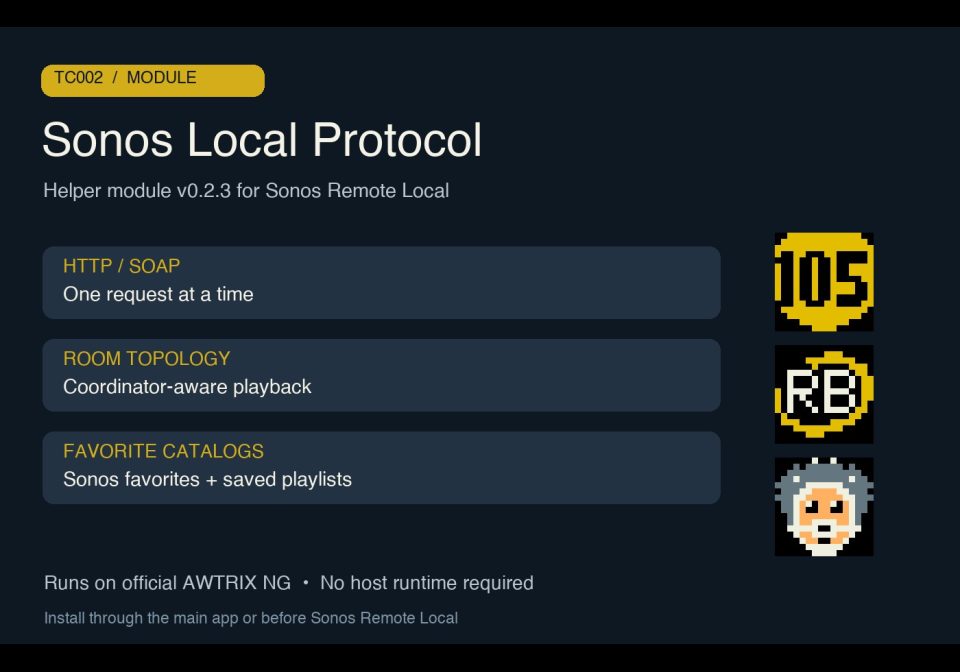
For your scripts
Sonos LAN protocol helper for Sonos Remote Local on TC002. No Home Assistant or MQTT.
A module, not an app: it shows nothing by itself and adds functions that your scripts import.
- Topic
- Smarthome
- Includes
- Module
Runs on
- Does not run on 32×8 (TC001 & DIY) Made for 52×16 (TC002).
- Runs on 52×16 (TC002)
- Does not run on 32×8 with AWTRIX 3 (TC001 & DIY) Made for AWTRIX NG.
Choose your display in the next step.
Script description
Sonos Local Protocol — v0.2.4
Helper module for Sonos Remote Local 0.2.8 on the TC002, 52×16, using official, unmodified AWTRIX NG firmware. Version 0.2.4 checked on official firmware 1.2.0. This module is not a standalone display app.
It runs on the clock and talks directly to Sonos over the LAN using HTTP/SOAP: reads rooms and existing group coordinators, combines Sonos favorites and saved Sonos playlists, and implements queue playback, radio changes, transport and selected-room volume. One request runs at a time, with bounded catalog pages, response sizes and timeouts. Audio commands are not automatically retried.
New in 0.2.4
Reads available radio song titles and artists from DIDL, plain ICY stream text, TYPE=SNG fields and Song packets. Technical stream filenames, URLs, buffering placeholders and packet identifiers are excluded from display text. Song metadata is cleared when changing room or station.
Verified with 167 isolated Berry checks and live radio metadata on the TC002. Use with UI 0.2.8 and main app 0.2.8; update all three components while keeping their existing script names.
Setup
Install under the exact module name sonos_local_protocol. Then install Sonos Local UI and Sonos Remote Local. Configure the seed Sonos IP in the main app, not here. The TC002 must be able to reach Sonos on the LAN, including TCP port 1400. No host computer, Home Assistant, MQTT broker or bridge is needed at runtime. Music services keep their normal account and internet requirements.
The main app supplies the Italiano / English interface and controls. Playback follows the selected room’s coordinator; volume follows the selected room. Existing groups are read and respected; creating groups, stereo pairs, Sub or surround configurations is not implemented.
Source, manual installation and limitations: GitHub. Community beta using unofficial Sonos interoperability; compatibility varies by source and speaker firmware.
License: PolyForm Noncommercial 1.0.0. Required Notice: Copyright © Stephan Mühl (Blueforcer) https://github.com/Blueforcer/awtrix-ng
Sign in to view and copy the code of this script.
Discussion 0
Ask a question, suggest a change or share how you use it.
No comments yet. Start the conversation.
Have an idea?
Sign in to ask questions and join the conversation.