NightMode
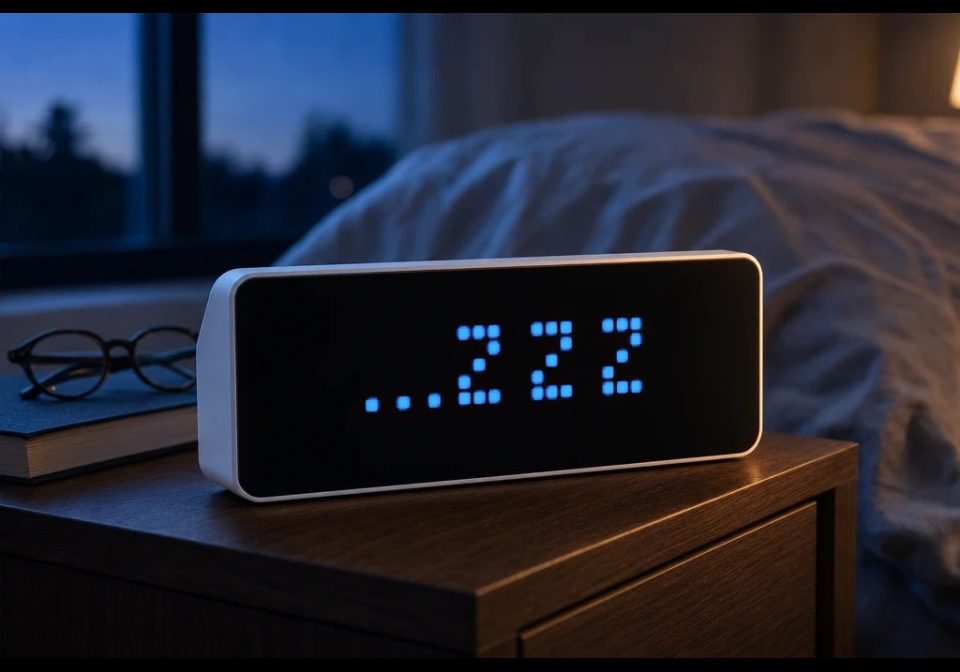
On your display
NightMode displays a dimmed ...ZZZ screen
- Topic
- Miscellaneous
- Includes
- Script
Runs on
- Runs on 32×8 (TC001 & DIY)
- Runs on 52×16 (TC002)
- Does not run on 32×8 with AWTRIX 3 (TC001 & DIY) Made for AWTRIX NG.
Choose your display in the next step.
Script description
NightMode displays a dimmed ...ZZZ screen during a configurable nighttime period. By default, it activates at 23:00, sets the display brightness to 1%, disables automatic brightness, and keeps the nighttime screen visible until 06:01.
The ZZZ characters use a compact custom 3 × 5 pixel font. The text colour and spacing between the characters can be adjusted in the app settings.
Before NightMode starts, the app saves the current brightness and automatic-brightness setting. When night mode ends, these settings are restored automatically.
NightMode then returns to the app positioned immediately before it in the AWTRIX app rotation. The daytime app can either remain fixed on the display or allow normal app rotation, depending on the “Keep daytime app on screen” setting.
Main features:
- Configurable start and end times
- Adjustable nighttime brightness
- Customisable text colour
- Adjustable spacing between the Z characters
- Automatic saving and restoration of brightness settings
- Optional fixed daytime display
- Automatic return to NightMode if another app is selected during the night
- Automatic positioning and centring of the
...ZZZgraphic
Sign in to view and copy the code of this script.
Discussion 0
Ask a question, suggest a change or share how you use it.
No comments yet. Start the conversation.
More scripts in Miscellaneous
Something wrong with this script? Report it.
Have an idea?
Sign in to ask questions and join the conversation.