Prayer Times
On your display
The next prayer, its time and a countdown, plus the Hijri date in the format you choose. English or Arabic. No API key.
- Topic
- Smarthome
- Includes
- Script
Runs on
- Runs on 32×8 (TC001 & DIY)
- Runs on 52×16 (TC002)
- Does not run on 32×8 with AWTRIX 3 (TC001 & DIY) Made for AWTRIX NG.
Choose your display in the next step.
Script description
Prayer Times
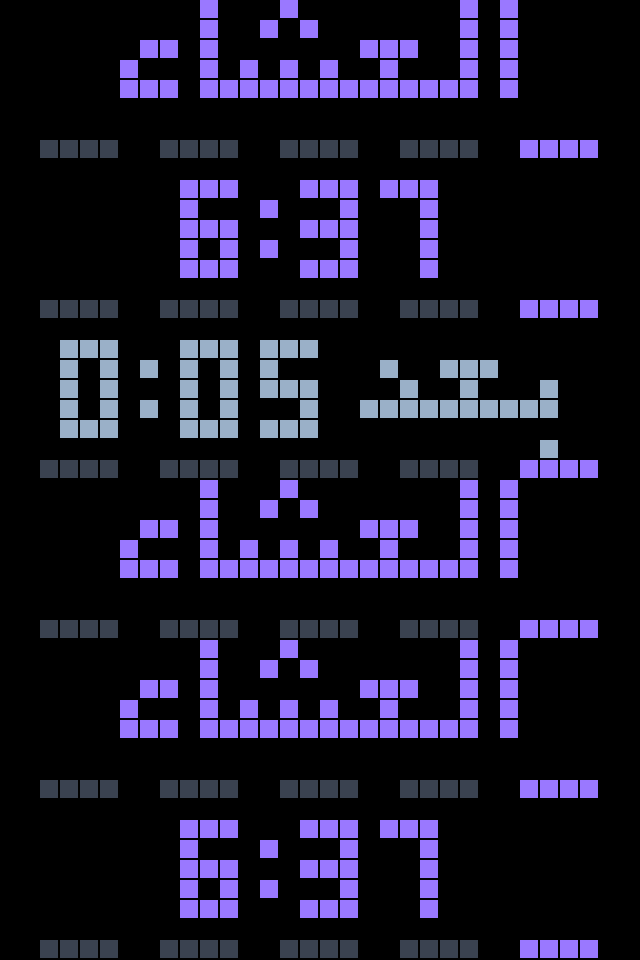
The next prayer at a glance: its name, its time and how long is left, taking turns on the display, followed by the Hijri date.
What it shows
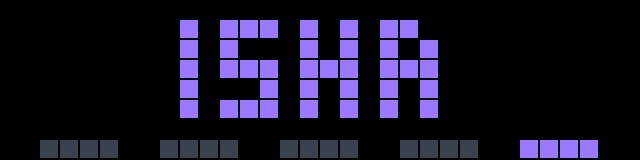
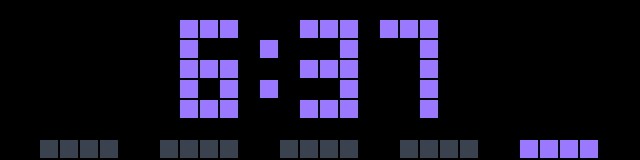
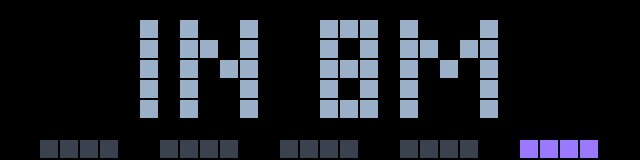
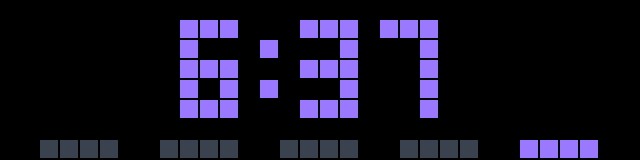
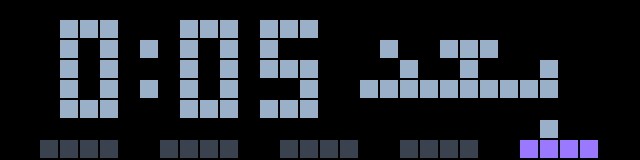
- Main screen: the next prayer's name, then its time, then a countdown, about 2.5 seconds each.
- Hijri date: shown after the countdown, for example "2 JUMADA II 1448" or "2/6/1448". You choose the layout. A date that fits the panel stands still; a wider one scrolls.
- At prayer time: the name blinks for the first ten minutes. The "Blink at prayer time" setting changes how long, and 0 switches it off.
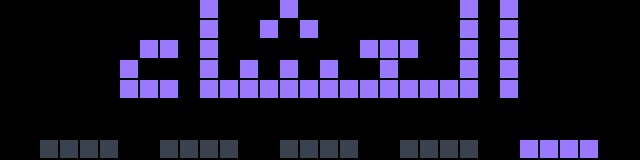
- Bottom row: five pips for the day. Grey ones have passed, the coloured one is next.
- SELECT: steps through all five times for today, and returns on its own after 8 seconds.
- After Isha: counts down to tomorrow's Fajr.
- Fridays: Dhuhr is shown as Jumuah.
Arabic
Set Language to AR and the names are drawn in Arabic: الفجر، الظهر، العصر، المغرب، العشاء, and الجمعة on Fridays. The AWTRIX fonts have no Arabic letters, so the names are drawn pixel by pixel. Times stay in Western digits, and the Hijri date is shown as numbers.
Setup
- Latitude / Longitude: decimal degrees. The defaults are Riyadh.
- Method: the Aladhan calculation method. 4 = Umm al-Qura (default), 3 = Muslim World League, 2 = ISNA, 5 = Egyptian, 1 = Karachi.
- 12-hour times: off by default.
- Language: EN or AR.
- Blink at prayer time: minutes, 0 to 60. The default is 10.
Set the clock to the time zone of your coordinates: the times are returned in that zone.
Hijri date settings
- Hijri date: on by default. Switch it off to show the three prayer screens only.
- Date order: day-month-year, month-day-year or year-month-day.
- Date separator: dot, slash or dash.
- Year in the date: hidden, 2 digits or 4 digits. Hiding it leaves more room on the panel.
- Weekday prefix: a short weekday name before the date, for example "THU 2.6.". English only.
- Month as name: "2 RAJAB" instead of "2/7". English only.
- Global text color: use the clock's own text color.
- Date color: a color of its own, used when the global color is off.
Good to know
- Times and the Hijri date are calculated by Aladhan (api.aladhan.com), free and without an account. Times can differ by a minute from your local mosque or official calendar, and the Hijri date by a day around the start of a month.
- The Hijri date changes at midnight with the clock, not at Maghrib.
- Day and month numbers are not zero-padded: "2.6.", not "02.06.".
- One request a day, plus one after Isha for tomorrow's Fajr.
- If a new day starts without a network connection, yesterday's times stay on screen with a red dot in the bottom-right corner until it can refresh. The Hijri date is hidden until then.
Panels: 32x8 · Data: Aladhan
Sign in to view and copy the code of this script.
Discussion 0
Ask a question, suggest a change or share how you use it.
No comments yet. Start the conversation.
Have an idea?
Sign in to ask questions and join the conversation.