OpenClaw Office
On your display
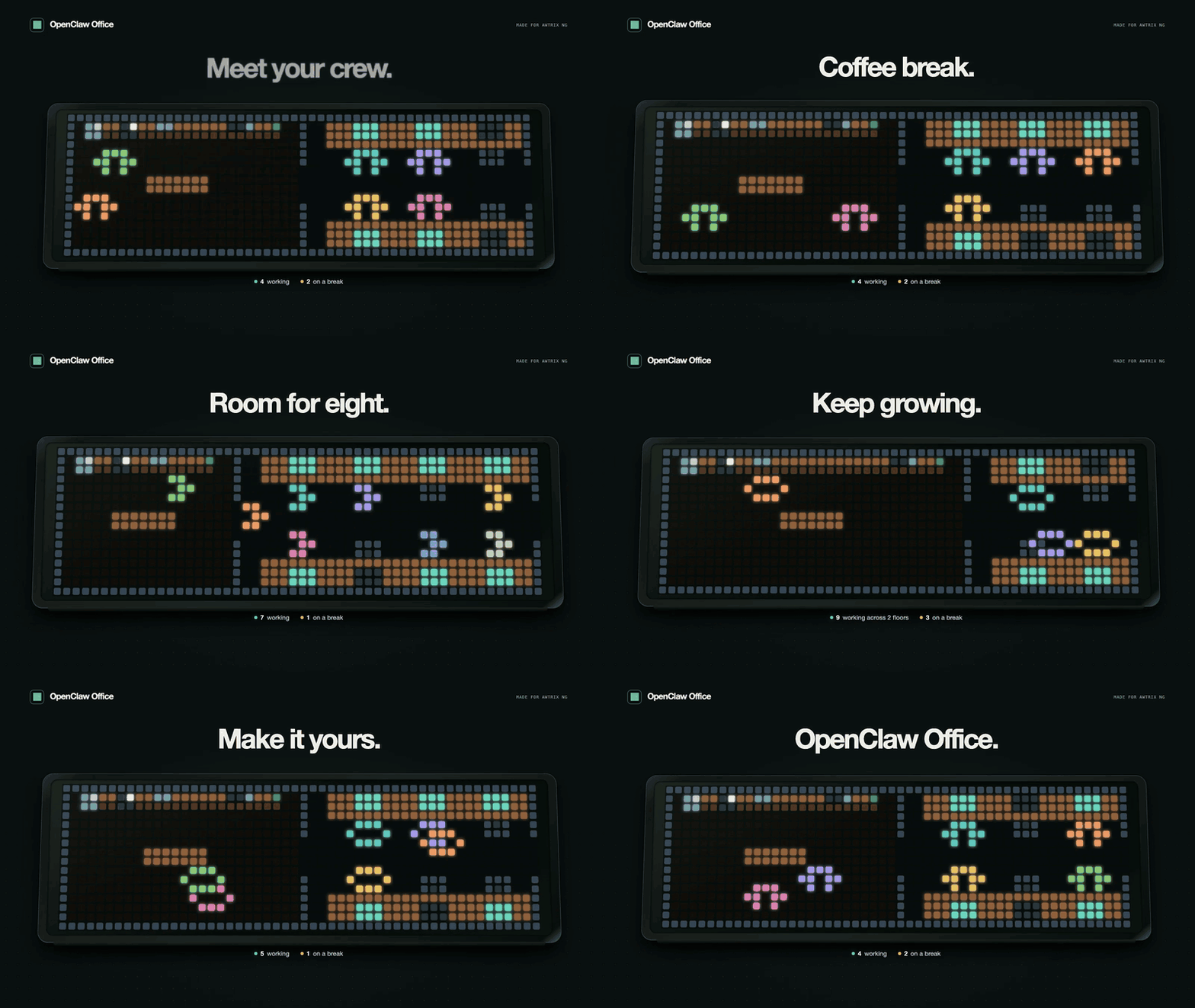
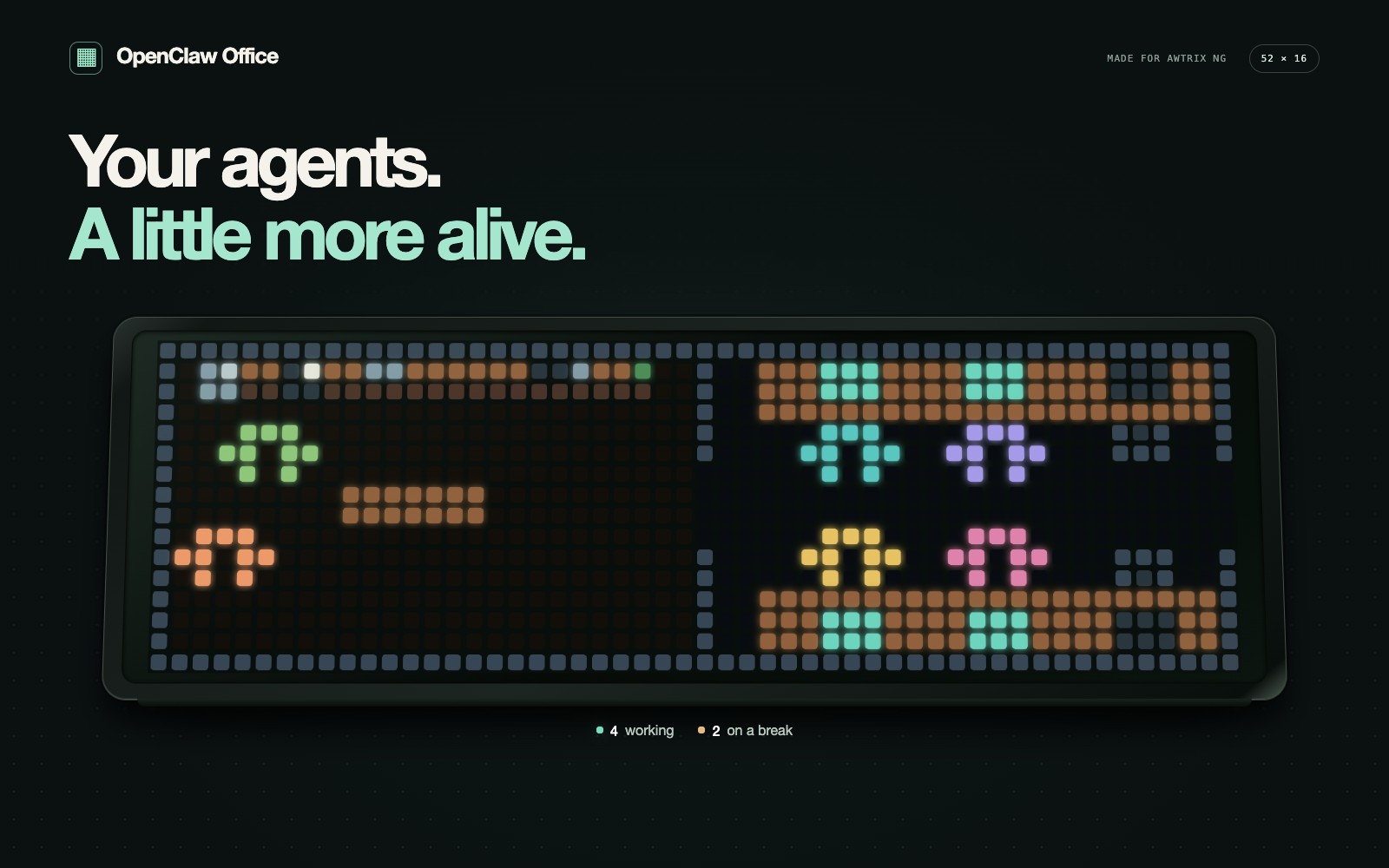
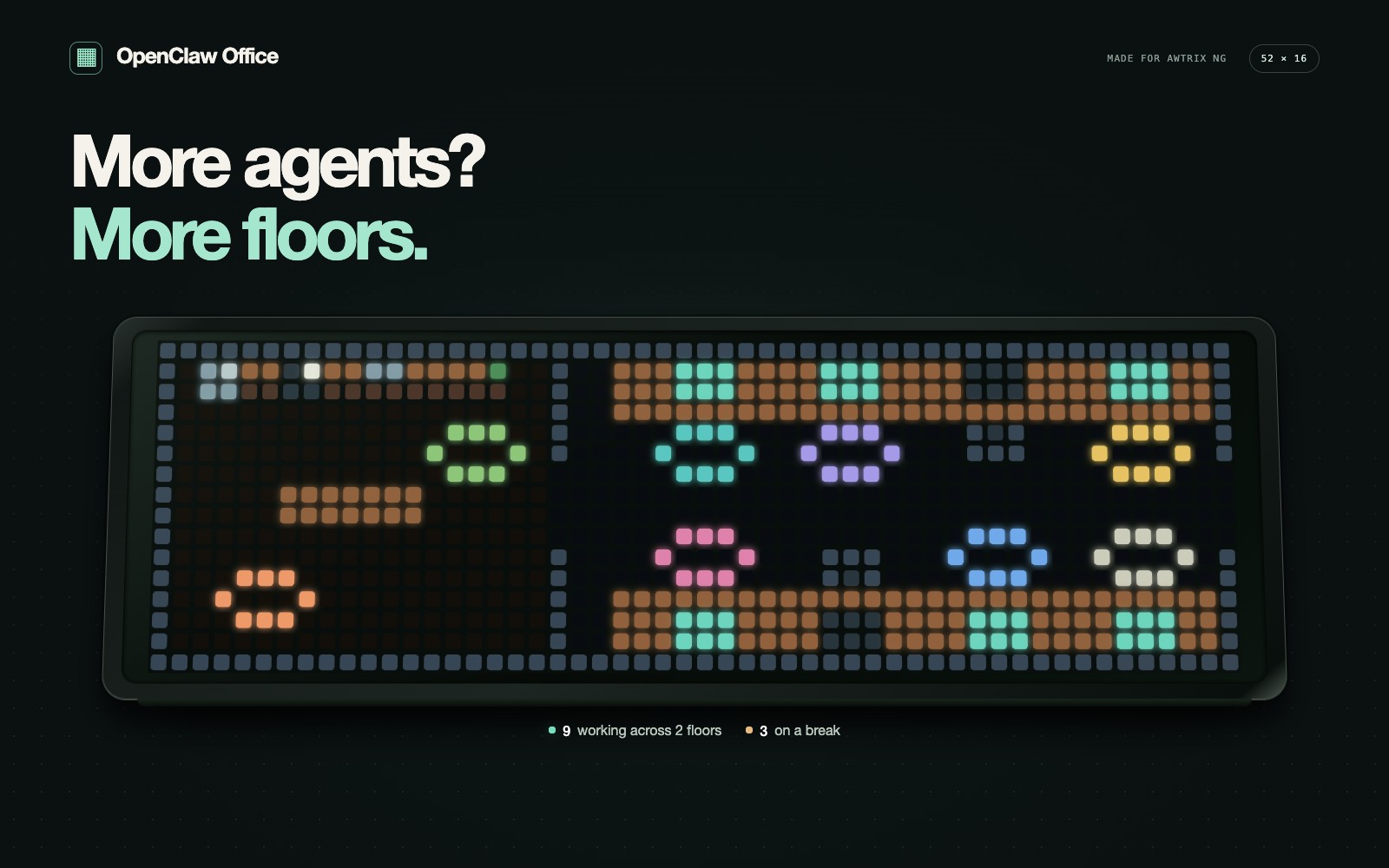
Your OpenClaw agents, at a glance. Working at their desks. Recharging in the cafe. A tiny office for your AWTRIX.
- Topic
- Miscellaneous
- Includes
- Script
Runs on
- Does not run on 32×8 (TC001 & DIY) Made for 52×16 (TC002).
- Runs on 52×16 (TC002)
- Does not run on 32×8 with AWTRIX 3 (TC001 & DIY) Made for AWTRIX NG.
Choose your display in the next step.
Script description
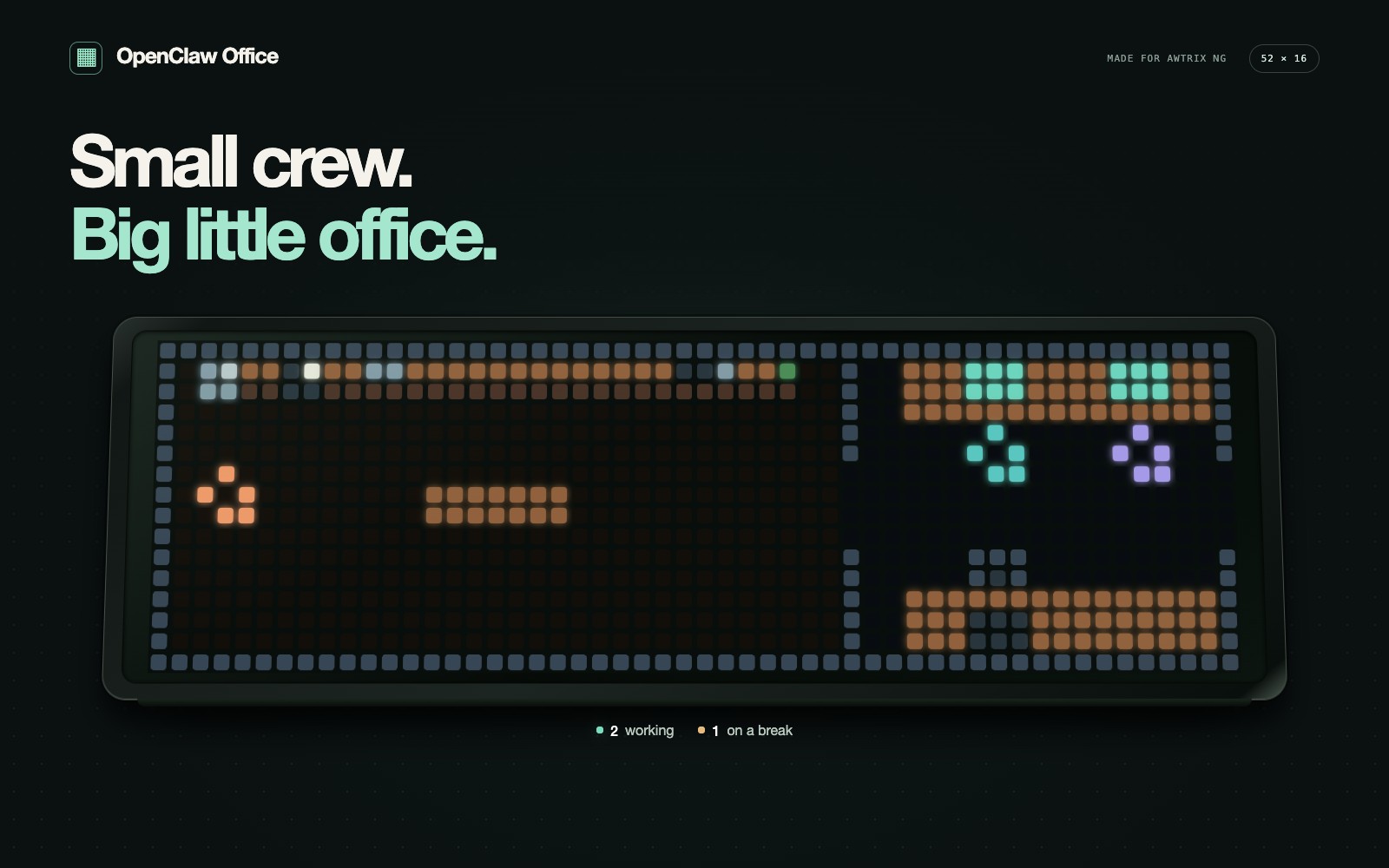
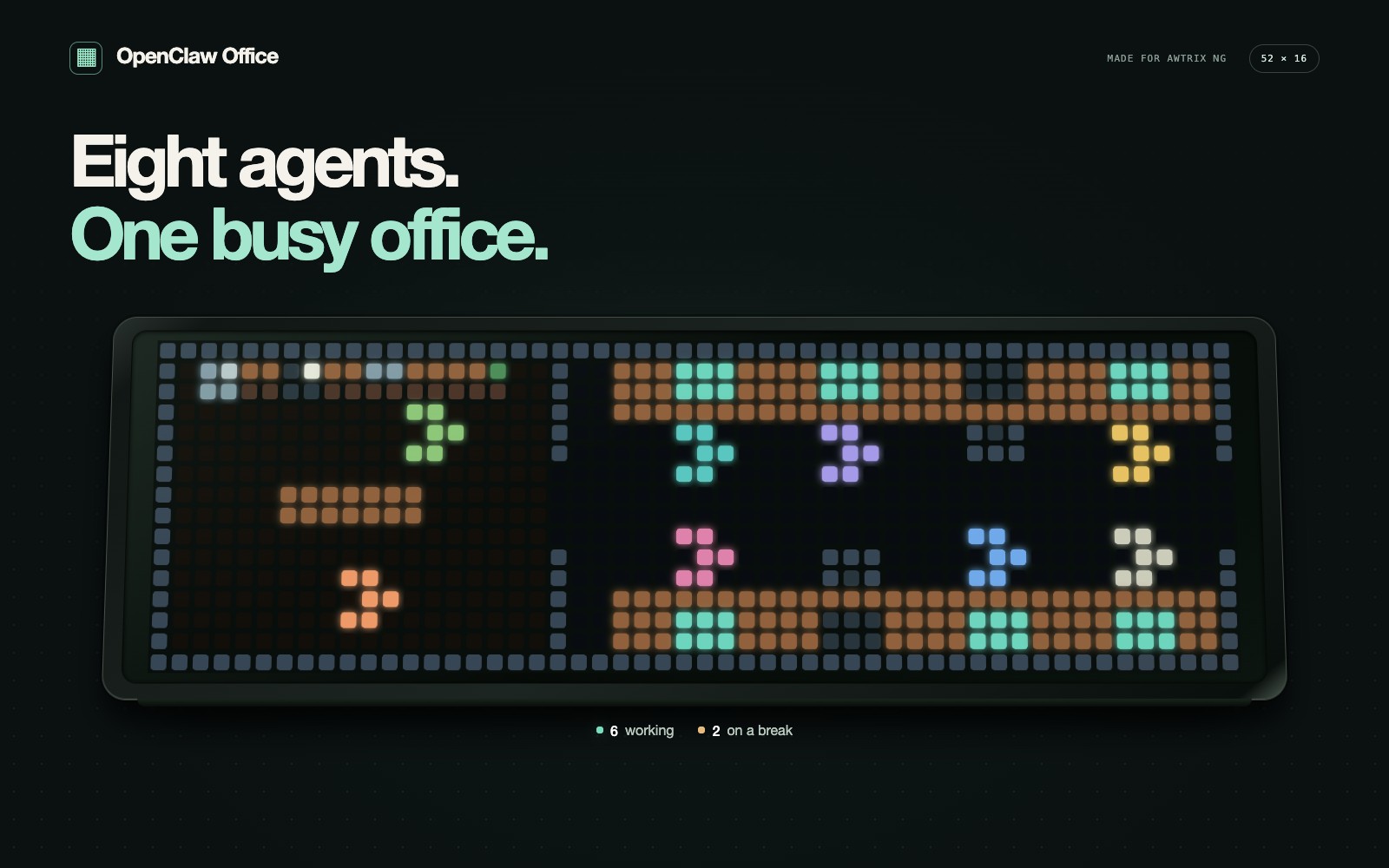
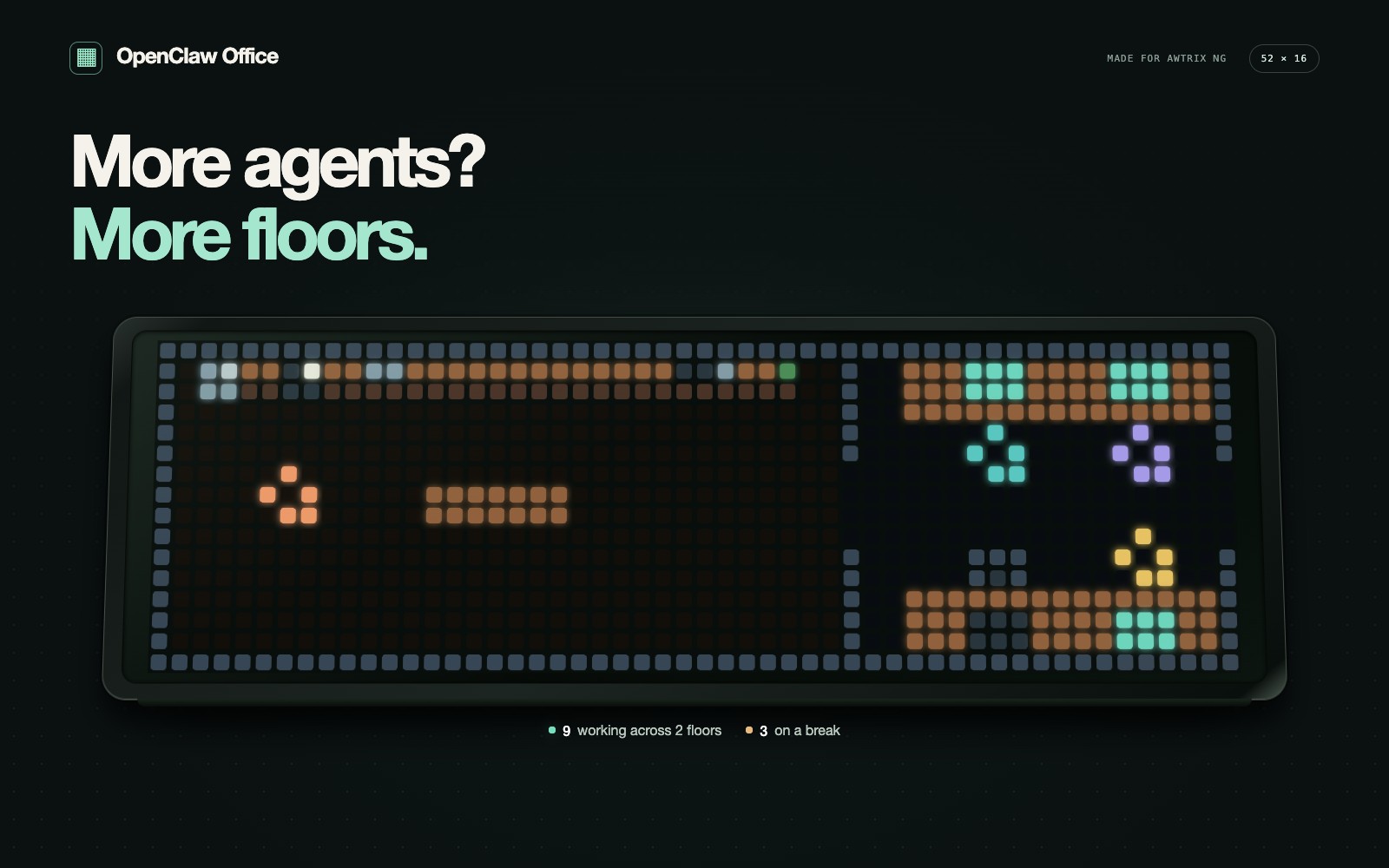
ive your AI team a little office. Working agents head to their desks; idle agents wander around the cafe. When work starts, they return to their seats.
Make it yours
- Up to eight desks per floor, with additional floors for larger teams.
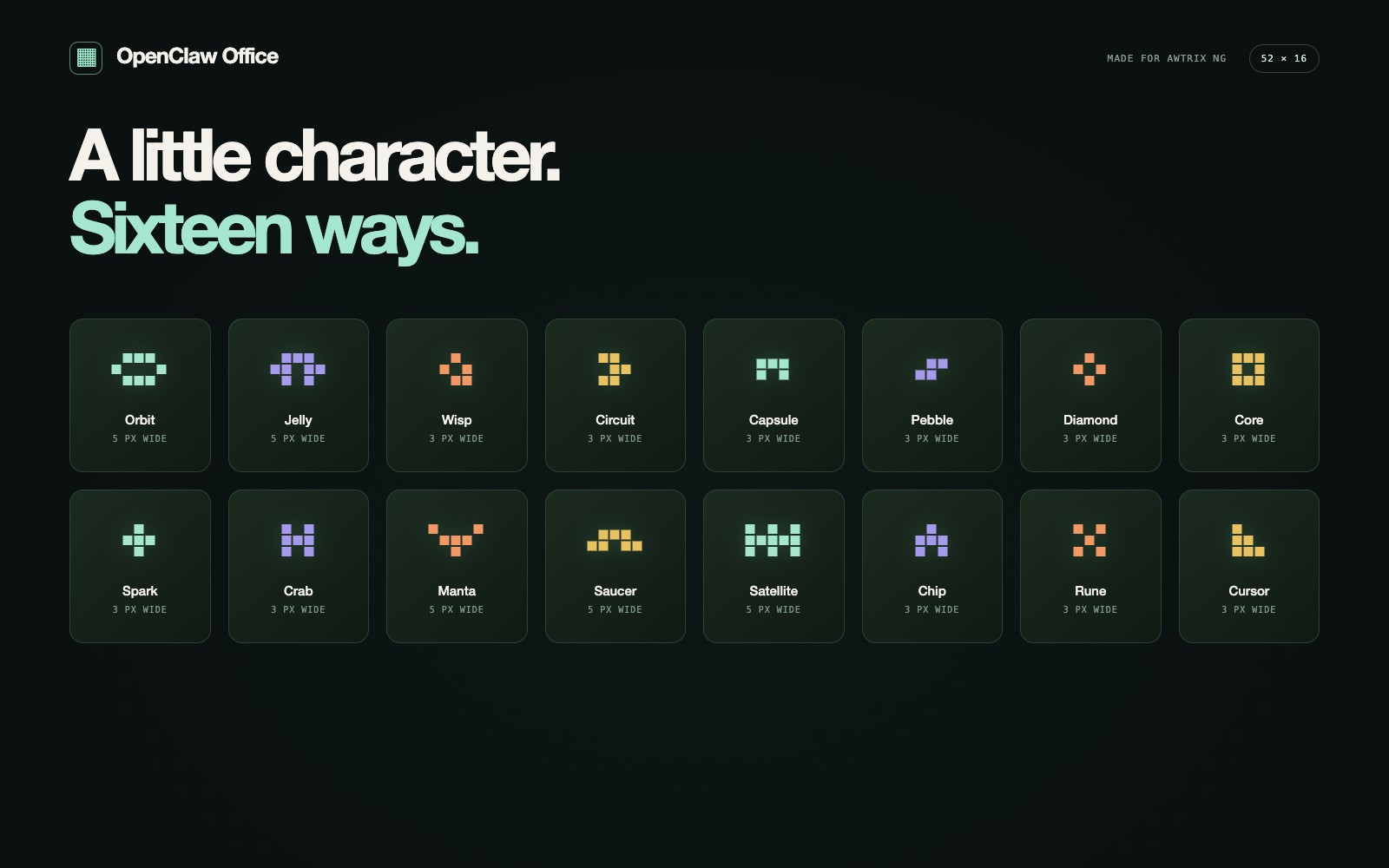
- Sixteen bot styles, including Jelly, Orbit, Wisp and Circuit. Change the whole office with one setting.
- Decaf, Coffee or Espresso adjusts idle movement.
- Always on keeps the office on screen; turn it off for normal rotation.
- Orange walls and OFFLINE indicate that fresh activity is unavailable.
Connection
This app needs the OpenClaw Office bridge. If you installed the app first, follow the connection setup guide.
On the machine running your OpenClaw Gateway, use the same OS user that runs OpenClaw:
openclaw plugins install git:github.com/eliseo-juan/openclaw-office-awtrix
openclaw plugins enable openclaw-office
openclaw office setup
Follow the prompts. Setup pairs a read-only device and may restart the Gateway. In AWTRIX, open OpenClaw Office → Settings, set Bridge URL to the URL printed by setup, save and start the app. Gateway credentials stay on the OpenClaw machine.
Requirements
Ulanzi TC002 running AWTRIX NG with a 52 × 16 display, OpenClaw 2026.9.2 or newer, and network access from the clock to the bridge.
Before configuration, SETUP appears with example bots. After connecting, the office reflects the activity available from your Gateway. Cafe movement is decorative and does not represent conversations between agents. Promotional images and video use simulated activity; video movement is accelerated for presentation.
Source code · MIT licensed.
Sign in to view and copy the code of this script.
Discussion 0
Ask a question, suggest a change or share how you use it.
No comments yet. Start the conversation.
More scripts in Miscellaneous
Something wrong with this script? Report it.
Have an idea?
Sign in to ask questions and join the conversation.