Weather (airport-observed sky)
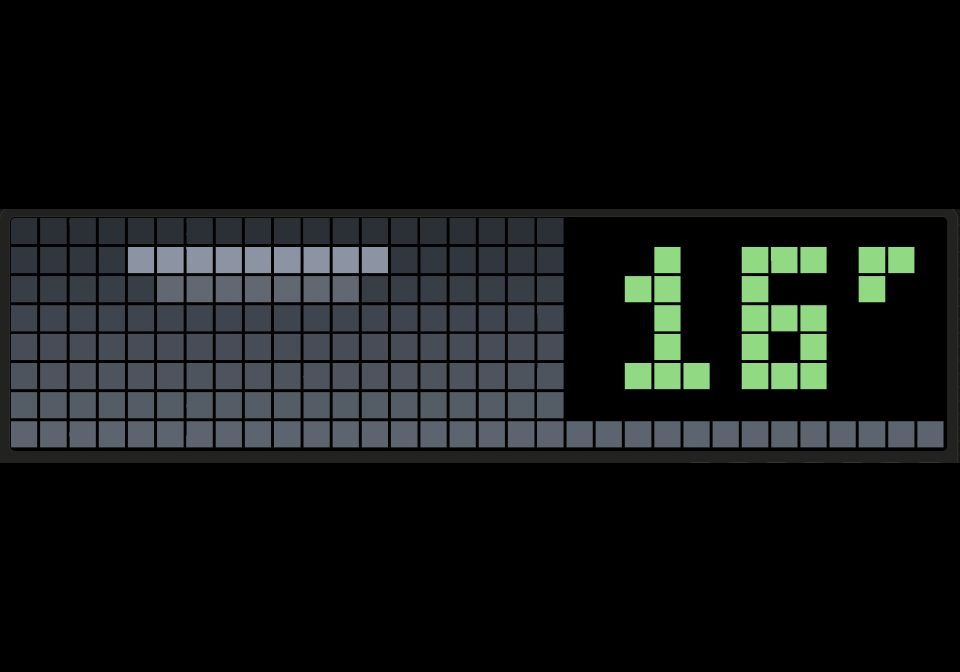
On your display
Galadril's Weather with a sky that follows the nearest airport's live report. No API key.
- Topic
- Smarthome
- Includes
- Script
Runs on
- Runs on 32×8 (TC001 & DIY)
- Runs on 52×16 (TC002)
- Does not run on 32×8 with AWTRIX 3 (TC001 & DIY) Made for AWTRIX NG.
Choose your display in the next step.
Script description
Weather (airport-observed sky)
Based on Weather by Galadril: https://awtrix.de/script/myN7wJkBqNNX
The animated sky, the readout and all the SELECT detail pages are his work. This version changes one thing: where the sky comes from.
What is different
Open-Meteo's "current" weather is a forecast model's estimate of now, not a measurement, so it can show a clear sky while it is actually cloudy or raining. This version also reads the latest weather report (METAR) from your nearest airport and lets that decide the sky:
- Rain, snow, fog or a thunderstorm reported at the airport is always drawn.
- If the airport is dry and the forecast shows nothing falling, the airport's cloud cover picks clear, fair or cloudy.
- If the forecast shows rain and the airport is dry, the forecast's rain is kept.
Temperature, the daily range, the rain outlook, wind, feels-like, sunrise/sunset and UV still come from Open-Meteo, exactly as in the original.
Setup
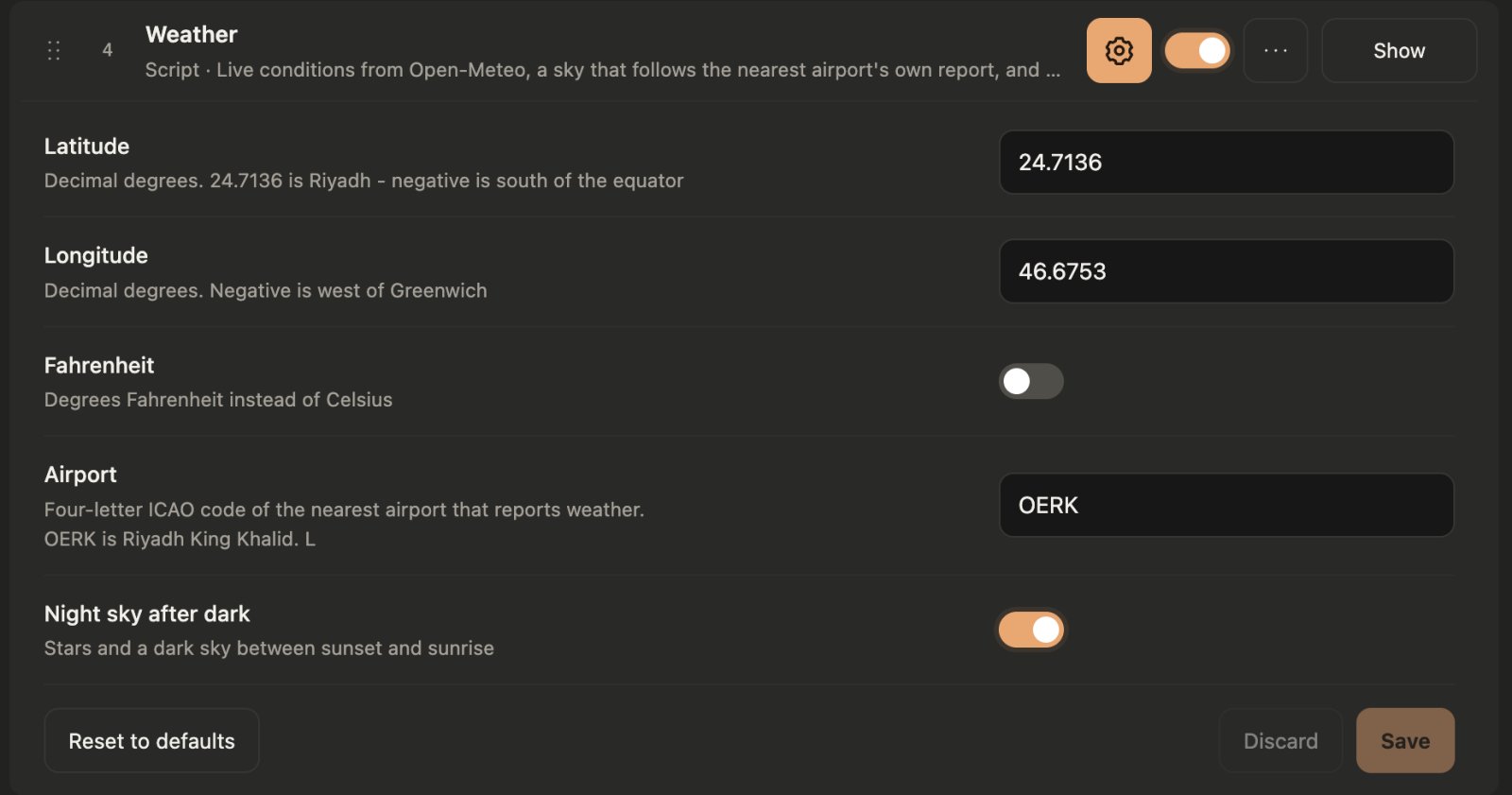
- Latitude / Longitude: decimal degrees. The defaults are Riyadh.
- Airport: the four-letter ICAO code of the nearest airport that reports weather, for example OERK (Riyadh), EHAM (Amsterdam), EGLL (London Heathrow). Leave it empty to use the forecast alone, which behaves like the original script.
- Fahrenheit and Night sky after dark: unchanged from the original.
No account or API key is needed. The airport report comes from aviationweather.gov over HTTPS.
Good to know
- An airport report is used for at most 90 minutes. If the airport does not answer or has no recent report, the sky falls back to the forecast without showing an error.
- The airport can be some distance from you, so a shower over your street but not over the airport can still be missed.
- 32x8 panels only (TC001 and DIY). The 52x16 version is not included.
Panels: 32x8 · Data: Open-Meteo and aviationweather.gov
Sign in to view and copy the code of this script.
Discussion 0
Ask a question, suggest a change or share how you use it.
No comments yet. Start the conversation.
Have an idea?
Sign in to ask questions and join the conversation.