Pet Blob
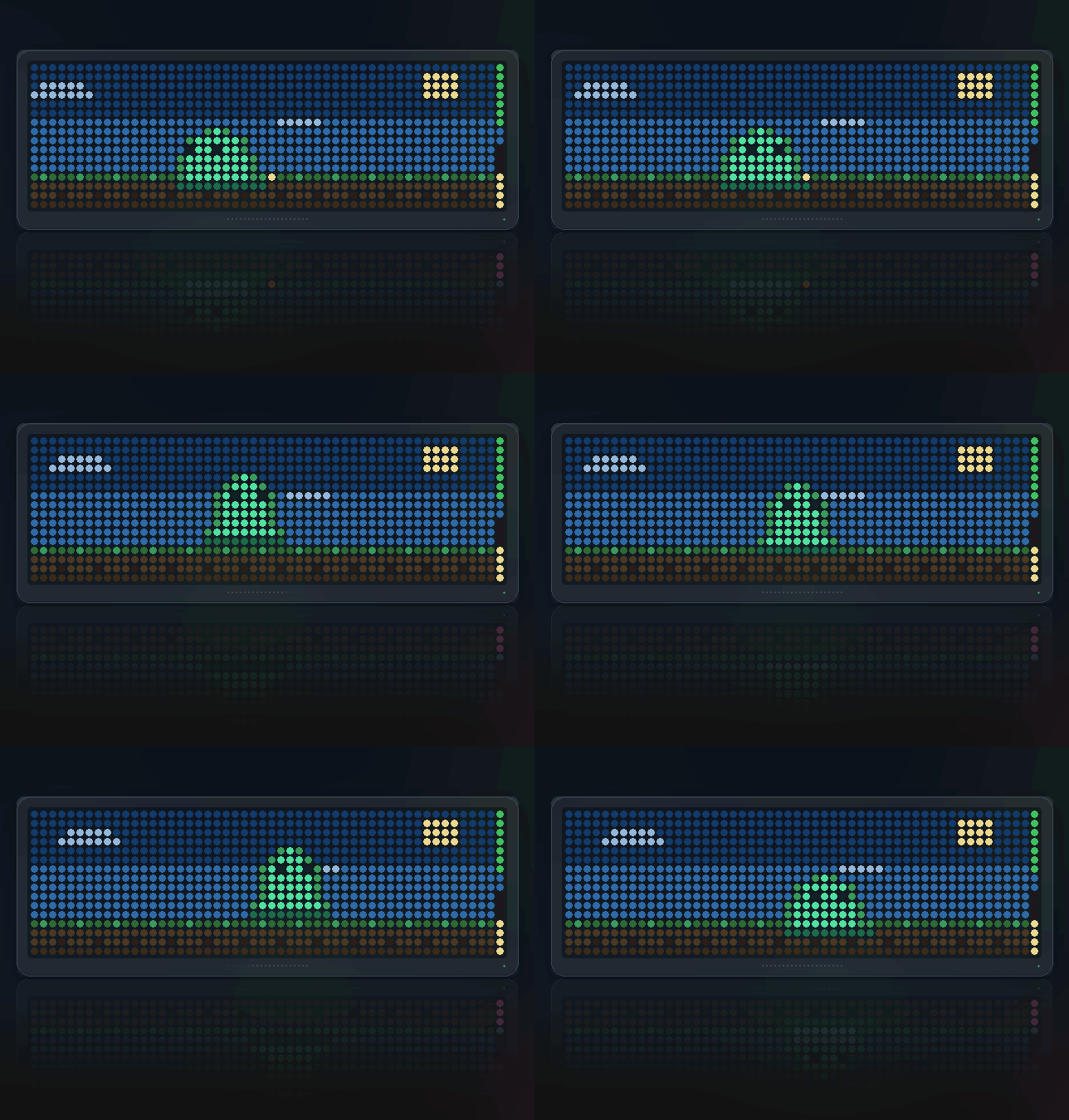
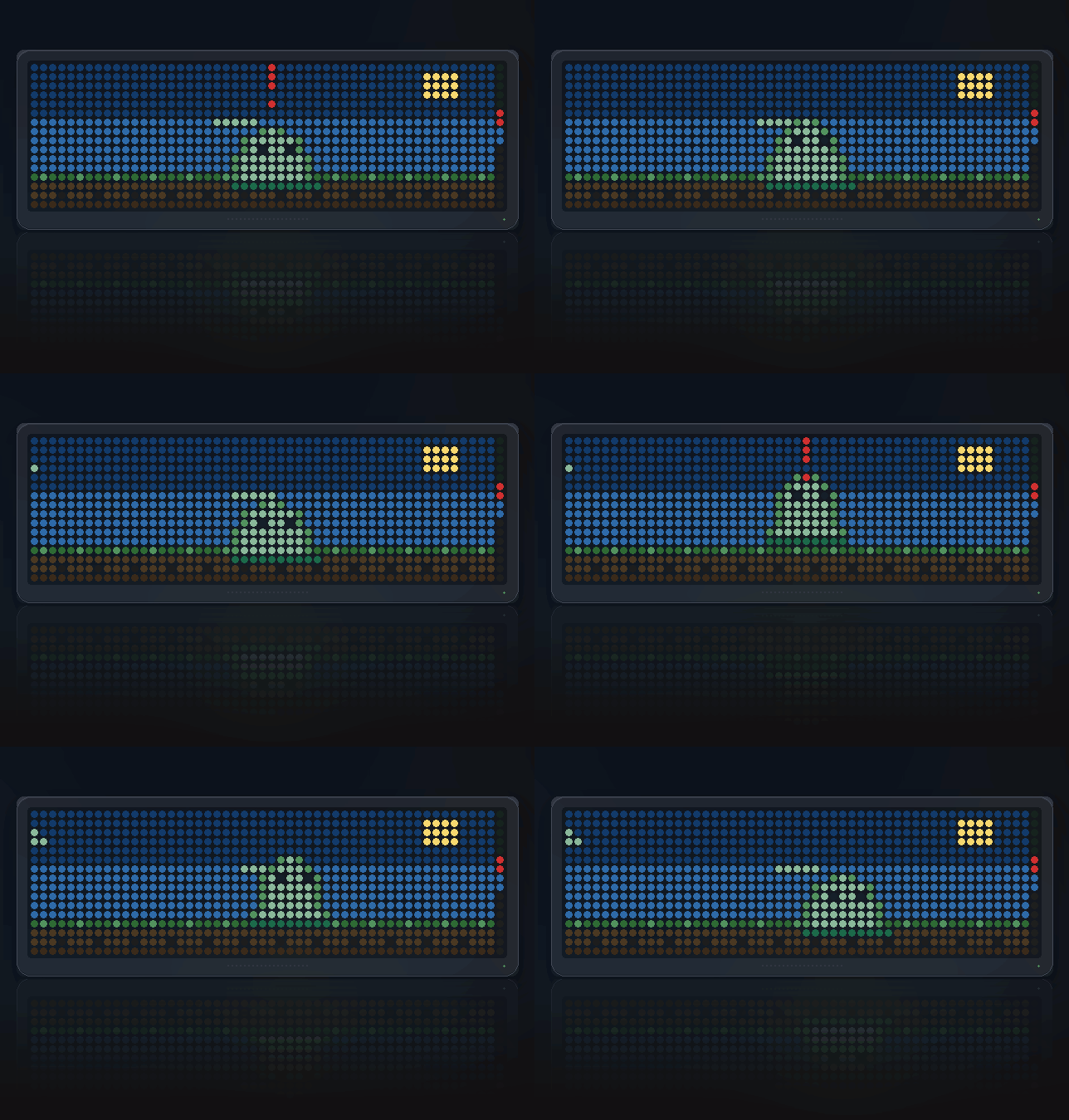
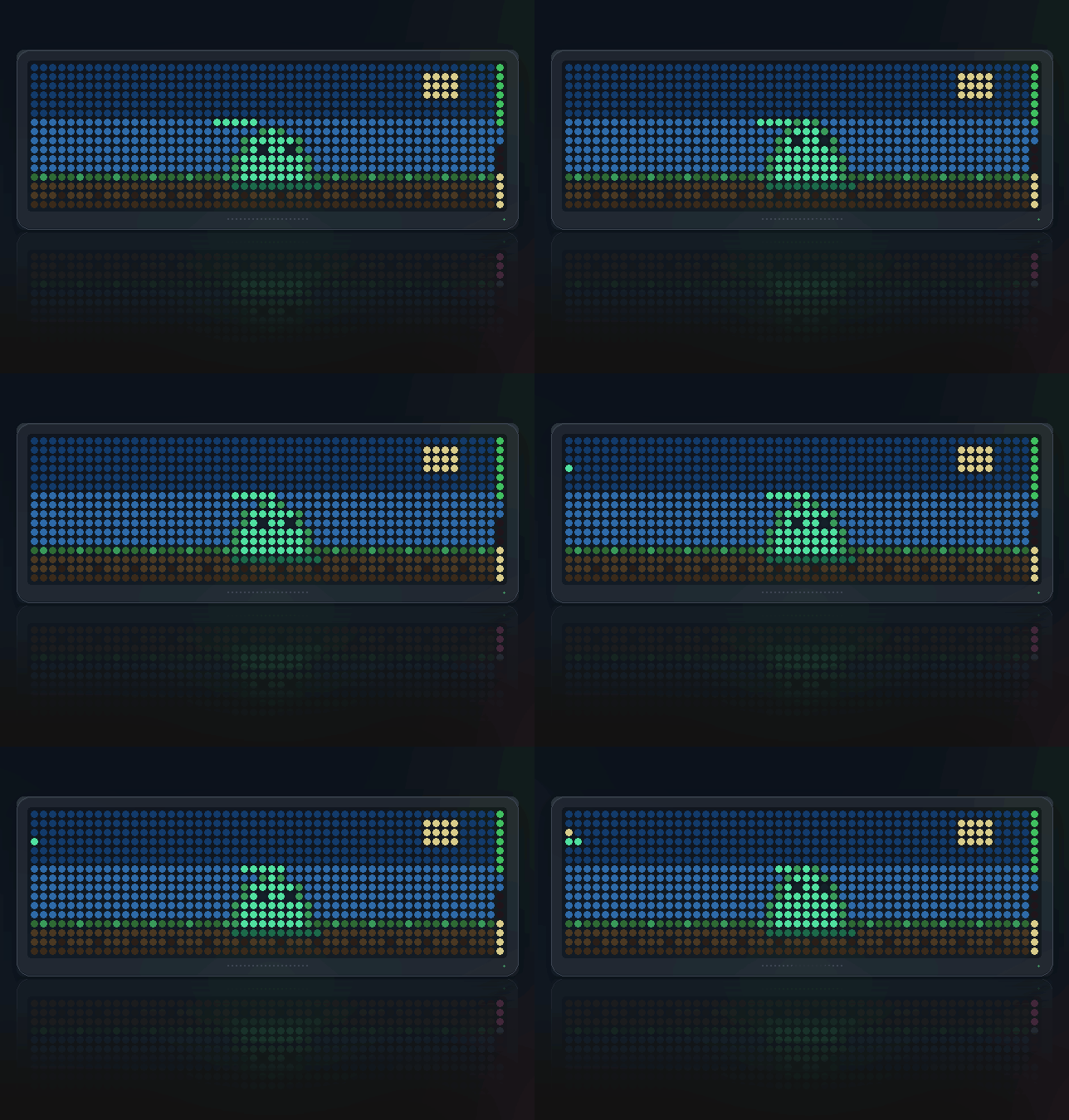
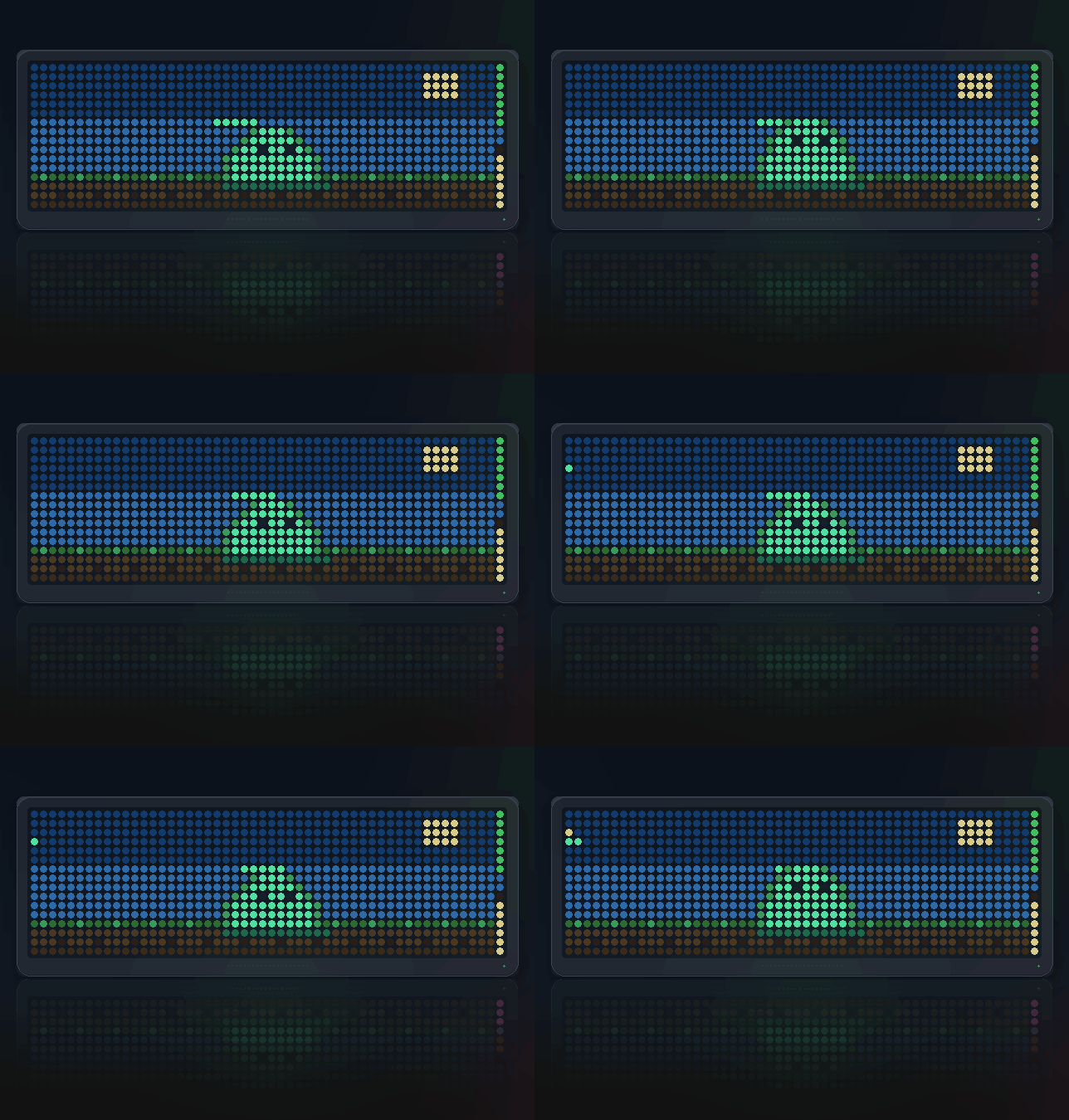
On your display
A slime that lives on your clock: wanders, dozes, gets hungry, grows as you feed it, and sleeps when you do. SELECT feeds it, a gamepad aims and pets.
- Topic
- Gaming
- Includes
- Script
Runs on
- Runs on 32×8 (TC001 & DIY) 32×8 (TC001 & DIY) version Melodies: the TC001 plays them, a DIY build only with a buzzer.
- Runs on 52×16 (TC002)
- Does not run on 32×8 with AWTRIX 3 (TC001 & DIY) Made for AWTRIX NG.
Choose your display in the next step.
Script description
Blob Pet
A slime that lives on your clock: gets hungry while you are not looking, and grows if you feed it.
Panels: 52x16 and 32x8, sharing one saved pet
What makes it a pet
It keeps living when the app is off screen.
Hunger climbs whether or not you are watching, so what you glance at in the
evening is a consequence of the morning — not a loop starting again from the
top. That is the whole difference between a pet and an animation, and it is
the one thing this needed the newer firmware to do.
Everything it is survives a reboot: how hungry, how happy, how many meals, how
many days old. Feed it for weeks and it is visibly bigger. Ignore it for days
and it goes pale.
What to watch for
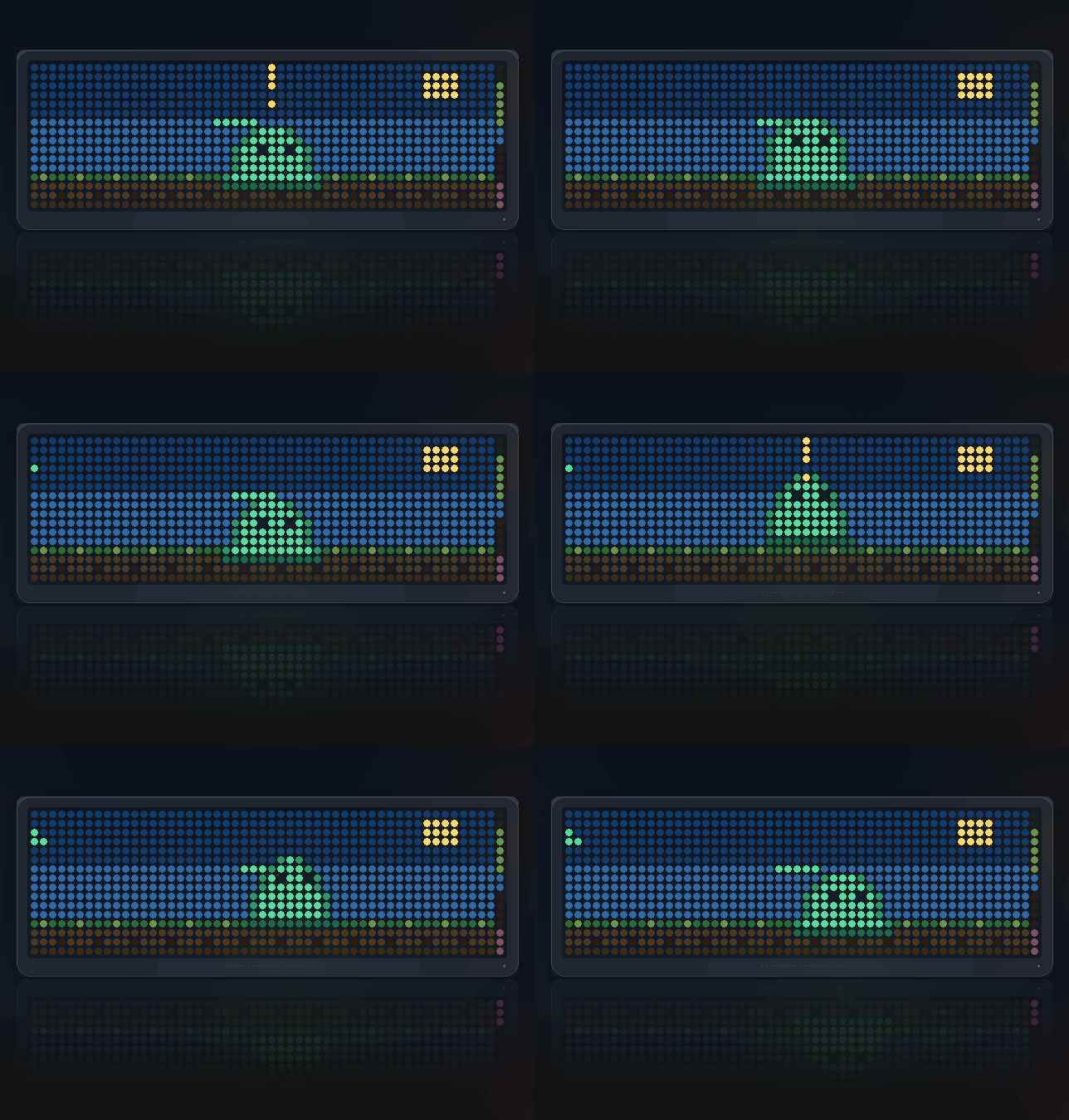
- It grows. Four sizes, earned over weeks of feeding and petting.
- A red
!above its head when it is hungry, flashing faster the longer
you leave it. - It goes pale and listless past the starving mark, with the bar on the
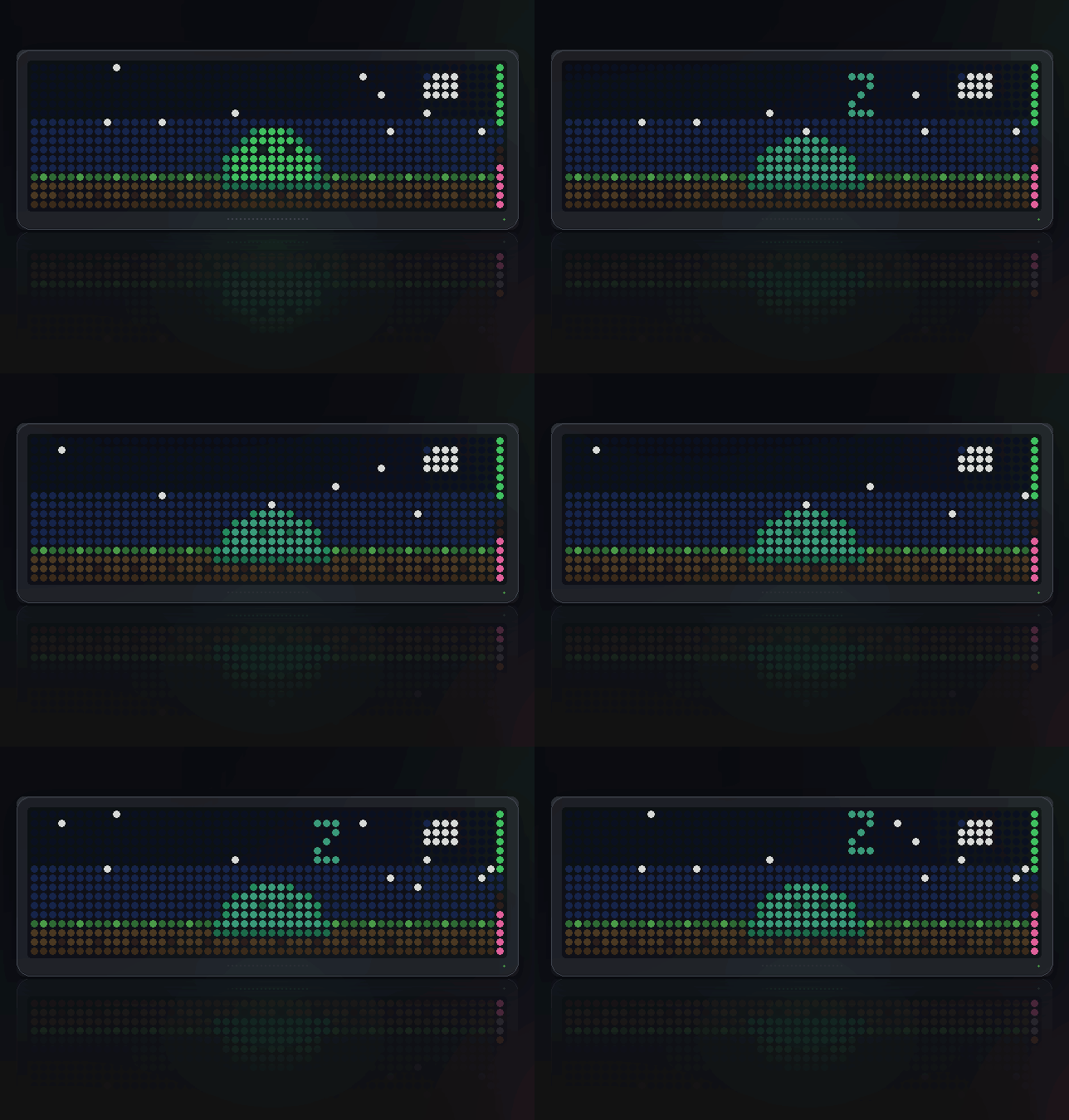
right edge turning red. - It sleeps at night under a sky that changes with the hour — stars, a
moon, and a littlezdrifting up. Drop it a snack and it wakes. - It watches the cursor. Move the drop point and its eyes follow you.
- If it likes you enough, it comes over to see what you are pointing at.
- Two bars on the right edge — fullness on top, happiness below.
Controls
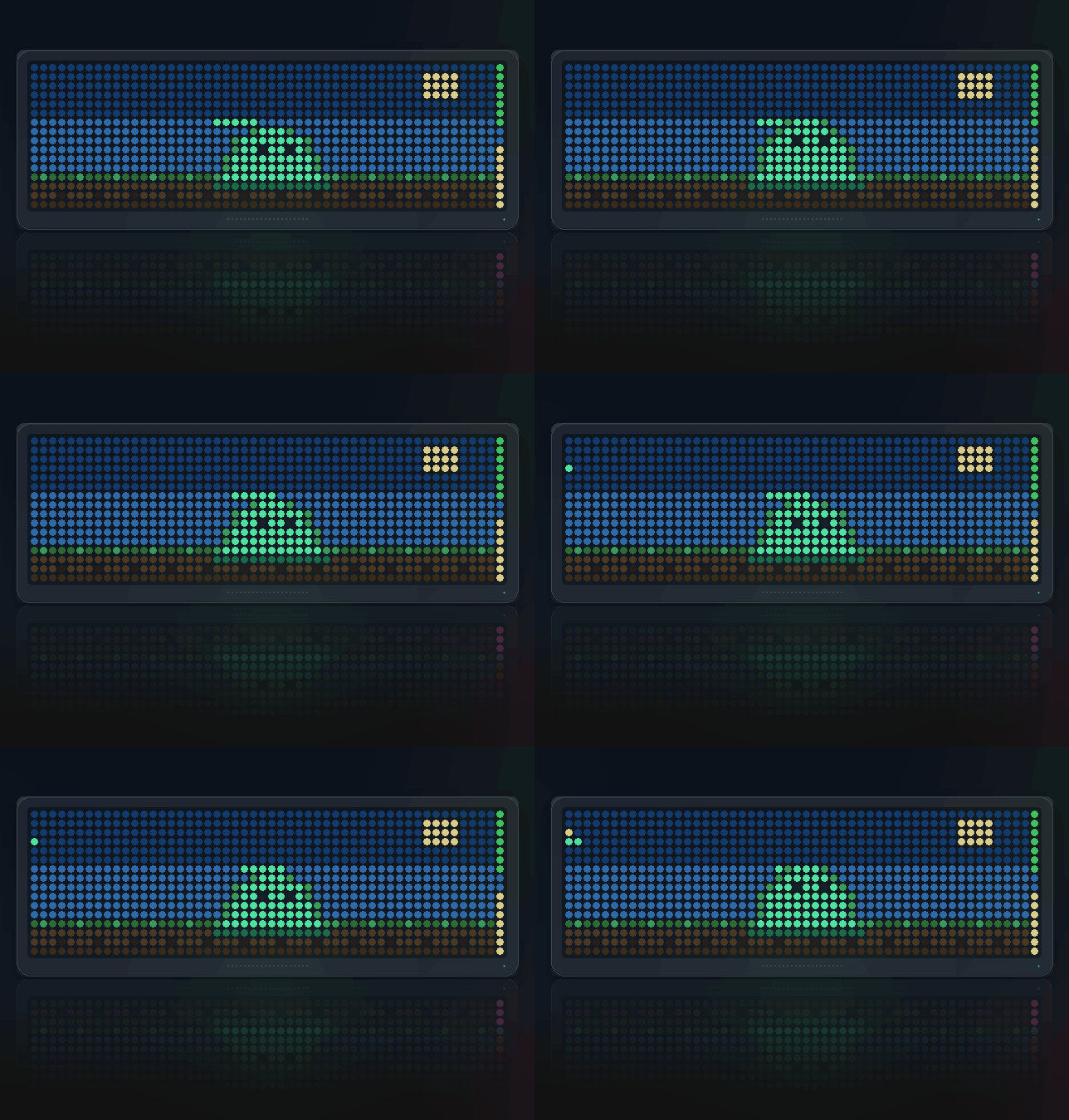
- SELECT — drop a snack where the cursor is. Press again while one is
still falling and you stroke it instead, which is what you actually wanted
the second press to mean. - LEFT / RIGHT — walk the drop point along the ground, after a SELECT press
has engaged it. They belong to the clock's carousel otherwise, so the pet
hands them back a few seconds after you stop aiming and you can move on. A
marker in the top corner is lit while they are held. - Gamepad — A feeds, B pets, X asks for a trick, START
shows its name and age
It will refuse a trick while it is asleep or starving. A pet that performs on
demand regardless of how it feels is not much of a pet.
Settings
- Pet name (Blob) — shown when the app comes round
- Sound effects (on) — hops, munching, the chime when it is happy
- Hum (on, 52x16 only) — a slow bed, no melody
- Let it greet you (off) — speaks its name when the app appears
- Sleeps at night (on) — turn off if your clock lives somewhere with no
night to speak of
Sign in to view and copy the code of this script.
Discussion 0
Ask a question, suggest a change or share how you use it.
No comments yet. Start the conversation.
Have an idea?
Sign in to ask questions and join the conversation.