Küchenuhr – Kitchen Timer

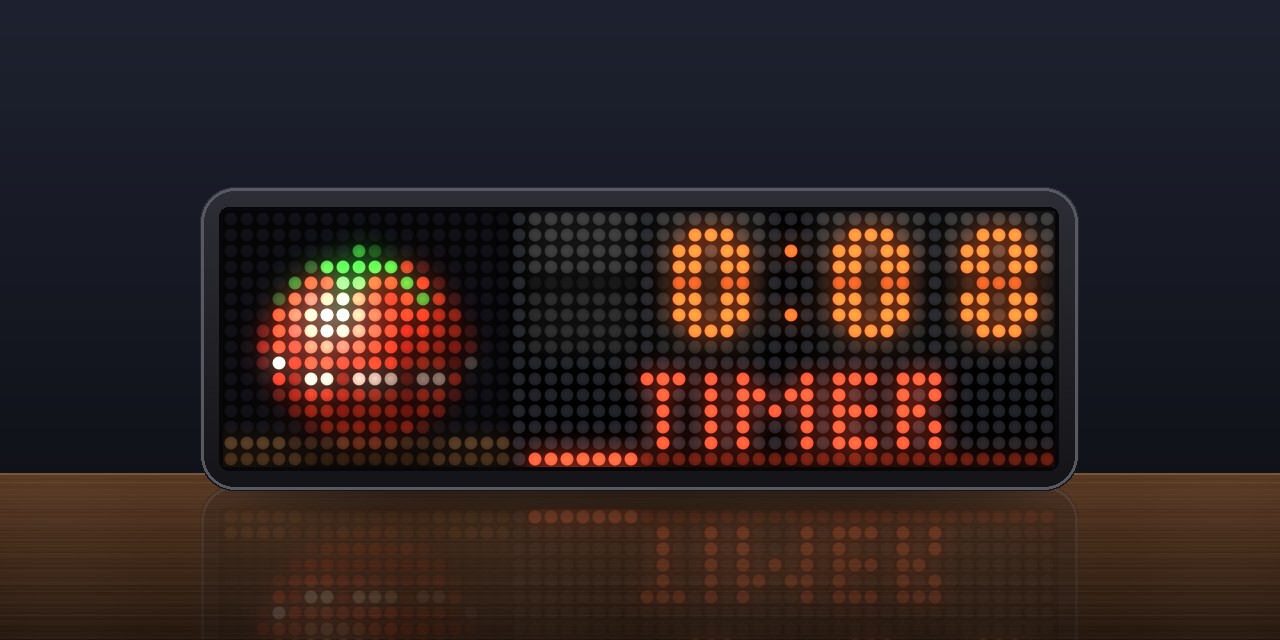

On your display
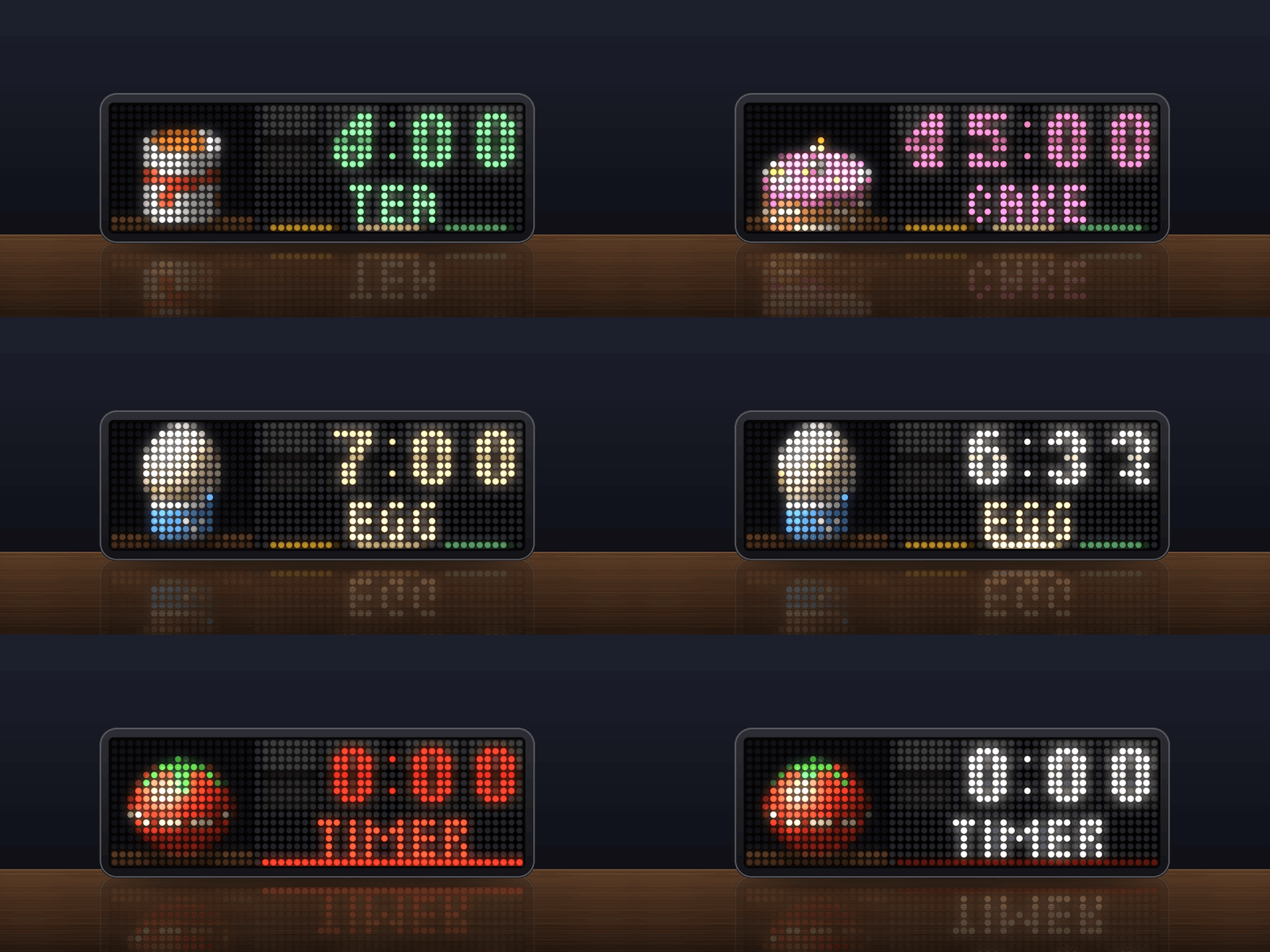
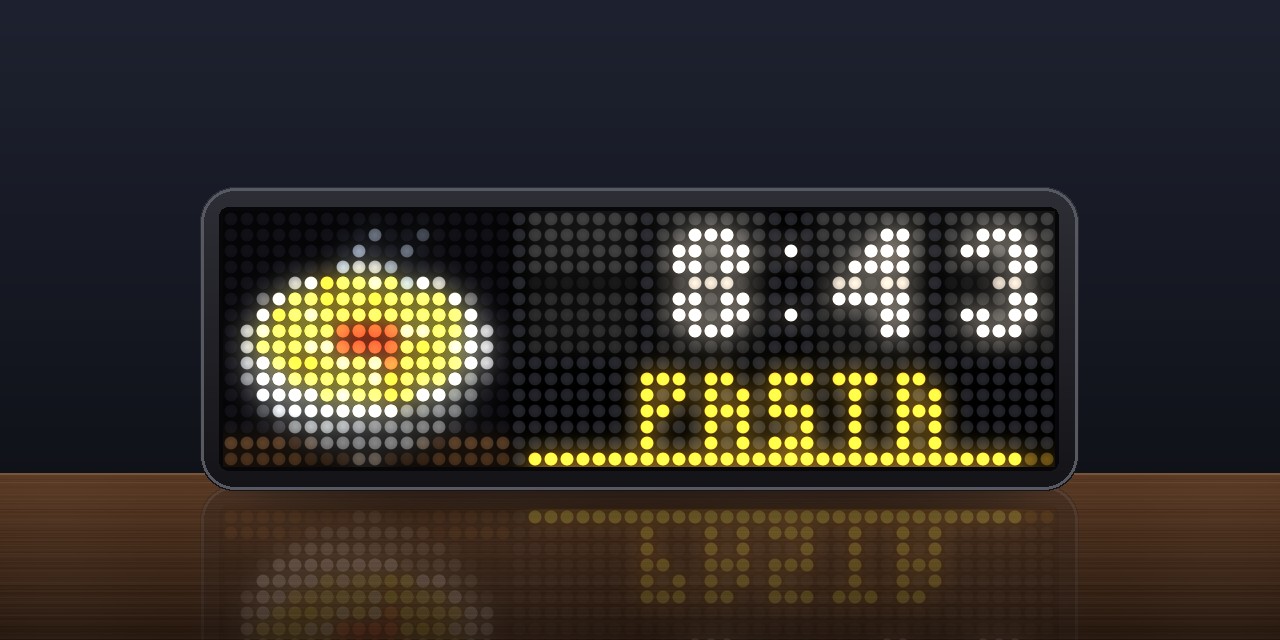
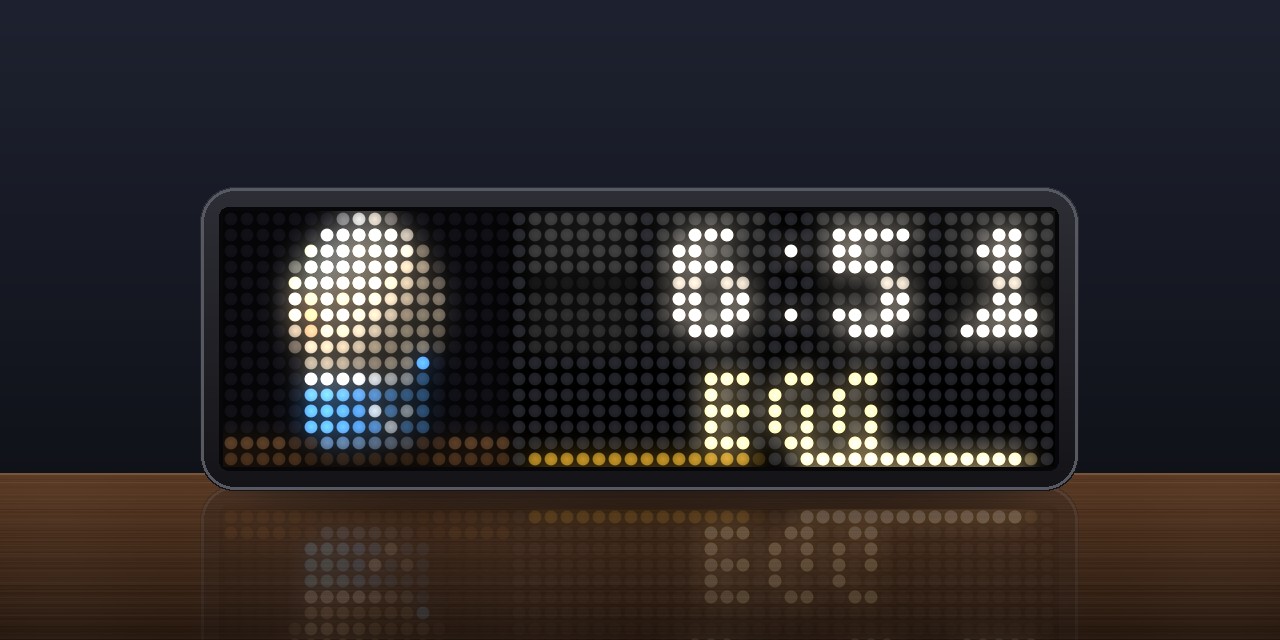
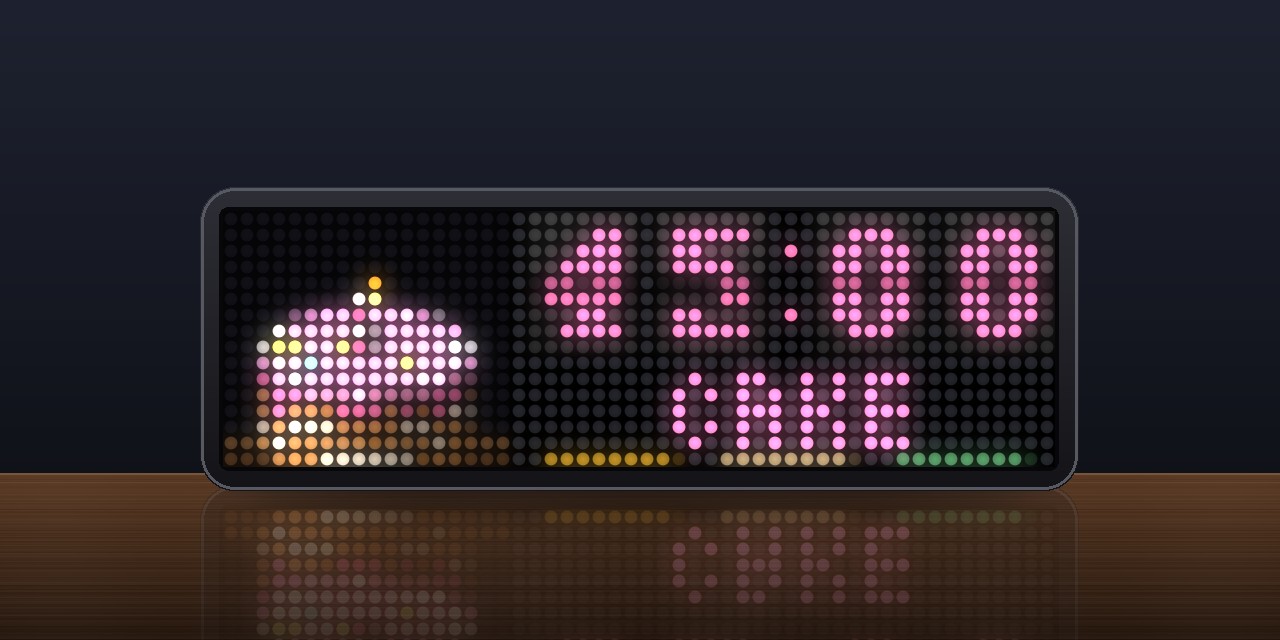
Kitchen timers for the TC002, on the knob or by voice. Up to four run at once, and each has its dish as a 3D body on the counter, lit and turning while it runs: a tomato for the plain timer, an egg in its cup, a bowl of spaghetti, a mug of tea, a p
- Topic
- Miscellaneous
- Includes
- Script
Runs on
- Does not run on 32×8 (TC001 & DIY) Made for 52×16 (TC002). Needs an AWTRIX that listens and answers and an AWTRIX that keeps API keys.
- Runs on 52×16 (TC002) Voice: choose this app under System → Voice assistant on your AWTRIX. API key: open the app's settings on your AWTRIX and enter your key.
- Does not run on 32×8 with AWTRIX 3 (TC001 & DIY) Made for AWTRIX NG.
Choose your display in the next step.
Script description
Küchenuhr – Kitchen Timer
Kitchen timers for AWTRIX NG: set them with the knob or by voice, with presets for eggs, pasta, tea, pizza and cake. Several timers can run at once.
Setting a timer with the knob
- Turn to the
+ NEWcard after the last timer and press. - Turn to pick a preset: timer, egg, pasta, tea, pizza or cake. Each one has its own default time (see Times in the settings). Press.
- Turn to set the time. The step size grows as the time gets longer: 10 seconds up to one minute, then 30 seconds, 1 minute, 5 minutes and 15 minutes. Turn faster to jump in bigger steps.
The timer starts automatically 5 seconds after your last turn (the white line along the bottom shows the countdown), or right away when you press. To cancel while setting up, hold the knob.
Voice control
Hold the knob and say what you want. You can also set the app as the clock's voice assistant (System → Voice assistant, AWTRIX NG 1.2.3 or later). Then you can start it with "Hey AWTRIX", by holding the knob in any app, or with the Assist button in Home Assistant.
The app records until you pause, transcribes what you said with a speech service and carries it out:
| Say | What happens |
|---|---|
| "Pasta, 9 minutes", "Nudeln neun Minuten" | New timer with that preset |
| "Eggs", "Eier" | New timer with the preset's default time |
| "Half an hour", "eine Viertelstunde", "anderthalb Stunden", "zweieinhalb Minuten", "1 Stunde 20" | New plain timer |
| "Two more minutes for the pasta", "noch zwei Minuten" | Adds time to that timer (or the one on screen) and stops the alarm |
| "Stop", "Stopp den Kuchen", "stop all timers" | Stops the alarm, clears that timer, or clears all timers |
| "Pause", "weiter" | Pauses or resumes the timer on screen |
| "How long?", "wie lange noch?" | Says how much time is left |
German and English are understood at the same time, no matter which language the app is set to.
Speech service
By default, the app uses OpenAI (gpt-4o-mini-transcribe). Enter your OpenAI key under API keys in the app settings. The key is stored on the clock, inserted into the request by the clock itself (@secret), and only ever sent to api.openai.com.
You can also use your own Whisper server, as long as it supports the OpenAI API format. No key is needed then. Just change Speech address and Speech model.
If OpenAI is selected and no key is set, the app shows NO KEY and does not record.
When a timer finishes
- Final countdown: for the last seconds (10 by default) the app takes over the display so you can watch it count down.
- At zero, the cards flash, the body bounces and the bells ring, getting louder every 30 seconds. If the display was off, it turns on.
- Press the knob or any button to stop the alarm and clear the timer.
- Turn right to add one more minute. The timer starts running again.
- Nobody around? After the Ring for duration (3 minutes by default) the alarm goes quiet, and the card shows in red how long ago the timer finished (e.g.
+2:20). Press to clear it.
Controls
| Knob | SELECT | |
|---|---|---|
| Turn | Switch between timers and + NEW; while ringing: add one minute |
— |
| Press | Pause / resume; on + NEW: create a timer; while ringing: stop |
Same as the knob |
| Hold | Voice input; on a paused timer: clear it; while setting up: cancel | — |
Left and right switch apps as usual. While an alarm is ringing, they stop it instead.
In the AWTRIX Player, [ and ] turn the knob and P presses it.
Settings
-
Language: English or German.
-
Times: the default time for each preset, in minutes.
-
Display:
- whether the app is shown when no timer is running (if off, it only appears in the app rotation while a timer is running)
- how many seconds before the end it jumps to the front
- whether it stays on screen the whole time a timer is running
-
Sound: alarm sound (bells, beeps or an 8-bit jingle), how long it rings, the ticking in the last 10 seconds, and the click when turning the knob.
-
Voice:
- spoken feedback: the clock confirms new timers and announces when one has finished (the built-in voice speaks English only)
- speech address and model
The API key goes under API keys.
Timers survive a restart of the clock and changes to the settings. If a timer finished while the clock was off, it rings as soon as the clock is back on, or shows how long ago it finished.
Sign in to view and copy the code of this script.
Discussion 0
Ask a question, suggest a change or share how you use it.
No comments yet. Start the conversation.
More scripts in Miscellaneous
Something wrong with this script? Report it.
Have an idea?
Sign in to ask questions and join the conversation.