ScriptAWTRIX NG
Rollclock
On an AWTRIX display
On your display
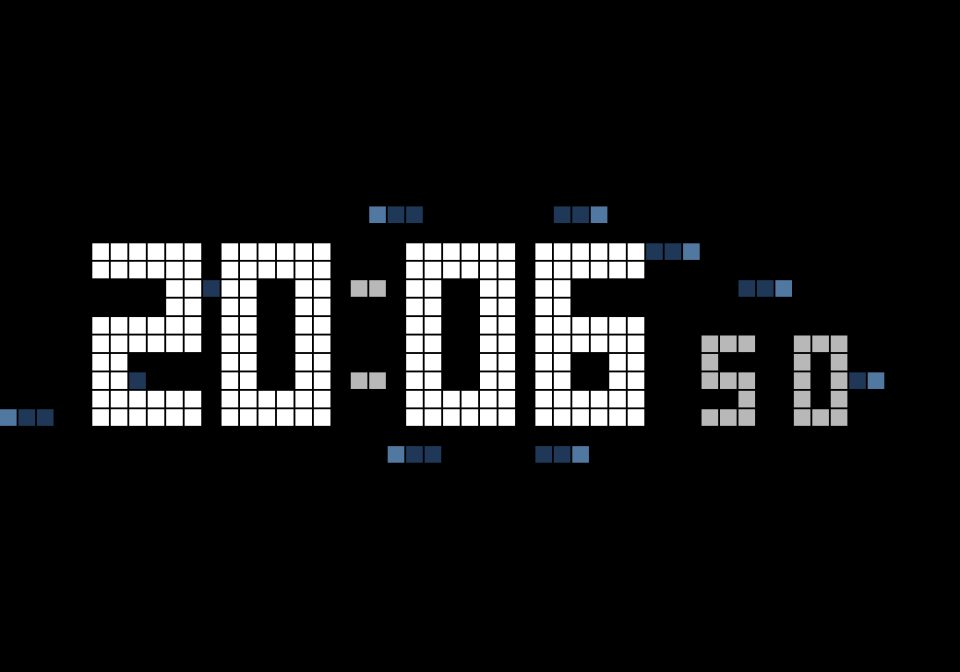
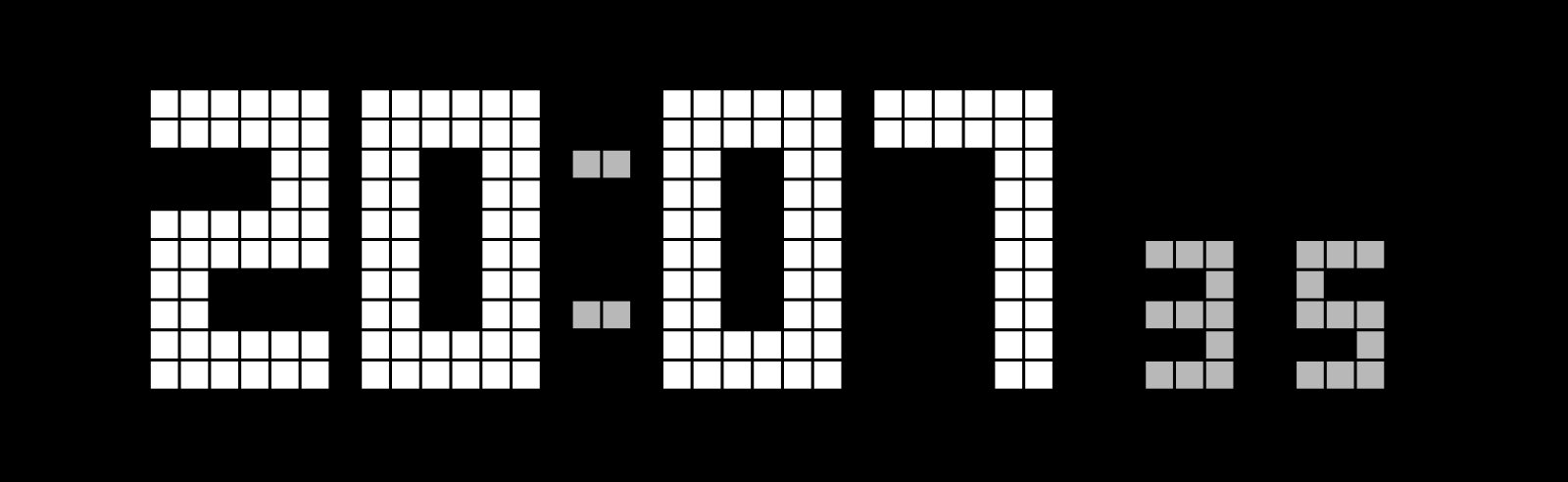
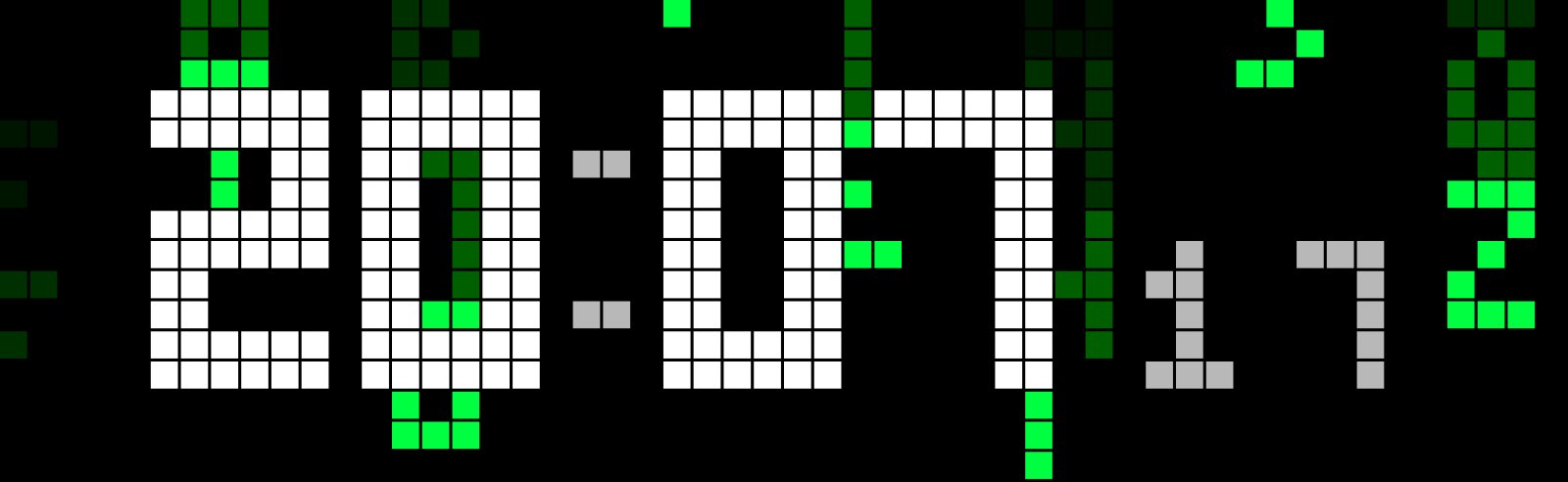
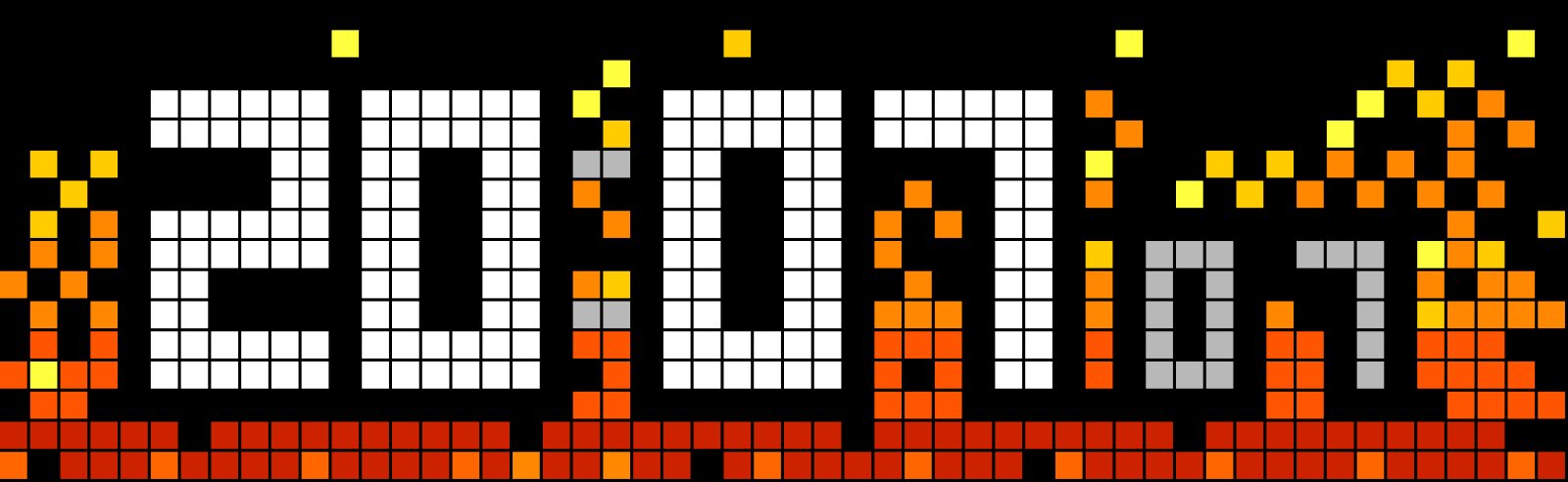
Flipclock with optional Hyperraum, Fire and Matrix Background
Which AWTRIX do you have?
See below where it runs, or choose your device.
- Topic
- Miscellaneous
- Includes
- Script
Runs on
- Does not run on 32×8 (TC001 & DIY) Made for 52×16 (TC002).
- Runs on 52×16 (TC002)
- Does not run on 32×8 with AWTRIX 3 (TC001 & DIY) Made for AWTRIX NG.
Choose your display in the next step.
Script description
Just install the Script.
You can Switch the different Background Animations On/Off in the settings. Also the Flipclock-Effect could be turned On/Off in the Settings.
Thanks to Copilot for helping with the effects and the Script. 👍
Sign in to view and copy the code of this script.
Community
Discussion 0
Ask a question, suggest a change or share how you use it.
No comments yet. Start the conversation.
More scripts in Miscellaneous
Something wrong with this script? Report it.
Have an idea?
Sign in to ask questions and join the conversation.