ScriptAWTRIX NG
WaterLevel
On an AWTRIX display
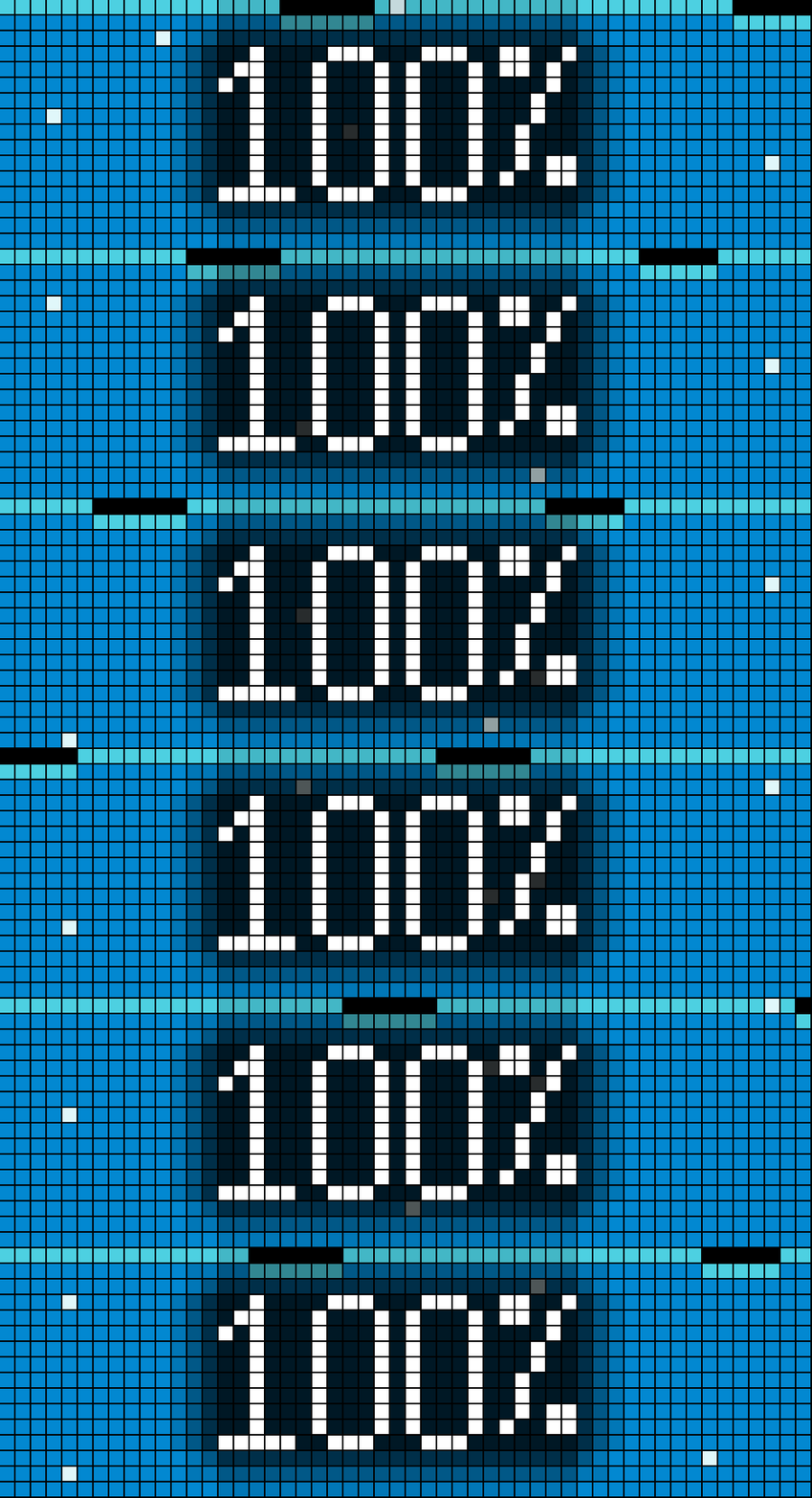
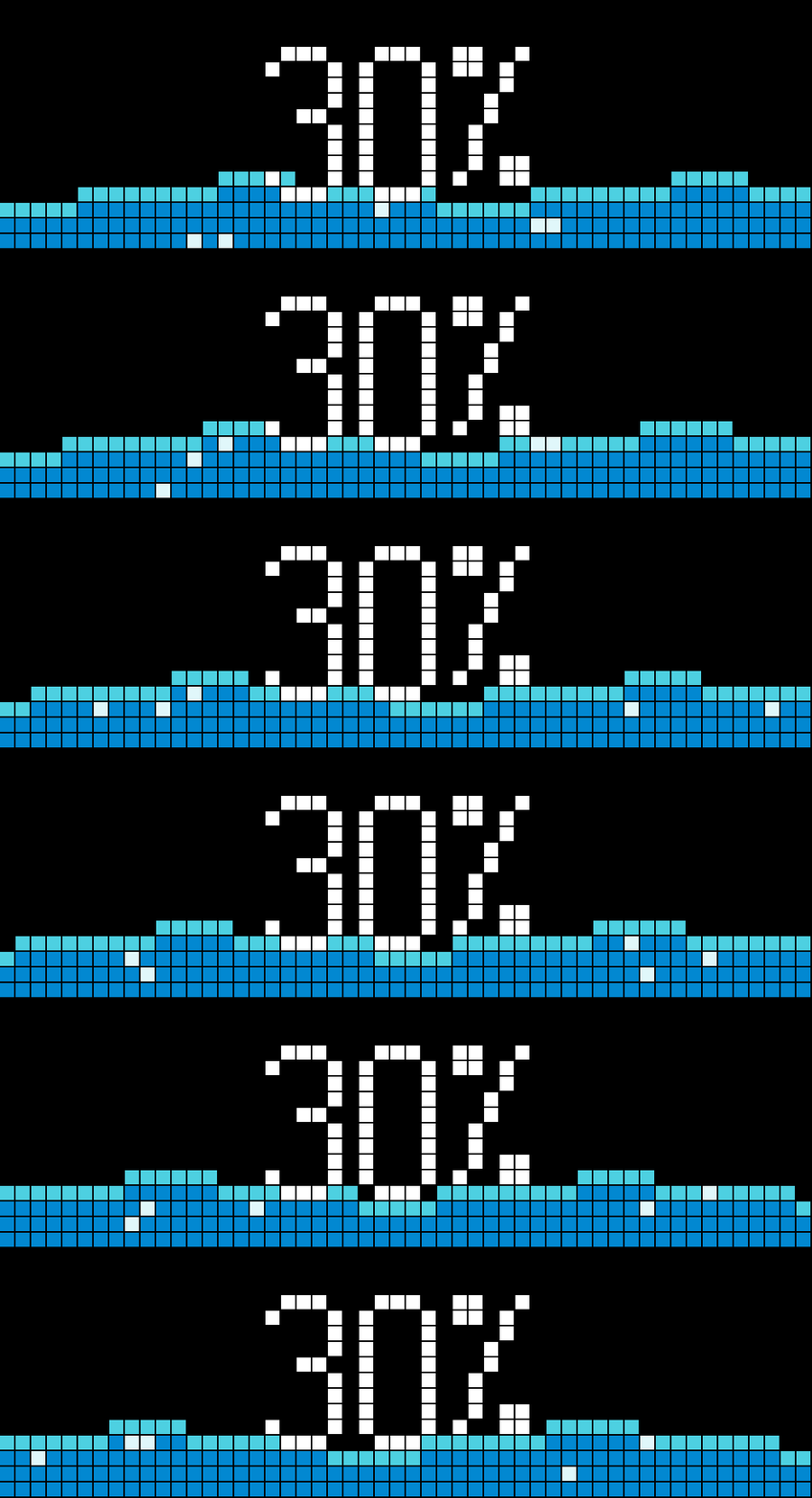
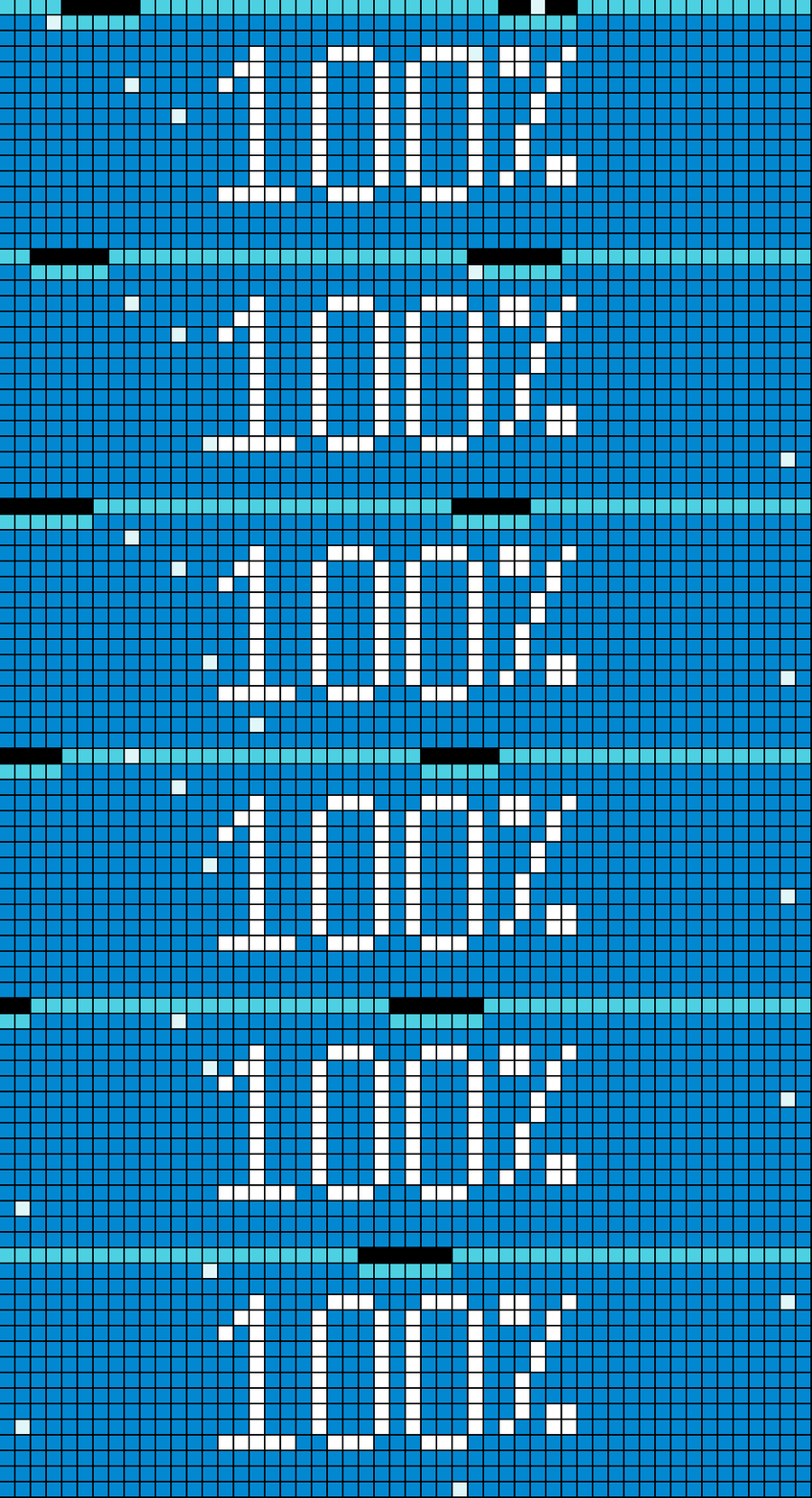
On your display
An interactive water level app that visualizes cistern or tank levels received via MQTT through a smooth fullscreen water-wave and bubble animation with customizable text layouts.
Which AWTRIX do you have?
See below where it runs, or choose your device.
- Topic
- Smarthome
- Includes
- Script
Runs on
- Does not run on 32×8 (TC001 & DIY) Made for 52×16 (TC002).
- Runs on 52×16 (TC002)
- Does not run on 32×8 with AWTRIX 3 (TC001 & DIY) Made for AWTRIX NG.
Choose your display in the next step.
Script description
Overview
This WaterLevel app connects to your local smart home setup via MQTT to display current liquid levels—such as rainwater cisterns, water tanks, or pools—through a live-rendered, organic water wave animation across the entire display.
Key Features
- Dynamic Fullscreen Animation: Real-time sinusoidal waves and rising air bubbles that adapt dynamically to the current fill percentage (0–100%).
- Live MQTT Integration: Subscribes to any custom MQTT topic, automatically handling both raw numbers and JSON payloads (e.g.,
{"percent": 75}or{"level": 75}). - Clean No-Data State: When waiting for initial sensor data, the display gently ripples at a low baseline and shows
--%in amber instead of misleading values. - Dual Display Modes:
- Large Centered Text: High-visibility 10-pixel bitmap font rendered dead-center for easy reading from a distance.
- Standard Text with Free Alignment: Compact font with full control over horizontal and vertical positioning.
- Dynamic Text Shadow: Subtle ambient drop-shadow effect rendered behind text and numbers to ensure high contrast and maximum readability against moving water waves and bubbles.
- Native Web UI Configuration: Fully configurable via the AWTRIX-NG App settings menu.
Configuration Options
| Setting | Type | Default | Description |
|---|---|---|---|
| MQTT Topic | Text | (empty) | MQTT topic publishing the level data. |
| Wave Speed | Number (1–10) | 3 |
Adjusts wave oscillation and bubble speed. |
| Large Centered Text (ignores alignment) | Select (no / yes) |
no |
Displays large 10px numbers centered on screen. When enabled, alignment options are bypassed. |
| Text Shadow | Select (no / yes) |
yes |
Soft drop-shadow behind text to enhance contrast and readability over moving waves. |
| Horizontal Alignment | Select | left |
Small text alignment: left, center, or right. |
| Vertical Alignment | Select | top |
Small text alignment: top, middle, or bottom. |
Sign in to view and copy the code of this script.
Community
Discussion 0
Ask a question, suggest a change or share how you use it.
No comments yet. Start the conversation.
Have an idea?
Sign in to ask questions and join the conversation.