Daily Water Tracker Online | Water Drink Counter
On your display
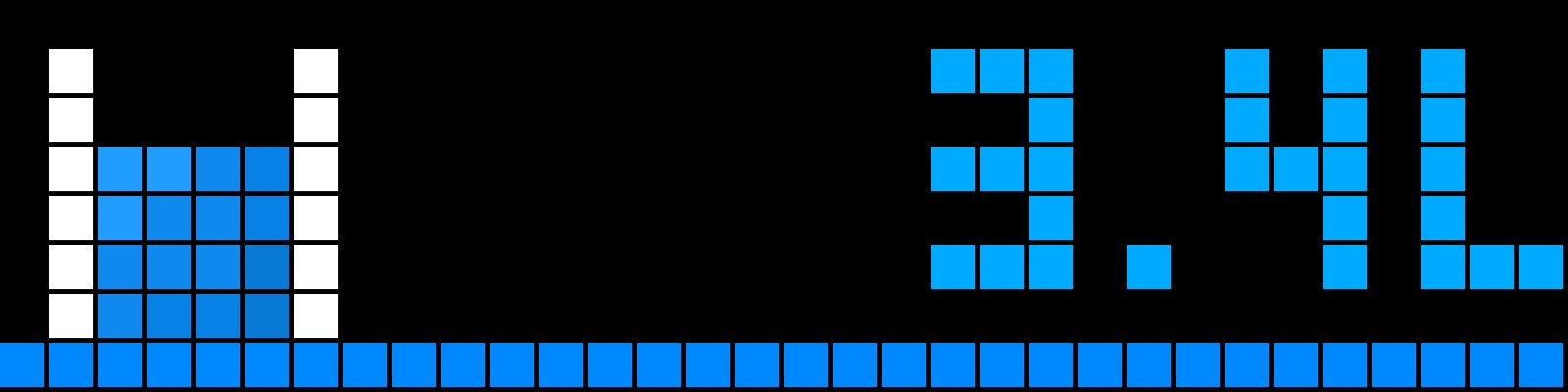
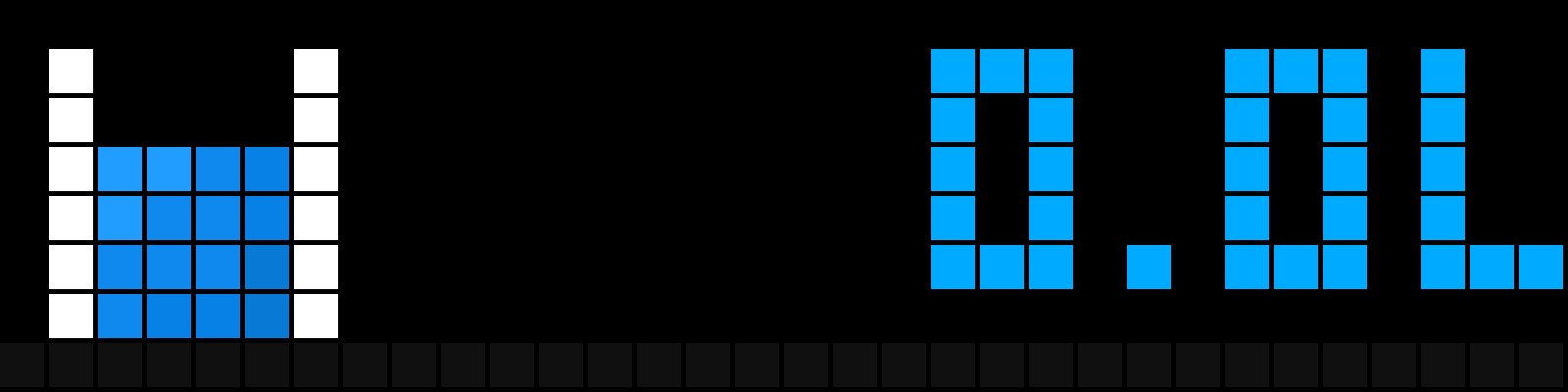
shows how much aqua you drank
- Topic
- Miscellaneous
- Includes
- Script · 2 icons
Runs on
- Runs on 32×8 (TC001 & DIY) Melodies: the TC001 plays them, a DIY build only with a buzzer.
- Runs on 52×16 (TC002)
- Does not run on 32×8 with AWTRIX 3 (TC001 & DIY) Made for AWTRIX NG.
Choose your display in the next step.
Script description
💧🥃 Water Reminder — for AWTRIX clocks
A simple daily water-tracking app for your AWTRIX clock. It reminds you to drink
water during the day, lets you log each cup with a button press, and shows your
progress toward a daily goal.
&& What it does:
#Sends drink reminders between 08:00–22:00 (fixed interval) or random reminders
between 09:00–18:00 (random mode)
#Press the middle button each time you drink a cup — it is added to your
daily total
#Shows your progress in liters with a blue progress bar
#Resets automatically at midnight
#Browse the last 7 days with the left/right buttons (e.g. -1d 1.5L)
&& Setup:
1-In the AWTRIX web interface, go to Scripts and click Import, then
select water_reminder_en.ax.
2-If prompted, click Install icons (the app uses the water and
waterglass icons).
3-Go to Apps---> Water Reminder ---> settings (⚙):
-Daily goal (liters) — your target, default 2
-Reminder interval (minutes) — how often to remind, default 60
-Random reminders 9:00-18:00 — off = fixed interval, on = randomized
times
-ml per cup (middle button) — your cup size, default 180 ml
&& Daily use:
-Middle button — log one cup (plays a short confirmation sound)
-Left/right buttons — view previous days; pressing the middle button or
re-opening the app returns to today
-The counter resets automatically at midnight — no action needed
Sign in to view and copy the code of this script.
Discussion 0
Ask a question, suggest a change or share how you use it.
No comments yet. Start the conversation.
More scripts in Miscellaneous
Something wrong with this script? Report it.
Have an idea?
Sign in to ask questions and join the conversation.