ScriptAWTRIX NG
Noticeboard
On an AWTRIX display
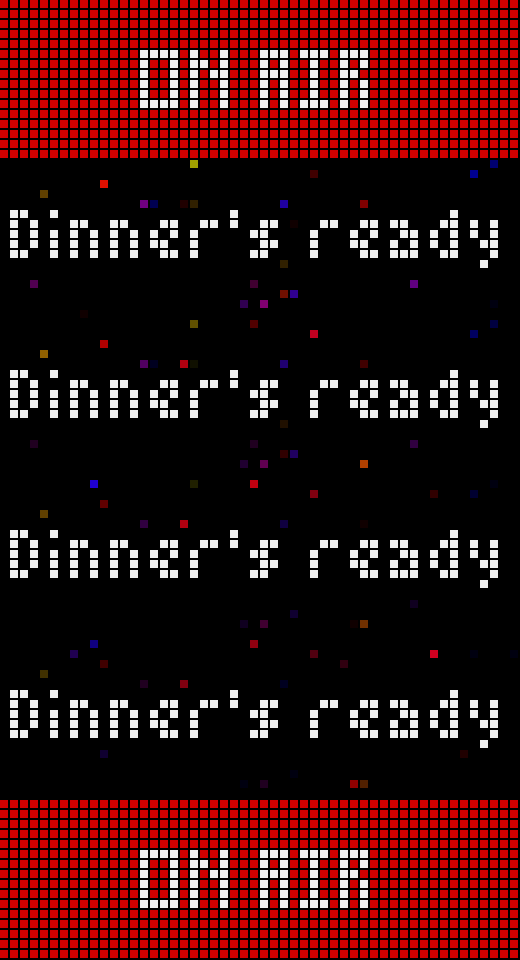
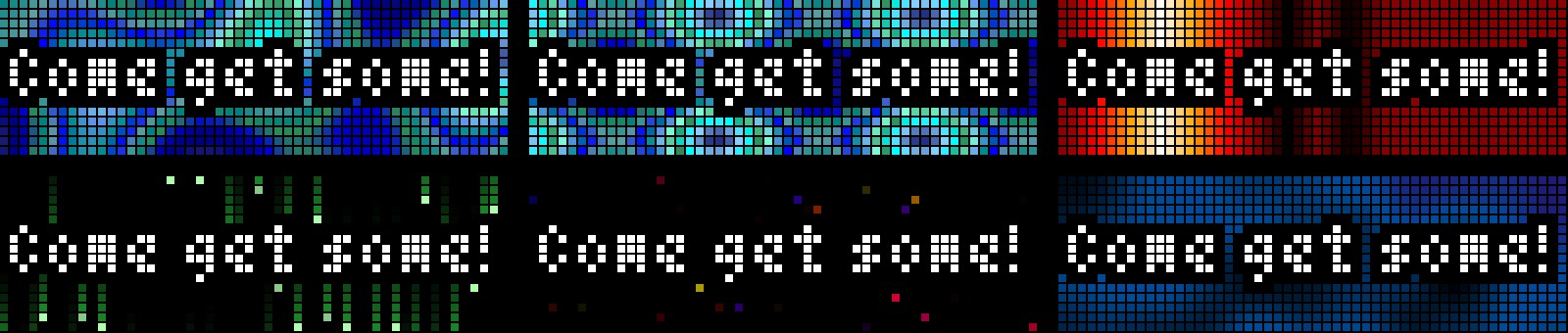

On your display
Pin your own messages to the clock, with colours, fonts and animated backgrounds. Add them from the web UI or over HTTP.
Which AWTRIX do you have?
See below where it runs, or choose your device.
- Topic
- Smarthome
- Includes
- Script
Runs on
- Does not run on 32×8 (TC001 & DIY) Made for 52×16 (TC002).
- Runs on 52×16 (TC002)
- Does not run on 32×8 with AWTRIX 3 (TC001 & DIY) Made for AWTRIX NG.
Choose your display in the next step.
Script description
Pin your own messages to your clock: a note for the family, an ON AIR sign, a reminder that it's bin day.
Pin your own messages to your clock: a note for the family, an ON AIR sign.
Make them stand out
- Your own text colour, background and font for every message
- 19 animated backgrounds (Plasma, Pacifica, Matrix, twinkling stars and more), each with a choice of palette
- Outlined text that stays readable over any effect
Easy to manage
- Type a message in the web UI and it comes up straight away
- Messages rotate on their own; turn the knob to flip through them, press it to delete the one on screen
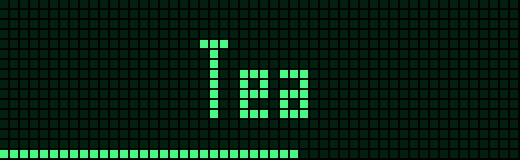
- Optional timer: a message can disappear by itself after a set time, with a thin line counting down
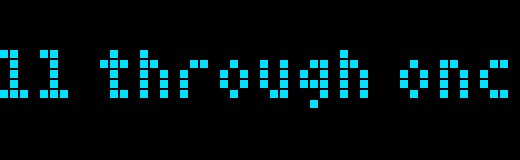
- Long messages scroll through once, then the next one comes up
For automations
Home Assistant or any script can push messages over HTTP, each with its own look and timer. The full details are in the README.
No account or API key needed.
Sign in to view and copy the code of this script.
Community
Discussion 0
Ask a question, suggest a change or share how you use it.
No comments yet. Start the conversation.
Have an idea?
Sign in to ask questions and join the conversation.