Homelab Monitor


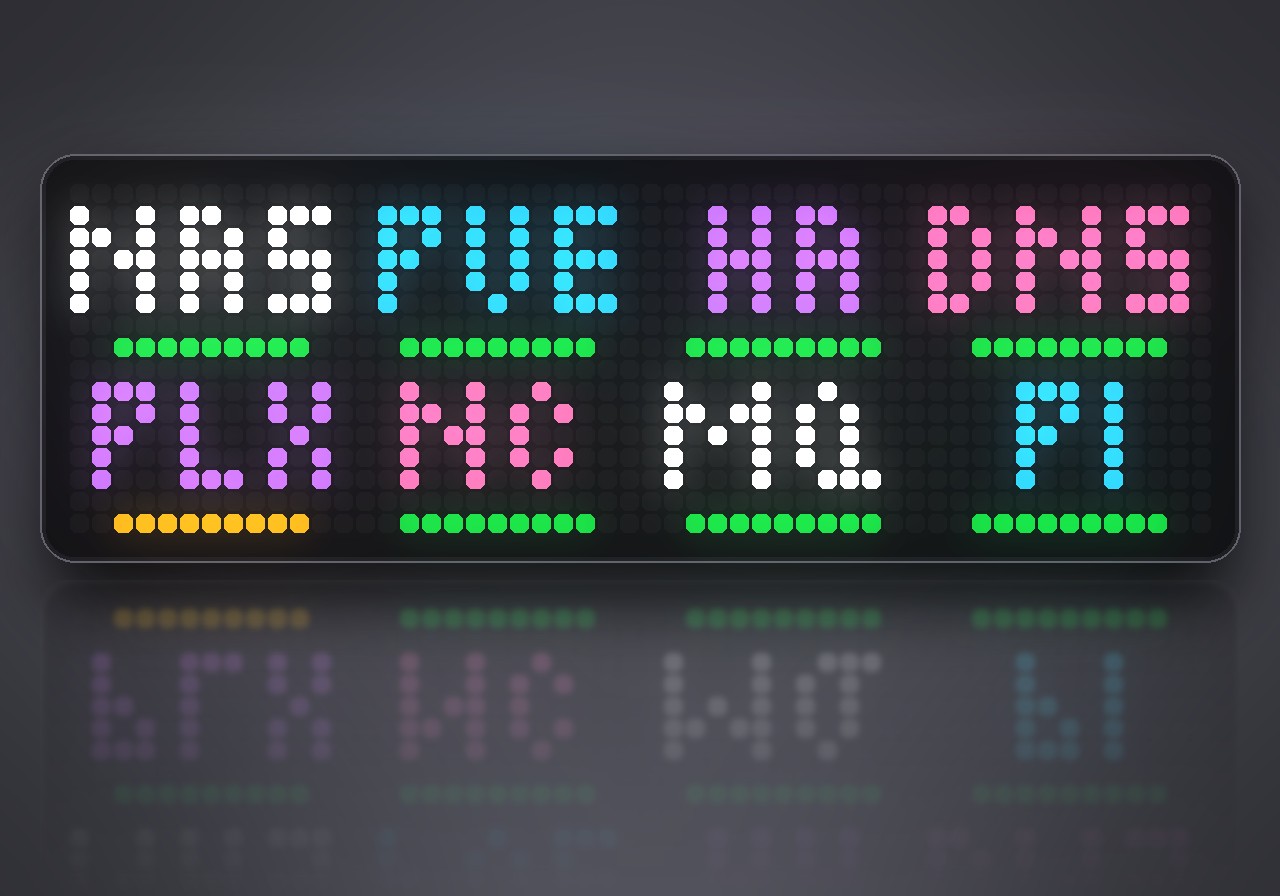
On your display
Watches up to eight services in your network and beeps when one goes down.
- Topic
- Smarthome
- Includes
- Script
Runs on
- Does not run on 32×8 (TC001 & DIY) Made for 52×16 (TC002). Needs an AWTRIX that talks TCP.
- Runs on 52×16 (TC002)
- Does not run on 32×8 with AWTRIX 3 (TC001 & DIY) Made for AWTRIX NG.
Choose your display in the next step.
Script description
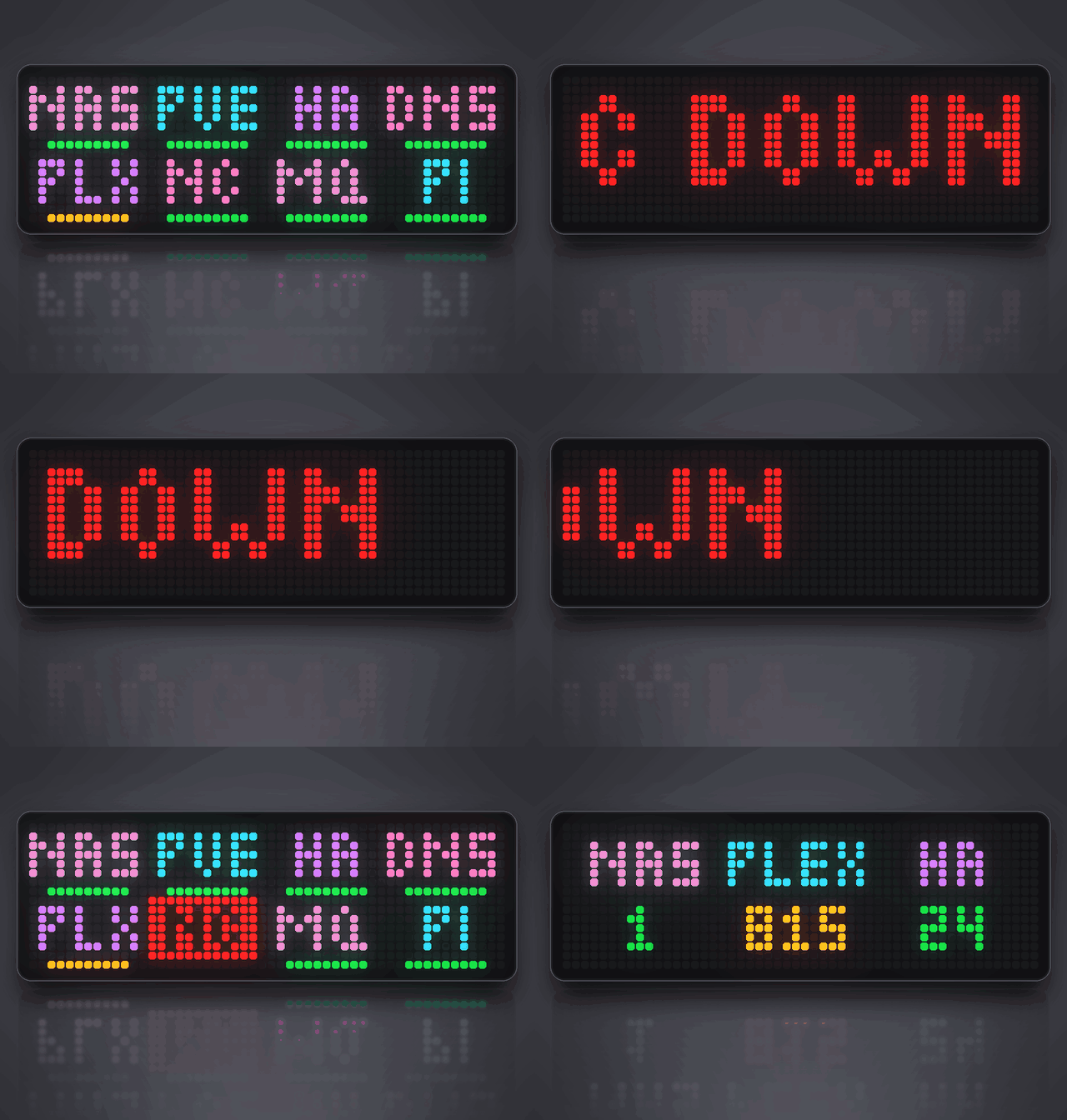
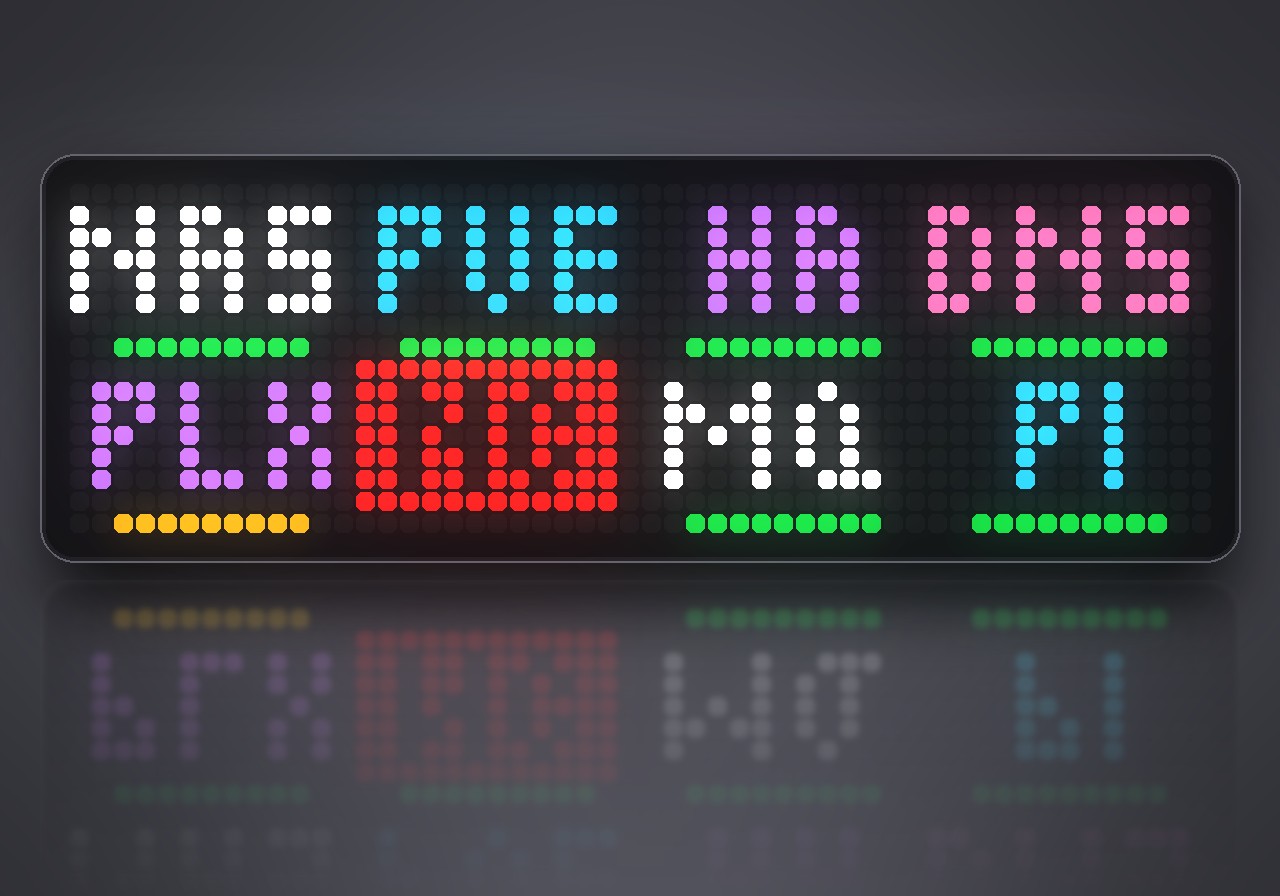
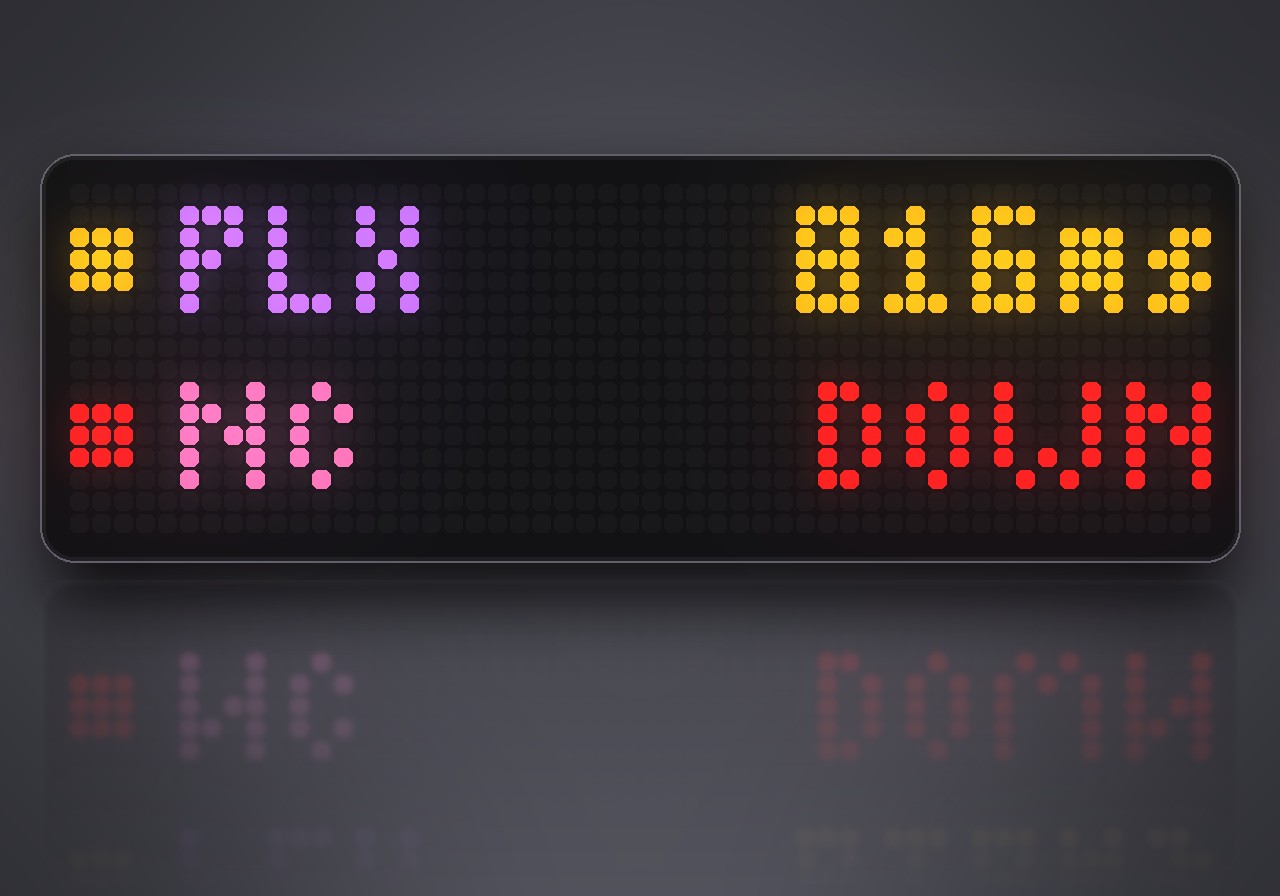
Your NAS, Proxmox, Home Assistant and DNS as tiles on the clock: green while they answer, yellow when they get slow, red and blinking when they stop. If one goes down, the clock beeps and shows its name until you press the middle button, even with the display off. When it is back, a green note says so.
Each service is one line in the settings, a short name and an address:
| Line | Checks |
|---|---|
NAS tcp://192.168.1.10:445 |
the port answers |
HA http://192.168.1.40:8123/ |
the page loads, and does not hang |
HA http://192.168.1.40:8123/api/ running |
the page also contains running |
A page with a self-signed certificate counts as up when its port answers. One dropped answer raises no alarm, only two in a row. Messages never pile up: the newest one names everything that is down, and it goes by itself once all is back.
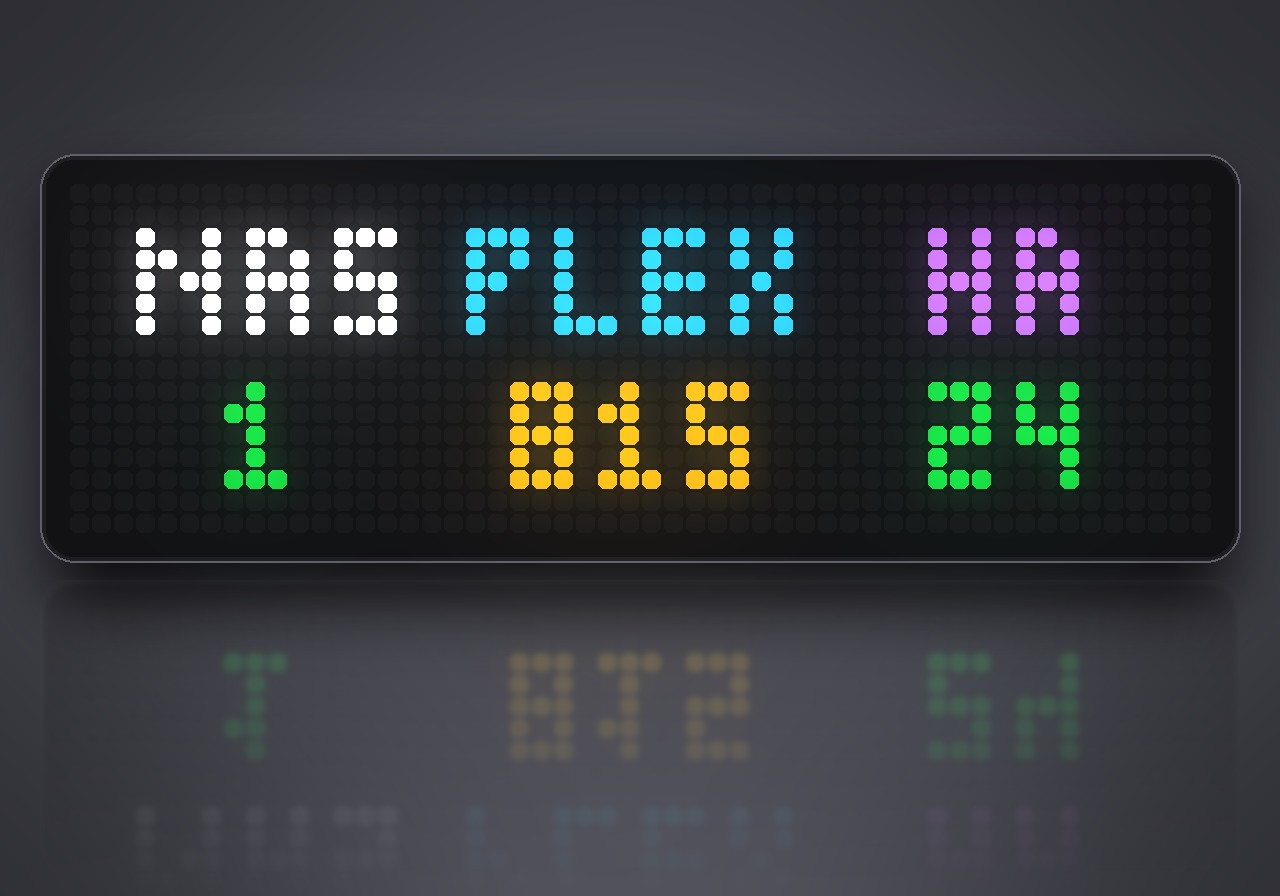
Turn the knob for a list with answer times, press it to check right away; while the app is on screen the knob does this instead of brightness and volume. In the settings: how often to check (every minute by default), when an answer counts as slow, whether the app shows up always or only when something is wrong, the alarm sound, and an optional spoken "NAS is down".
Sign in to view and copy the code of this script.
Discussion 0
Ask a question, suggest a change or share how you use it.
No comments yet. Start the conversation.
Have an idea?
Sign in to ask questions and join the conversation.