Saber Time
On your display
A lightsaber clock. The blade is the minute hand, and every hour two blades clash.
- Topic
- Smarthome
- Includes
- Script
Runs on
- Runs on 32×8 (TC001 & DIY) 32×8 (TC001 & DIY) version
- Runs on 52×16 (TC002)
- Does not run on 32×8 with AWTRIX 3 (TC001 & DIY) Made for AWTRIX NG.
Choose your display in the next step.
Script description
A lightsaber clock. The blade is the minute hand, and every hour two blades clash.
Panels: 52x16 and 32x8 (the 52x16 build is the full show)
What it is
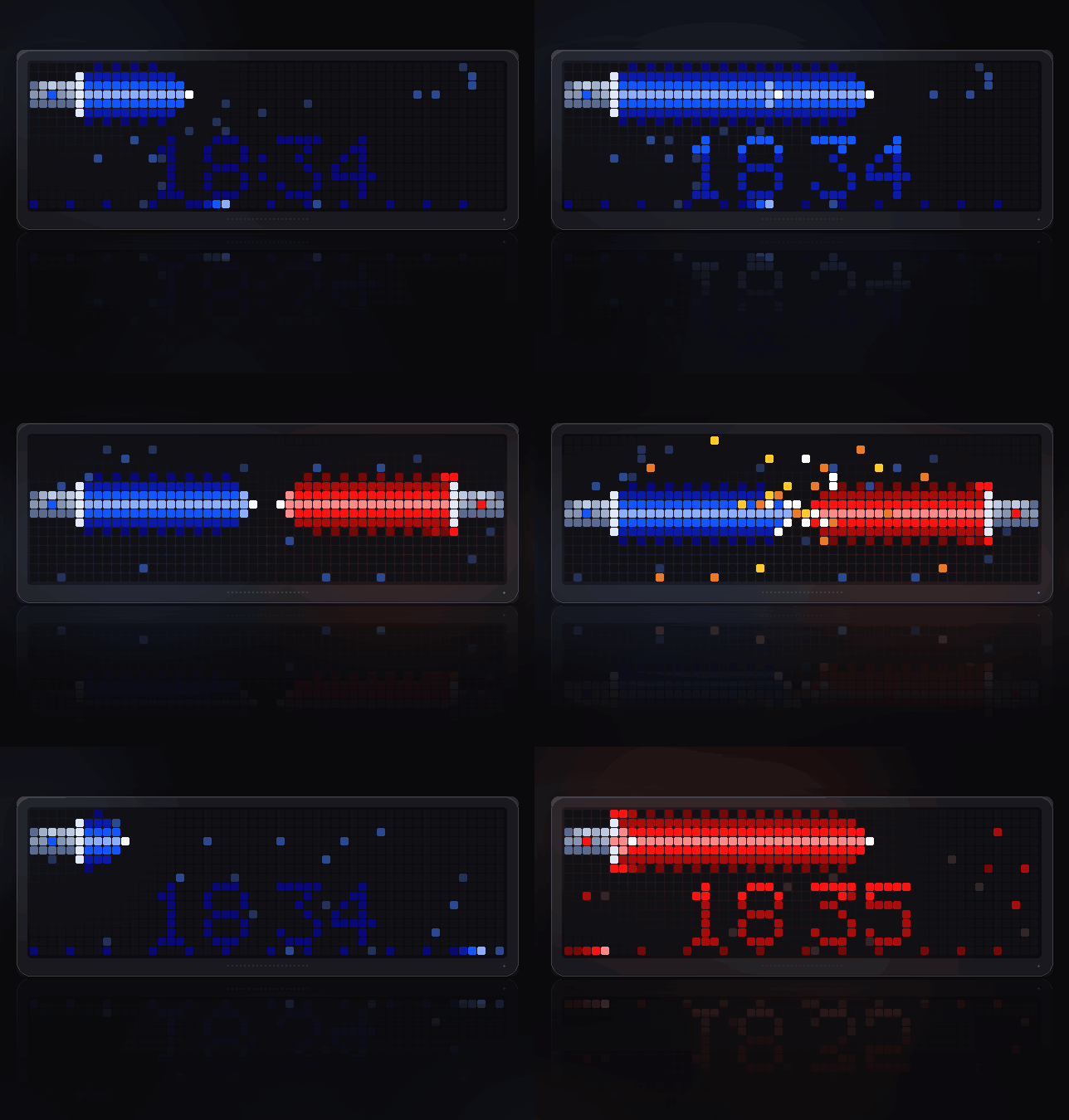
A clock where the blade does the work. A metal hilt sits at the left edge and
the blade grows out of it: its length is how far through the hour you are. The
digits are not just shown, they are cut in. Every minute the tip sweeps across
the panel and each digit lights white-hot as it passes, then settles.
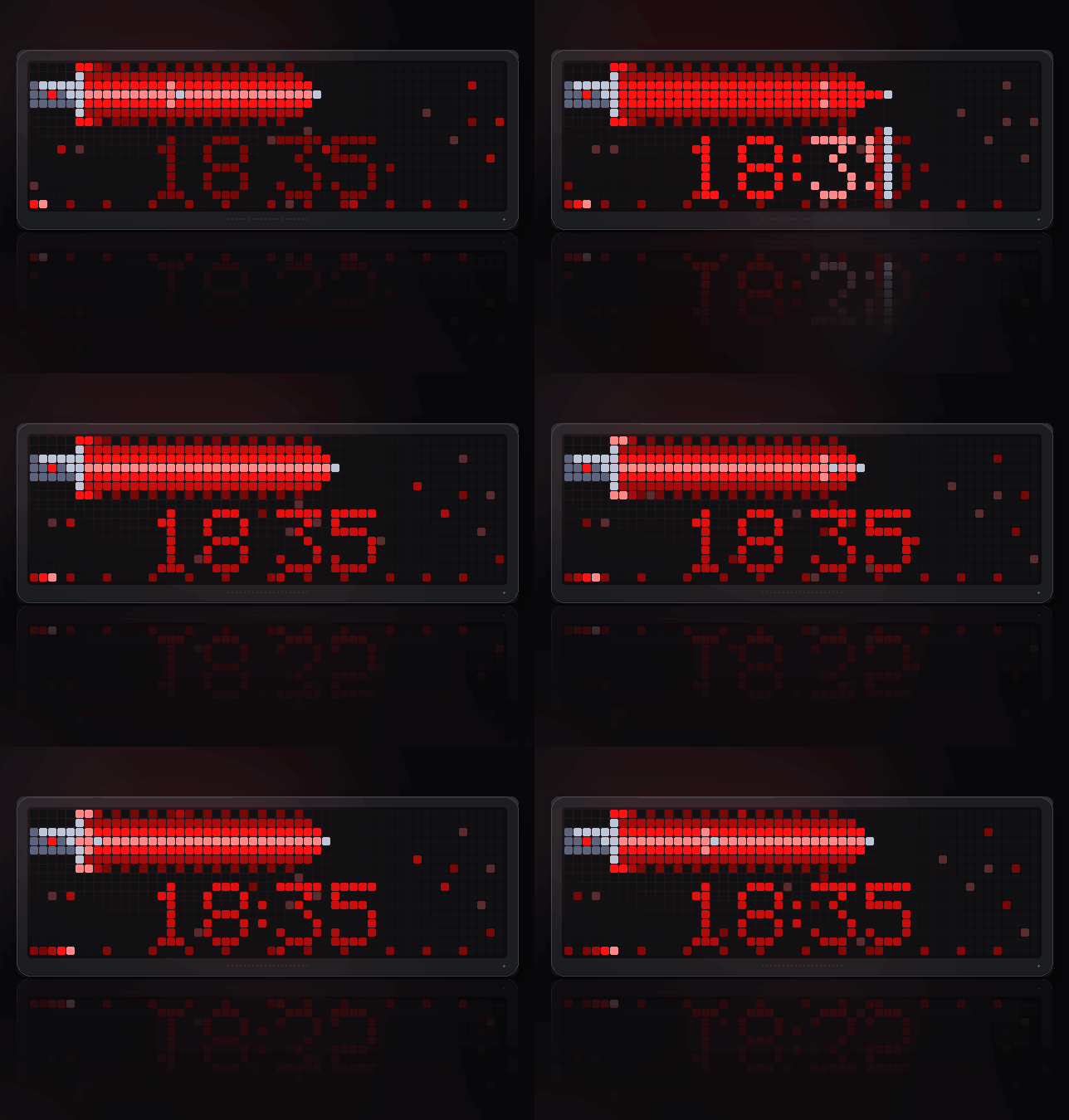
Light side by day, dark side from 19:00 to 06:00 (or pick one). The dark side
is red and grows a crossguard.
What to watch for
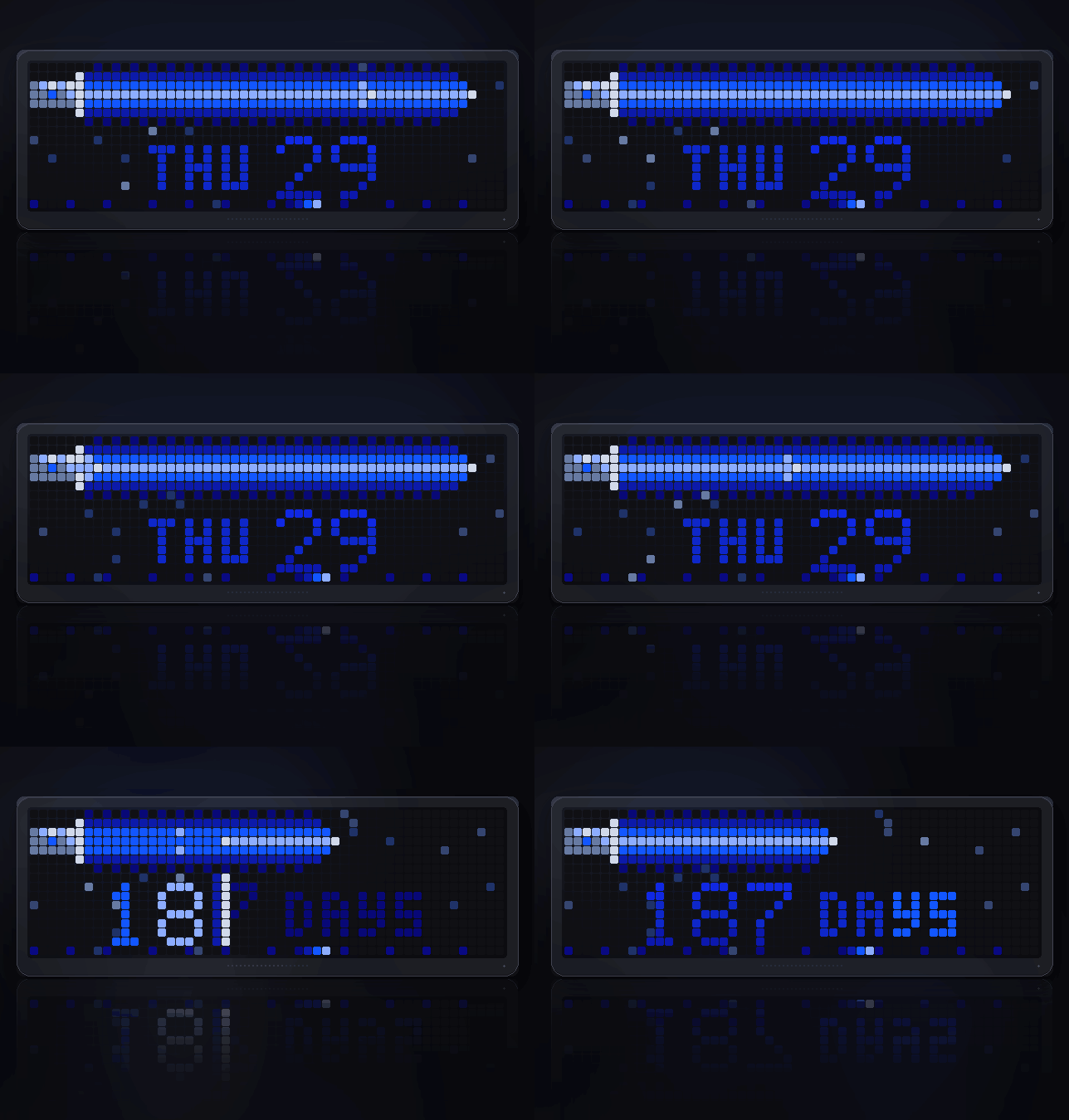
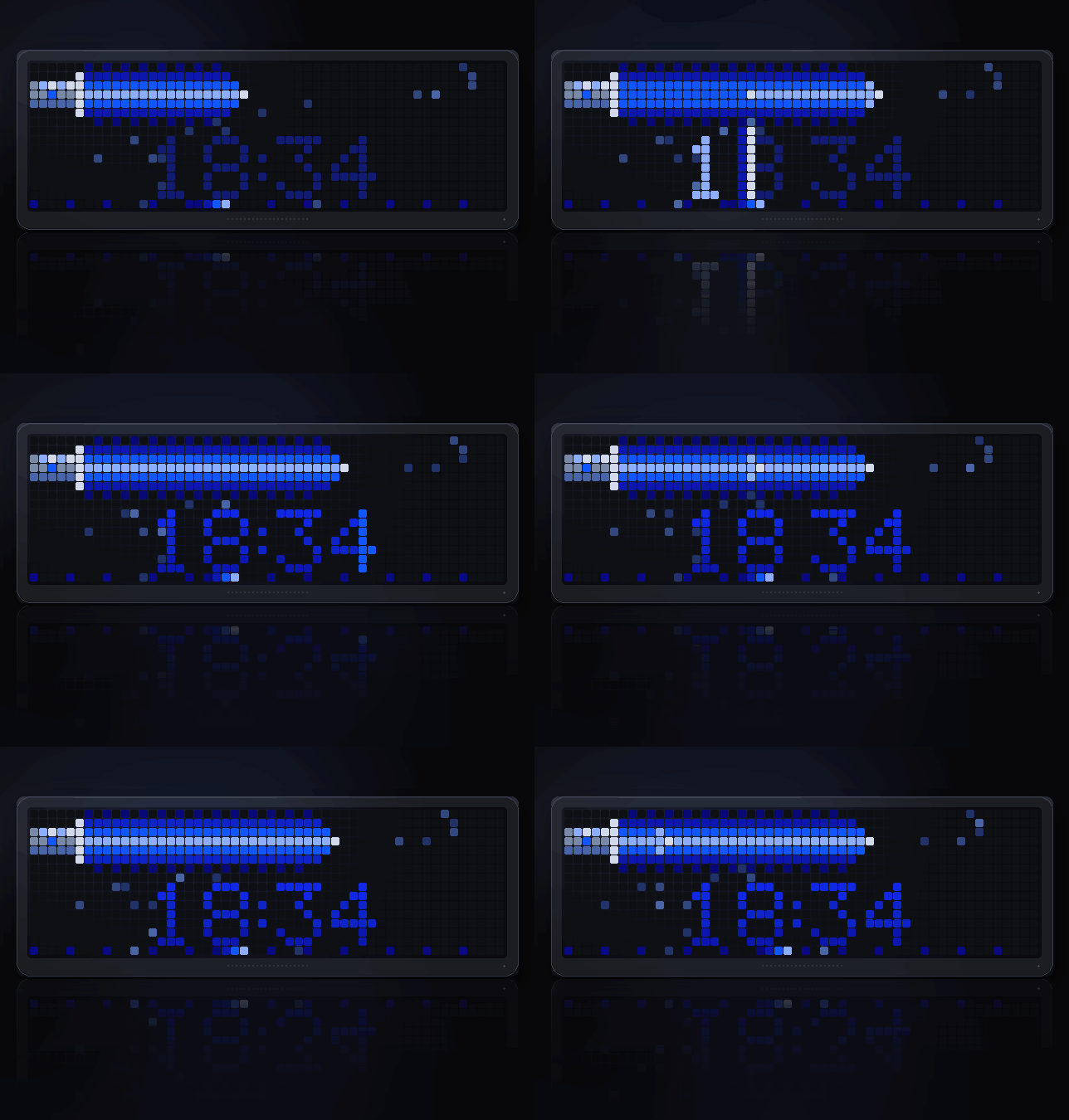
- The ignite. The blade snaps out of the hilt and the digits are cut in.
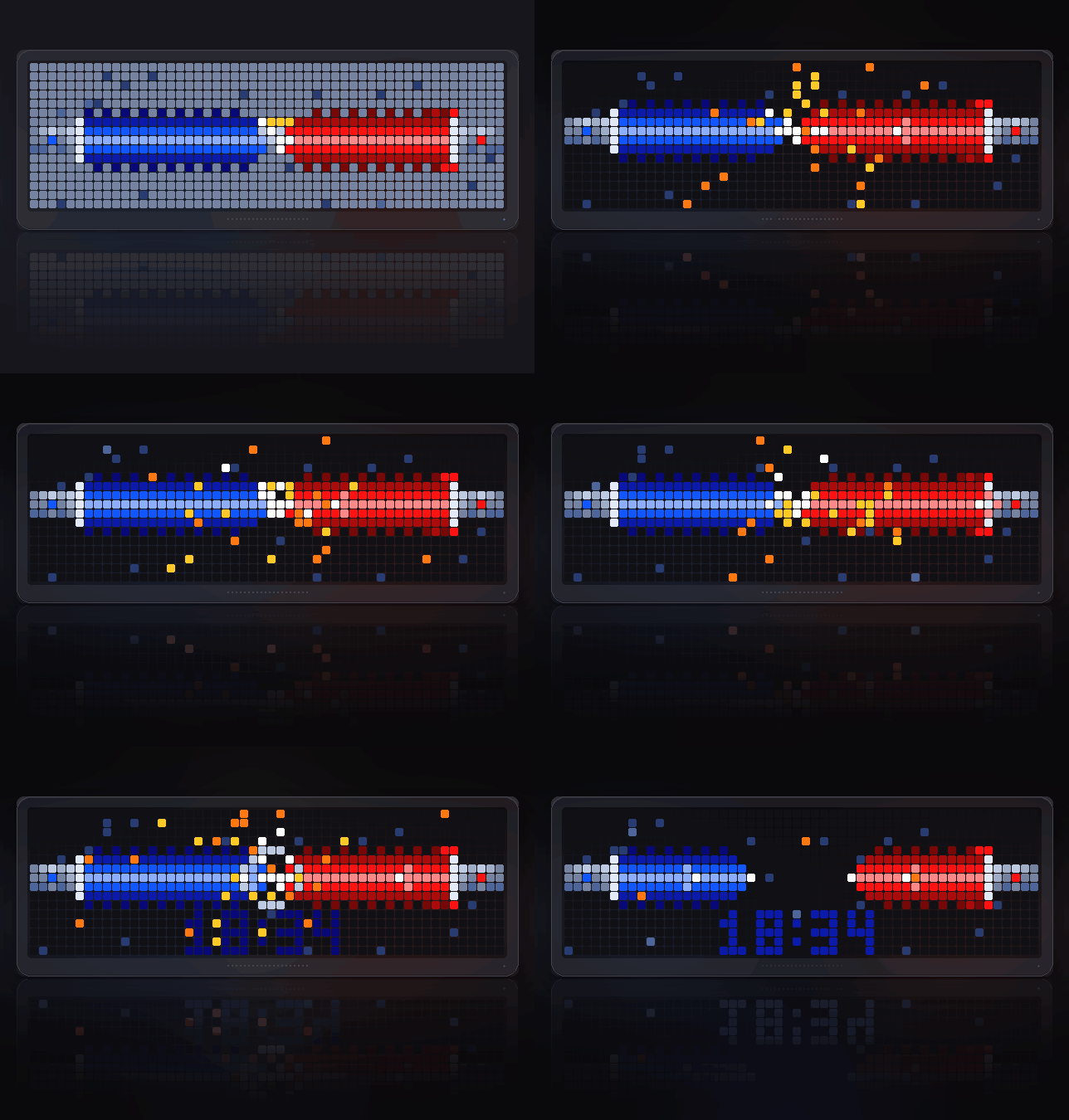
- The hourly duel. When the hour changes, a blue and a red blade ignite,
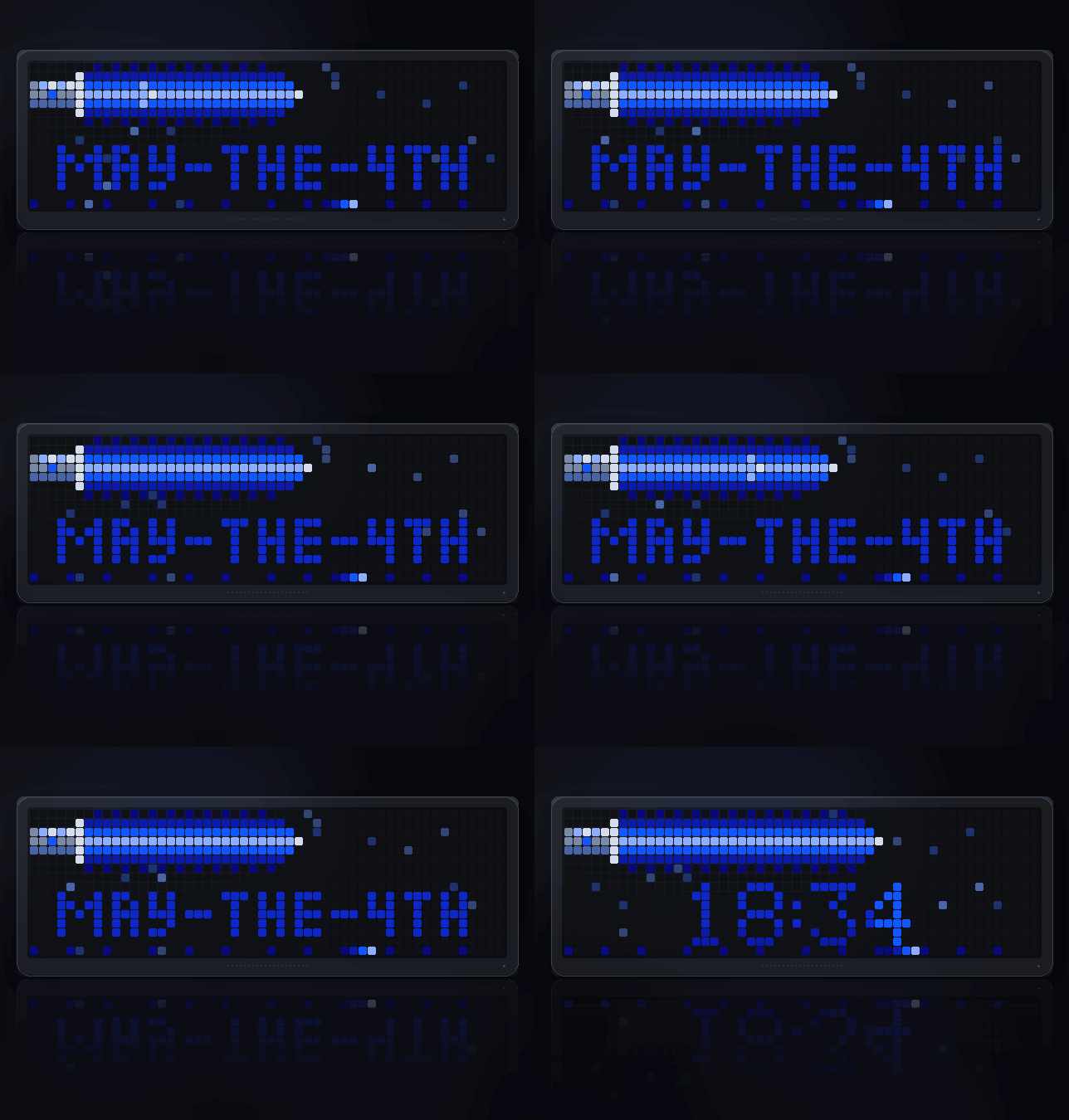
lunge, clash in the middle with sparks and a shockwave, and retract. - The cards. After a few seconds the weekday and day, then a countdown
(May the 4th by default), each with the blade resized to match. - The seconds travel along the bottom edge as a spark with a tail.
- Select starts a duel on demand. Left and right are left to the carousel.
Settings
- Side (auto): auto, light or dark
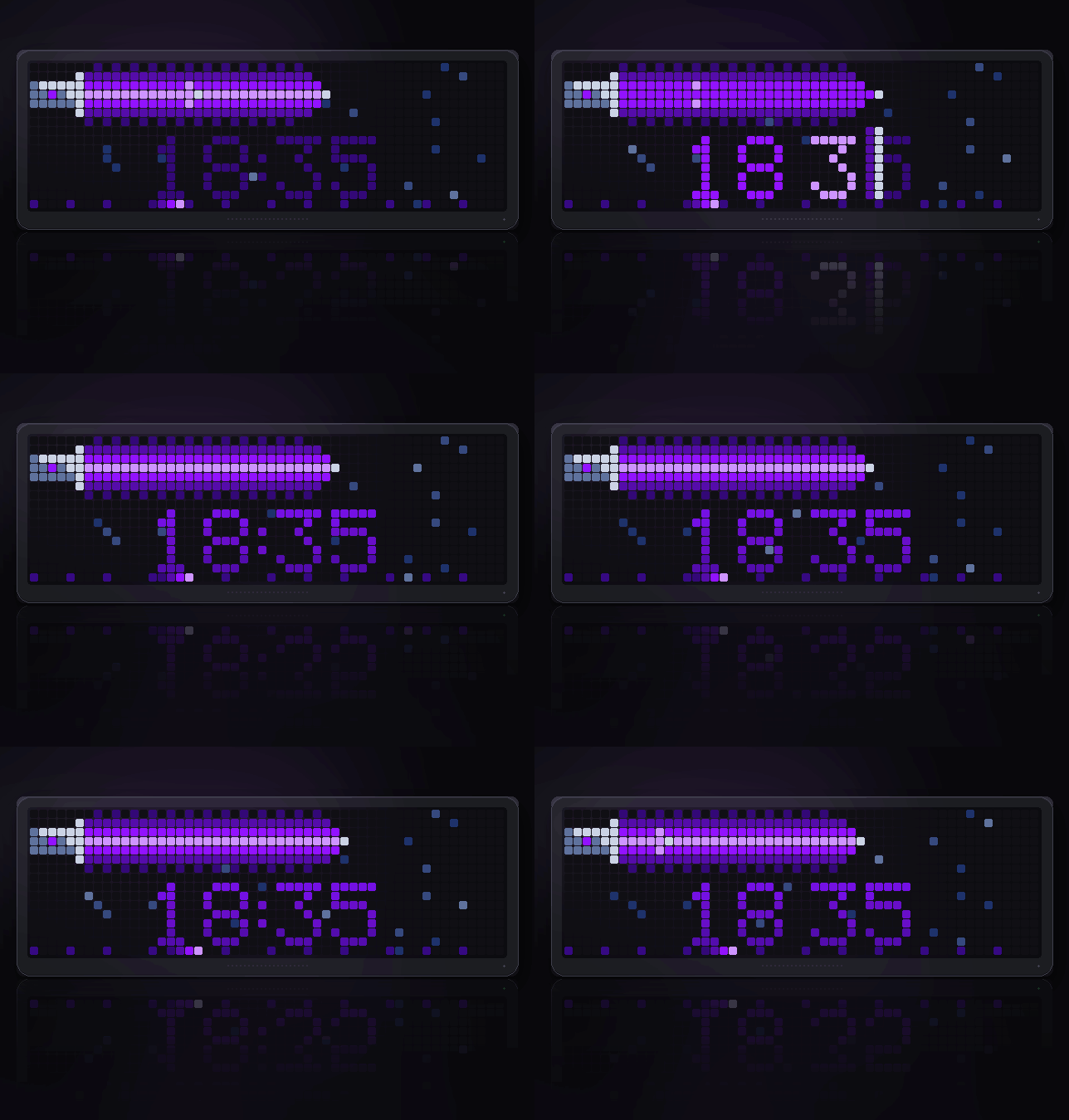
- Light blade (blue): blue, green, purple, cyan, yellow, orange, white
- Dark blade (red): red, orange, purple
- 24-hour clock (on)
- Date card (on)
- Countdown date (05-04): MM-DD, the next time it comes round
- Countdown label (MAY-THE-4TH)
- Starfield (on): 52x16 only
- Hourly duel (on)
- Sound (off): an ignite hum and a clash, only where the clock can play them
Gallery
- ignite-and-sweep: the blade igniting and cutting the digits in
- date-card: weekday and day, the blade showing how far through the month
- countdown: days to the date you set, then its label
- hourly-duel: the clash, with sparks and a shockwave
- dark-side: the red blade and its crossguard
- green-blade, purple-blade, yellow-blade: three of the seven colours
Notes
No network, no account, nothing to configure. Everything is worked out from
the clock already in the device.
Sign in to view and copy the code of this script.
Discussion 0
Ask a question, suggest a change or share how you use it.
No comments yet. Start the conversation.
Have an idea?
Sign in to ask questions and join the conversation.