Glance Clock
On your display
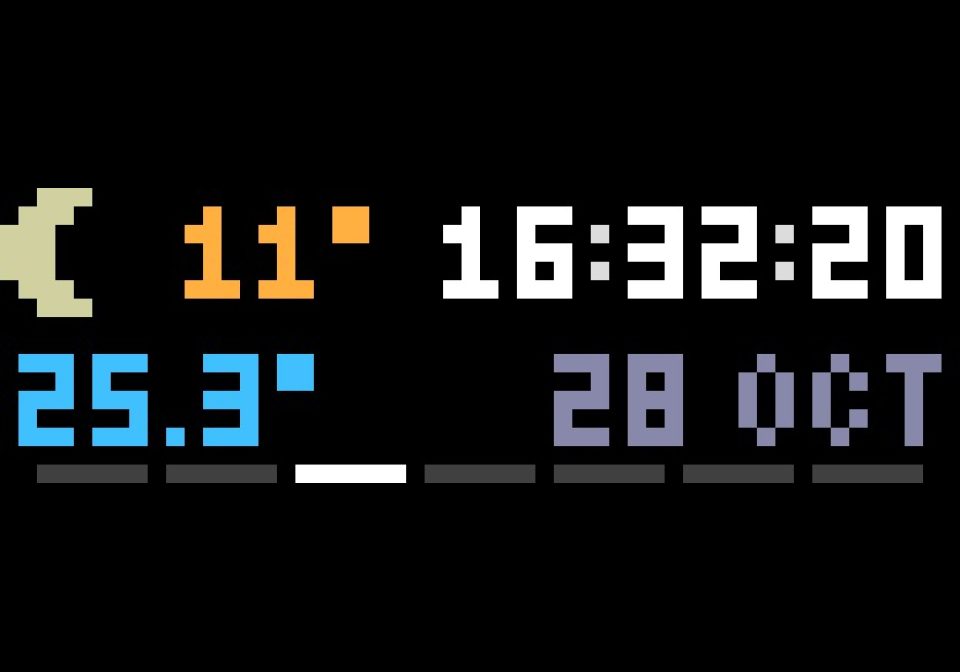
Small, tidy clock for 52×16: time, date, weather and up to four MQTT readings in the corners you choose, with a night mode.
- Topic
- Smarthome
- Includes
- Script
Runs on
- Does not run on 32×8 (TC001 & DIY) Made for 52×16 (TC002).
- Runs on 52×16 (TC002)
- Does not run on 32×8 with AWTRIX 3 (TC001 & DIY) Made for AWTRIX NG.
Choose your display in the next step.
Script description
Install it and it works: the clock, the date and the weather show up right away, with no icons to install, no account and no API key.
The only thing worth changing at once is your location (Weather → latitude/longitude); the default is Bielsko-Biała (Poland).
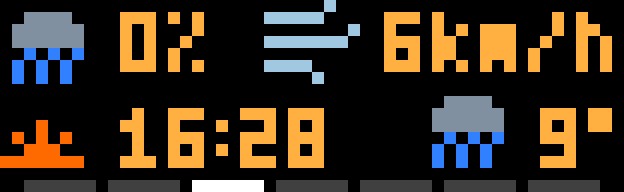
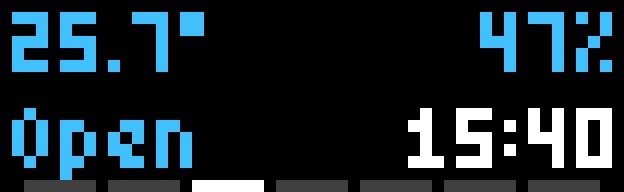
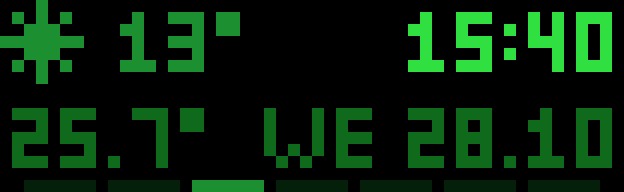
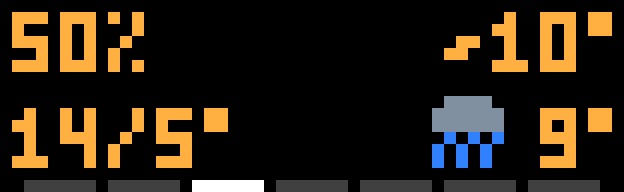
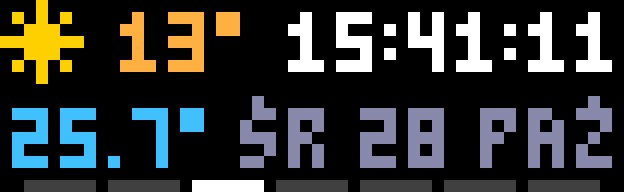
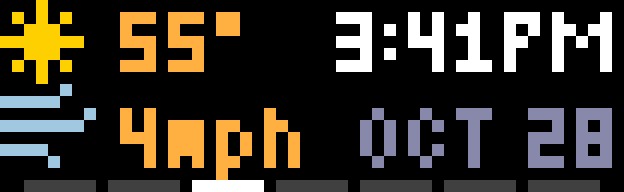
Glance Clock puts everything you want to see at a glance on one screen, without huge digits. Each of the four corners shows what you pick: time, date, current weather, tomorrow's weather, humidity, feels-like, today's high/low, rain chance, wind, next sunrise or sunset, or one of up to four MQTT readings.
What it needs
- AWTRIX NG on a panel of at least 52×16 (e.g. Ulanzi TC002)
- Internet for the weather (Open-Meteo, free)
- An MQTT broker ONLY if you want MQTT readings
What you can set up (Apps → Glance Clock → settings)
- Day: what each corner shows, the colours and, optionally, a brightness. The bottom-left corner shows MQTT reading 1, which stays empty until you set a topic; pick something else for it if you have no MQTT.
- Night: Night mode Scheduled (From/Until) or Always, with its own corners, colours and brightness. Corners default to "Same as day".
- Time: 12/24h, AM/PM, leading zero, seconds, steady, blinking or pulsing colon.
- Date: language (EN, PL, DE, FR, UK), presets or your own pattern (dd, mm, mon, yy, ww...), an optional week bar.
- Weather: location, °C/°F, wind unit, refresh, when to show "off" for an old forecast.
- MQTT readings 1-4: topic, JSON field (e.g. temperature or contact), replacements such as true=Closed,false=Open, decimals, unit, label, and "off" when a sensor goes quiet.
Tip: if another app also has a night mode, switch one of them off, so they don't both set the brightness.
Full documentation, screenshots and changelog: https://github.com/restless/awtrix-ng-glance-clock
Sign in to view and copy the code of this script.
Discussion 0
Ask a question, suggest a change or share how you use it.
No comments yet. Start the conversation.
Have an idea?
Sign in to ask questions and join the conversation.