Tetris
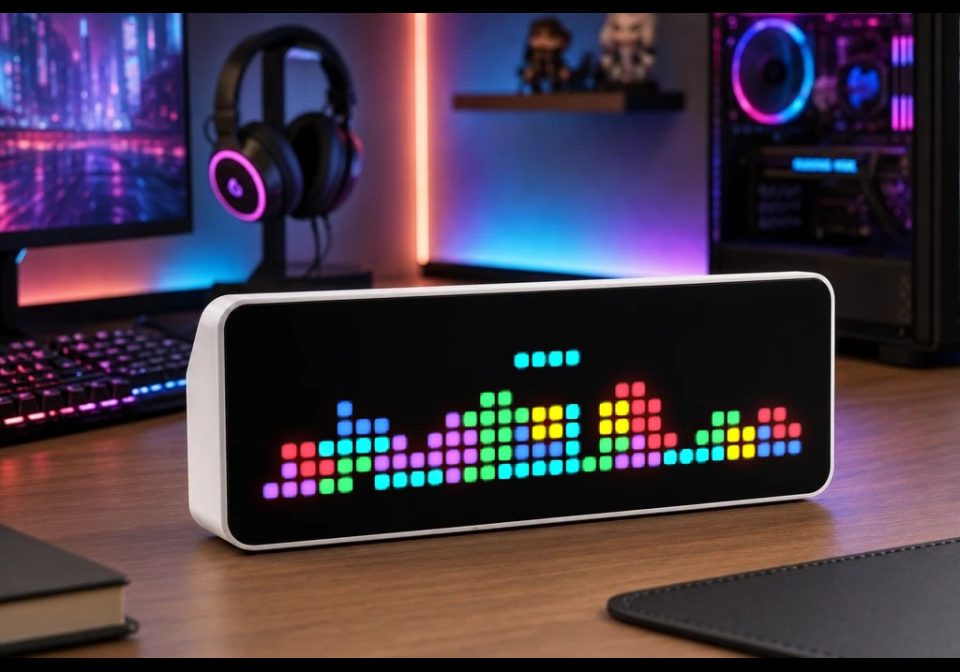
On your display
Self-playing Tetris for AWTRIX NG with automatic piece placement, rotation and line clearing.
- Topic
- Gaming
- Includes
- Script
Runs on
- Runs on 32×8 (TC001 & DIY)
- Runs on 52×16 (TC002)
- Does not run on 32×8 with AWTRIX 3 (TC001 & DIY) Made for AWTRIX NG.
Choose your display in the next step.
Script description
A self-playing Tetris animation for AWTRIX NG. (Resource Hungry)
The game automatically spawns, rotates and moves Tetromino pieces, tries to place them efficiently and clears completed lines. When the stack reaches the top of the display, the game automatically starts a new round.
The script uses the full 32×8 LED matrix (ULANZI) and runs entirely on the AWTRIX device without requiring Home Assistant, Node-RED or MQTT.
Setup:
Open the AWTRIX NG web interface.
Go to Scripts.
Create a new script.
Paste the script content and save it.
Enable the app in the normal app rotation.
The script is "memory-optimized" (:D), but Tetris still requires more processing and RAM than very simple AWTRIX apps because it continuously calculates piece movement, collisions and placements. On devices with many scripts installed, available script memory may become limited. Removing unused scripts can help reduce memory pressure.
Feel free to optimize it.
Sign in to view and copy the code of this script.
Discussion 0
Ask a question, suggest a change or share how you use it.
No comments yet. Start the conversation.
Have an idea?
Sign in to ask questions and join the conversation.