AccuWeather PL / EN
On your display
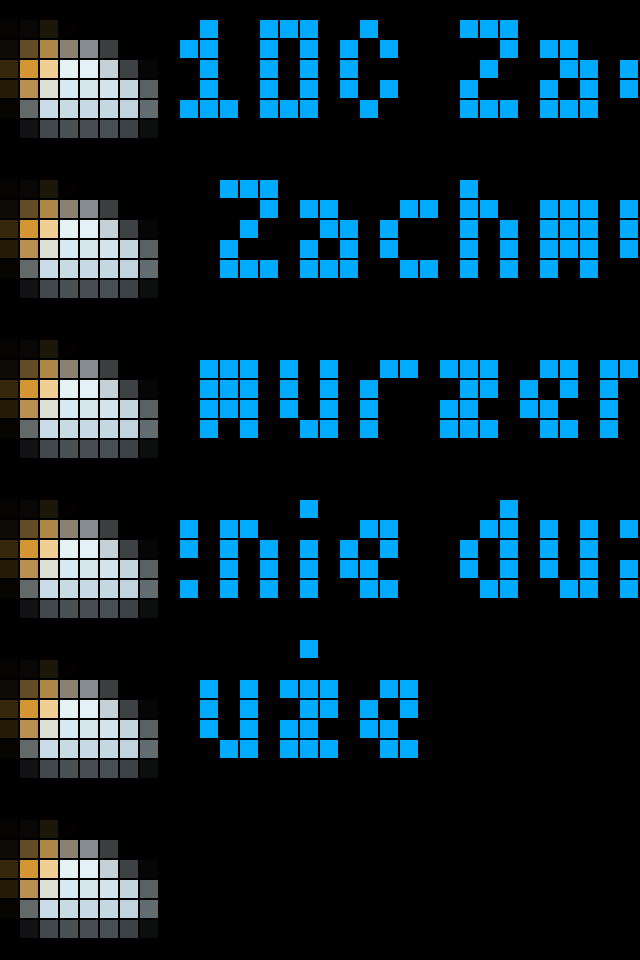
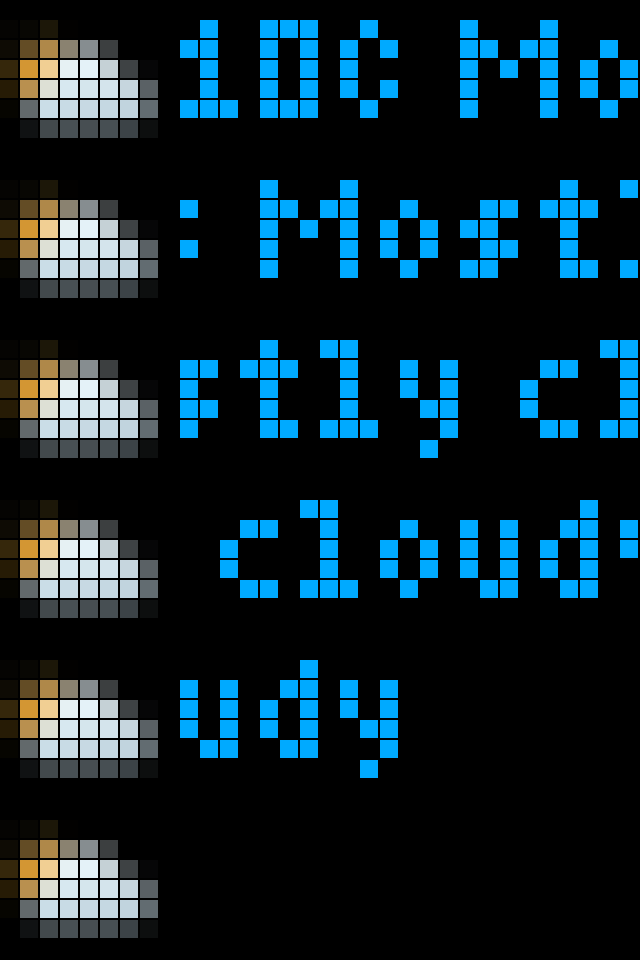
Pokazuje aktualne warunki pogodowe / Shows the current weather conditions
- Topic
- Smarthome
- Includes
- Script · 32 icons
Runs on
- Runs on 32×8 (TC001 & DIY)
- Runs on 52×16 (TC002)
- Does not run on 32×8 with AWTRIX 3 (TC001 & DIY) Made for AWTRIX NG.
Choose your display in the next step.
Script description
Polski (PL):
Wtyczka mojego autorstwa. Zrobiona, ponieważ większość wtyczek pogodowych nie obsługiwało regionu europejskiego.
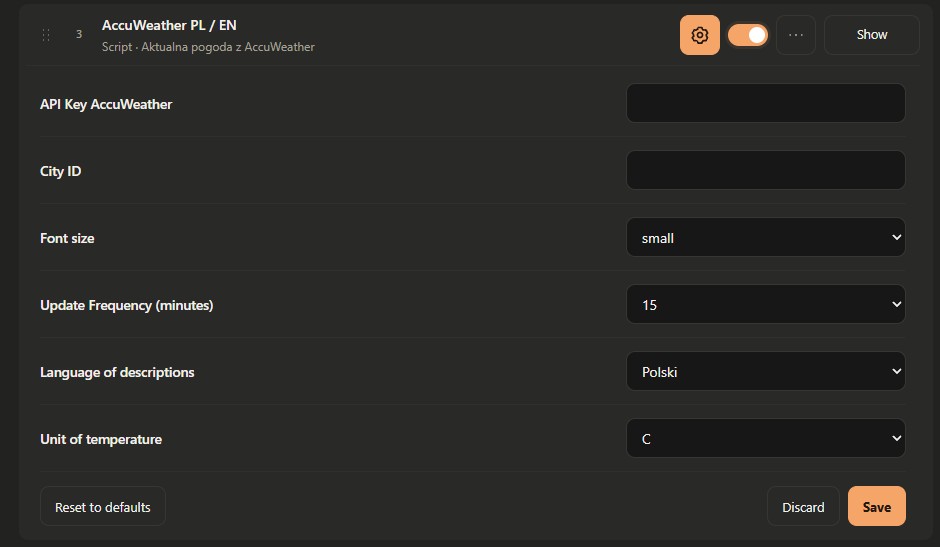
Do aktywacji wtyczki wymagane jest podanie swojego klucza API oraz ID Miasta.
Zalety wtyczki:
- Obsługa małej i dużej czcionki
- Języki: PL oraz EN
- Obsługa jednostki C/F
- Ustawienia częstotliwości odświeżania informacji
- Obsługa ikon AccuWeather (jeżeli użytkownik zainstaluje sobie ikony według niżej opisanej instrukcji)
- Czytelne informacje na ekranie
- Możliwość zmiany koloru czcionki
Instrukcja instalacji ikon:
01. Wejdź na stronę: https://developer.accuweather.com/documentation/weather-icons#weather-icons i zapisz ją (wybierz wariant: strona internetowa, kompletna podczas zapisywania - to spowoduje pobranie strony z kompletną grafiką)
02. W folderze pobranej witryny znajdziesz pliki od svg numeryczne
03. Skopiuj sobie te pliki graficzne z nazwą numeryczną do innego folderu (po tym możesz usunąć już całą stronę, którą pobrałeś)
04. Pliki graficzne numeryczne svg przekonwertuj do GIF, PNG lub JPG
05. Ostatnia czynność to zmiana rozdzielczości plików graficznych, które przekonwertowałeś. Wymaga rozdzielczość grafiki to 8x8 px (użyj do tego jakiegoś darmowego narzędzia online)
06. Masz już gotową grafikę aw odpowiedniej rozdzielczości to teraz wystarczy te pliki wgrać do zegarka. Gotowe.
Niektóre ikony mogą być lekko nieczytelne ze względu na ich szczegółowość i ograniczenia wyświetlacza zegarka .
Spróbuję dodać też gotowe ikony do bazy Hub o ile ten system pozwoli z oryginalnymi nazwami numerycznymi.
English (EN):
A plugin I created. I made it because most weather plugins didn't support the European region.
To activate the plugin, you must enter your API key and ID City.
Plugin Features:
- Support for small and large fonts
- Languages: PL and EN
- Support for C/F units
- Settings for information refresh frequency
- Support for AccuWeather icons (if the user installs the icons according to the instructions below)
- Clear information on the screen
- Option to change the font color
Instructions for installing icons:
01. Go to the website: https://developer.accuweather.com/documentation/weather-icons#weather-icons and save it (select the “webpage, complete” option when saving - this will download the page with all graphics)
02. In the folder containing the downloaded website, you’ll find numerically named SVG files
03. Copy these numerically named image files to another folder (afterward, you can delete the entire website you downloaded)
04. Convert the numerically named SVG image files to GIF, PNG, or JPG
05. The final step is to change the resolution of the image files you’ve converted. The required resolution is 8x8 px (use a free online tool for this)
06. Now that you have the images ready at the correct resolution, all you need to do is upload them to your watch. Done.
Some icons may be slightly difficult to read due to their level of detail and the watch display's limitations.
I'll also try to add pre-made icons to the Hub database, provided the system allows it, using their original numerical names.
Sign in to view and copy the code of this script.
Discussion 0
Ask a question, suggest a change or share how you use it.
No comments yet. Start the conversation.
Have an idea?
Sign in to ask questions and join the conversation.