Treadmill

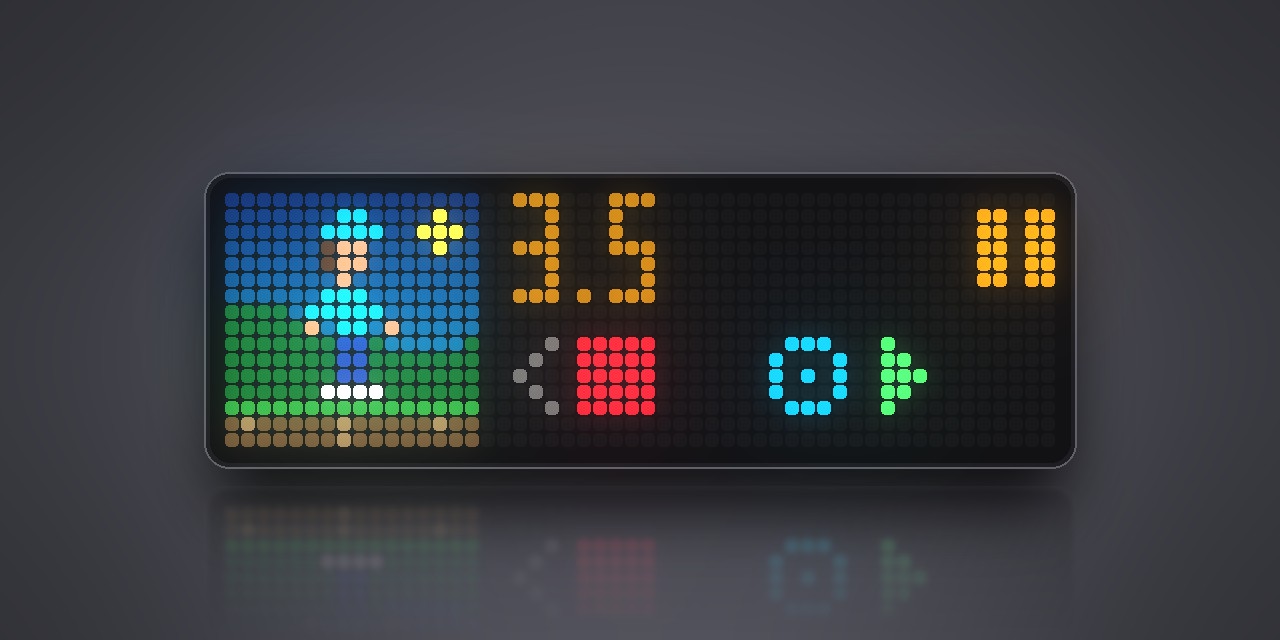
On your display
Shows and controls a PitPat walking pad (DeerRun, SupeRun) over Bluetooth.
- Topic
- Miscellaneous
- Includes
- Script
Runs on
- Does not run on 32×8 (TC001 & DIY) Made for 52×16 (TC002). Needs Bluetooth.
- Runs on 52×16 (TC002)
- Does not run on 32×8 with AWTRIX 3 (TC001 & DIY) Made for AWTRIX NG.
Choose your display in the next step.
Script description
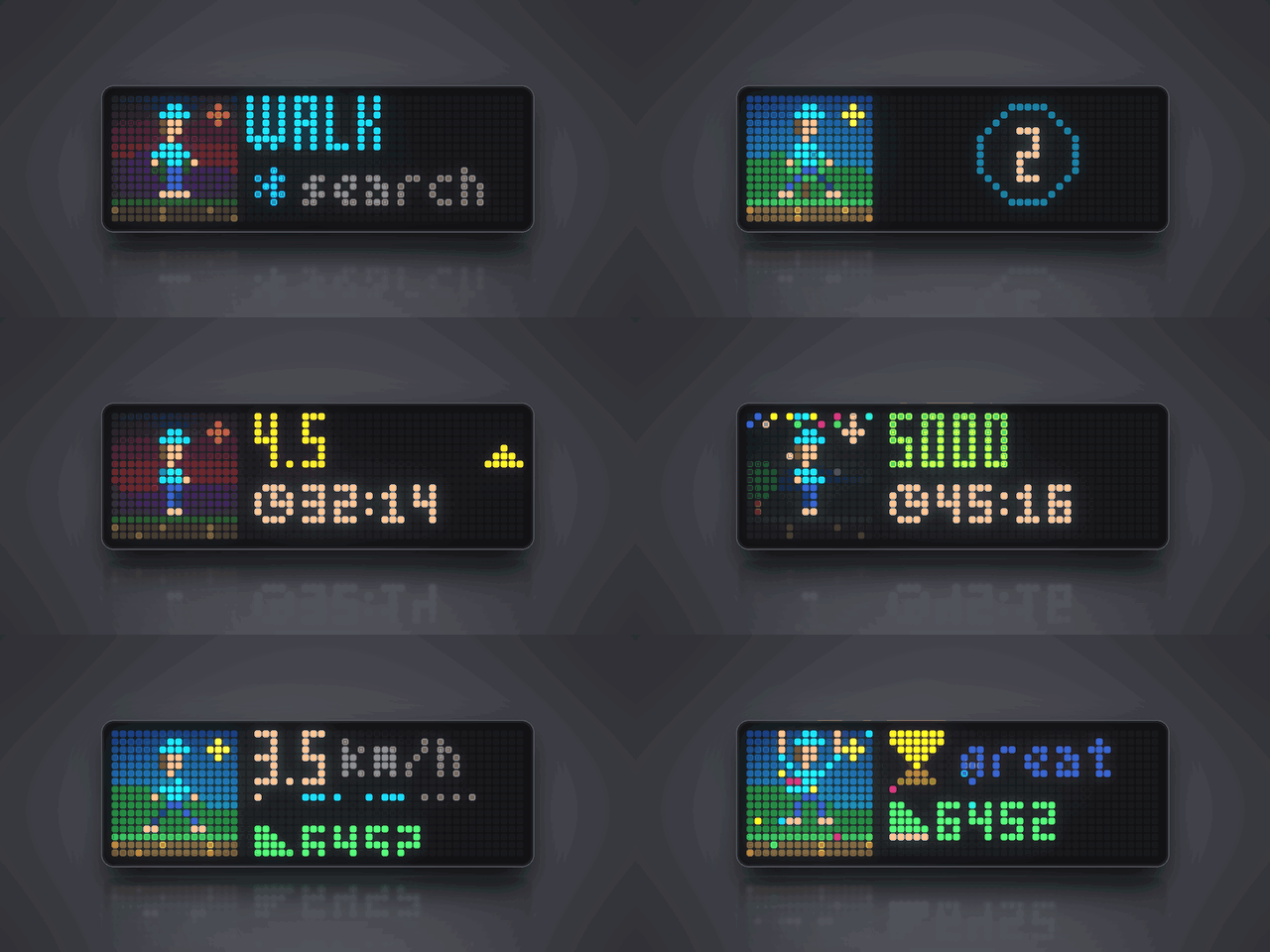
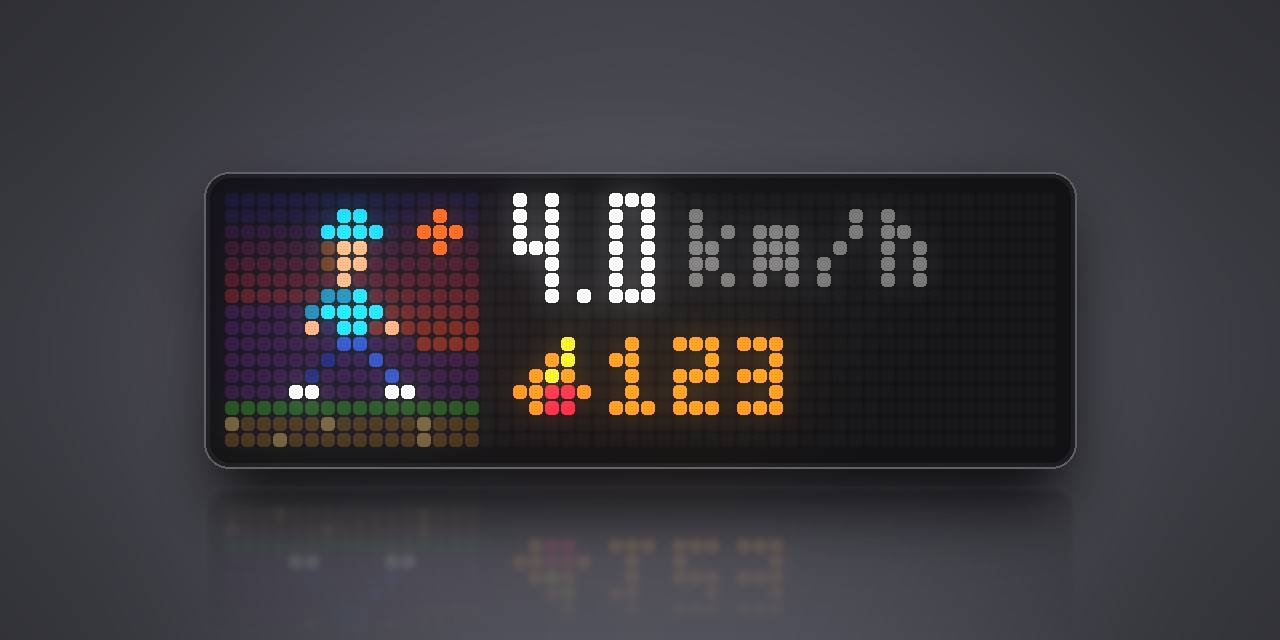
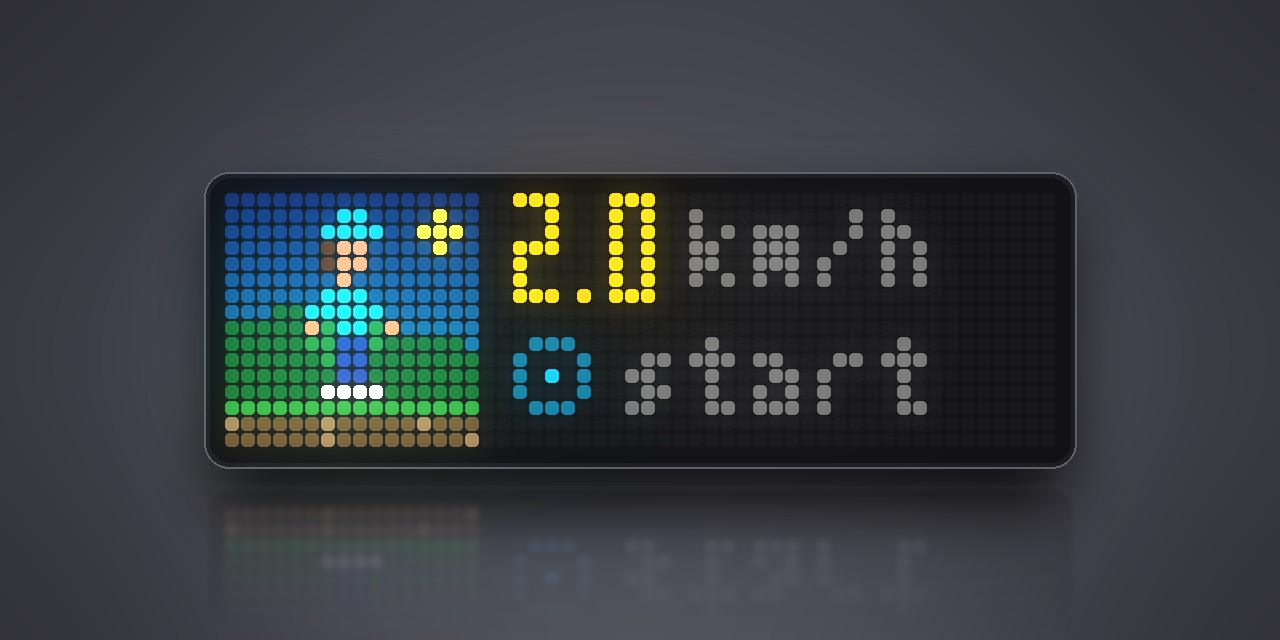
Put your walking pad on the clock. Treadmill connects to the pad over Bluetooth and turns the clock
into its dashboard and remote: speed, walking time, distance, steps and calories, while a little
walker strolls along a path that moves with the belt, under a blue sky, a red dusk or the stars,
depending on the time.
Which pads: the ones you would otherwise run with the PitPat app, such as DeerRun and
SupeRun walking pads (PitPat-T01). Close the PitPat app before you start: the pad accepts one
connection at a time. PitPat bikes and rowers, and pads that only speak FTMS, do not work.
Starting: hold the middle button, choose Scripts → Treadmill. Once the pad is found the
clock says READY. Holding the middle button again ends the app and frees the pad.
| Middle button | Left / right | Knob | |
|---|---|---|---|
| Ready | start | start speed | turn: start speed, press: start |
| Walking | pause, twice quickly: stop | slower / faster | turn: speed, press: pause, hold: stop |
| Paused | go on | left: stop | press: go on, hold: stop |
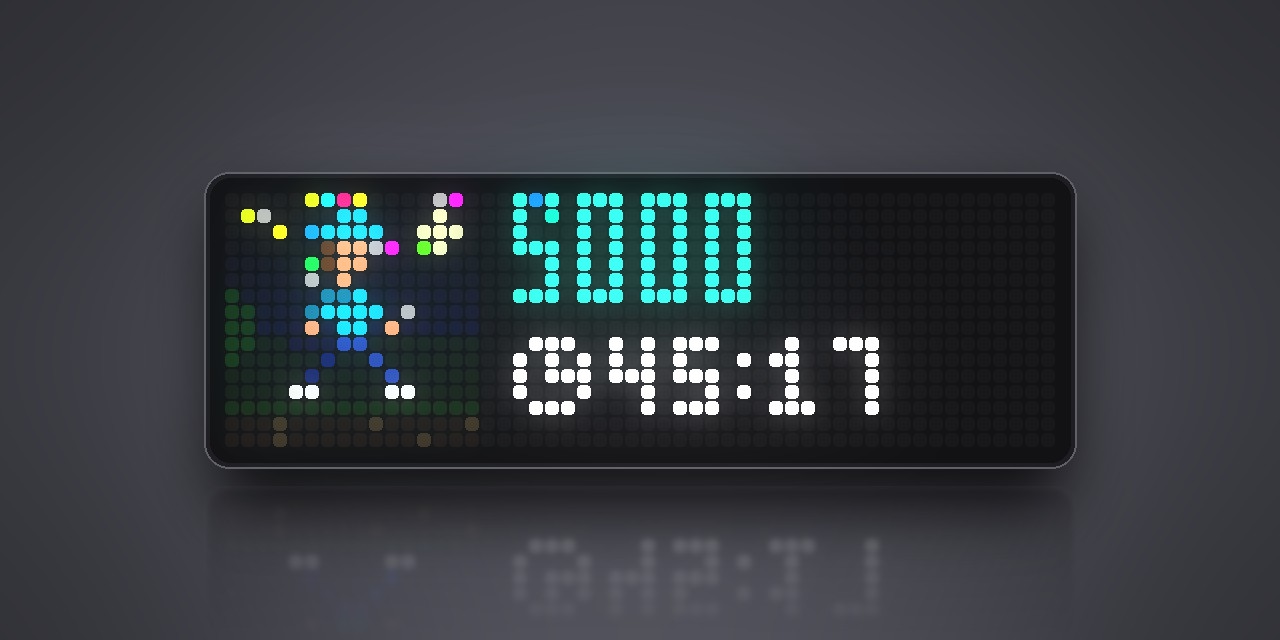
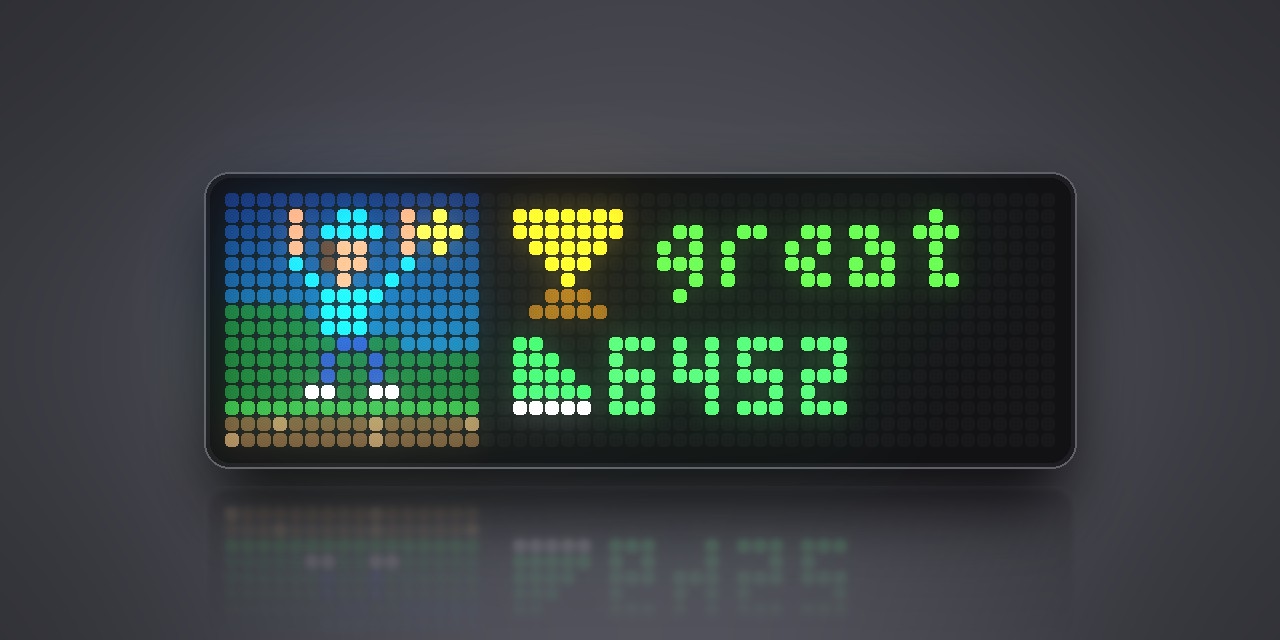
Every 1000 steps and every kilometre bring a burst of confetti, and a walk of a minute or more
ends with a trophy and your totals. The top speed comes from the pad; the lowest one the clock
learns the first time the pad refuses to go slower.
Settings: start speed, speed step, body weight for the calorie count, the walker's colour, and
a switch for the short jingles (played by the clock's synthesizer, no sound files to install).
Sign in to view and copy the code of this script.
Discussion 0
Ask a question, suggest a change or share how you use it.
No comments yet. Start the conversation.
More scripts in Miscellaneous
Something wrong with this script? Report it.
Have an idea?
Sign in to ask questions and join the conversation.