Domoticz - Energy Dashboard
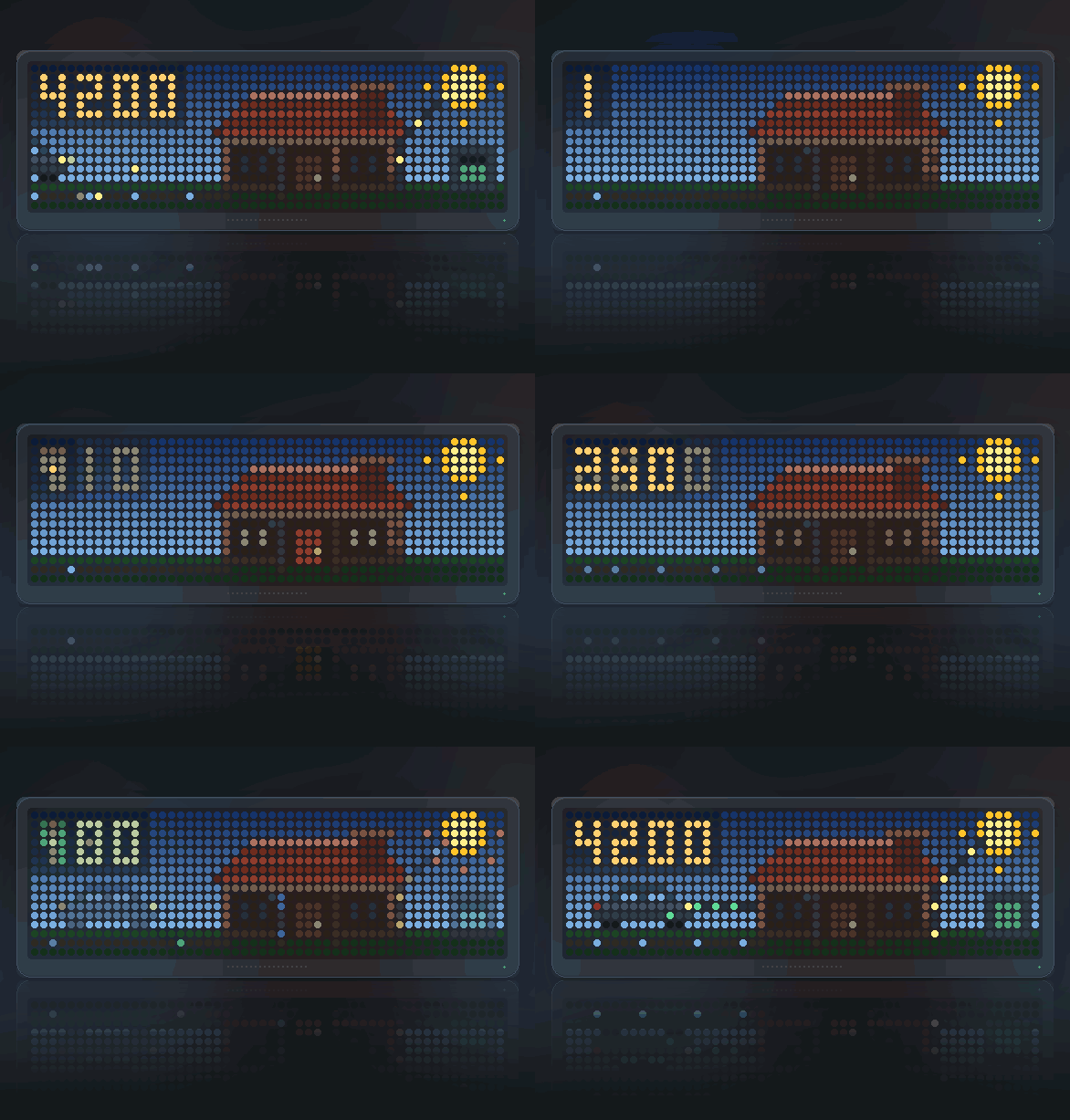
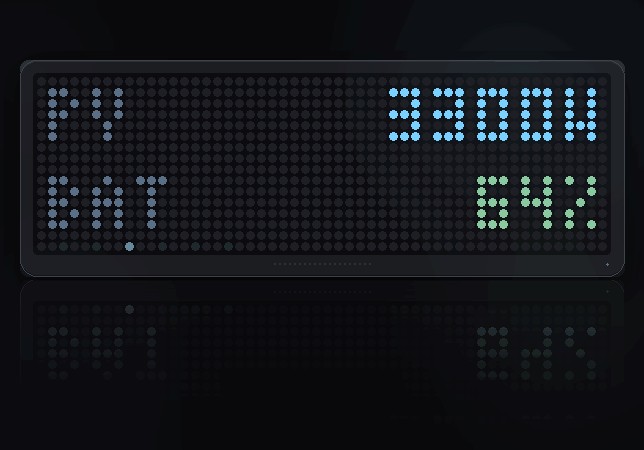
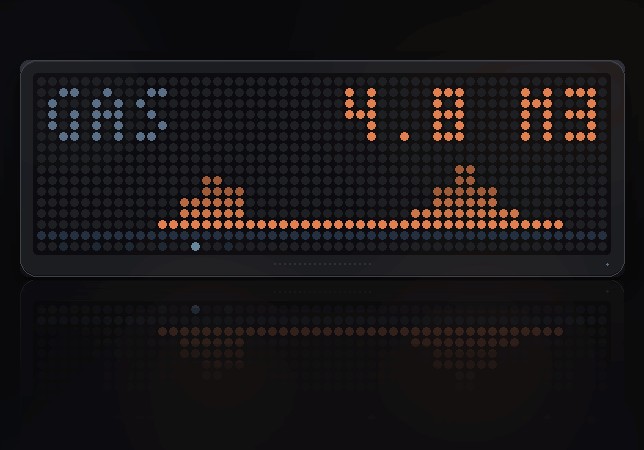
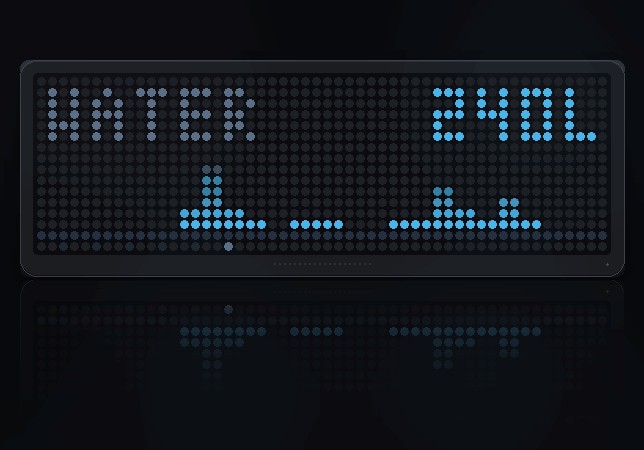
On your display
Your Domoticz house on the panel: where the energy is coming from and going to, the weather it is standing in, lamps and motion in the rooms, and a door you can see is shut. Give it a list of idx and it works out what each one is.
- Topic
- Smarthome
- Includes
- Script
Runs on
- Does not run on 32×8 (TC001 & DIY) Made for 52×16 (TC002).
- Runs on 52×16 (TC002)
- Does not run on 32×8 with AWTRIX 3 (TC001 & DIY) Made for AWTRIX NG.
Choose your display in the next step.
Script description
Your Domoticz house on the panel: where the energy is coming from and going to, the weather it is standing in, and a door you can see is shut.
Panel: 52x16 · Needs: any Domoticz with the JSON API · Setup: a host, a token and a list of idx
A field per thing, not a syntax
There is no list of device names in this script and nothing shaped around one
house. The settings page has one field for each thing the picture knows how
to draw — the electricity meter, the solar, the battery and its charge, the
car, the gas, the water, indoors, outdoors, rain, cloud, wind — and each takes
a Domoticz idx. So the page tells you what every number is for.
Anything else goes in Other devices, separated by semicolons, and is sorted
out from what Domoticz says it is: a SwitchType of Motion Sensor becomes
motion in the rooms, a door contact becomes the door, a lamp lights a window.
Everything is optional. No solar device, no sunbeam. No contacts, no door
alert. A flat with one thermometer gets a house, a sun and a number.
tools/probe_domoticz.py in the repository lists every device on your server
with its idx, which is the one thing Domoticz itself never shows you.
Why solar, battery and car need naming
Domoticz's type system genuinely cannot tell them apart: an inverter, a house
battery, a heat pump and a car charger are all Type: Usage, SubType: Electric. Measured on a real server, so is everything else that reports
watts. Nothing in the reply says which is which, so those get their own
fields rather than a guess.
Only a P1 meter is ever treated as the whole house, and a meter you name
outright wins over anything auto-classified.
Where the energy is going
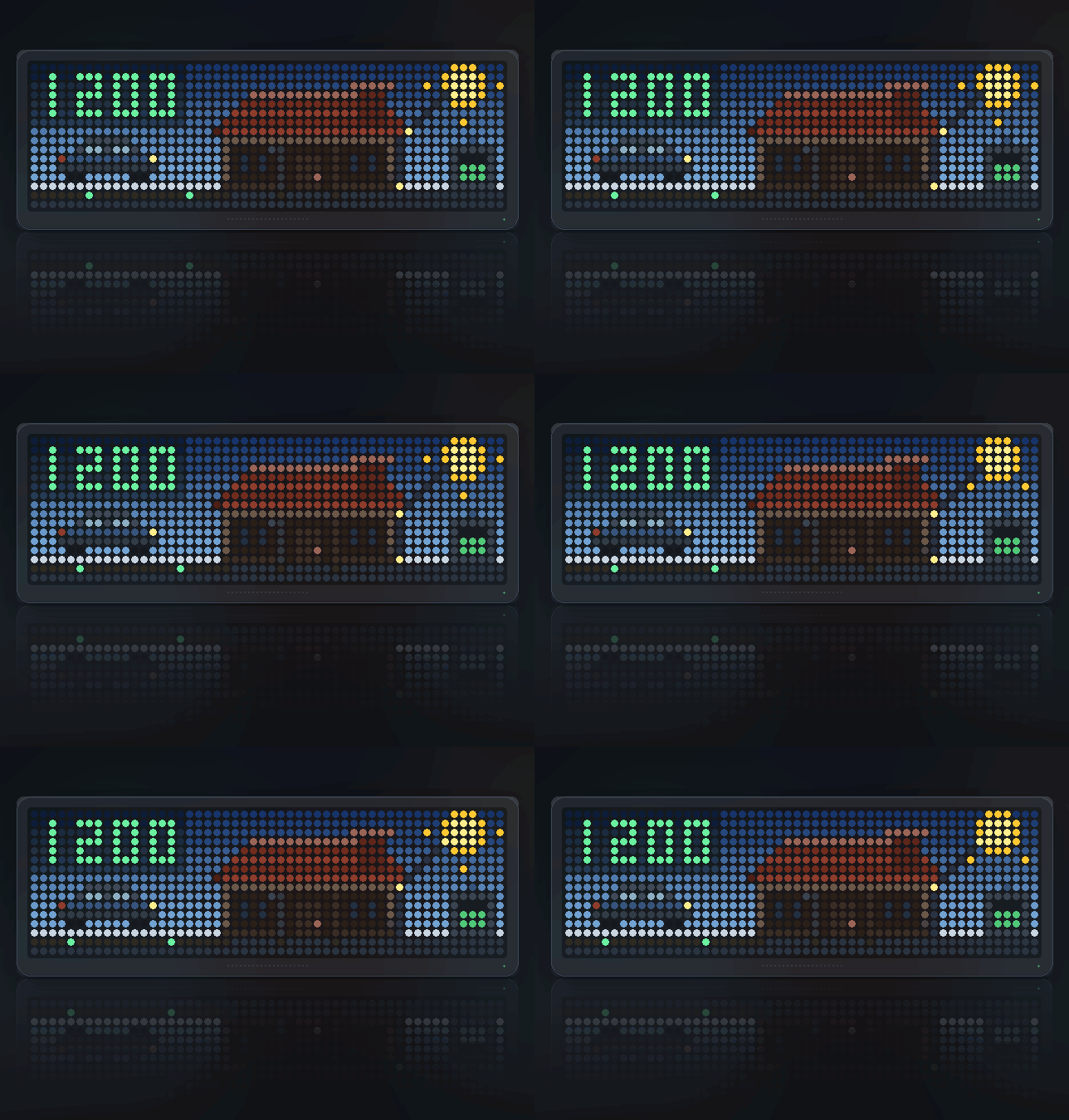
The supply comes in buried under the grass from the left. Pulses run right
into the house while it is buying, and turn green and run back out to the
left while it is selling. The number does the same. A still cable is a house
asleep, which is information too.
A beam of light runs from the sun down onto the roof and then down the
wall into the house, brighter and faster the more the sun is giving. (Panels
drawn on the roof were the first attempt; a bright dome on the tiles read as a
parasol, so this shows the energy rather than the hardware.)
A battery stands to the right, its charge as a fill — green, amber, red —
with a spark climbing inside it while charging and falling while it is being
drained.
A car parked on the left takes a lead from the house while it is charging,
with the charge running along it.
So at a glance: what is coming in, what the sun is adding, what is going out,
what is going into the car, and what is left in the battery.
Every flow grows in number as well as speed. A few hundred watts is one
dot moving slowly; three kilowatts is four of them moving fast. Speed alone is
a poor way to show magnitude — one dot moving quickly and one moving slowly
look far more alike than one dot does to four. The battery is the exception,
because five rows of cell have no room for a second dot, so there its speed
carries it alone.
The weather it is standing in
Off your own weather station, not a forecast service:
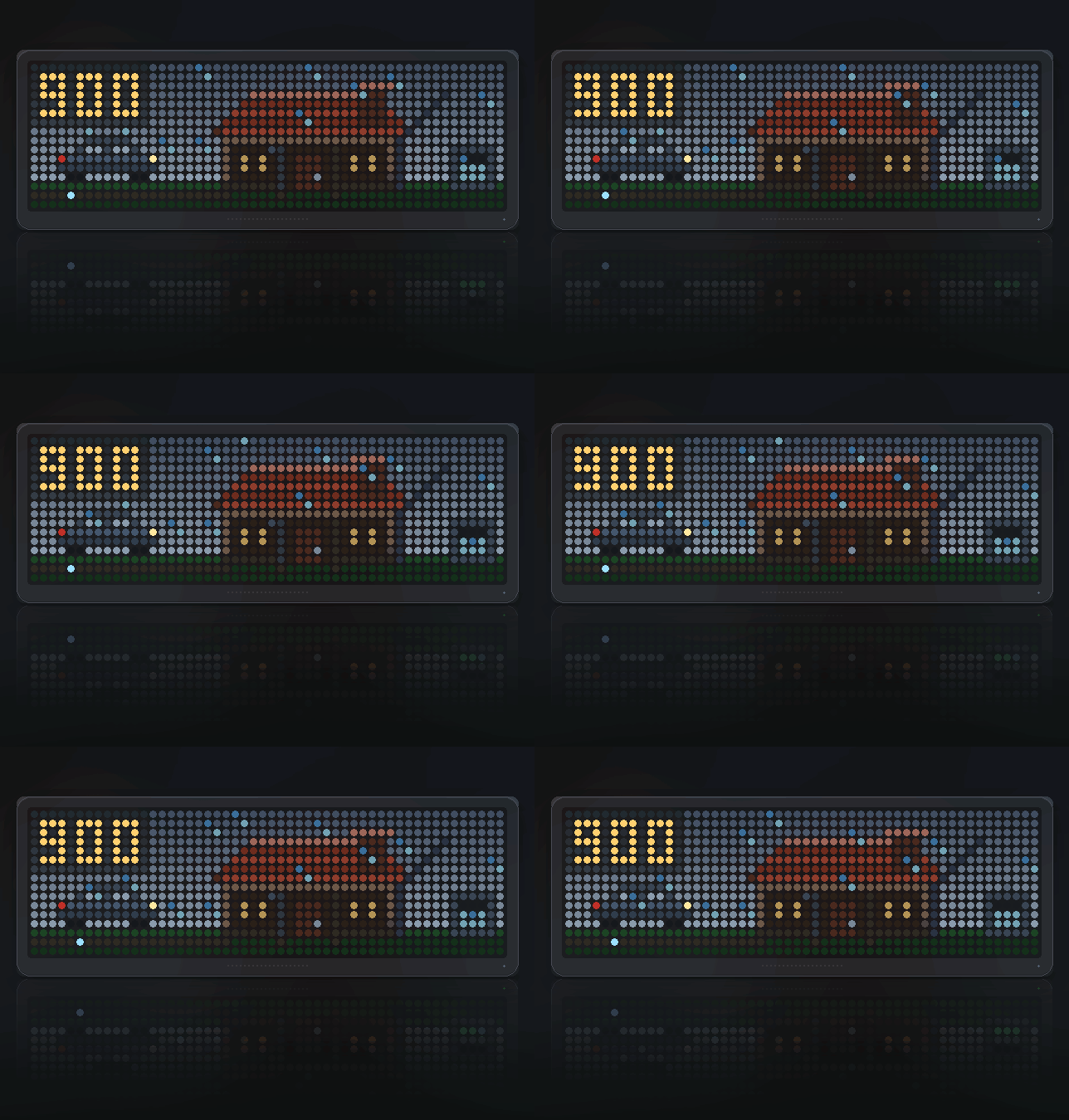
- Cloud takes the colour out of the sky and puts the sun away entirely
above about two thirds - Rain falls across everything and leans with the wind bearing
- Below freezing it becomes snow, drifting instead of falling, and the
grass goes white with frost - Gas burning shows twice over: rising up the riser, and leaving as
chimney smoke that leans with the wind
The house itself
Windows light with the lamps that are actually on and flicker while
something is moving indoors. A dark window at ten at night with nobody home is
as much information as a lit one.
A door or window left open turns the door amber and pulses it. That is the
one thing here worth crossing the room for, so it is the only thing that
blinks.
Water runs down the pipe beside the kitchen window while it actually is — a
flow meter gives that directly; with only a total, the pipe runs if anything
has run today.
Gas rises up the riser beside the door as it burns, which is what the
chimney above is smoking.
By day there is a sun with turning rays, after dark a moon and stars.
It arrives rather than appears
This is a rotation app, so it gets a fresh entrance every time the carousel
comes round, and a panel that assembles itself reads as alive where the same
picture appearing whole reads as a screenshot.
The car drives in from the left with its headlights on and eases to a
stop, and only then does the charge lead connect. A bright pulse runs the
length of the buried supply, and again the moment the house starts
exporting — the panel saying which way round things have just gone.
Two things announce themselves once and then stop. A door that has just
been opened throws a ring off itself for half a second; it is the one alert
here, and it should catch the eye once rather than nag. A charge starting
bursts at the socket. Neither fires for a state that was already true when
the app came round — coming back to a door that has been open an hour should
not flash as though it had just opened.
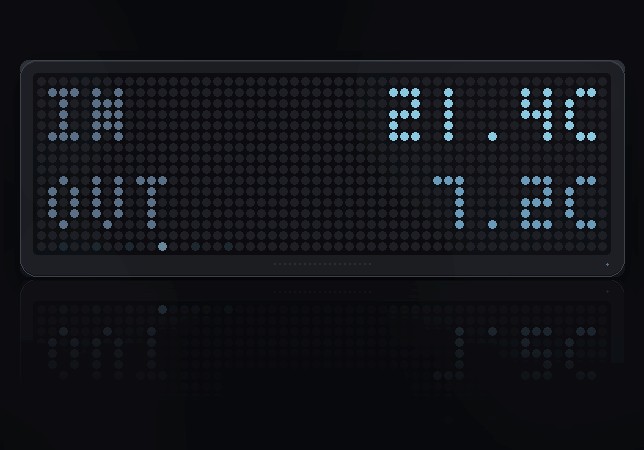
Press SELECT for the numbers
Six pages, dropping back to the house on their own after twelve seconds. Each
says so plainly when you have no device of that kind rather than showing a zero.
- House — anything open and its name; otherwise lamps lit and whether
anything is moving - Grid — net draw now, or what you are exporting, and today's kWh
- Energy — solar now, battery charge with its direction, and the car
- Climate — indoors, outdoors, and rain today or cloud cover
- Gas — cubic metres today
- Water — litres today and the current flow
Signing in
Domoticz 2023.2 and later issue access tokens under Setup → More Options →
Applications. Paste one into Access token; it is sent as a bearer token
on every request.
Set its expiry to never. Domoticz's default access token lasts an hour, and
an hour-long token in a clock that runs for months is a panel that stops
working before lunch.
For basic auth instead, put the already base64-encoded user:password into
basic — probe_domoticz.py prints it for you, because Berry has no base64
worth relying on. On a trusted network, leave both blank.
This deliberately does not use AWTRIX's own @oauth, which insists on
HTTPS for its sign-in URLs and so rules out every Domoticz living on
192.168.x.x. A header works everywhere.
Settings
- Domoticz host:port (192.168.1.10:8080) — no scheme, just host and port
- Use https (off) — forced on whenever a token is set
- Access token — or Or basic auth, base64
- One field each for electricity, solar, battery, battery %, car, gas,
water, indoors, outdoors, rain, cloud, wind - Other devices — semicolon separated, up to 24 devices in total
- Battery sign inverted (off) — negative-is-charging is what EVCC reports;
flip it if your setup does the opposite
Getting in
An access token only works over HTTPS, and that is Domoticz's policy
rather than this script's: a bearer token on plain HTTP is readable on the
wire, so it is refused with a 401.
Which means token-with-the-toggle-off is not a configuration that can ever
work — only one that fails later and less clearly. So a token turns HTTPS on
by itself, whatever the toggle says, and the toggle is there for the two
cases where plain HTTP genuinely does work: basic auth, and a server that
wants no authentication at all.
A self-signed certificate is refused by the clock even where a browser
accepts it — the request comes back with nothing at all rather than an error
worth printing.
So one of these has to be true: a certificate the device trusts, or basic auth
with Domoticz's "allow basic authentication over plain HTTP" enabled, using the
basic field. On a network where Domoticz needs no authentication, leave
both empty.
Four things measured against a real server
Domoticz pretty-prints. The reply is "Usage" : "5 Watt", spaces either
side of the colon, where most servers write "Usage":"5 Watt". A scanner that
assumes either spelling finds nothing, draws a blank and reports no error at
all.
Units come attached to the values and differ between installations. The
same water meter reports "100 Liter" on one build and "0.100 m3" on
another, so the unit is read rather than assumed — otherwise the panel is wrong
by a factor of a thousand and looks entirely plausible.
A rain gauge disagrees with itself. The same reading is RainRate: 0.008
and Data: "50;0.2". The named field is the one that means what it says;
reading Data drew a downpour onto a dry afternoon.
Only a P1 meter is the whole house. Once one has been seen, other
watt-measuring devices stop counting toward the headline — otherwise it was
whichever of them the round robin happened to read last.
One device is read per second, round robin. Domoticz prefixes every reply with
a few hundred bytes of sun times before the device itself, so a record is about
1.7 KB and eight at once would be twice over the firmware's 8 KB cap.
Sign in to view and copy the code of this script.
Discussion 0
Ask a question, suggest a change or share how you use it.
No comments yet. Start the conversation.
Have an idea?
Sign in to ask questions and join the conversation.