Stripes



On your display
Warming stripes by Ed Hawkins (showyourstripes.info, CC BY 4.0) for 1,069 places: a new place each time the app comes round, built in and out in the screensaver's ten styles.
- Topic
- Miscellaneous
- Includes
- Script
Runs on
- Does not run on 32×8 (TC001 & DIY) Made for 52×16 (TC002).
- Runs on 52×16 (TC002)
- Does not run on 32×8 with AWTRIX 3 (TC001 & DIY) Made for AWTRIX NG.
Choose your display in the next step.
Script description
Description
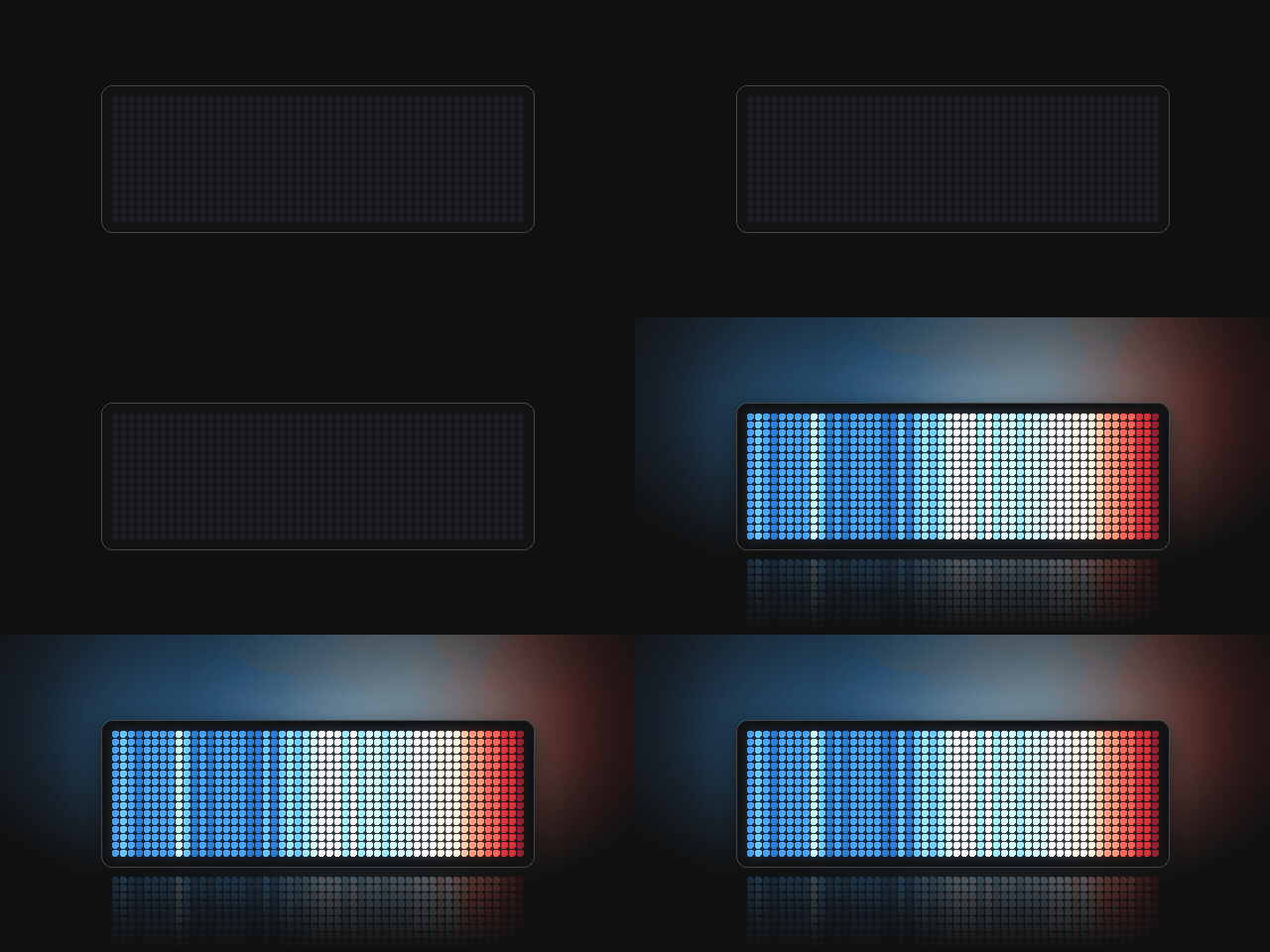
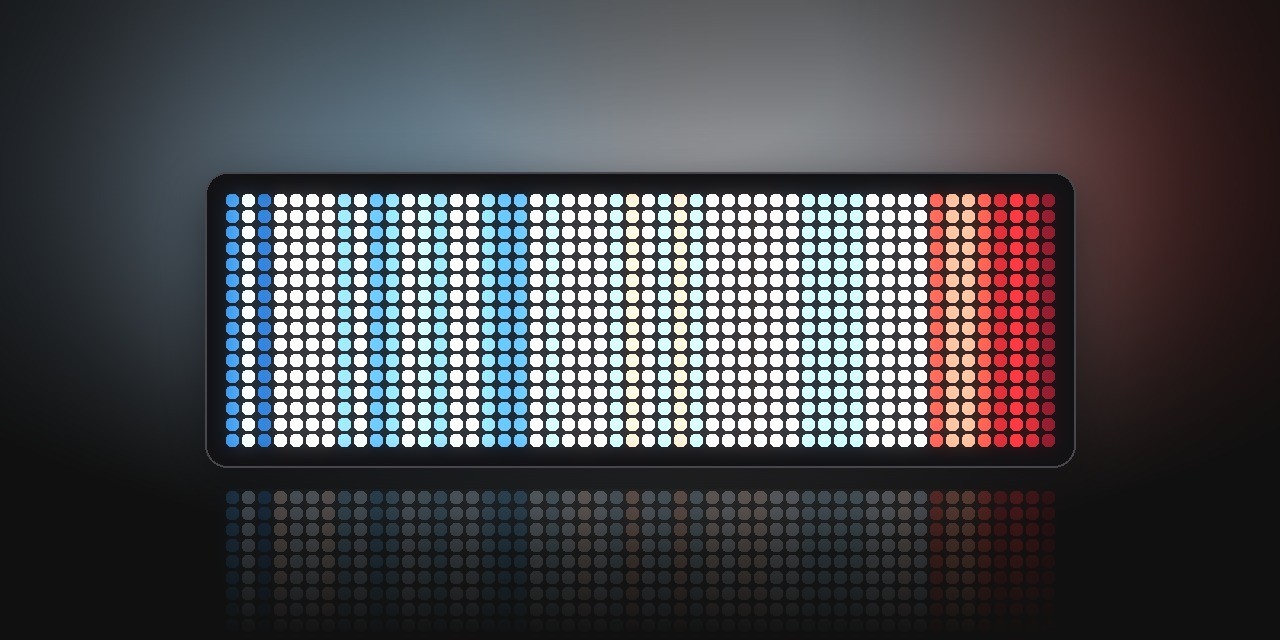
Ed Hawkins's warming stripes on the clock. Each stripe is a few years of a place's temperature, blue when it was colder than average and red when it was warmer. Grey means there's no data for those years.
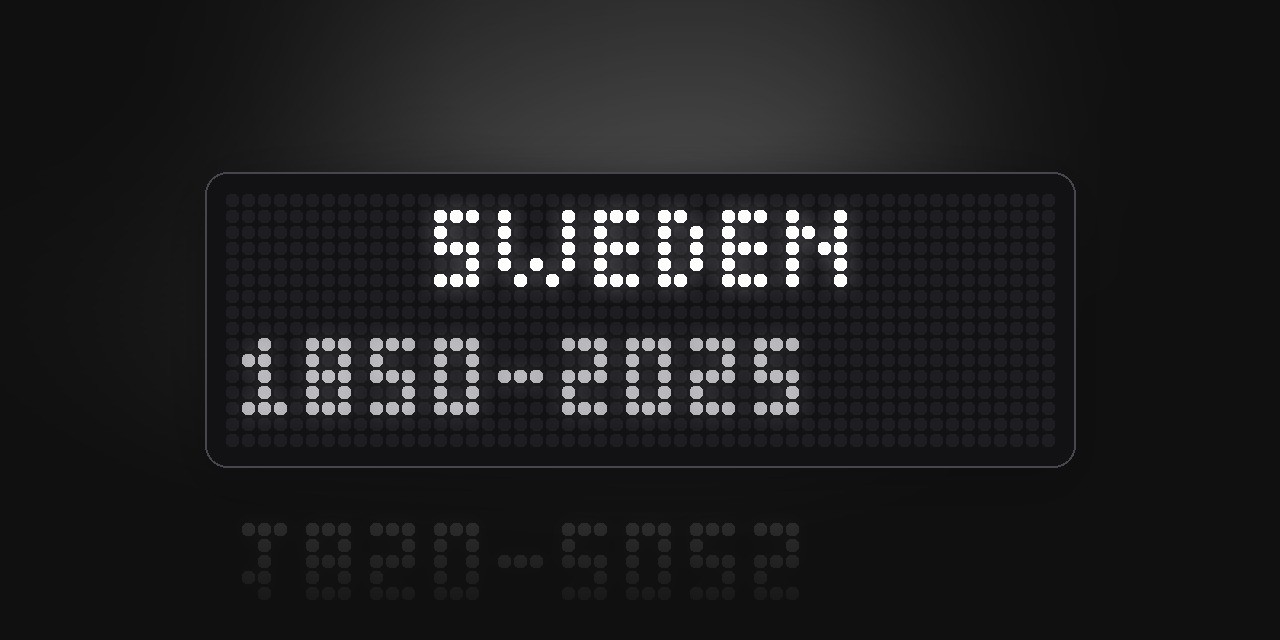
There are 1,069 places to choose from, and ten ways to draw the stripes. Every time Stripes comes round it shows a new place. First the name and years, then the stripes build up, stay for a while and go away again. It works offline, all the data is in the script.
Warming stripes by Ed Hawkins, University of Reading, CC BY 4.0. Colours sampled from showyourstripes.info.
Source: https://github.com/gkaramanis/stripes-saver/tree/main/awtrix
Setup
Open the app's settings in the web UI.
Places: type the places you want, separated by semicolons. They play in that order. Write a city with its country (Uppsala, Sweden), a city on its own, a country, a region like Europe, or all for every place. The default is Global; Sweden; Uppsala, Sweden; Stockholm, Sweden; Greece; Athens, Greece.
Every name is listed here: https://github.com/gkaramanis/stripes-saver/blob/main/awtrix/locations.txt
Order: play the places in your order, or shuffled.
Build in and Build out: sweep, rise, scatter, fade, drop, open, blinds, iris, dissolve, warming (coldest years first, warmest last) or random. Build out can also be none, which leaves the stripes on screen until the clock moves on.
Build time sets how long the stripes take to build in, and the same again to build out. Duration is how long the app stays on screen. Show name and years turns the title card on or off.
Sign in to view and copy the code of this script.
Discussion 0
Ask a question, suggest a change or share how you use it.
No comments yet. Start the conversation.
More scripts in Miscellaneous
Something wrong with this script? Report it.
Have an idea?
Sign in to ask questions and join the conversation.