Doom
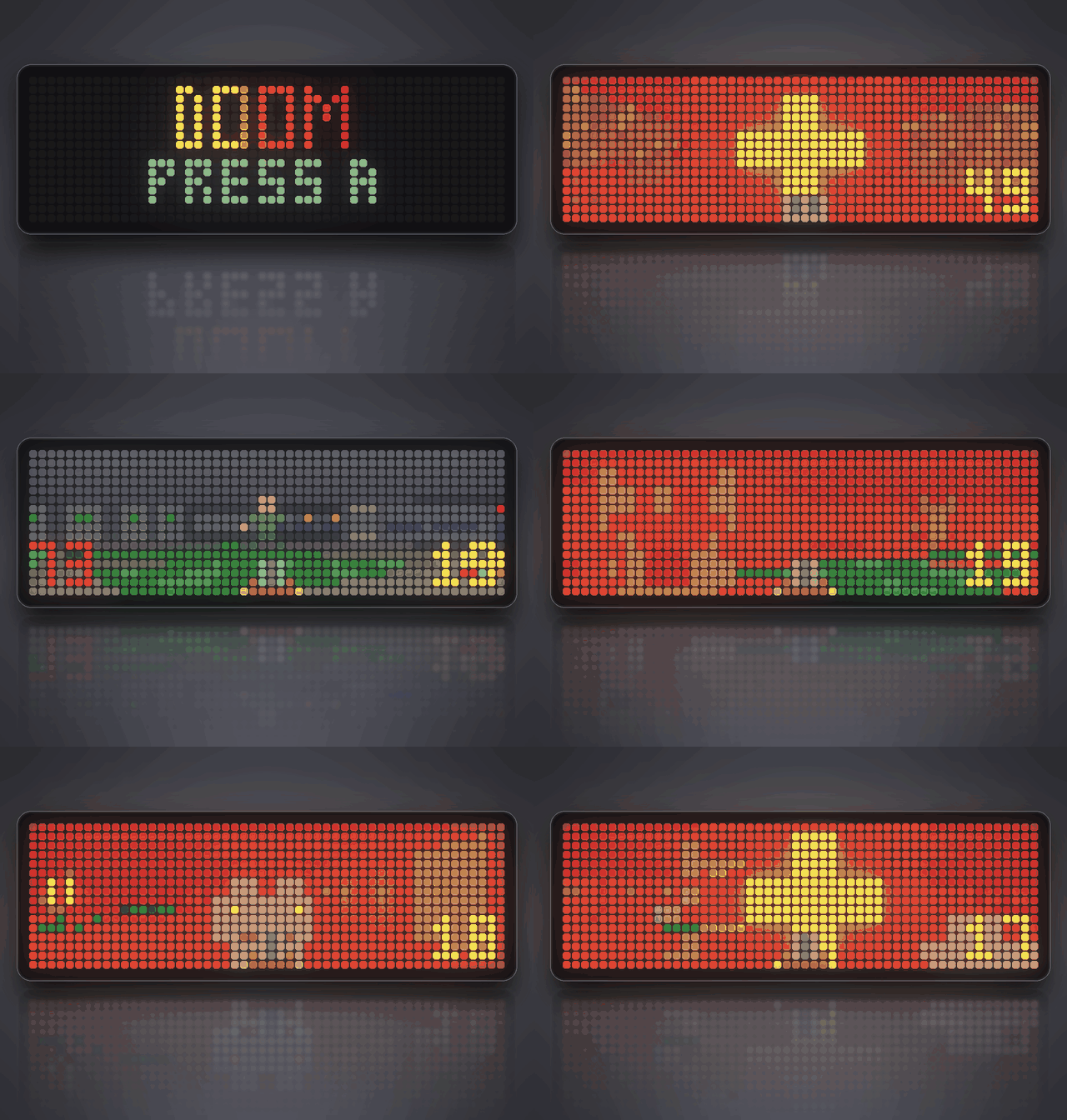
On your display
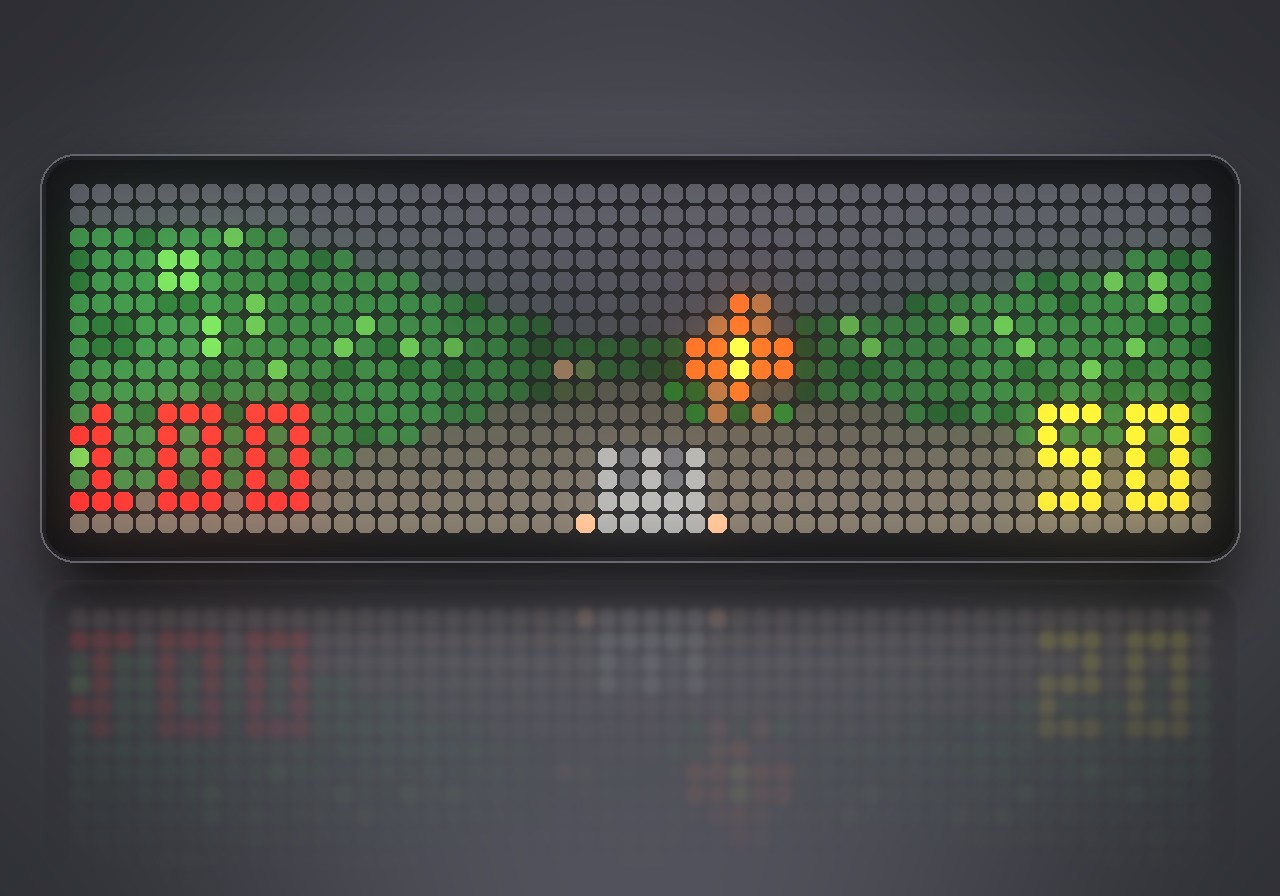
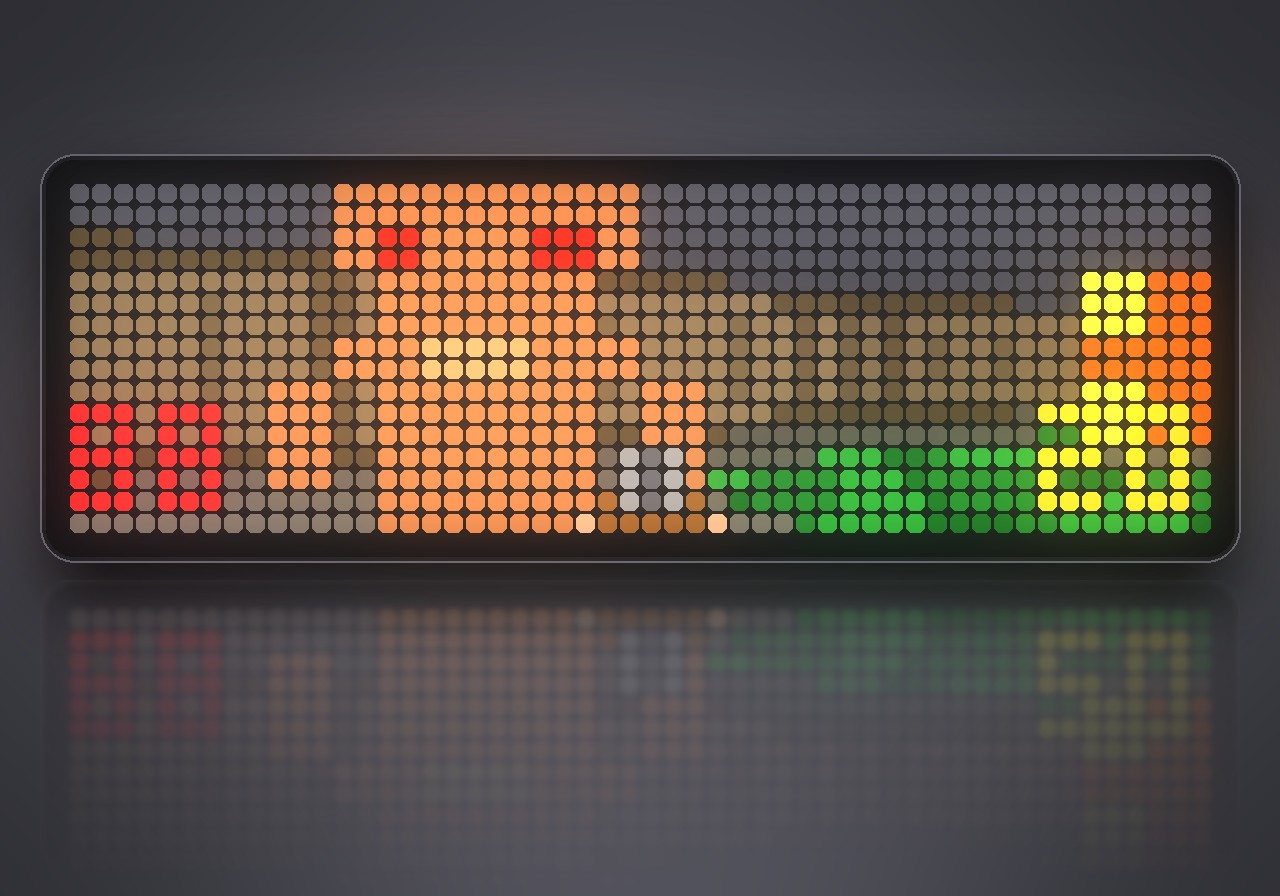
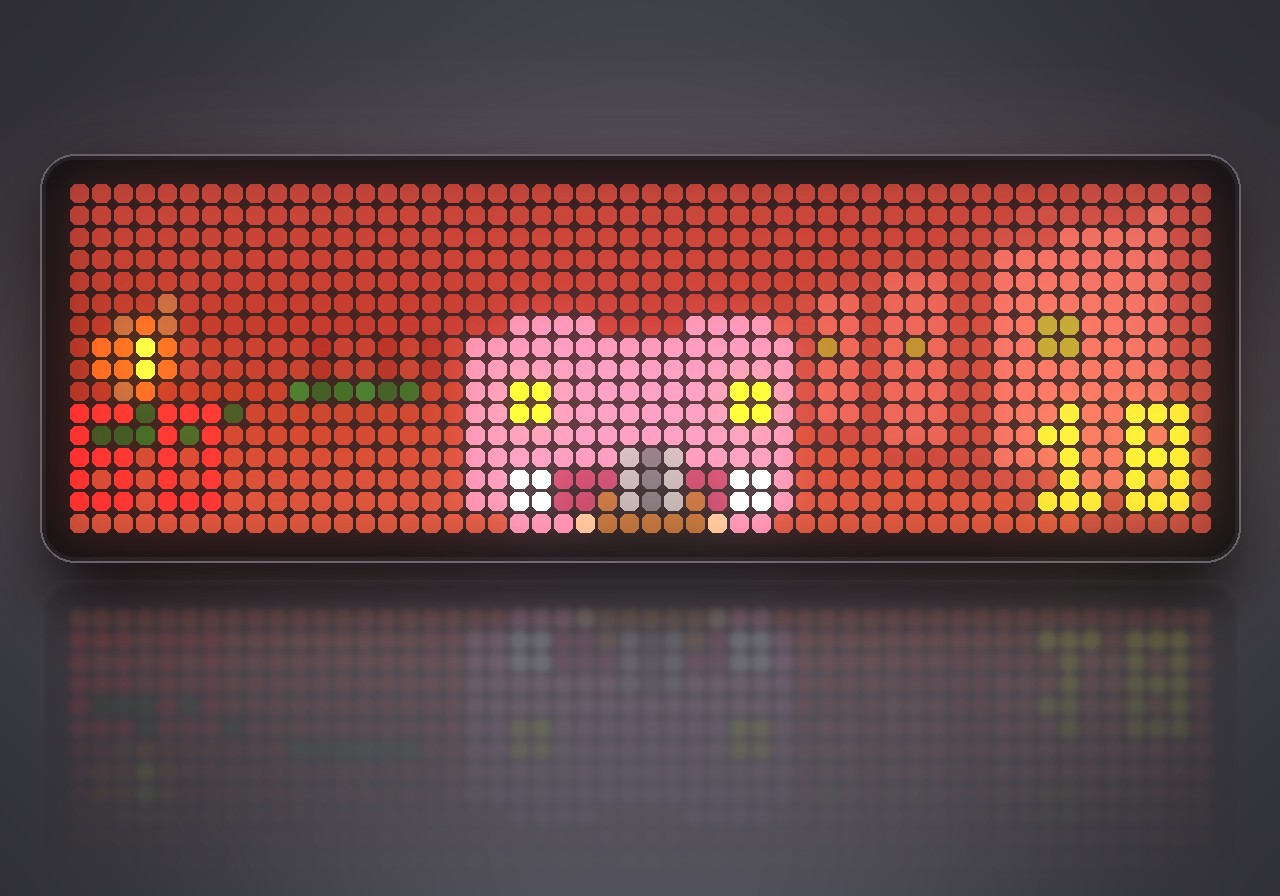
A Doom-like shooter on the whole 52×16 panel of the Ulanzi TC002: three levels, four kinds of monsters, keys, doors and its own soundtrack. Played with a Bluetooth gamepad.
- Topic
- Gaming
- Includes
- Script · 19 sounds (49.5 KB)
Runs on
- Does not run on 32×8 (TC001 & DIY) Made for 52×16 (TC002). Needs a Bluetooth gamepad, sound effects over music and the built-in synthesizer.
- Runs on 52×16 (TC002) Gamepad: turn Bluetooth on and pair one under System → Gamepad on your AWTRIX.
- Does not run on 32×8 with AWTRIX 3 (TC001 & DIY) Made for AWTRIX NG.
Choose your display in the next step.
Script description
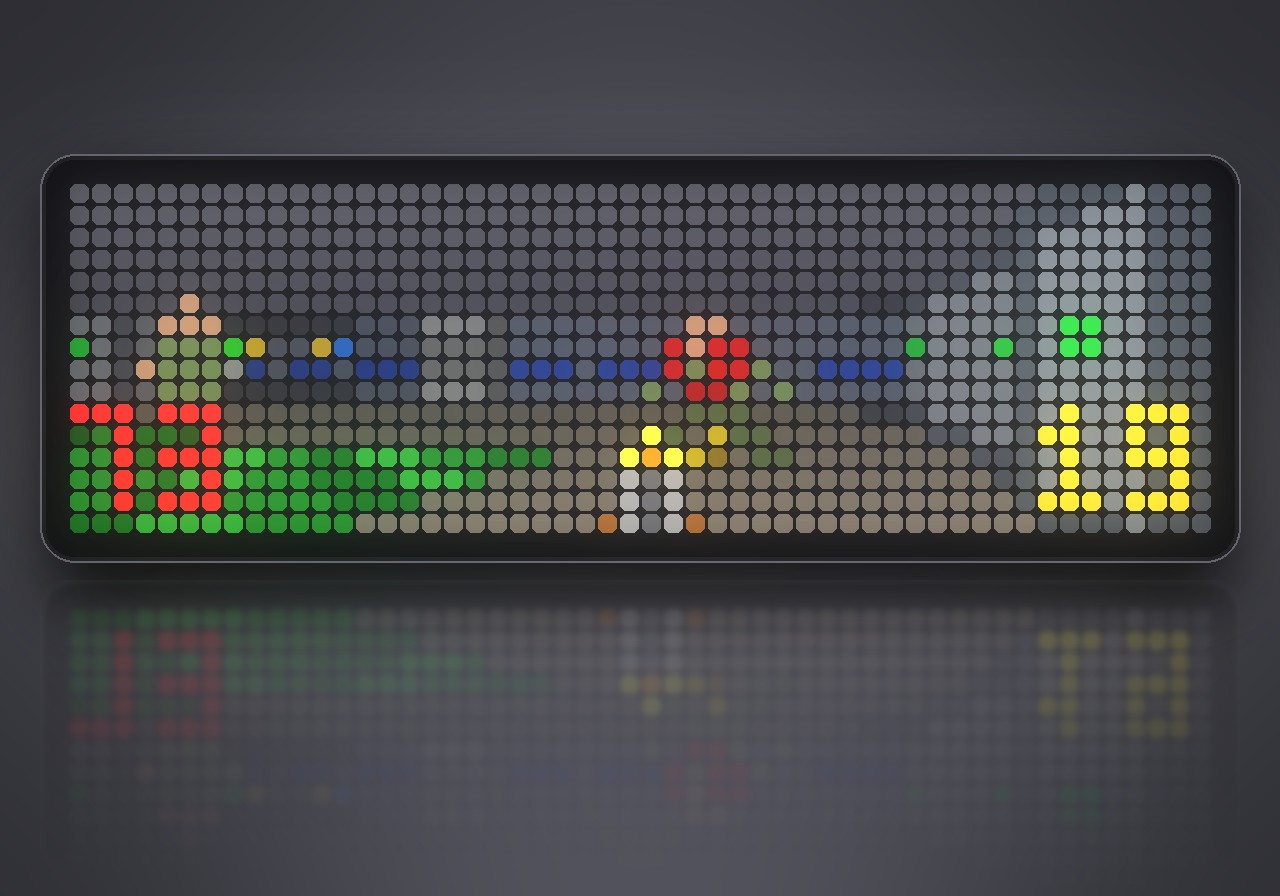
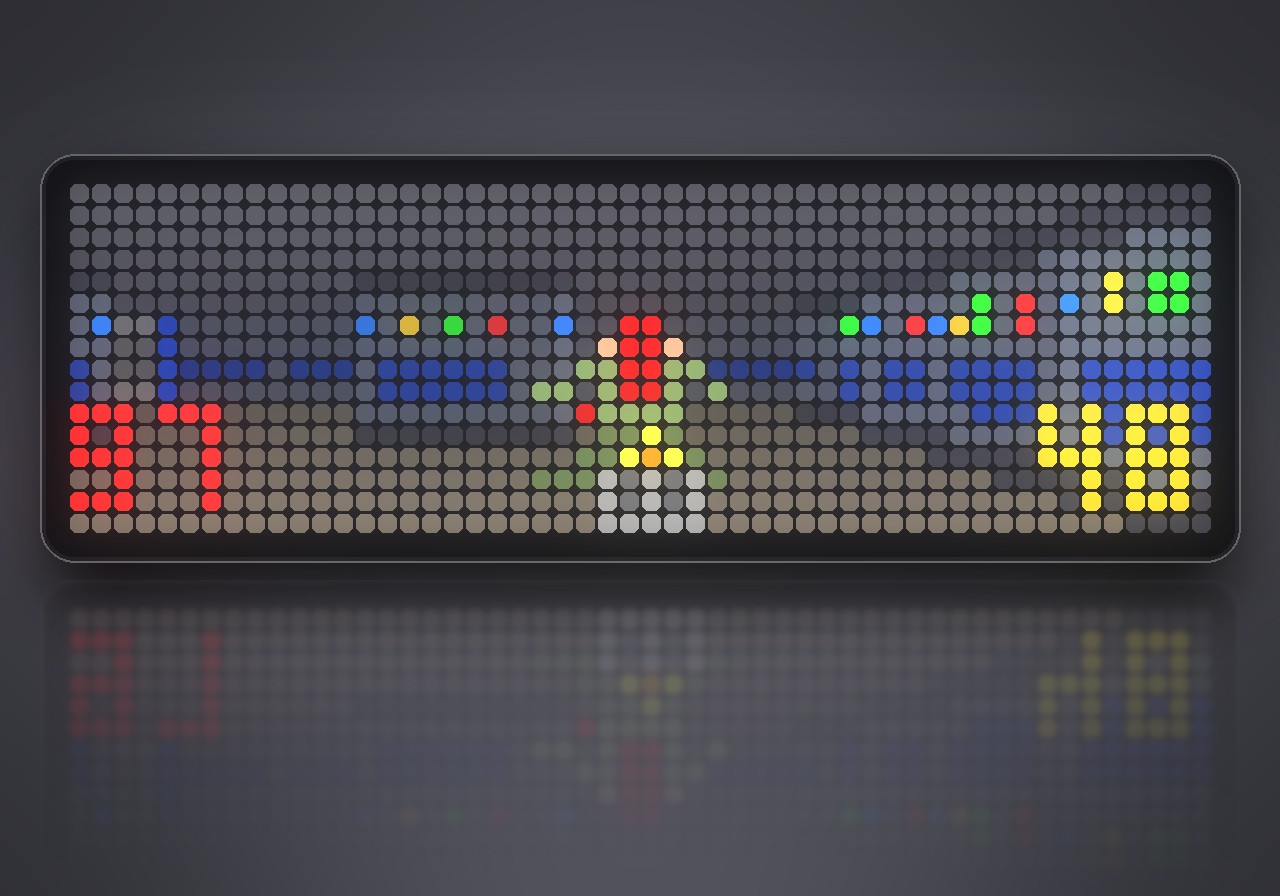
Rip and tear on 832 LEDs. Doom turns the whole 52×16 panel of your Ulanzi TC002 into a first-person shooter: textured walls, glowing nukage, doors that slide open, and monsters that hunt you down and fight back. You play it with a Bluetooth gamepad, and it runs entirely on the clock, with no PC or phone involved.
What's inside
- Three levels: Hangar, Nuclear Plant and Toxin Refinery, each with its own layout, secrets and exit switch.
- Four kinds of monsters: zombiemen, shotgun guys, fireball-throwing imps and charging demons.
- Four weapons: fist, pistol, shotgun and chaingun, plus ammo, medikits, stimpacks and armor to pick up.
- Keys and doors: red, blue and yellow keycards open the matching doors.
- Automap: press SELECT to see where you are.
- Full sound: 19 sound effects and a soundtrack played by the clock's own synthesizer. Everything is original and made for this game.
- Progress is saved: the game remembers the level you reached.
What you need
- An Ulanzi TC002 with AWTRIX NG. The game fills its 52×16 panel.
- A Bluetooth gamepad, paired under System → Gamepad in the web UI.
- Installing from the Hub brings the sound effects along: 19 files, 51 KB.
How to play
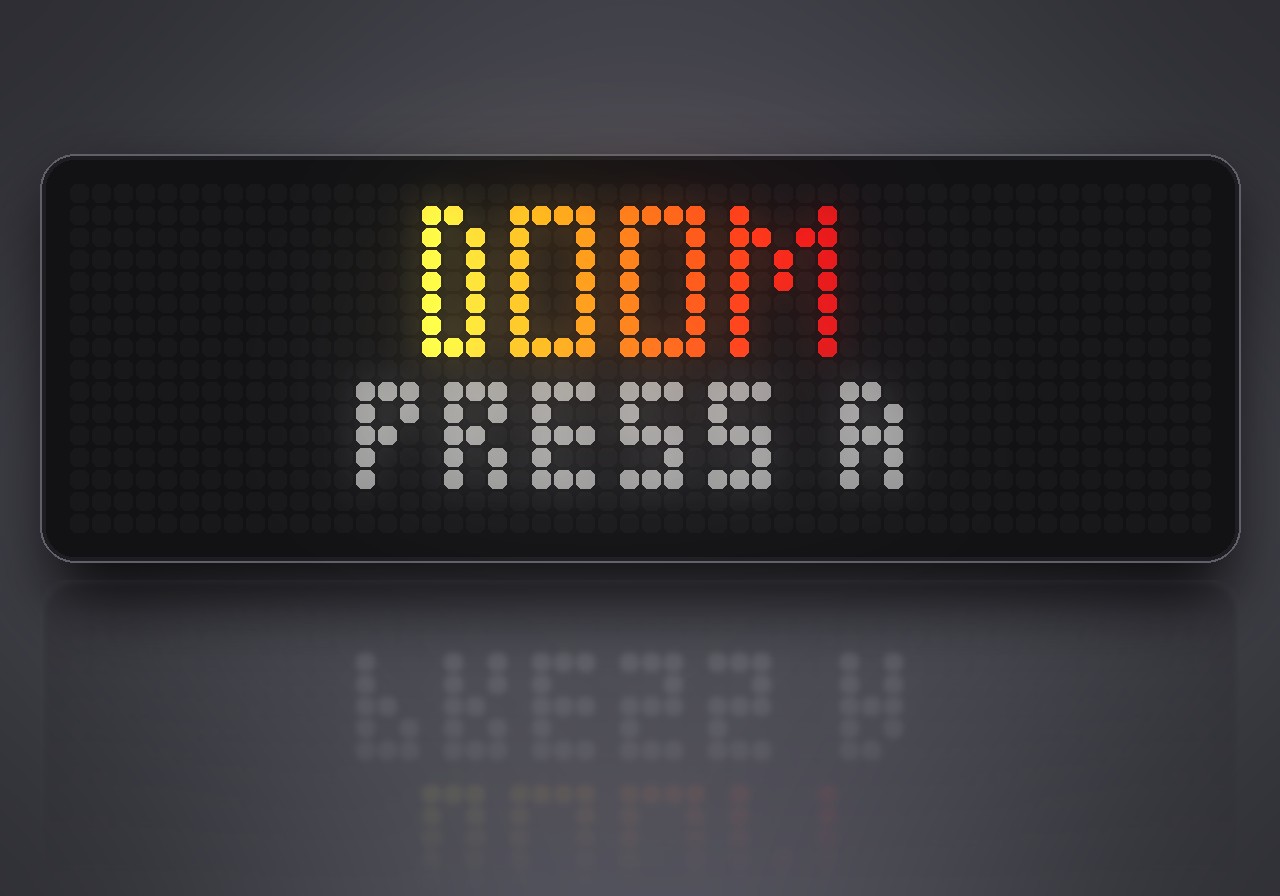
Doom does not run in the app rotation. To start it, hold the middle button on the clock for a second, choose Scripts, then Doom, and press A or START on the title screen. Hold the middle button again to leave; your settings and progress stay.
| Action | Button |
|---|---|
| Walk and strafe | left stick |
| Turn | right stick |
| Walk and turn | D-pad |
| Run | hold B |
| Fire | R1, R2 or RT |
| Open doors, press switches | A |
| Previous / next weapon | X / Y |
| Automap | SELECT |
| Pause | START (SELECT in the pause quits) |
Settings
Open the gear next to Doom in the web UI's Apps list:
- Skill: easy, normal or hard.
- Sound and Music: switch the effects and the soundtrack on or off.
- Turn speed: how fast the stick and the D-pad turn you.
Sign in to view and copy the code of this script.
Discussion 0
Ask a question, suggest a change or share how you use it.
No comments yet. Start the conversation.
Have an idea?
Sign in to ask questions and join the conversation.