Sonos - HA: What's playing?
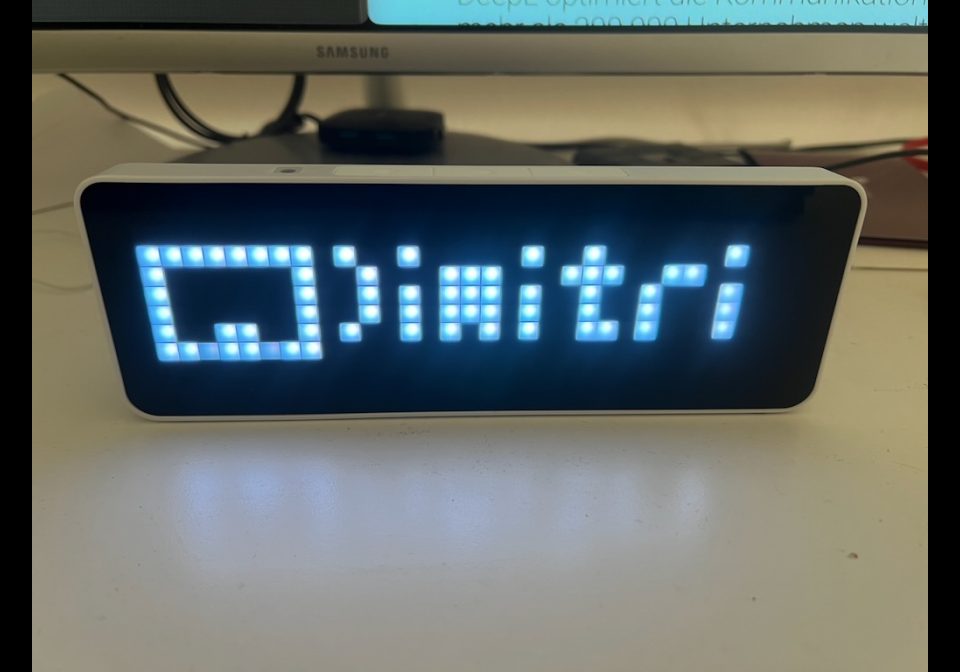
On your display
Shows current track from a Sonos Mediaplayer
- Topic
- Smarthome
- Includes
- Script
Runs on
- Runs on 32×8 (TC001 & DIY)
- Runs on 52×16 (TC002)
- Does not run on 32×8 with AWTRIX 3 (TC001 & DIY) Made for AWTRIX NG.
Choose your display in the next step.
Is this your script?
If you created this script, open your saved edit link to add it to your account. You can then manage it whenever you sign in. Adding it to your account replaces the edit link.
Script description
Based on:
https://flows.blueforcer.de/flow/L7RQFN0Vptle
Purpose:
spotify_now_playing.ax displays the artist and title on AWTRIX as long as the configured media player entity in Home Assistant has the “playing” status.
The app only displays information if sufficient metadata is available:
Standard case: media_artist and media_title are set
Special case: media_artist is missing, but media_title already contains “Artist - Title” or “Artist ˗ Title”
If this information is missing, the app is skipped in the rotation.
Prerequisite:
The script requires the HAFlow from 10der: https://flows.blueforcer.de/flow/EuJbxQZhTQX9
A suitable media player entity must be present in Home Assistant, for example, media_player.spotify
If icons are to be displayed, the configured icon IDs must be available on AWTRIX
Settings:
ha_url: URL of your Home Assistant instance
ha_token: Long-lived access token from Home Assistant
entity: Spotify or media player entity
refresh_seconds: Polling interval
scroll_speed: Track playback speed
spotify_icon_id: Icon for Spotify playback, default 18207
airplay_icon_id: Icon for AirPlay playback
radio_icon_id: Icon for radio or other playback
Behavior:
Display only when state == playing
Output format: Artist - Title
Spotify is detected via source or media_content_id
AirPlay is detected via source == AirPlay
Everything else uses the radio icon
The text scrolls twice, and then AWTRIX returns to the app's normal rotation
Pressing the middle button (select / OK) triggers an immediate refresh
Sign in to view and copy the code of this script.
Discussion 0
Ask a question, suggest a change or share how you use it.
No comments yet. Start the conversation.
Have an idea?
Sign in to ask questions and join the conversation.