Adventskalender+
On your display
An Advent calendar for your clock
- Topic
- Miscellaneous
- Includes
- Script
Runs on
- Does not run on 32×8 (TC001 & DIY) Made for 52×16 (TC002). Needs the built-in synthesizer.
- Runs on 52×16 (TC002)
- Does not run on 32×8 with AWTRIX 3 (TC001 & DIY) Made for AWTRIX NG.
Choose your display in the next step.
Script description
Adventskalender for AWTRIX NG (Ulanzi TC002)
Version 1.0 · by Hank_the_Tank / Claude · for the 52×16 panel of the Ulanzi TC002
An Advent calendar for your clock: 24 little doors with 24 animated pixel motifs, from a twinkling star to a Christmas tree. Every day in December, a door waits for you next to an Advent wreath. Press the button and it swings open with a burst of light and sparks, and a Christmas carol plays like a music box. The wreath lights one more candle every Advent Sunday. Before and after Advent the app keeps the season going: a countdown in November, Merry Christmas on the holidays, a New Year's Eve countdown and fireworks on New Year's Day.
┌────────────────────────────────┬──────────────────┐
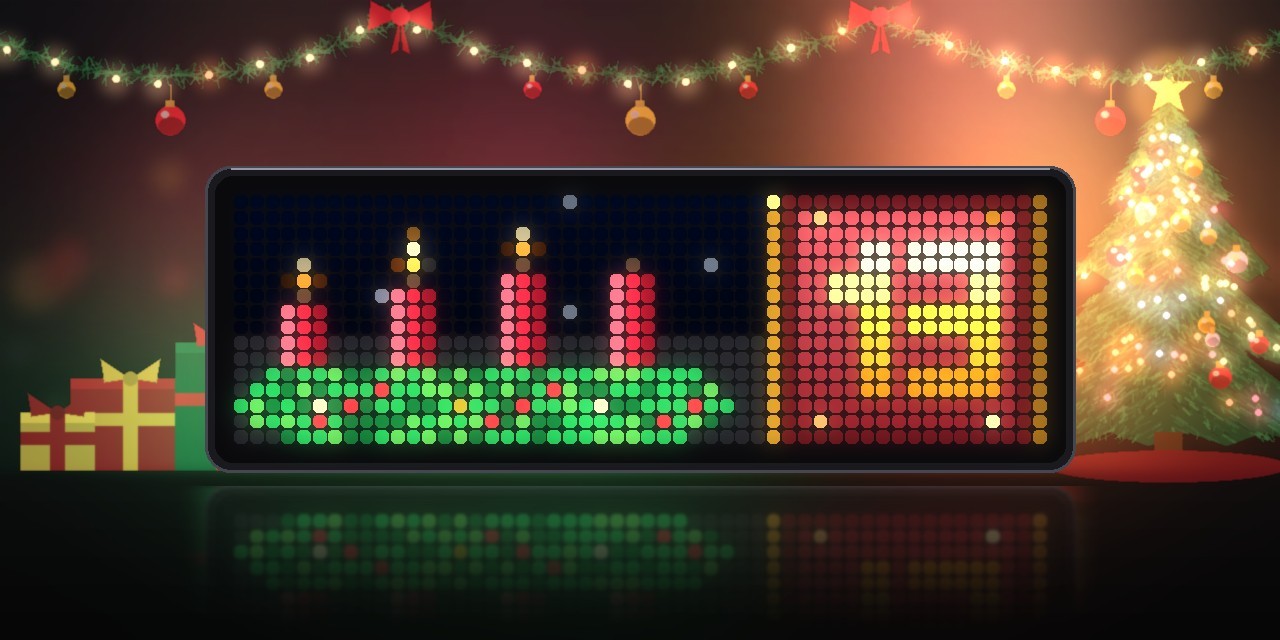
│    ▲      ▲      ▲             │ ┃ ▄▄▄▄▄▄▄▄▄▄▄▄ ┃ │
│   ███    ███    ███    ███     │ ┃      24      ┃ │  ← Advent wreath · today's door
│ ▓▓▓▓▓▓▓▓▓▓▓▓▓▓▓▓▓▓▓▓▓▓▓▓▓▓▓▓  │ ┃ ▀▀▀▀▀▀▀▀▀▀▀▀ ┃ │
└────────────────────────────────┴──────────────────┘
                  press the button ↓
┌────────────────────────────────┬──────────────────┐
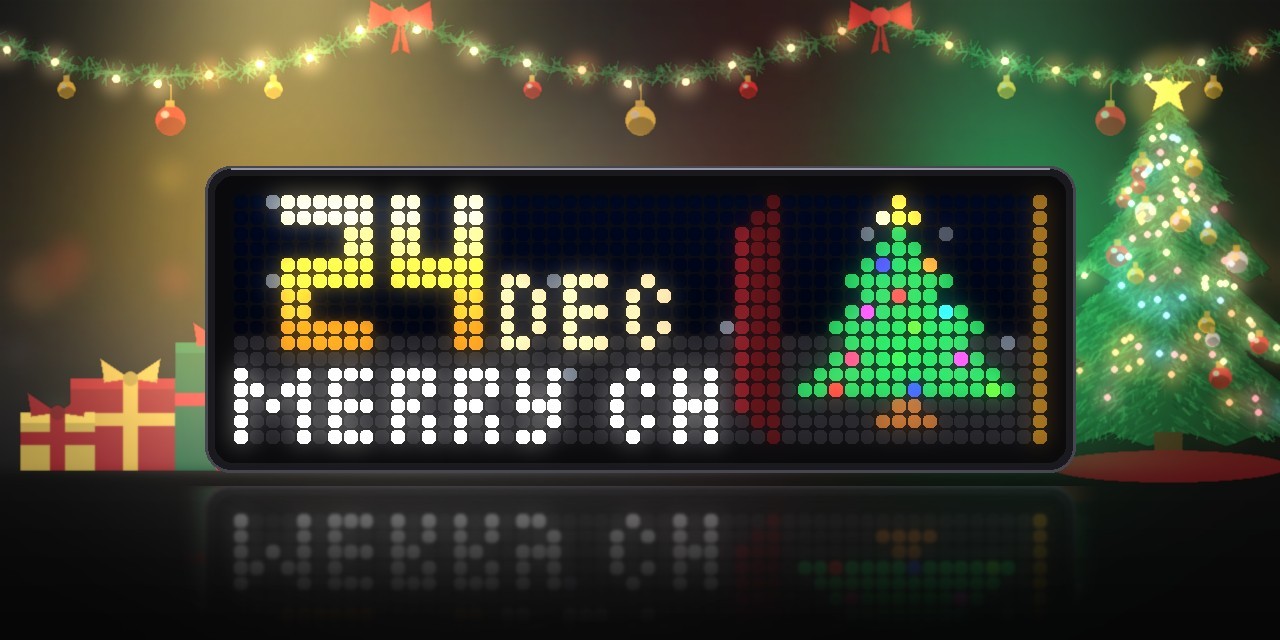
│  24 DEC                        │        ★         │
│  MERRY CHRISTMAS  ← scrolls    │       ▲▲▲        │  ← the day's motif
│                                │      ▲▲▲▲▲       │
└────────────────────────────────┴──────────────────┘
Features
-
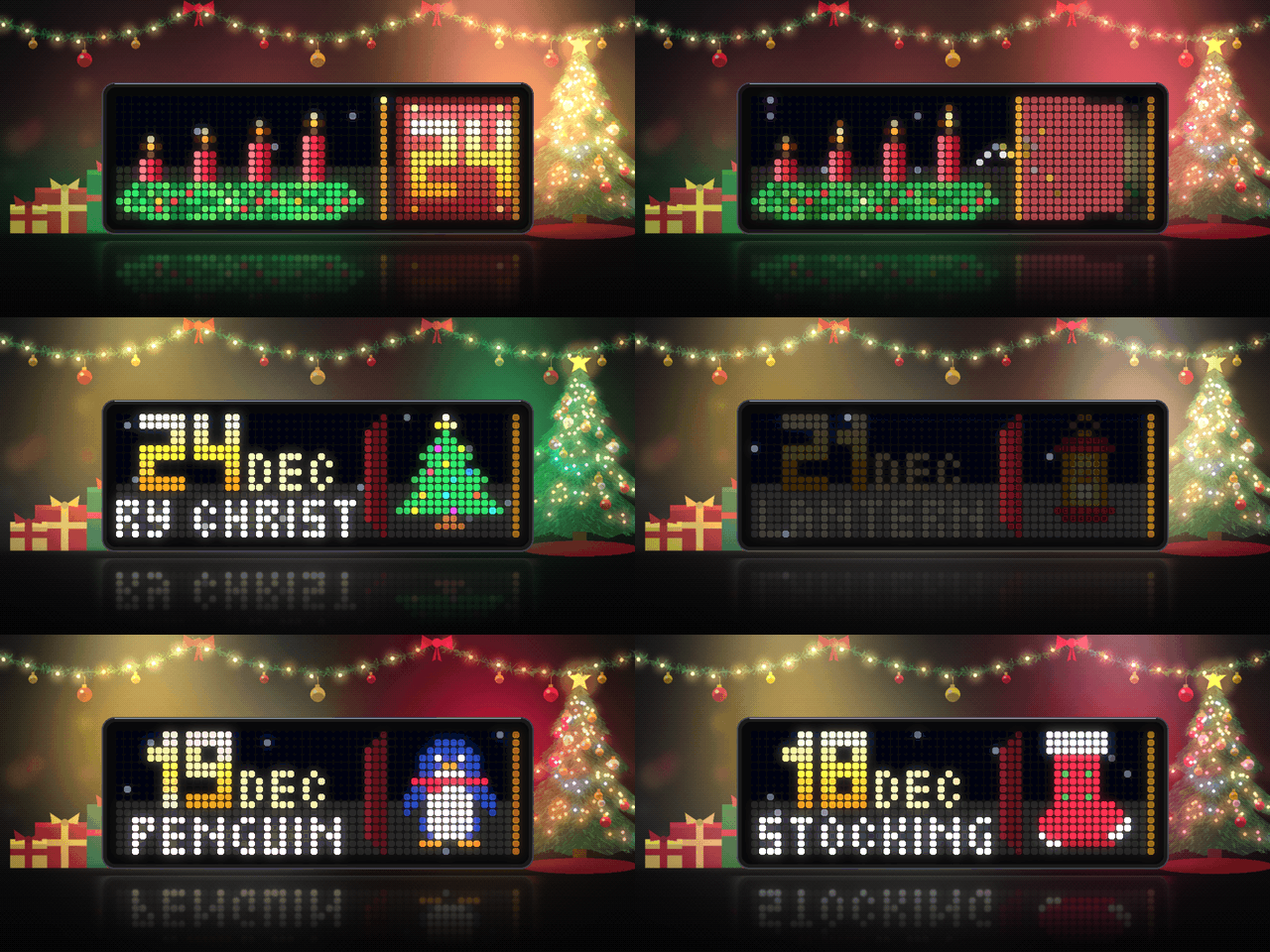
24 animated motifs, one for each day: star, candle, snowman, gingerbread man, bell, St Nicholas boot, candy cane, present, snowflake, bauble, hot cocoa, mistletoe, reindeer, mitten, Santa hat, angel, Santa Claus, stocking, penguin, sleigh, lantern, gingerbread house, nutcracker and a Christmas tree. Candle flames flicker, sparkles and fairy lights twinkle, gold shimmers, and a soft shine sweeps across every motif.
-
Today's door stands next to the wreath, with the date in gold block digits. It rattles now and then, as if something inside wants to get out. The first time the app comes round each day, a little bell rings.
-
Opening the door. Press the middle button or the knob. The door swings open on its hinge, light falls out, sparks fly, and the motif appears with the date and its name. The opened door stays open for the rest of the day, even after a restart.
-
A carol for every door. About a second after the door opens, a music box plays one of seven carols: Jingle Bells, Silent Night, Twinkle Twinkle (in Germany Morgen kommt der Weihnachtsmann), We Wish You a Merry Christmas, Deck the Halls, Joy to the World and O Christmas Tree. On the 24th you hear a long version of Silent Night.
-
Look back. Once today's door is open, turn the knob to go back through the doors of the days before, with a soft crossfade. The next time the app comes round, it starts at today again.
-
Advent wreath. Four red candles on a fir wreath with berries and twinkling gold balls. As many candles burn as Advent Sundays have passed, and the first candle has burnt down the furthest. The Advent Sundays are worked out from the date, so the app is right in every year.
-
Christmas Eve. On 24 December the text below the date counts down to the time when presents are opened (PRESENTS IN 1:18 H, then 30 MIN), then it says MERRY CHRISTMAS.
-
The whole season:
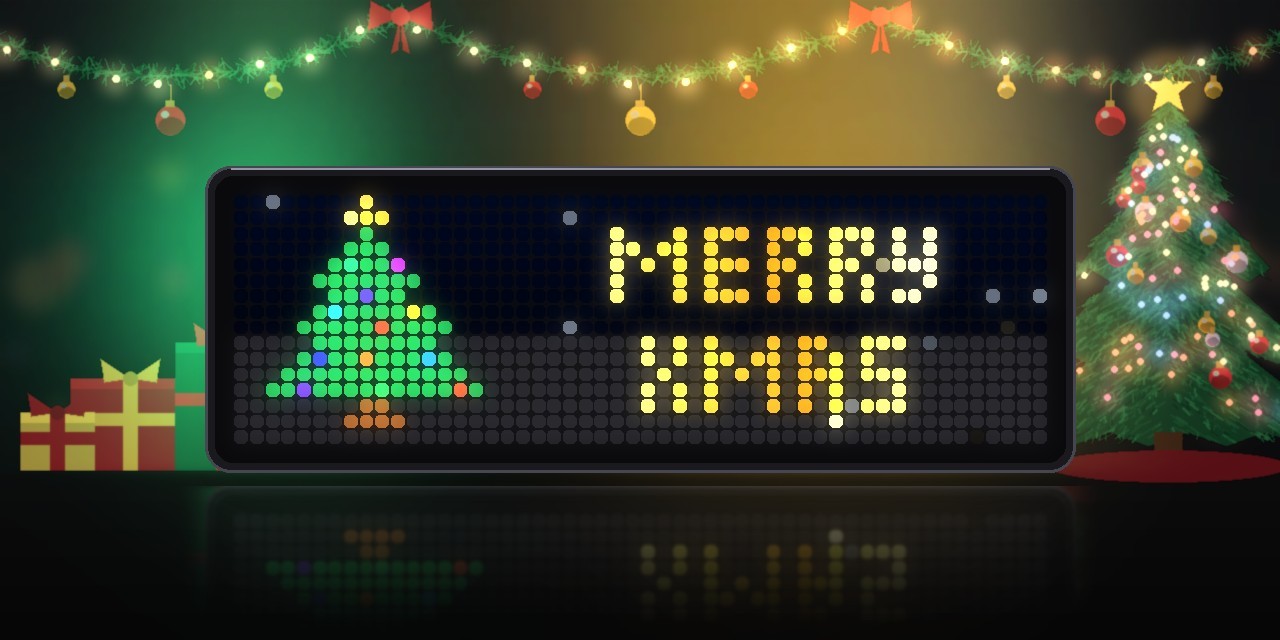
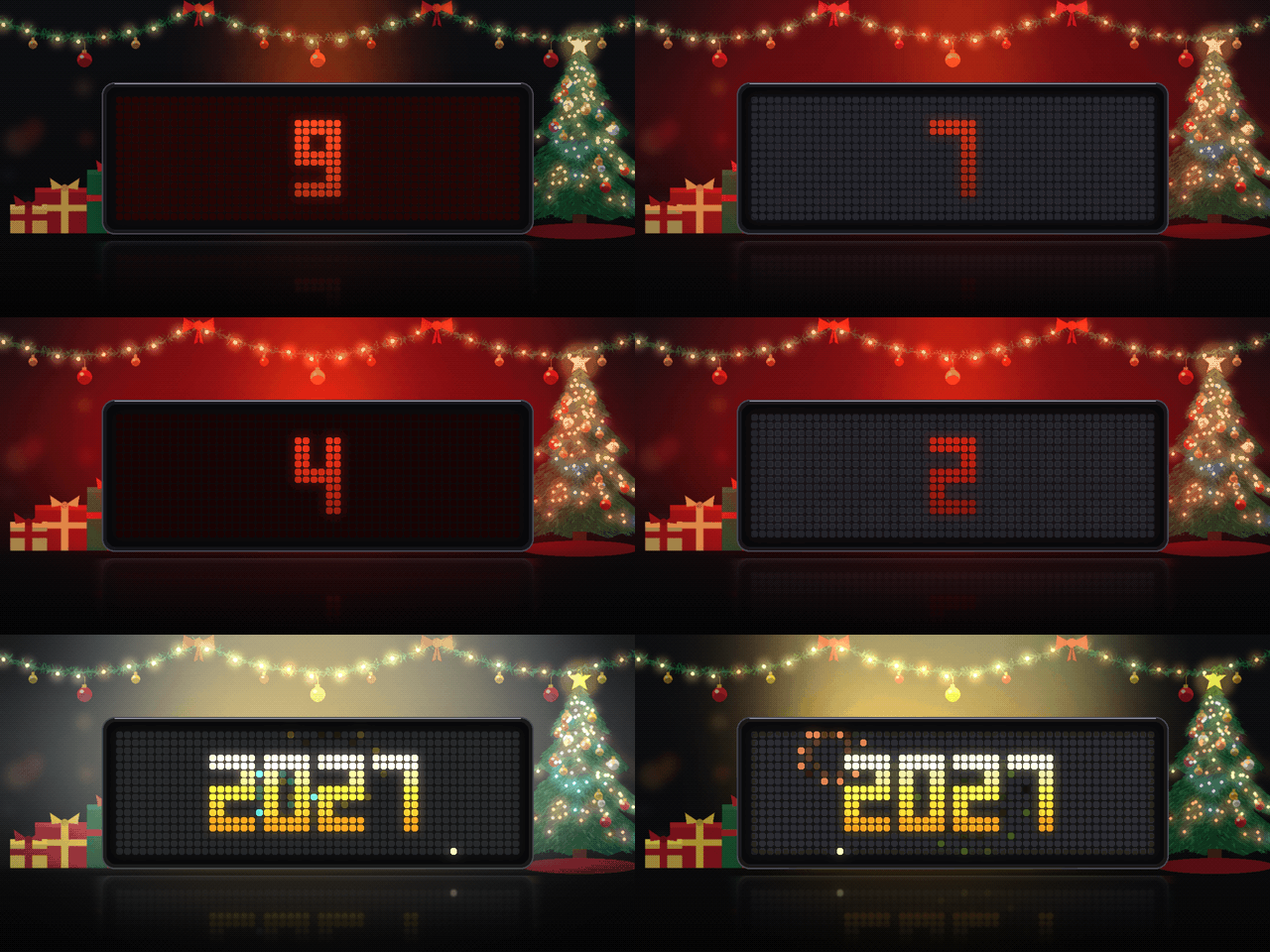
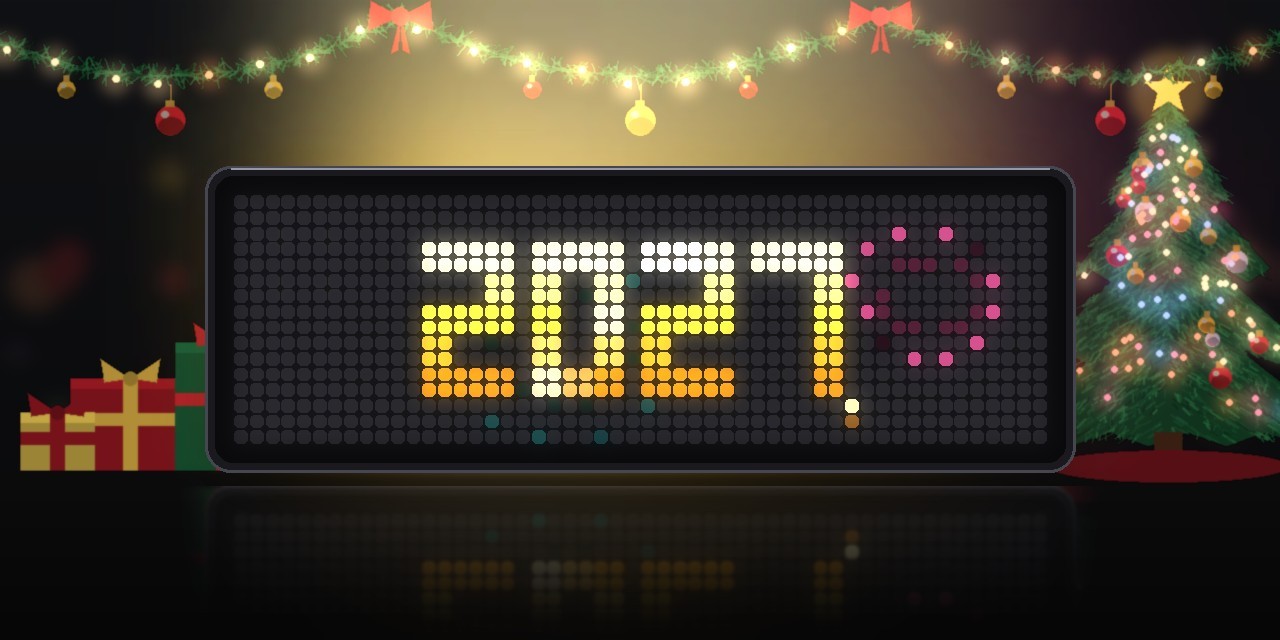
When What you see November (from 30 days before) A closed door with a big 1 and the days to go: 28 DAYS. Press the button to knock on the door. 1–24 December Advent wreath and today's door 25–26 December The Christmas tree and MERRY XMAS in gold, with twinkling stars 27–31 December Small fireworks and the days to New Year (2 DAYS TO 2027), on the 31st the hours and minutes Last minute of the year Big seconds that beat like a heart, red glow, a beep for each of the last ten seconds Midnight A flash and a bang, then the new year with fireworks across the whole panel 1 January 2027 with fireworks all day; the rockets bang for the first ten minutes after midnight The rest of the year the app stays out of the rotation.
-
Never miss midnight. On New Year's Eve the app brings itself to the front 15 seconds before midnight and stays until the fireworks have started.
-
Snowfall in the background during the whole season (can be switched off).
-
Your door colour. Pick any colour for the doors; the light and dark edges are worked out from it.
-
English or German texts on the panel.
Requirements
- An Ulanzi TC002 running AWTRIX NG (tested on firmware 1.2.3 beta). The sounds use the TC002's built-in synthesizer, and looking back needs the knob.
- A 52×16 display. The layout is written for it and is not meant for 32×8 clocks.
- No icons or sound files are needed. All motifs, digits and fireworks are drawn in code, and all sounds are synthesized.
- An internet connection only for the correct time. The app makes no web requests.
Installation
The easy way (recommended): Send to AWTRIX
- Open this script's page on the AWTRIX Hub.
- Press Send to AWTRIX and choose your TC002 in the next step.
- Done. The app is installed and appears in the rotation from November.
Then: make it yours
Open the AWTRIX web interface (the clock's IP address or http://awtrixng-xxxxxx.local), go to the Apps tab and click the gear on the Adventskalender row. There you choose the language of the panel texts, the door colour and the time when presents are opened on 24 December. Without this you get English texts, dark red doors and 18:00.
Want to see it before November? Enter a test date there, e.g. 12-07 (see Settings).
Updates
New versions are announced on the clock itself once your Hub account is connected:
- In the AWTRIX web interface open System → AWTRIX Hub and enter your Hub connection key. You find it in your Hub account settings (Open Hub account).
- Go to the Scripts tab and press Check for updates. Scripts with a newer version on the Hub are marked there.
Manual installation
Only if you can't use the button:
- Open the AWTRIX web interface and go to the Scripts tab.
- Create a new script called
Adventskalender, paste the contents ofAdventskalender.axand press Save. - Change the settings as described above if you like.
If the panel shows a red ERR:, the error message is shown next to the script in the Scripts tab. Please include it in your feedback.
Controls
| When | Middle button / knob press | Knob turn |
|---|---|---|
| November | knock on the door | brightness / volume as usual |
| Door still closed | open the door | brightness / volume as usual |
| Door open | open it again (replays the animation and the carol) | go back through earlier doors |
| After 24 December | – | brightness / volume as usual |
Settings
All settings are on the Apps tab, behind the gear on the Adventskalender row. Saving restarts the app.
| Setting | Default | What it does |
|---|---|---|
| Language | English | Texts on the panel: motif names, days, greetings. English or Deutsch. |
| Door colour | dark red | Colour of the doors |
| Countdown from | 30 days | How many days before 1 December the countdown appears. 0 turns it off. |
| Presents at | 18:00 | On 24 December the app counts down to this time. Leave it empty to show Merry Christmas all day. |
| New Year's Eve | on | Countdown from 27 to 31 December and fireworks on 1 January. Off: the app ends after 26 December. |
| Snowfall | on | Gentle snow in the background |
| Sound effects | on | Bell, door, knock, knob ticks, countdown beeps and fireworks. Off: the app is completely silent. |
| Carol when opening | on | Plays a carol after the door opens |
| Test date | empty | Try any day of the season now: 12-07 shows 7 December, 12-31 23:59 the last minute of the year, which then runs on into the New Year. Format MM-DD or MM-DD HH:MM. Leave it empty for the real date. |
Good to know
- Trying it out does not spoil anything. Doors you open while a test date is set are not remembered. Once you clear the test date, every door is closed again until its day.
- Missed a day? No problem: once today's door is open, turn the knob to look at all the doors before it. Doors of the days still to come stay closed.
- The sounds play at the app volume from the Audio tab.
- The date comes from the clock's own time and time zone.
Changelog
- 1.0 – First release.
Sign in to view and copy the code of this script.
Discussion 0
Ask a question, suggest a change or share how you use it.
No comments yet. Start the conversation.
More scripts in Miscellaneous
Something wrong with this script? Report it.
Have an idea?
Sign in to ask questions and join the conversation.