Corridor
On your display
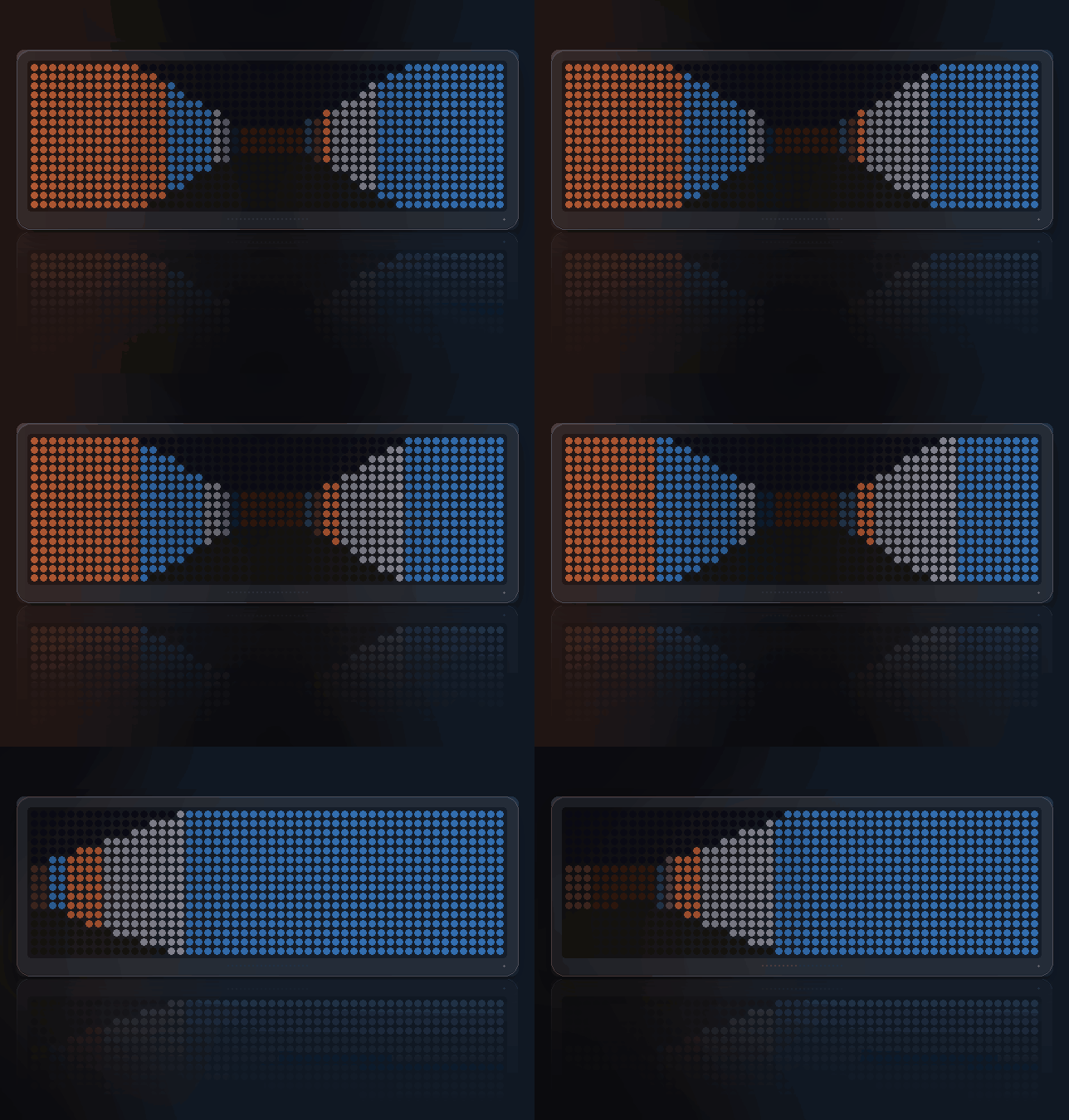
A first-person maze on the matrix. LEFT/RIGHT turn, SELECT walks. Find the way out; every floor is a new maze.
- Topic
- Gaming
- Includes
- Script
Runs on
- Does not run on 32×8 (TC001 & DIY) Made for 52×16 (TC002). Needs the built-in synthesizer and sound effects over music.
- Runs on 52×16 (TC002)
- Does not run on 32×8 with AWTRIX 3 (TC001 & DIY) Made for AWTRIX NG.
Choose your display in the next step.
Script description
Corridor
A first-person maze, raycast in real time on the matrix.
Panel: 52x16
What it looks like
Walls lean away as you turn and resolve into corners as you reach them. The far
end of a corridor fades into the dark, and a wall seen edge-on is lit
differently from one facing you — without that second cue the whole thing reads
flat and the corners vanish.
Every floor is a freshly generated maze — genuinely generated, seeded from the
clock, so the one you walk today is not the one you walked yesterday. A lit
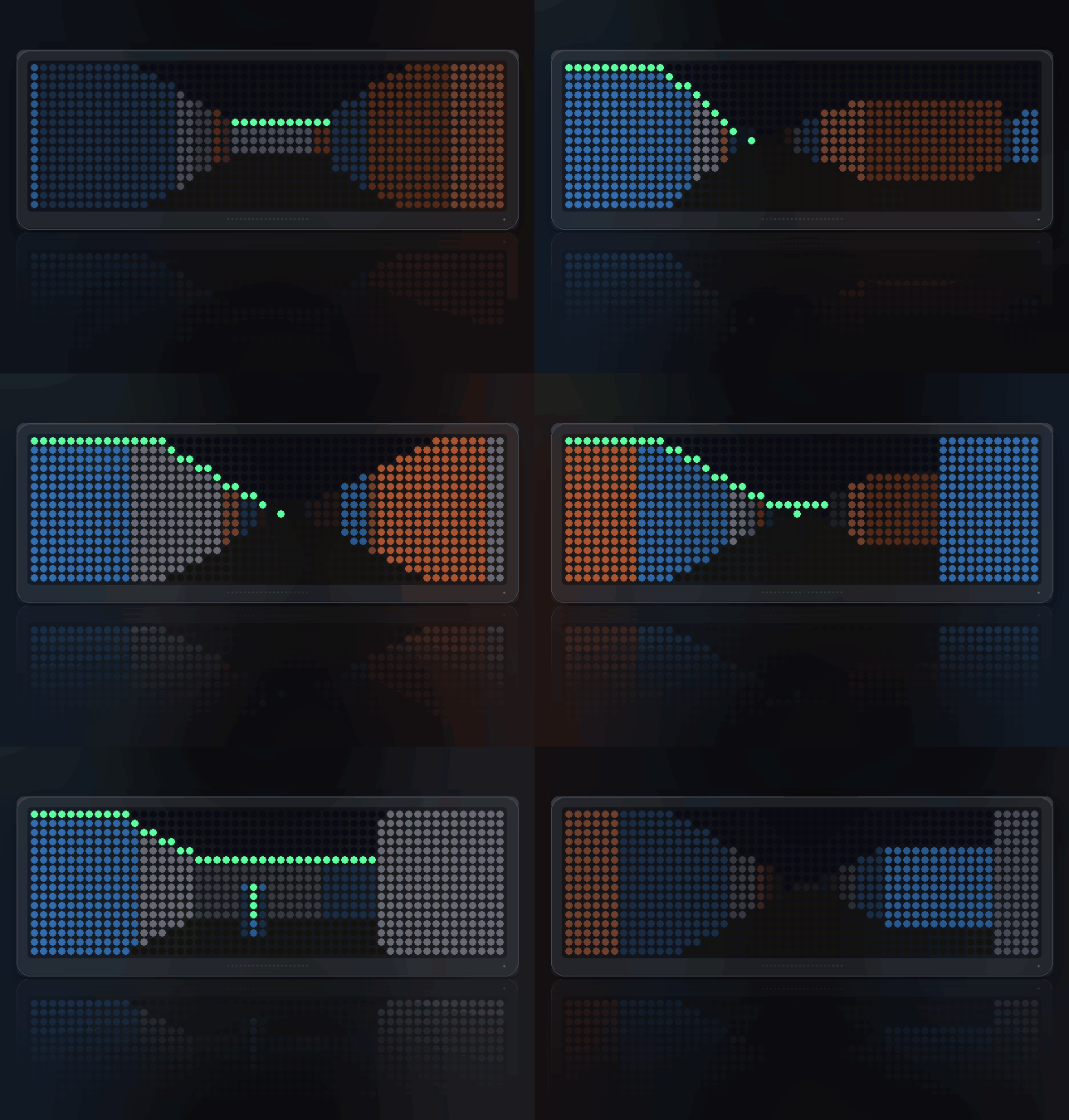
doorway shows the way out; reach it and the next maze is waiting.
What to watch for
- The doorway. The exit is drawn as an opening the height of the corridor
it stands in — a lit frame around a dark gap — and it is hidden behind walls
until you have line of sight. Seeing it is the difference between exploring
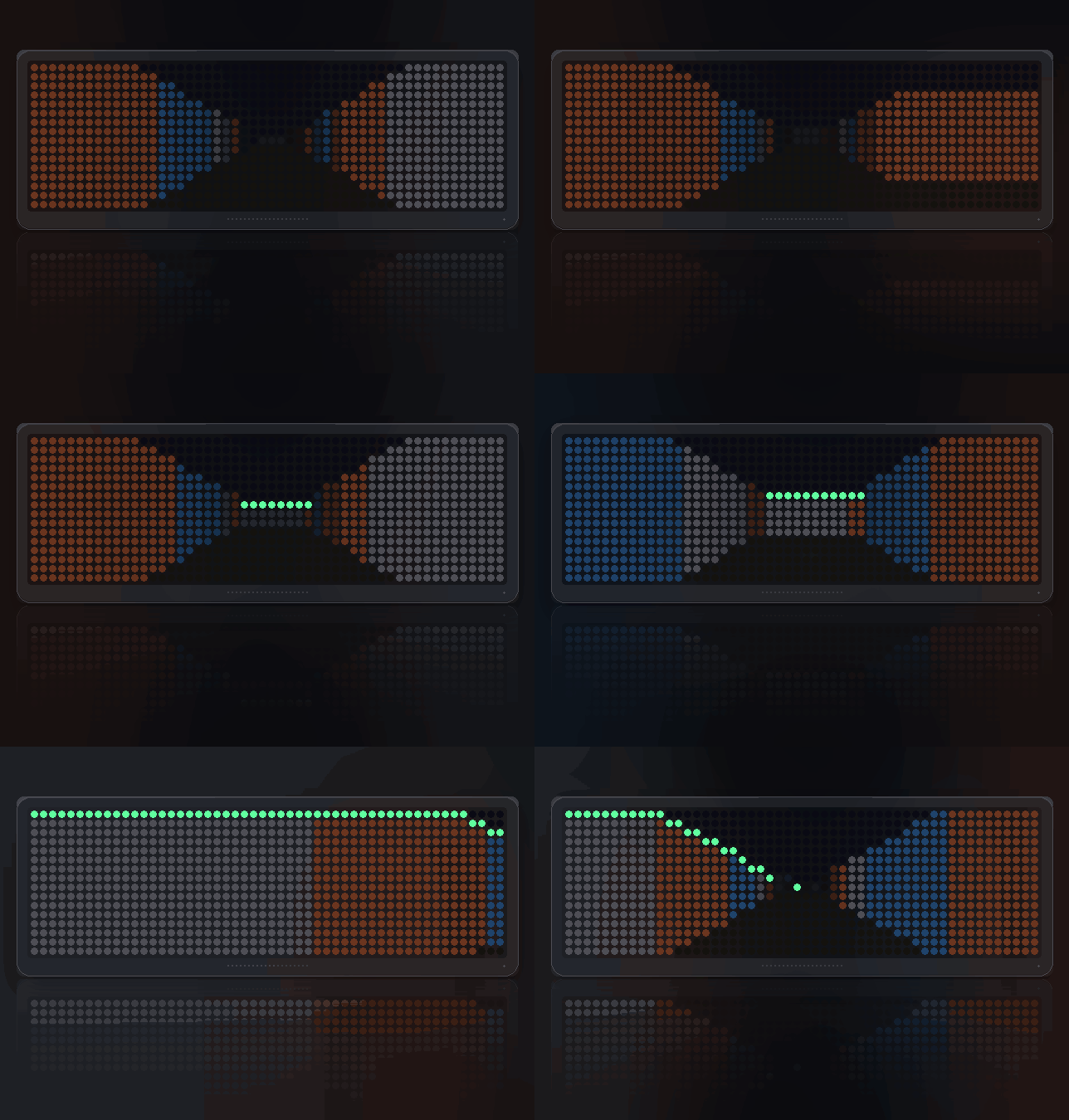
and wandering. - Wall colour. Three kinds of wall, so one corridor does not look like the
last and you can tell where you have been. - The fade. Distance does the work a minimap would otherwise have to.
Controls
- LEFT / RIGHT — turn
- SELECT — walk forward
- Gamepad — the D-pad walks and turns, A forward, B back, and the
shoulder buttons strafe, which is the one thing three buttons cannot offer
Leave it alone before you have touched it and it solves the maze itself, so
it is worth watching when nobody is playing. Once you have taken the controls it
never takes them back, however long you stand still reading a junction.
Left and right belong to the clock's carousel, so Corridor only holds them while
you are playing: SELECT engages it, each turn keeps it engaged, and a few
seconds of stillness hands them back so you can walk away to the next app. A
marker in the top corner is lit for exactly as long as they are held.
Settings
- Sound effects (on) — footsteps and the dull knock of walking into a wall
- Drone (on) — a low two-note bed, no melody
Sign in to view and copy the code of this script.
Discussion 0
Ask a question, suggest a change or share how you use it.
No comments yet. Start the conversation.
Have an idea?
Sign in to ask questions and join the conversation.