Jellyfin
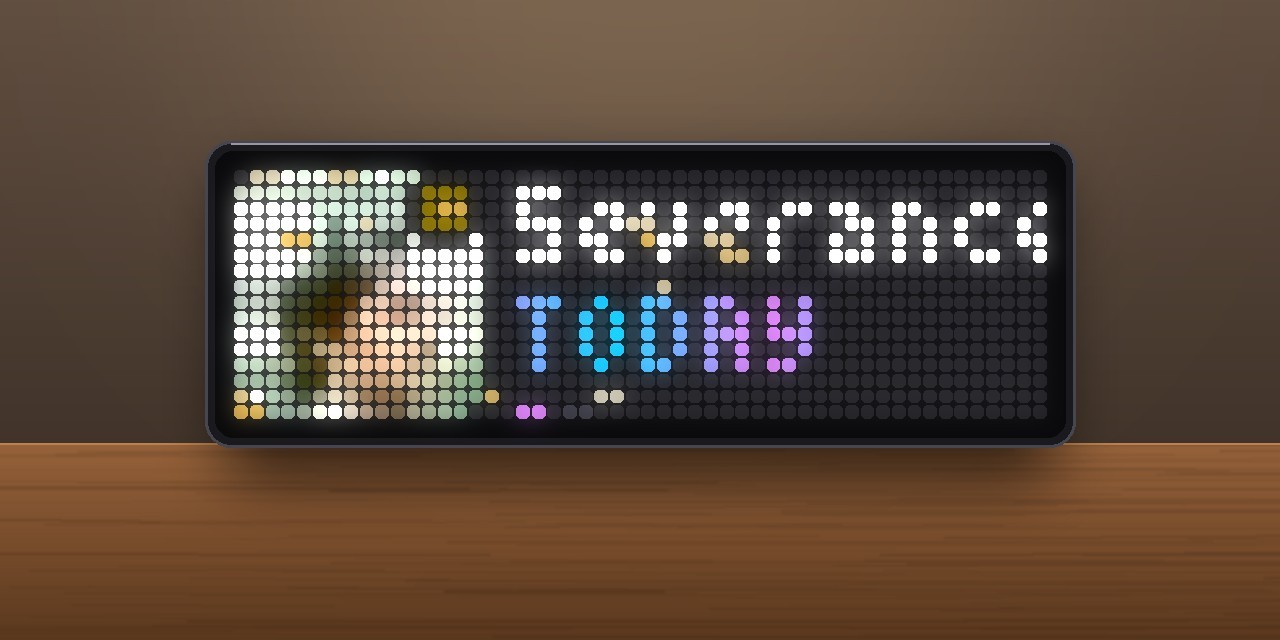
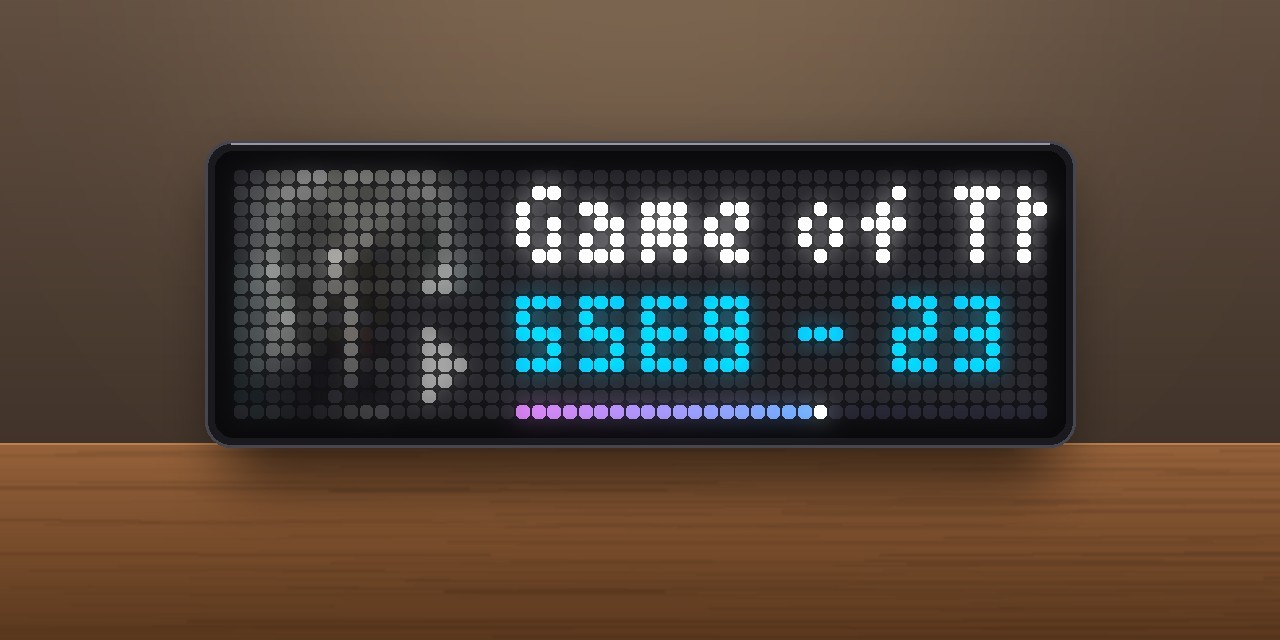
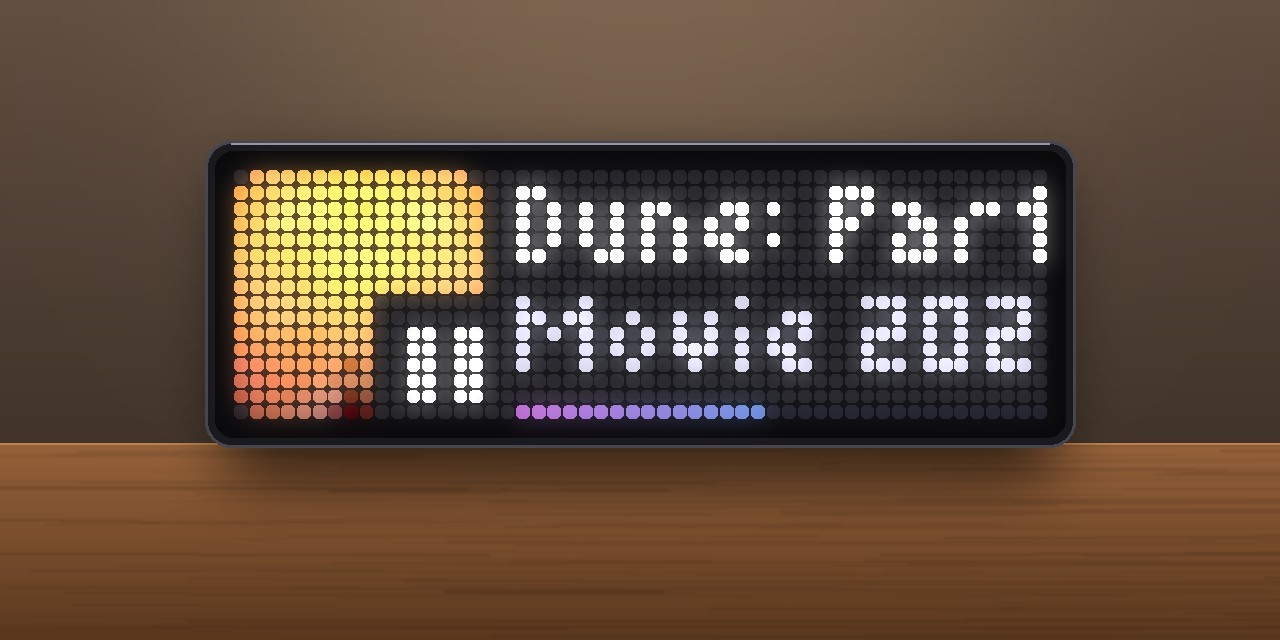
On your display
Your Jellyfin media server on the clock.
- Topic
- Multimedia
- Includes
- Script
Runs on
- Does not run on 32×8 (TC001 & DIY) Made for 52×16 (TC002). Needs the built-in synthesizer.
- Runs on 52×16 (TC002)
- Does not run on 32×8 with AWTRIX 3 (TC001 & DIY) Made for AWTRIX NG.
Choose your display in the next step.
Script description
Jellyfin for AWTRIX NG (Ulanzi TC002)
Version 1.1 · by Hank_the_Tank / Claude · for the 52×16 panel of the Ulanzi TC002
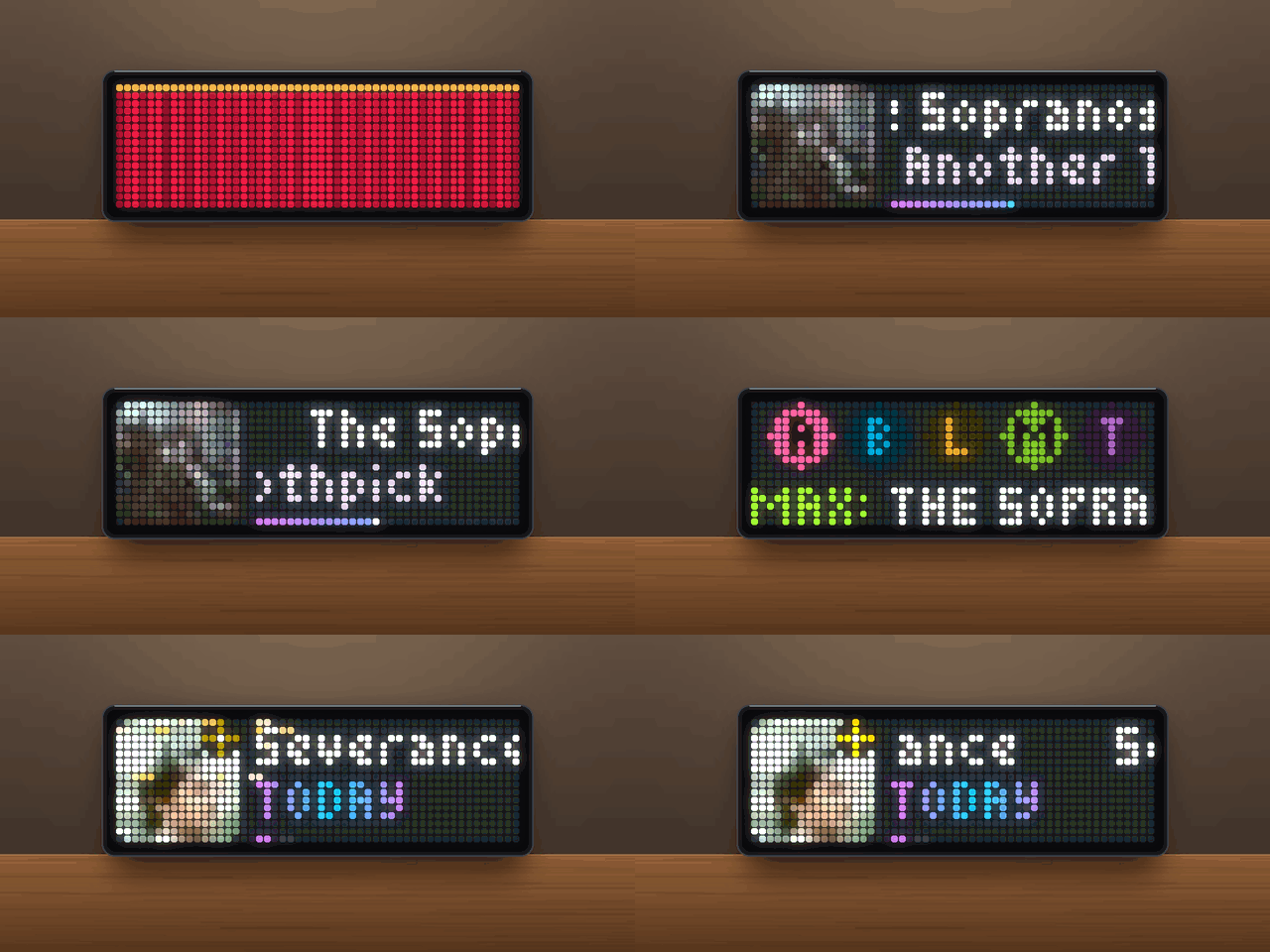
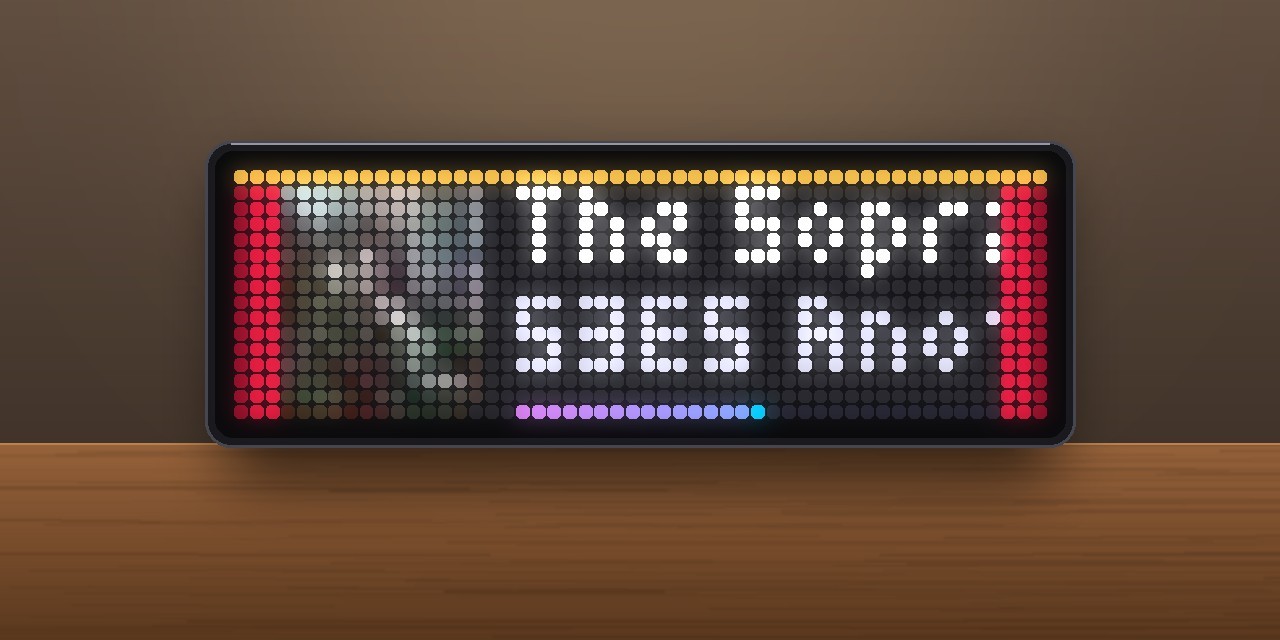
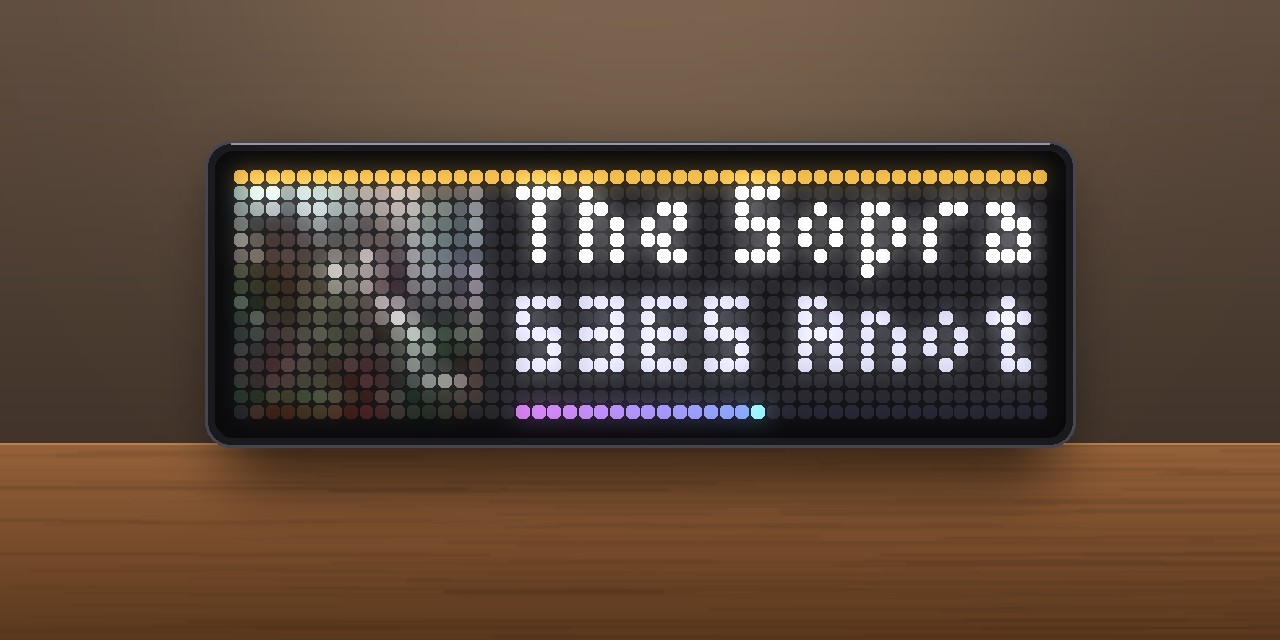
Your Jellyfin media server on the clock. When something starts playing, the app jumps in. A red cinema curtain opens to a short fanfare and reveals the poster, title, progress and who is watching on which device. When nothing is playing, it shows what is new in your library (a popcorn jingle plays when something arrives) and what you can continue watching. The posters come straight from your own server.
┌────────────┬──────────────────────────────┐
│ ▓▓▓▓▓▓▓▓▓▓ │ The Sopranos                 │  ← series or title (scrolls once, then stays)
│ ▓ poster ▓ │ S3E5 Another Toothpick       │  ← takes turns: episode · -28:49 · END 22:24 · MAX - Living room TV
│ ▓  16×16 ▓ │                              │
│ ▓▓▓▓▓▓▓▓▓▓ │ ░░░░░░░░░░░░░░░░░░●········· │  ← progress in the Jellyfin gradient
└────────────┴──────────────────────────────┘
Features
- Now Playing. For every running playback (movies, episodes, music):
- the poster on the left, loaded from your server as a 16×16 picture, with a drawn film, TV or note symbol until it has arrived
- the series or movie title on top; long titles scroll once and then stay put at the start
- a second line that takes turns: episode (
S3E5 Another Toothpick), year or artist, time left (-28:49), end time (END 22:24), and who is watching where (MAX - Living room TV, in that user's colour) - a progress bar in the purple-to-blue Jellyfin gradient, with a glowing head that moves on its own between updates
- while paused, a pause sign sits on the poster and the bar pulses
- Curtain call. When playback starts, the app comes to the front. A red velvet curtain opens across the panel, and a short brass-and-bell fanfare plays. You choose whether this happens for all users, only for you, or never.
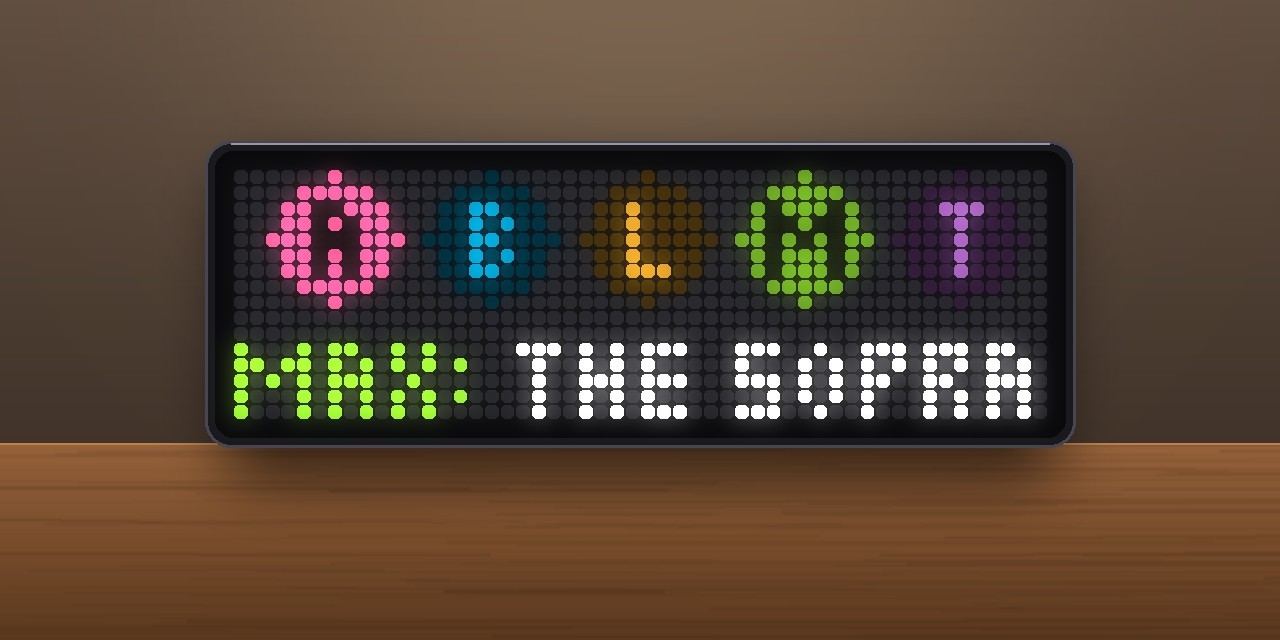
- Who is watching? One coloured disc with an initial per user. The ones watching right now glow and pulse, and a line below scrolls through who watches what (
ANNA: DUNE: PART TWO). This scene only appears when it tells you more than Now Playing does: when two or more people are watching, or someone other than you. - New in the library. Recently added movies, episodes and albums, with a twinkling star sticker on the poster. Below the title it shows how old they are (
TODAY,YESTERDAY,3 DAYS AGO) and what was added (S2E10 Cold Harbor,4 new episodes). When something new arrives, the app jumps in, popcorn flies out of the poster and a popcorn jingle plays. - Continue watching. Titles you started, with a progress bar and the time left (
S5E9 - 23 min left). Then the next episodes of the shows you follow (Next: S3E1 Tomorrow), with a light running along the empty bar. - Animated. Posters slide in, text fades in, a glint runs over the poster every few seconds, and a diagonal light wipe marks each scene change.
- Knob and button. Turn the knob to flip through the scenes. Press the middle button to update right away.
- Only shows up when it has something to say. With nothing playing, nothing new and nothing to continue, the app skips its turn.
- Light on the network. Playback is checked every 10 s. New arrivals and continue-watching titles are checked every 5 minutes. Everything stays inside your home network.
Requirements
- An Ulanzi TC002 running AWTRIX NG firmware 1.2.0 or newer (tested on 1.2.2). Posters loaded from a web address, the knob and the synthesizer sounds are TC002 features.
- A Jellyfin server, version 10.9 or newer (tested with 12.1.0), reachable from the clock.
- A Jellyfin API key. Create it in Jellyfin under Dashboard → API Keys → + (name it e.g. AWTRIX). With an API key the app sees every user on the server. That is what Who is watching? needs.
- No icons are needed.
Installation
- Open the AWTRIX web interface in a browser, using the clock's IP address or
http://awtrixng-xxxxxx.local. - Go to the Scripts tab and create a new script called
Jellyfin. - Paste the contents of
Jellyfin_share.axand press Save. - Open the Apps tab and click the gear on the Jellyfin row. Enter:
- Server: your server's address with port, e.g.
http://192.168.1.10:8096 - API key: the key from the Jellyfin dashboard
- User: your own Jellyfin user name
- Server: your server's address with port, e.g.
Until the key and user are set, the panel shows the Jellyfin logo with NO API KEY or SET USER. BAD API KEY means Jellyfin rejected the key. USER? means the user name was not found. If the panel shows a red ERR:, the error message is shown next to the script in the Scripts tab. Please include it in your feedback.
Settings
All settings are on the Apps tab, behind the gear on the Jellyfin row. Saving restarts the app.
| Setting | Default | What it does |
|---|---|---|
| Server | http://192.168.1.10:8096 |
Address of your Jellyfin server including the port |
| API key | – | Jellyfin API key (Dashboard → API Keys) |
| User | – | Your Jellyfin user name. New arrivals and continue watching are shown for this user, and mine refers to them. |
| Check playback every | 10 s | How often running playbacks are checked (5–120 s) |
| Jump in on start | all | all: curtain and fanfare whenever anyone starts something. mine: only for your own playback. off: never. |
| Who is watching? | on | The family overview while two or more people watch, or someone other than you |
| Show new arrivals | 3 days | How long a new movie or episode stays in the New scene. 0 switches the scene off. |
| Continue watching | 3 | How many titles (started ones first, then next episodes). 0 switches the scene off. |
| Sound | on | Cinema fanfare on start and popcorn jingle for new arrivals. Uses the app volume from the Audio tab. |
| Colour 1 / Colour 2 | Jellyfin purple / blue | The gradient of progress bars, labels and the logo |
Good to know
- Your API key stays on the clock. It is stored in the app's settings, not in the script. Anyone who can open the clock's web interface can read it, though. Set a login for the web interface if other people use your network. You can revoke the key in the Jellyfin dashboard at any time.
- Time left between updates. Many players report their position only every 10–20 seconds. The app keeps counting on its own in between, so the time left and the bar move smoothly.
- Posters are loaded from your server as 16×16 pictures and need no login. The first time a title appears, it can take a moment until the picture is there. Until then, a drawn symbol stands in.
- Live TV without a known runtime shows
LIVEand a full bar. - Names with umlauts. Jellyfin sometimes sends
äasaplus a separate accent mark. The app joins them into one letter.
Changelog
- 1.1 – The title on top scrolls once and then stays put. The episode moved to the second line. Each part of the second line stays until it has been shown completely.
END 22:24replaces a label that did not fit. Who is watching? only shows when it adds something. - 1.0 – First release.
Sign in to view and copy the code of this script.
Discussion 0
Ask a question, suggest a change or share how you use it.
No comments yet. Start the conversation.
More scripts in Multimedia
Something wrong with this script? Report it.
Have an idea?
Sign in to ask questions and join the conversation.