Halo Timer
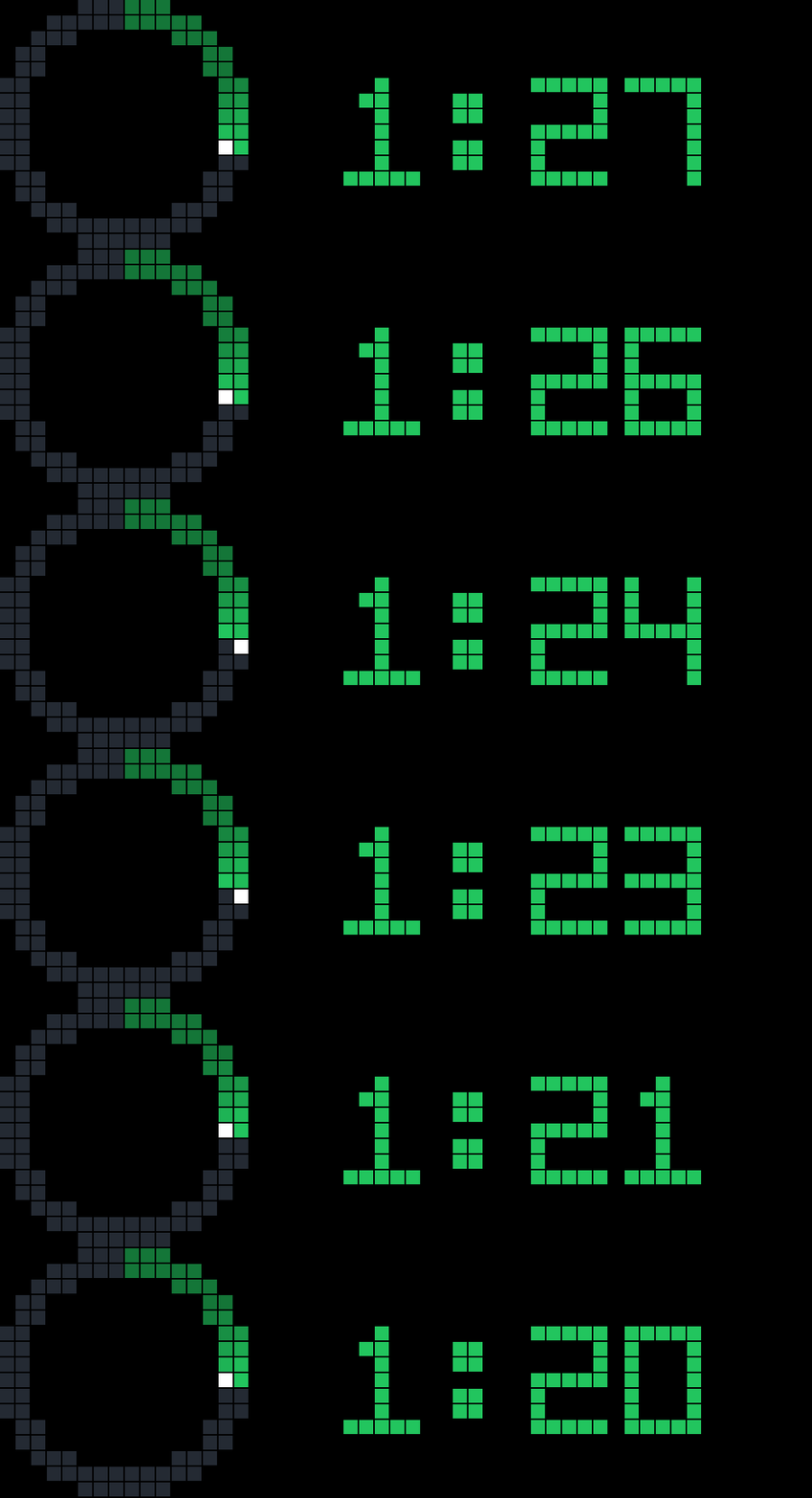
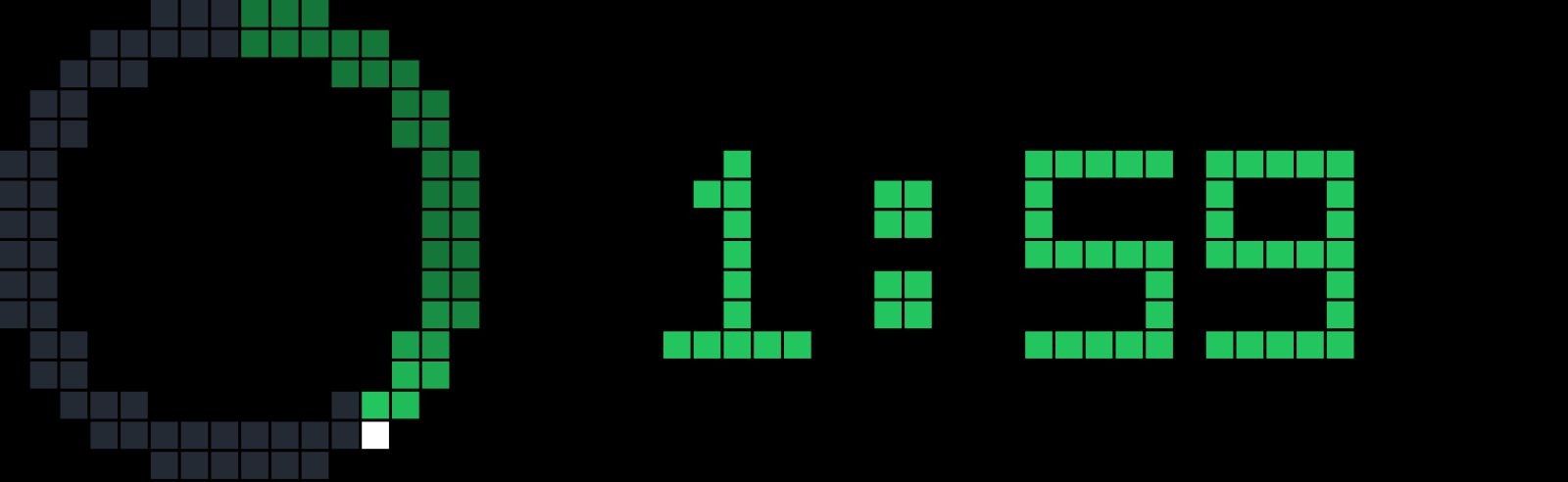
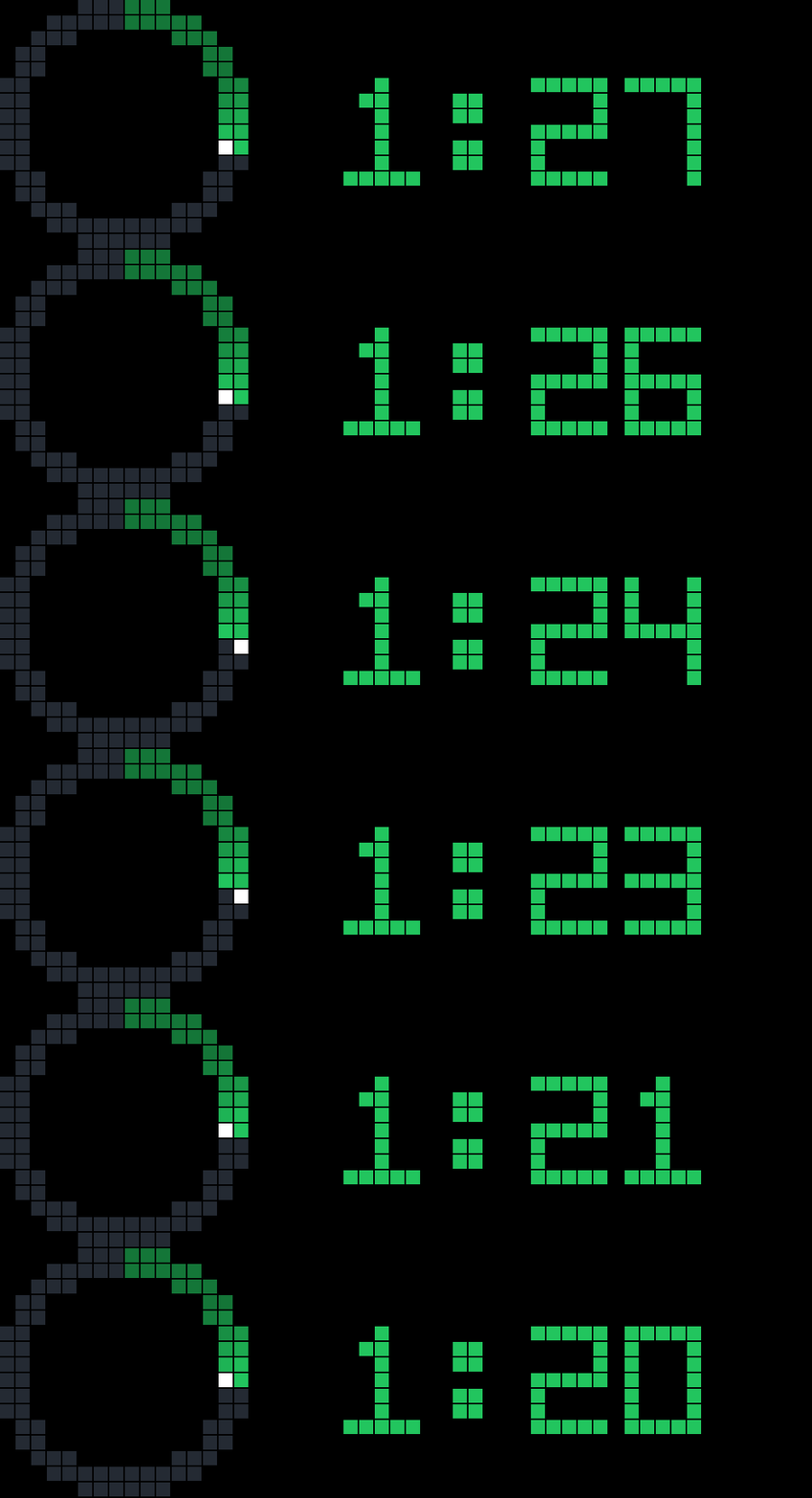
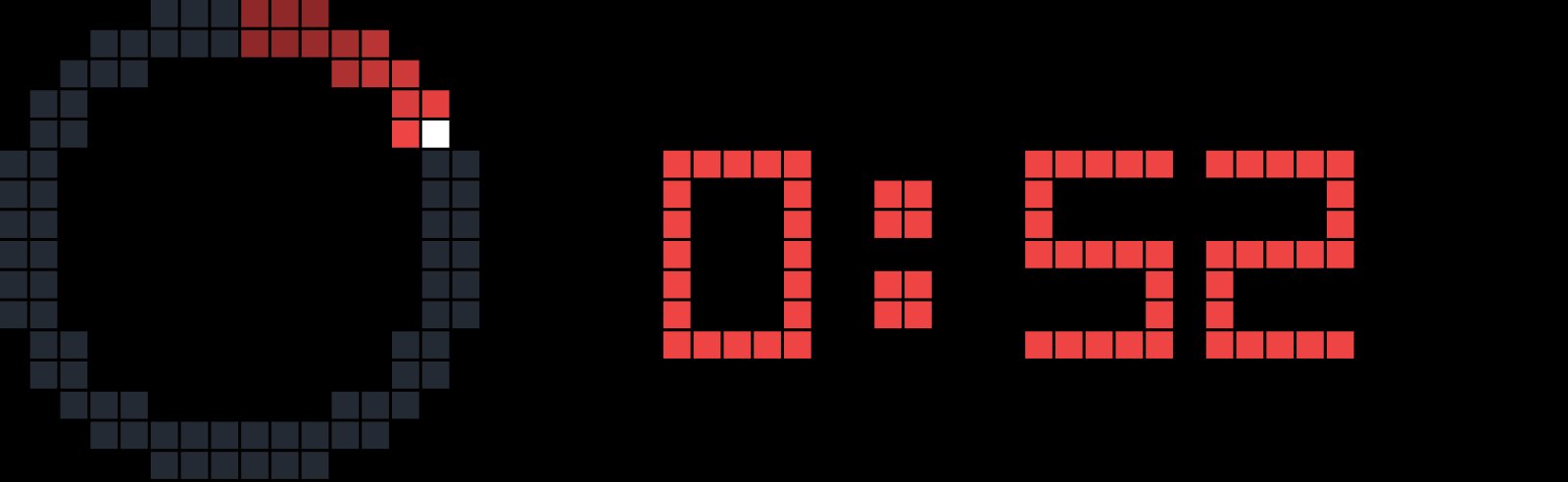
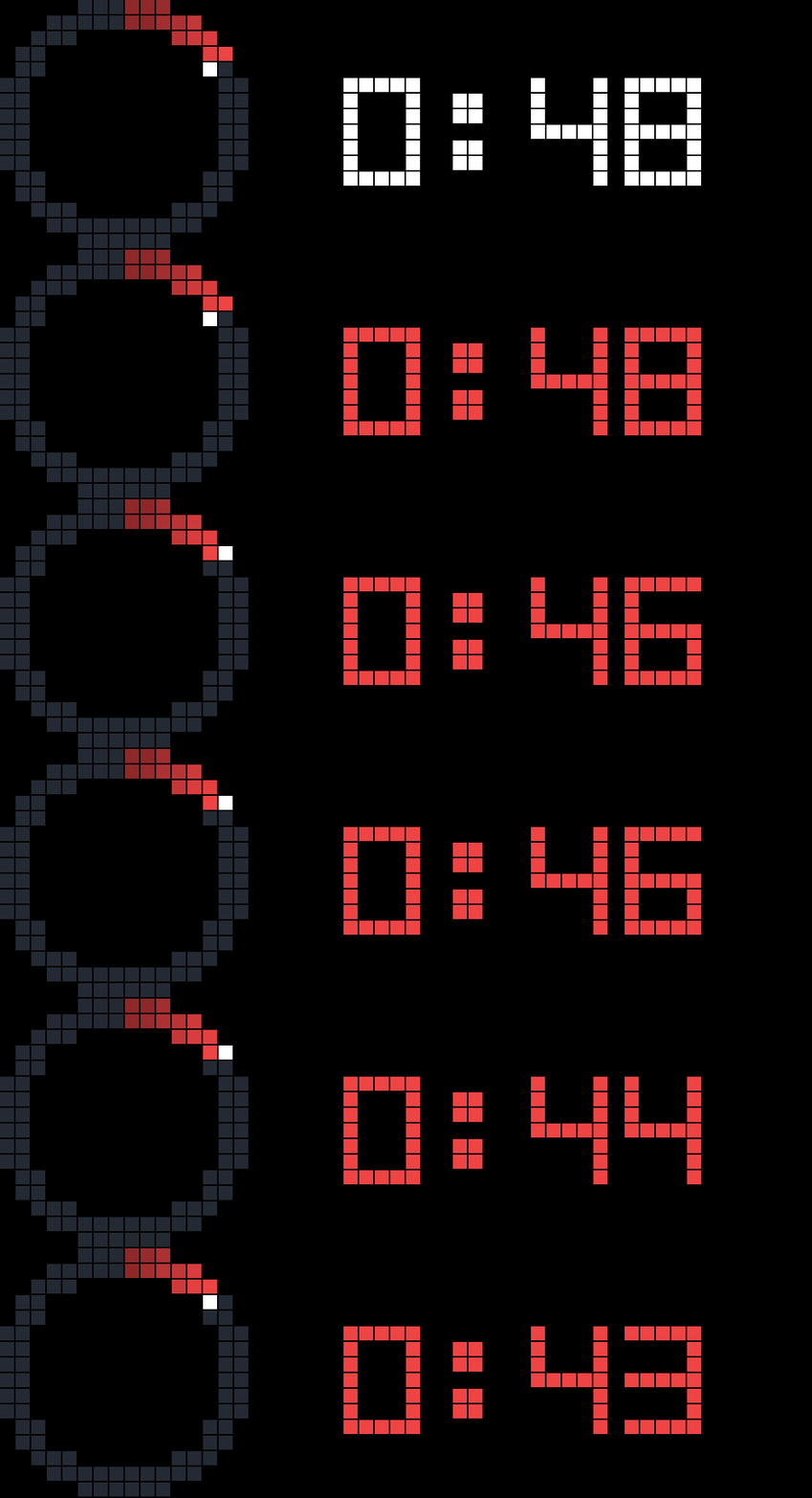
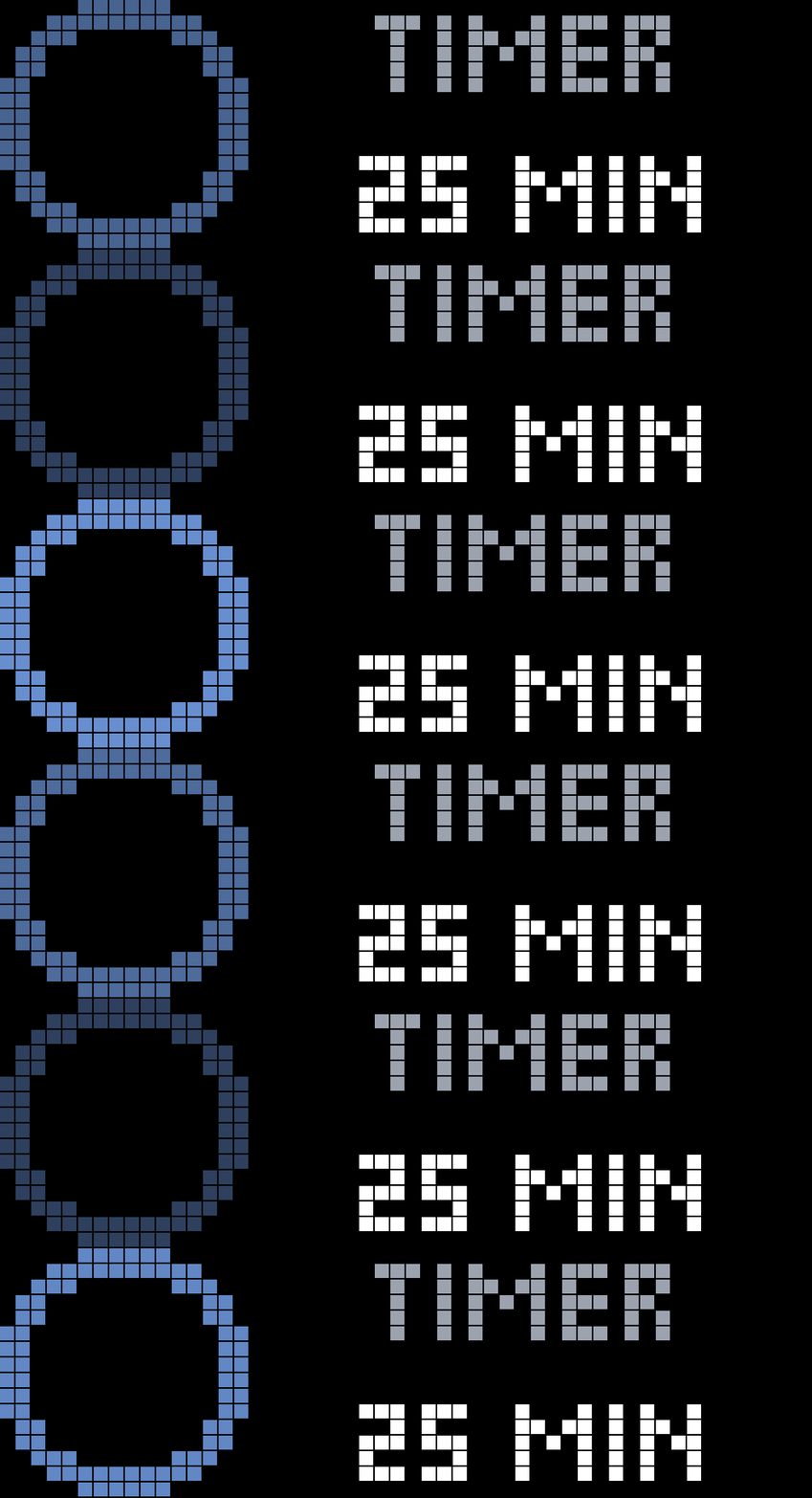
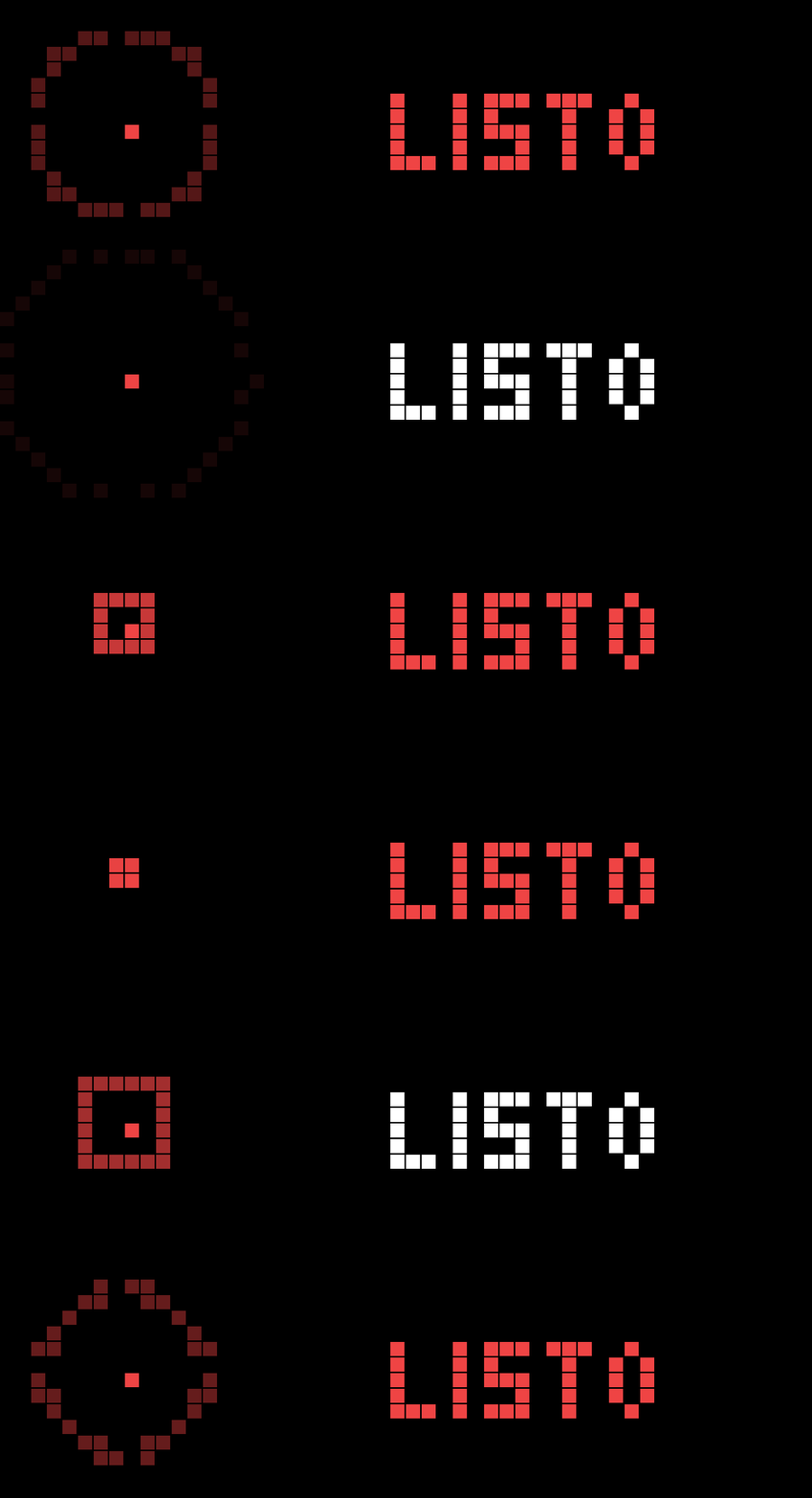
On your display
Timer & Pomodoro with a comet progress ring — knob presets, big digits, round dots and HTTP control.
- Topic
- Miscellaneous
- Includes
- Script
Runs on
- Does not run on 32×8 (TC001 & DIY) Made for 52×16 (TC002).
- Runs on 52×16 (TC002)
- Does not run on 32×8 with AWTRIX 3 (TC001 & DIY) Made for AWTRIX NG.
Choose your display in the next step.
Script description
Halo Timer turns your TC002 into a desk timer and Pomodoro with an animated comet progress ring and big digits.
Controls (on the clock):
• Turn the knob — pick a preset (5/10/15/25/30/45/60 min, configurable)
• Press the knob — switch Timer ⇄ Pomodoro (when idle) / cancel (when paused)
• Middle button — start / pause / resume
• Hold right — +5 min
• Hold left — skip Pomodoro phase / stop
• Short press left/right — switch apps as usual
Features:
• Traffic-light colours: green → yellow → red as time runs out
• Pomodoro with FOCUS / BREAK / LONG phases and round dots
• Survives reboots (a running timer is restored)
• HTTP control: PATCH /api/v1/apps//data with {"cmd":"..."} — commands: start [min], pomodoro, pause, resume, toggle, add [min], skip, stop
Setup: no extra icons needed. Adjust presets, Pomodoro lengths and the alarm melody in the app settings (gear).
Credit: the ring technique (angle-ordered mask + comet head) and the short/long button handling are inspired by Blueforcer's "Do Not Disturb".
Sign in to view and copy the code of this script.
Discussion 0
Ask a question, suggest a change or share how you use it.
No comments yet. Start the conversation.
More scripts in Miscellaneous
Something wrong with this script? Report it.
Have an idea?
Sign in to ask questions and join the conversation.