PUNCH CLOCK
On your display
One-on-one fighting game: four fighters, five stages, a friend or the computer.
- Topic
- Gaming
- Includes
- Script
Runs on
- Does not run on 32×8 (TC001 & DIY) Made for 52×16 (TC002). Needs a Bluetooth gamepad, the built-in synthesizer and sound effects over music.
- Runs on 52×16 (TC002) Gamepad: turn Bluetooth on and pair one under System → Gamepad on your AWTRIX.
- Does not run on 32×8 with AWTRIX 3 (TC001 & DIY) Made for AWTRIX NG.
Choose your display in the next step.
Script description
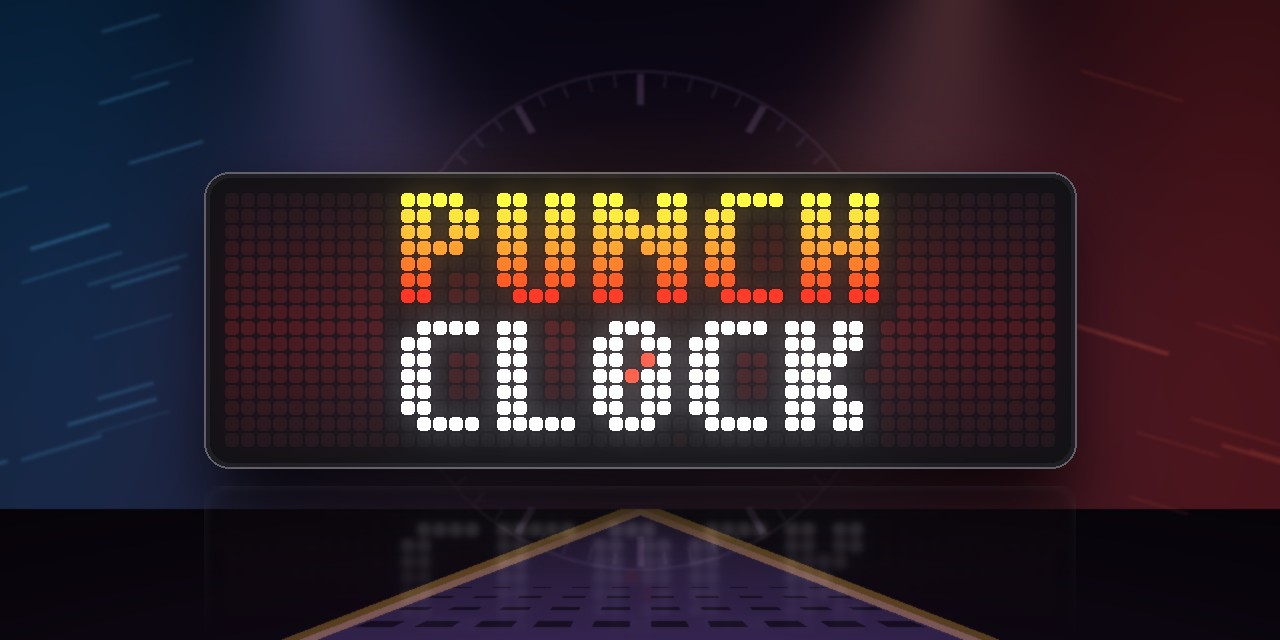
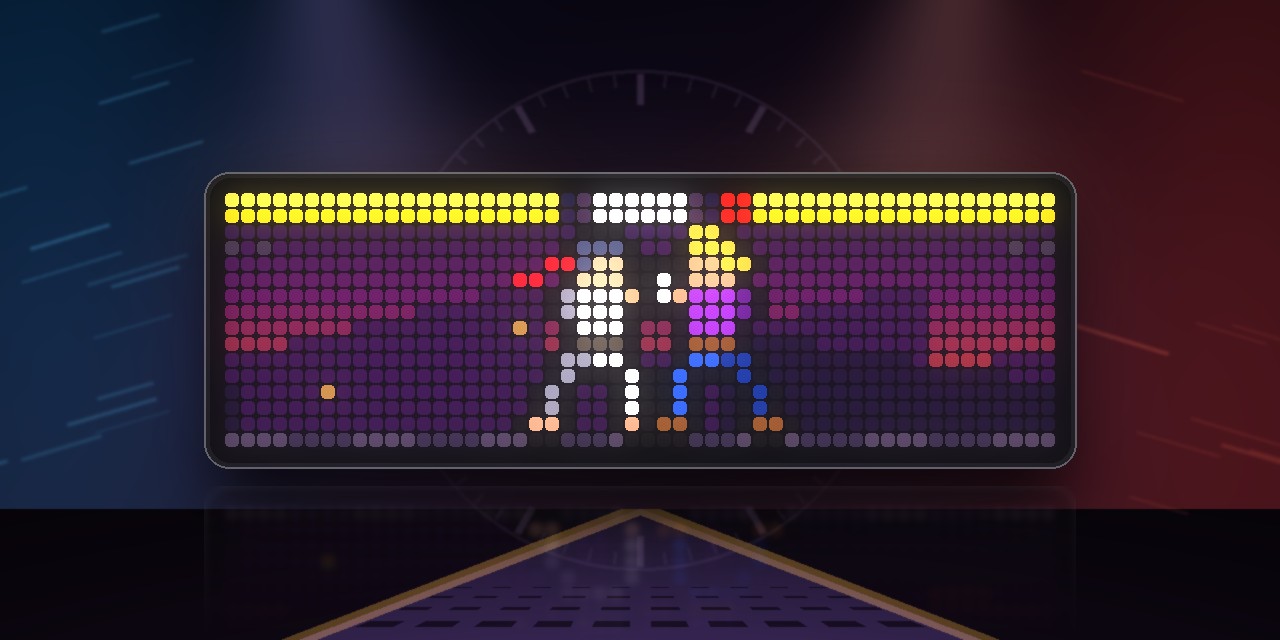
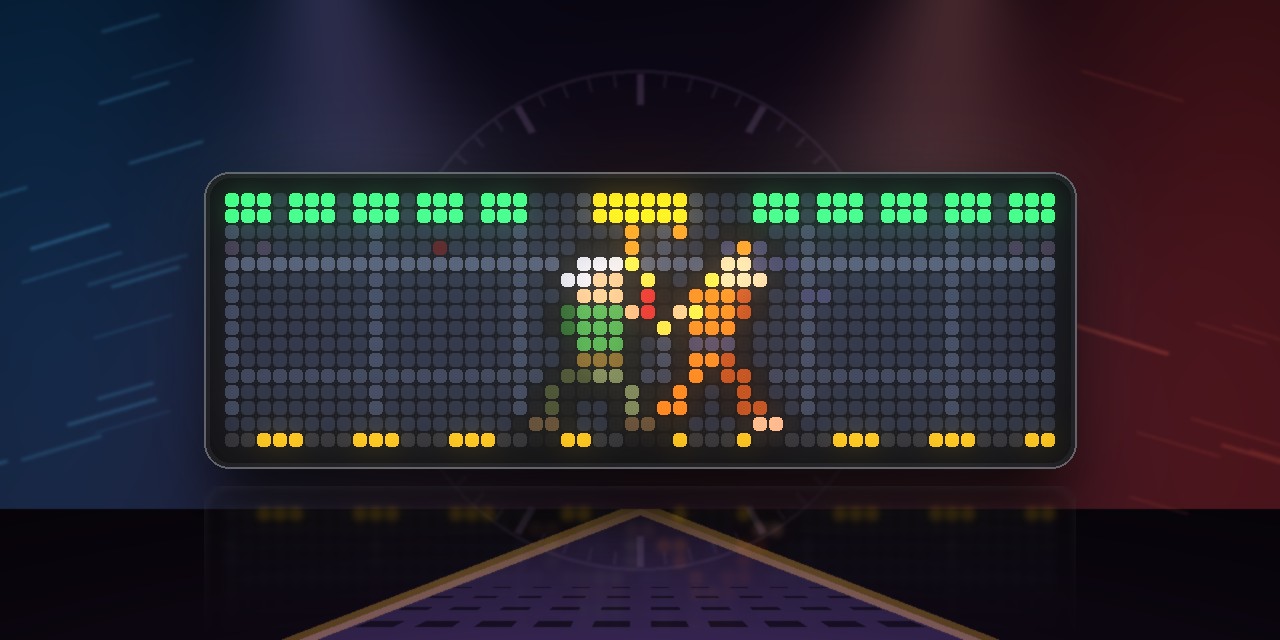
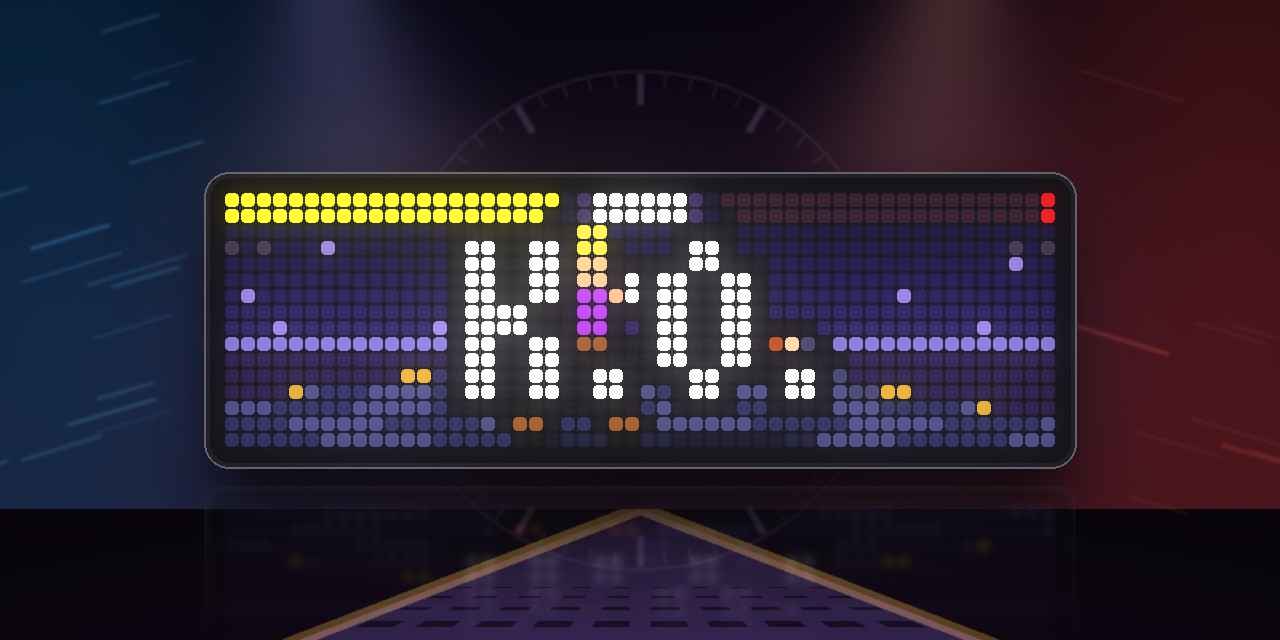
Two fighters, best of three, on 52×16 pixels. Every button is a limb, and the fight plays like the 3D fighters from the arcades: standing still guards, a crouch ducks under high attacks, a sidestep slips past a straight one, and a launcher sends your opponent up for a juggle.
- Arcade: five fights on five stages against the computer. You face the other three fighters and your mirror image, and finally your own shadow at the temple.
- Versus: two players with two gamepads.
- Training: a dummy that never goes down. SELECT makes it stand, crouch, guard or fight back.
| Button | Move |
|---|---|
| X / Y | left / right punch |
| A / B | left / right kick |
| D-pad | walk · ↓ crouch · ↑ jump · →→ dash · ↓↓ sidestep |
| ↘ + Y / → + Y | launcher / special move |
| X+A or Y+B | throw (press X or Y in time to break one) |
| R1 | Rage Art, once a round when your health bar pulses red |
| START | pause |
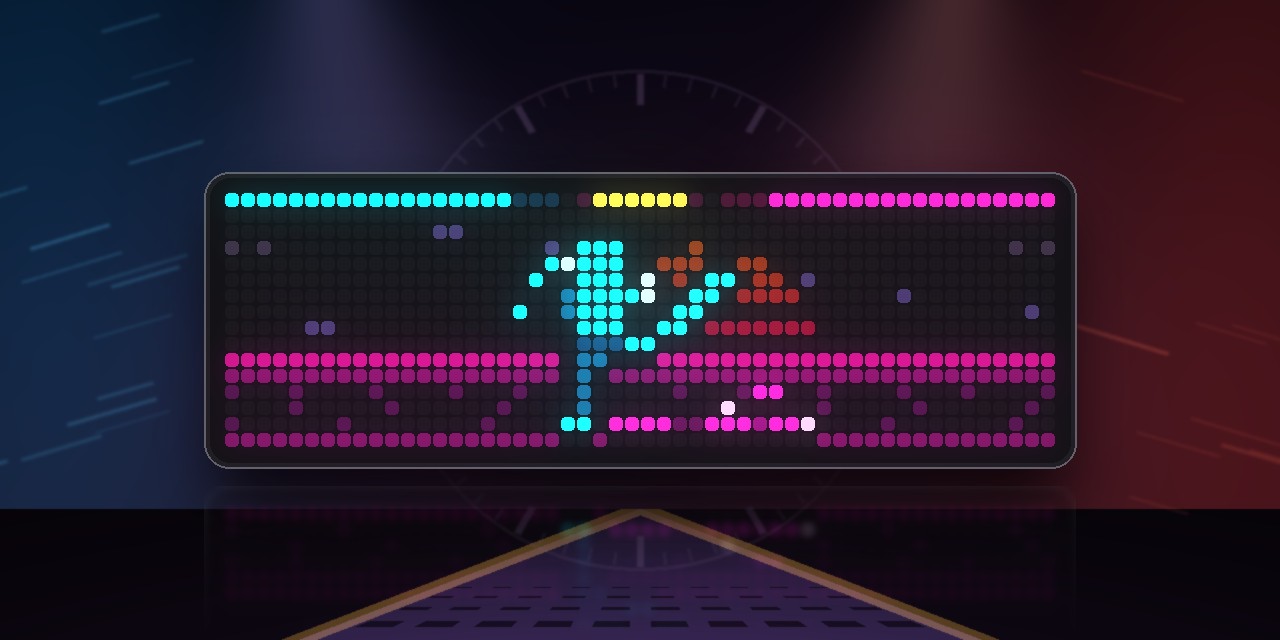
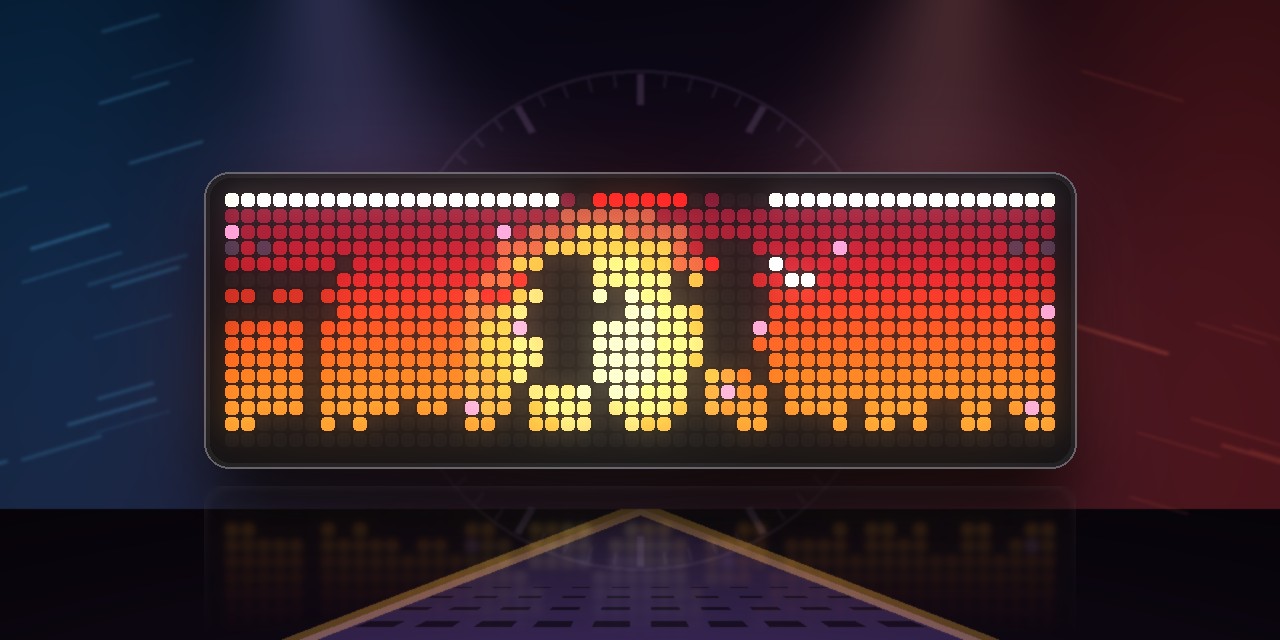
KAZE, RYKER, TORA and VIKTOR each fight their own way. The stages are a street at dusk, a neon grid, a ring whose floor turns when you sidestep, a hangar full of sparks, and a temple where everyone fights as a silhouette against the setting sun.
You need a BLE Bluetooth gamepad or the AWTRIX NG App paired under System → Gamepad, or two for Versus; the phone gamepad in the AWTRIX app works too. Start the game from the clock's menu and hold the middle button to leave. In the settings you choose the COM level, the rounds to win, the round time, and whether music and effects play. All music and sounds come from the clock's synthesizer, so there are no sound files to install.
Sign in to view and copy the code of this script.
Discussion 0
Ask a question, suggest a change or share how you use it.
No comments yet. Start the conversation.
Have an idea?
Sign in to ask questions and join the conversation.