Ecowitt API WX Info
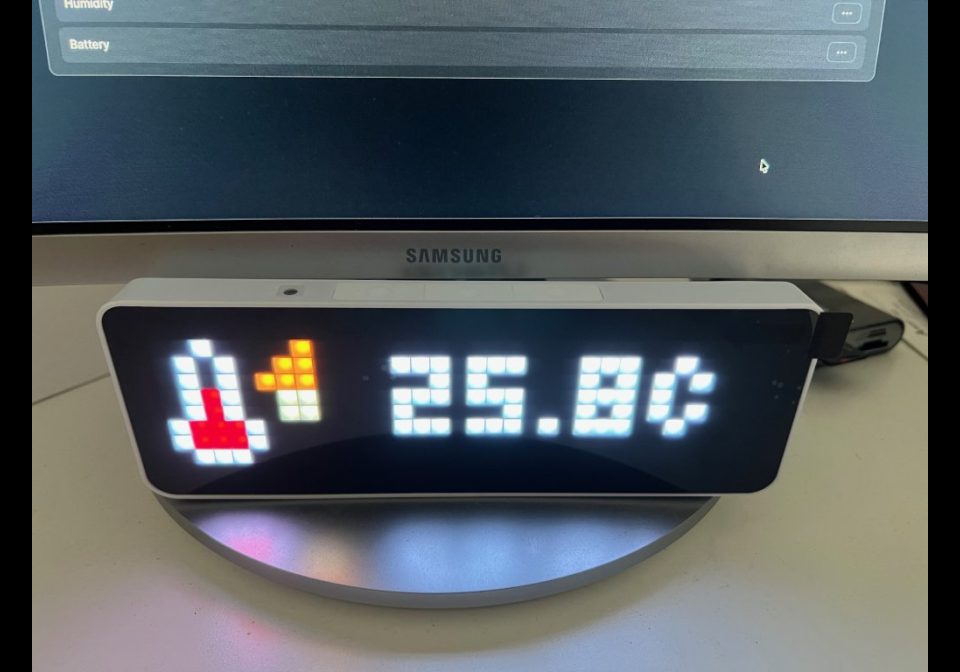
On your display
Access your Ecowitt WX data from the API
- Topic
- Miscellaneous
- Includes
- Script
Runs on
- Runs on 32×8 (TC001 & DIY)
- Runs on 52×16 (TC002)
- Does not run on 32×8 with AWTRIX 3 (TC001 & DIY) Made for AWTRIX NG.
Choose your display in the next step.
Is this your script?
If you created this script, open your saved edit link to add it to your account. You can then manage it whenever you sign in. Adding it to your account replaces the edit link.
Script description
This project displays Ecowitt weather data on an AWTRIX NG. It retrieves the data directly from the Ecowitt API.
The app uses these icon IDs. These icons must be available on the AWTRIX.
Required IDs:
68435 Indoor Temperature
39041 Indoor Humidity
44092 Outdoor Temperature
2720 Rain
1153 Wind
2438 Measurement Time
Troubleshooting:
If only “API?” appears when using the Direct API option, application_key, api_key, or mac are not set.
If only “Weather n/a” appears, check the API response or feed.
If no icons appear, download the required IDs from the AWTRIX icon section.
If the script isn't running, check the message in the Scripts tab or in the AWTRIX console.
Sign in to view and copy the code of this script.
Discussion 0
Ask a question, suggest a change or share how you use it.
No comments yet. Start the conversation.
More scripts in Miscellaneous
Something wrong with this script? Report it.
Have an idea?
Sign in to ask questions and join the conversation.