ScriptAWTRIX NG
r/place
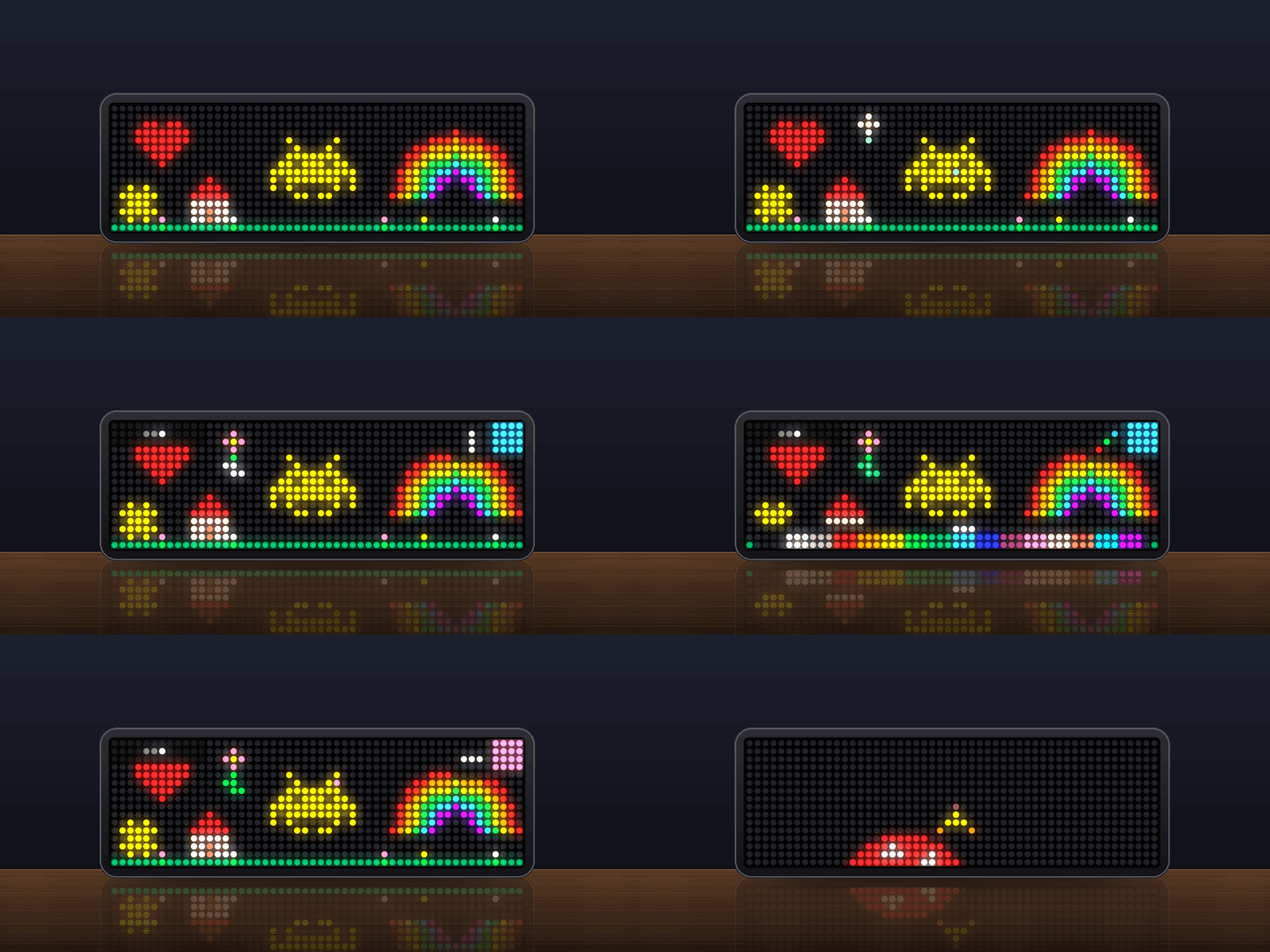
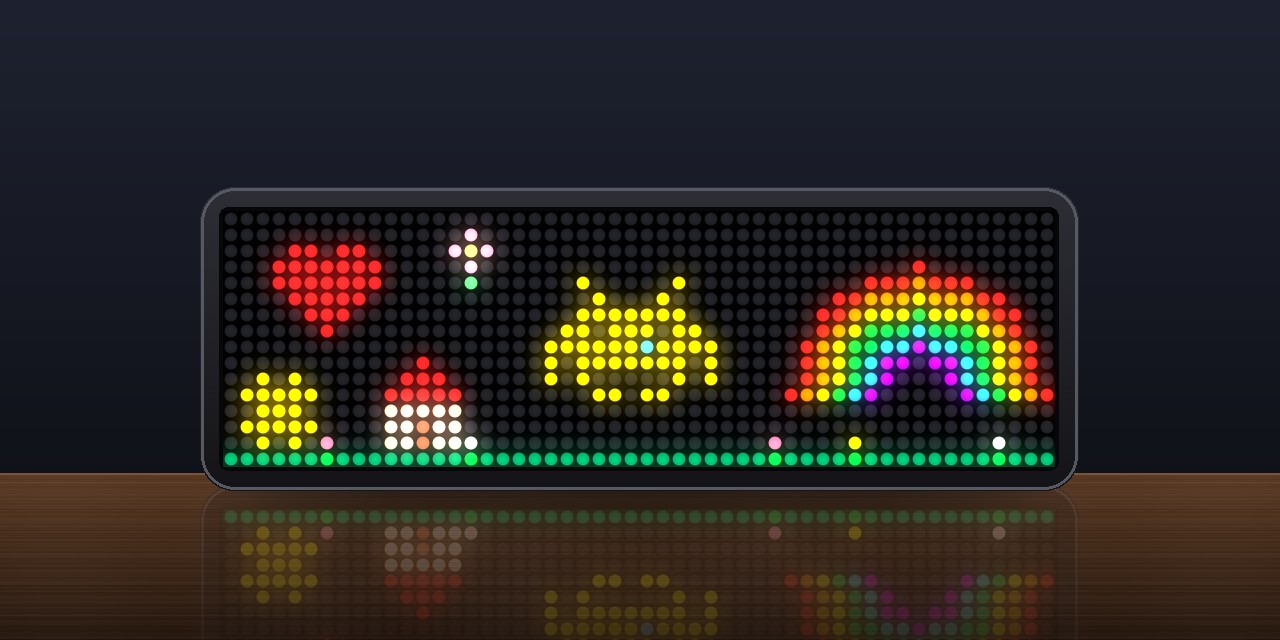
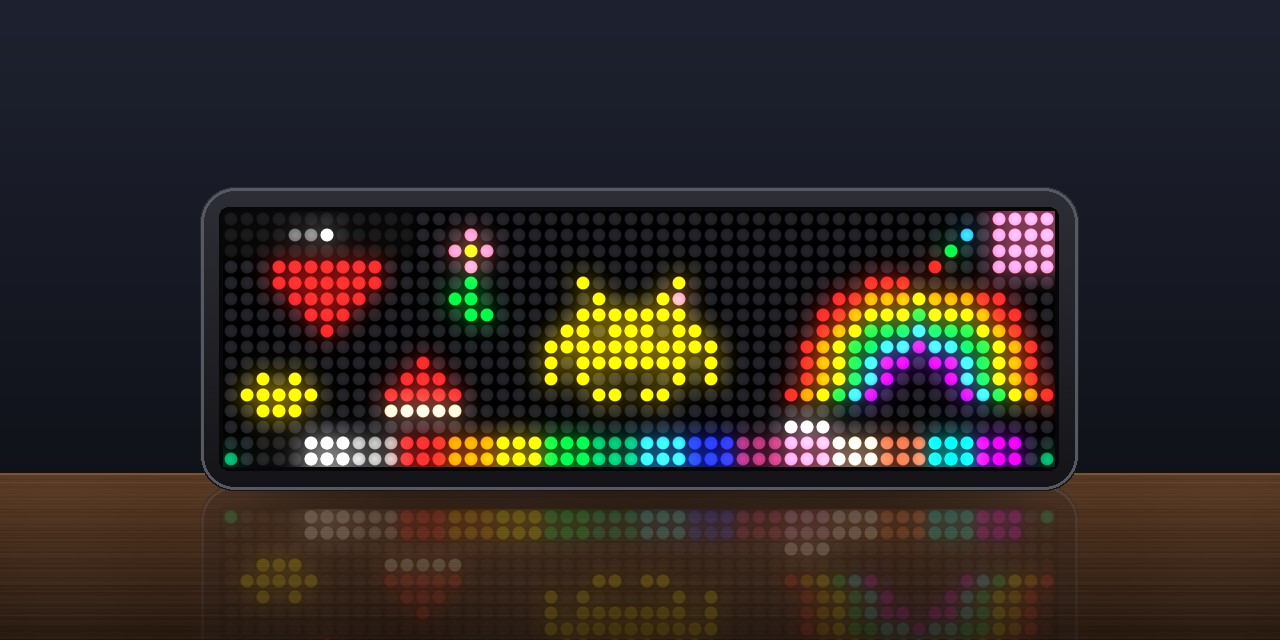
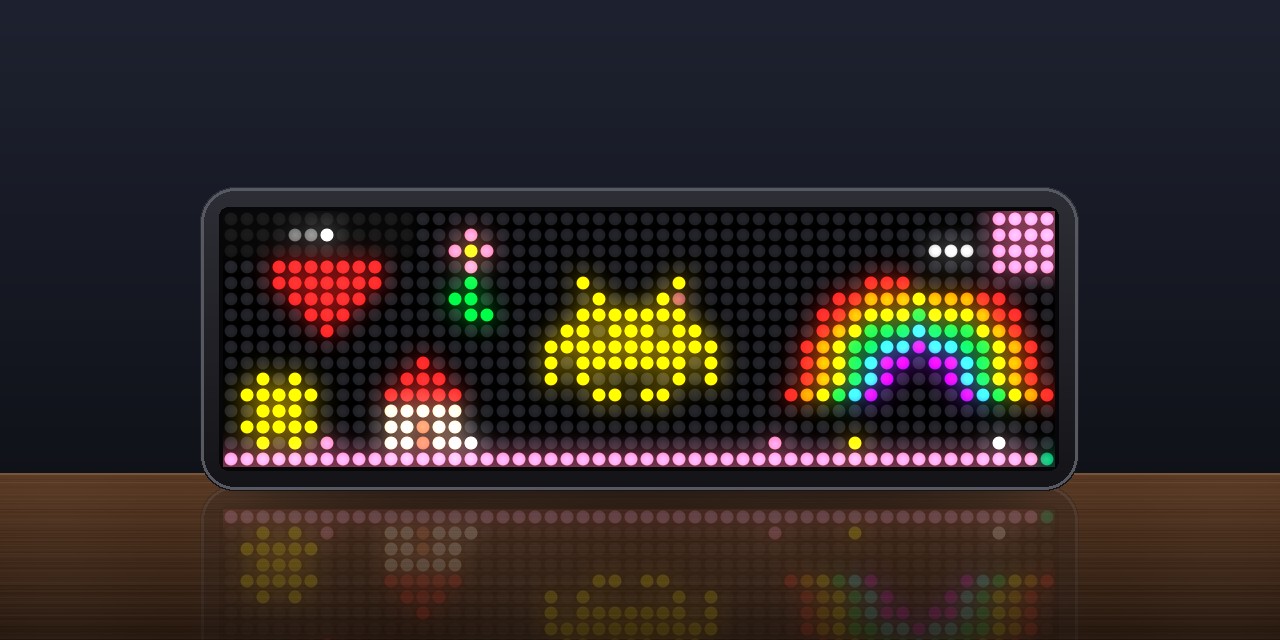
On an AWTRIX display
On your display
One big wall that every TC002 paints on together, a pixel every 30 seconds, like r/place. Watch the others paint live, or turn the knob, pick a color and add yours.
Which AWTRIX do you have?
See below where it runs, or choose your device.
- Topic
- Social
- Includes
- Script
Runs on
- Does not run on 32×8 (TC001 & DIY) Made for 52×16 (TC002). Needs an AWTRIX that hashes and mines and a Bluetooth gamepad.
- Runs on 52×16 (TC002) Gamepad: turn Bluetooth on and pair one under System → Gamepad on your AWTRIX.
- Does not run on 32×8 with AWTRIX 3 (TC001 & DIY) Made for AWTRIX NG.
Choose your display in the next step.
Script description
One big wall that every TC002 with this app paints on together, like Reddit's r/place. Each clock shows the part of the wall around its cursor and sees what the others paint as it happens. You may add one pixel every 30 seconds.
What you see
- The wall is 192 × 48 pixels in 16 colors. Your clock shows 52 × 16 of it, and the view follows your cursor.
- Pixels the others paint light up white and settle into their color.
- When you leave the clock alone, the view goes to the newest pixel. In the app rotation you see what is being painted right now.
- After a touch, small marks along the edges show where you are on the wall, your color and what the knob moves.
- After you paint, a bar along the bottom counts down the 30 seconds, and a short tune says when you may paint again.
Controls
| Knob | Buttons | Gamepad | |
|---|---|---|---|
| Move | turn | left, right | D-pad |
| Switch: left/right, up/down, colors | press | select | L1, R1 change the color |
| Paint | hold | – | A |
| Go to the newest pixel | – | – | B |
Settings
- Your name: shown with your pixels on the wall's page. A to Z, 0 to 9 and spaces, up to 12.
- Show the newest pixels: off keeps the view where you left it.
- Sounds: on or off.
- Server: leave it to paint with everyone. For a wall of your own.
Fair play and privacy
- One pixel per clock every 30 seconds, and one per ip address every 10 seconds.
- The server keeps the wall and its last pixels, each with a random ID of your clock, your name and the time. It keeps no IP addresses.
- The clock only talks to the server while the app is on screen.
Sign in to view and copy the code of this script.
Community
Discussion 0
Ask a question, suggest a change or share how you use it.
No comments yet. Start the conversation.
Have an idea?
Sign in to ask questions and join the conversation.