Stream Pulse for Twitch
On your display
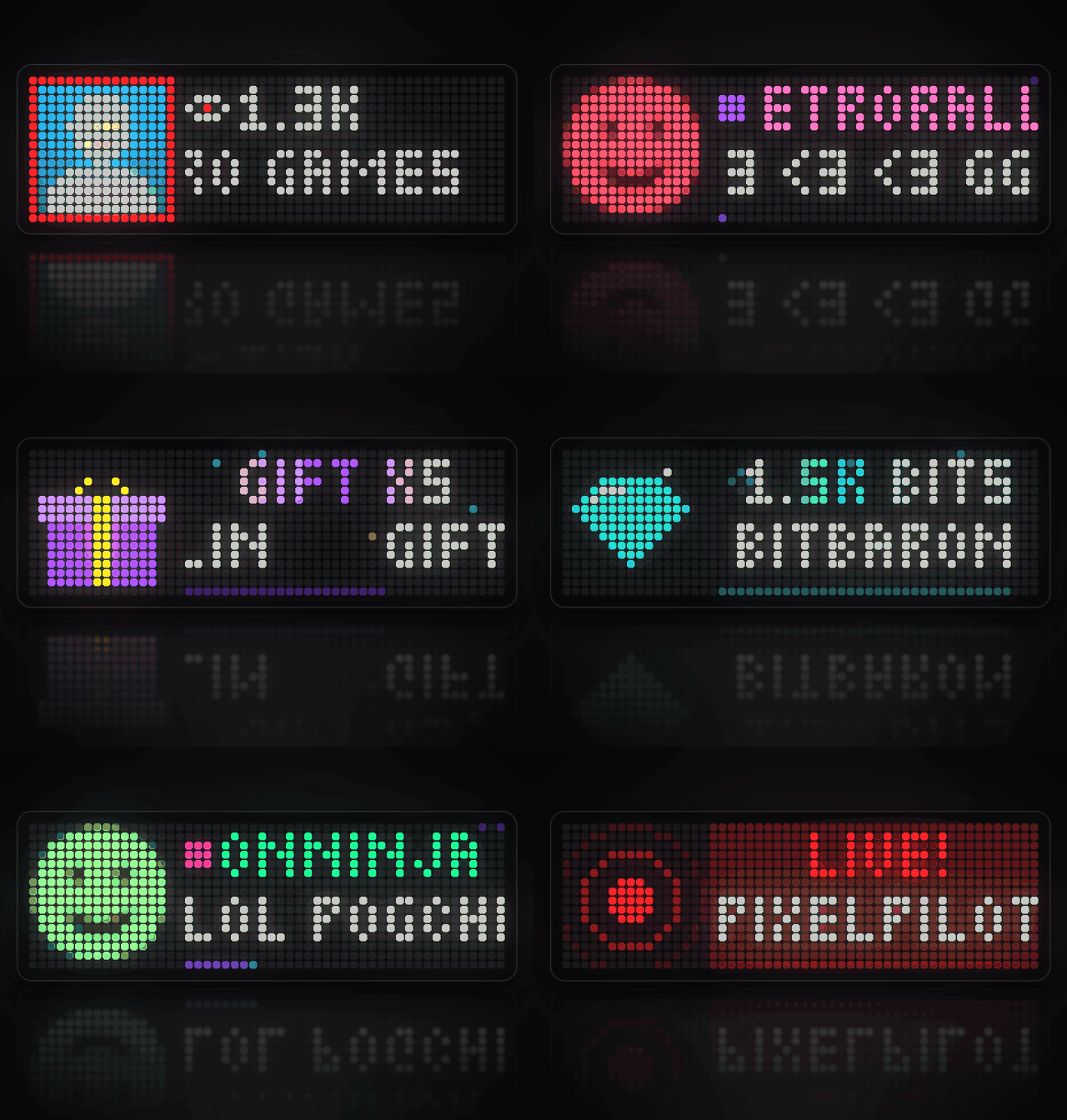
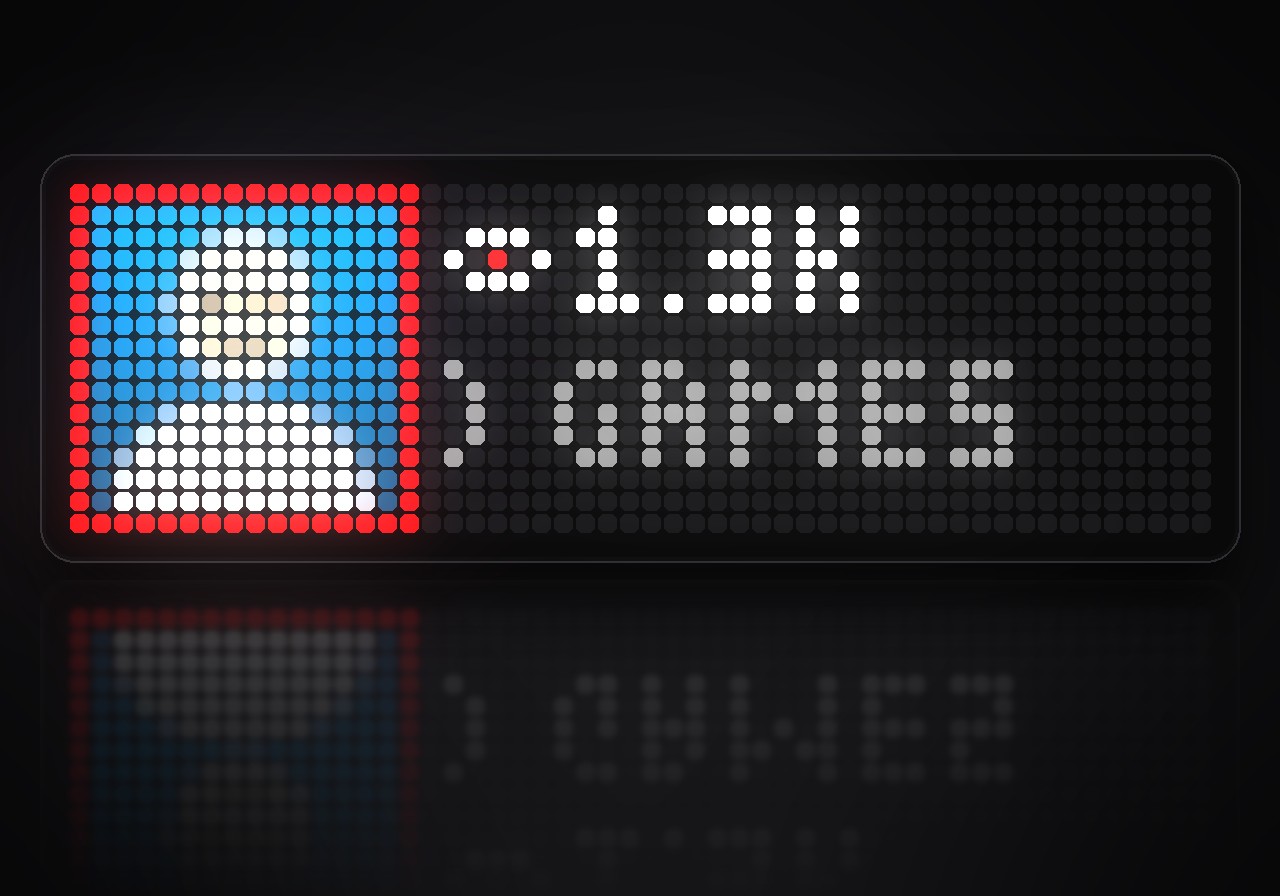
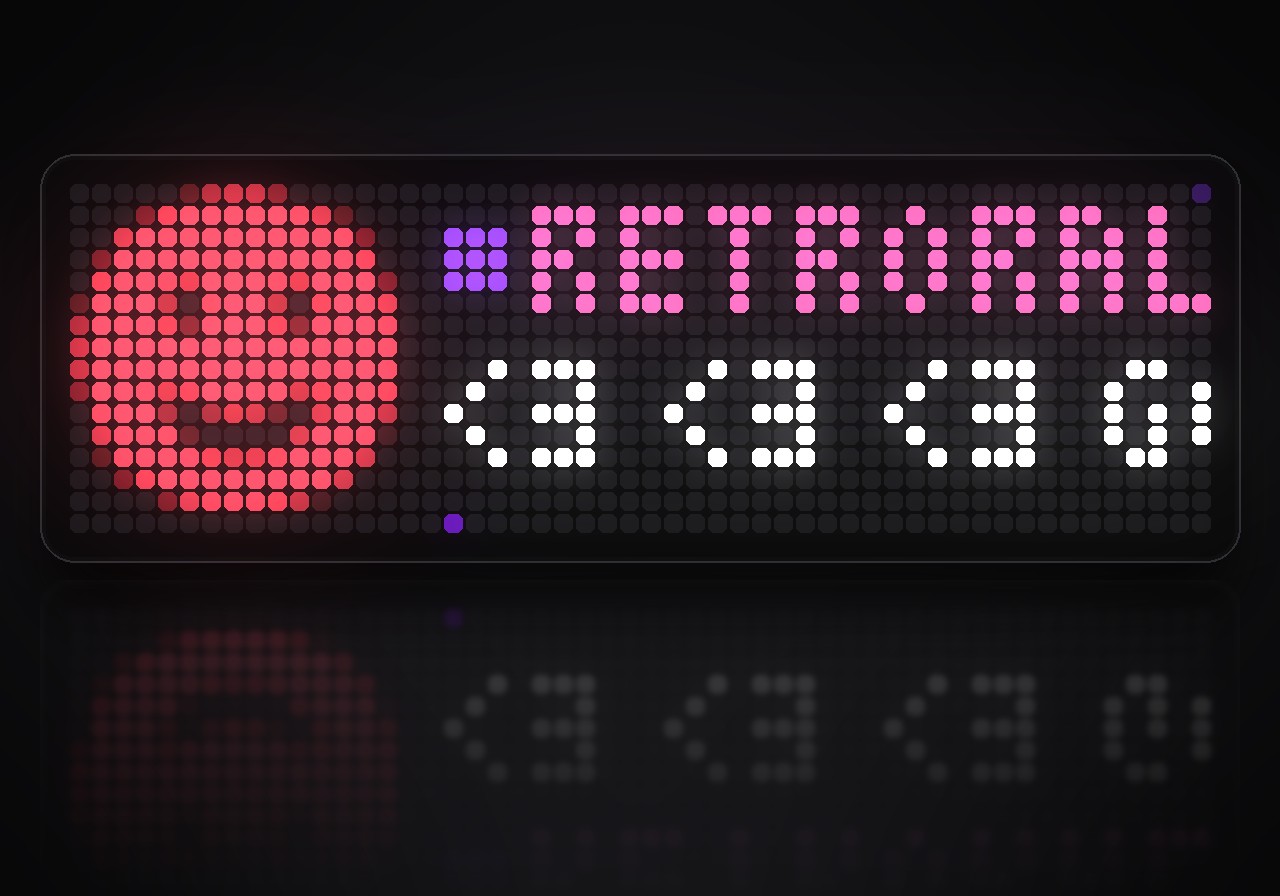
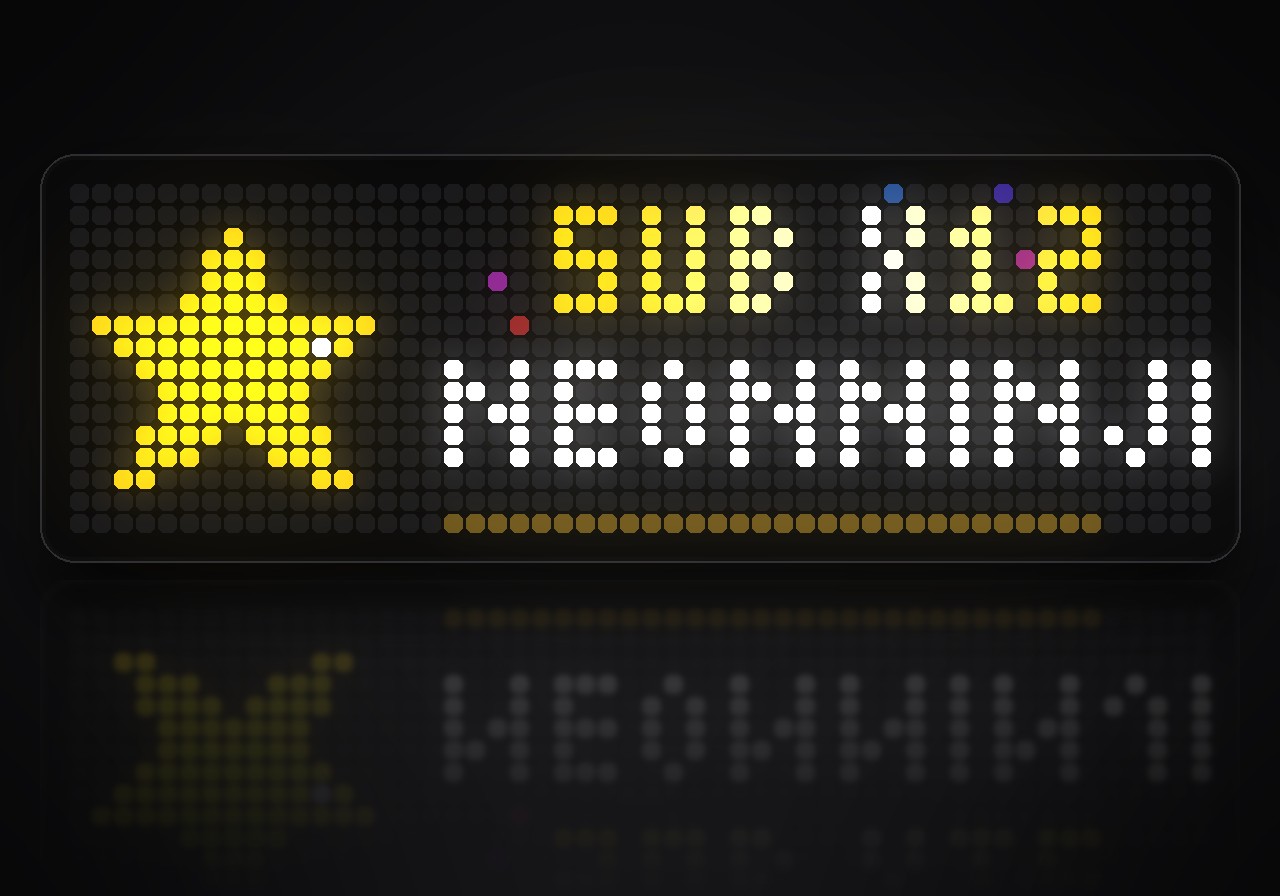
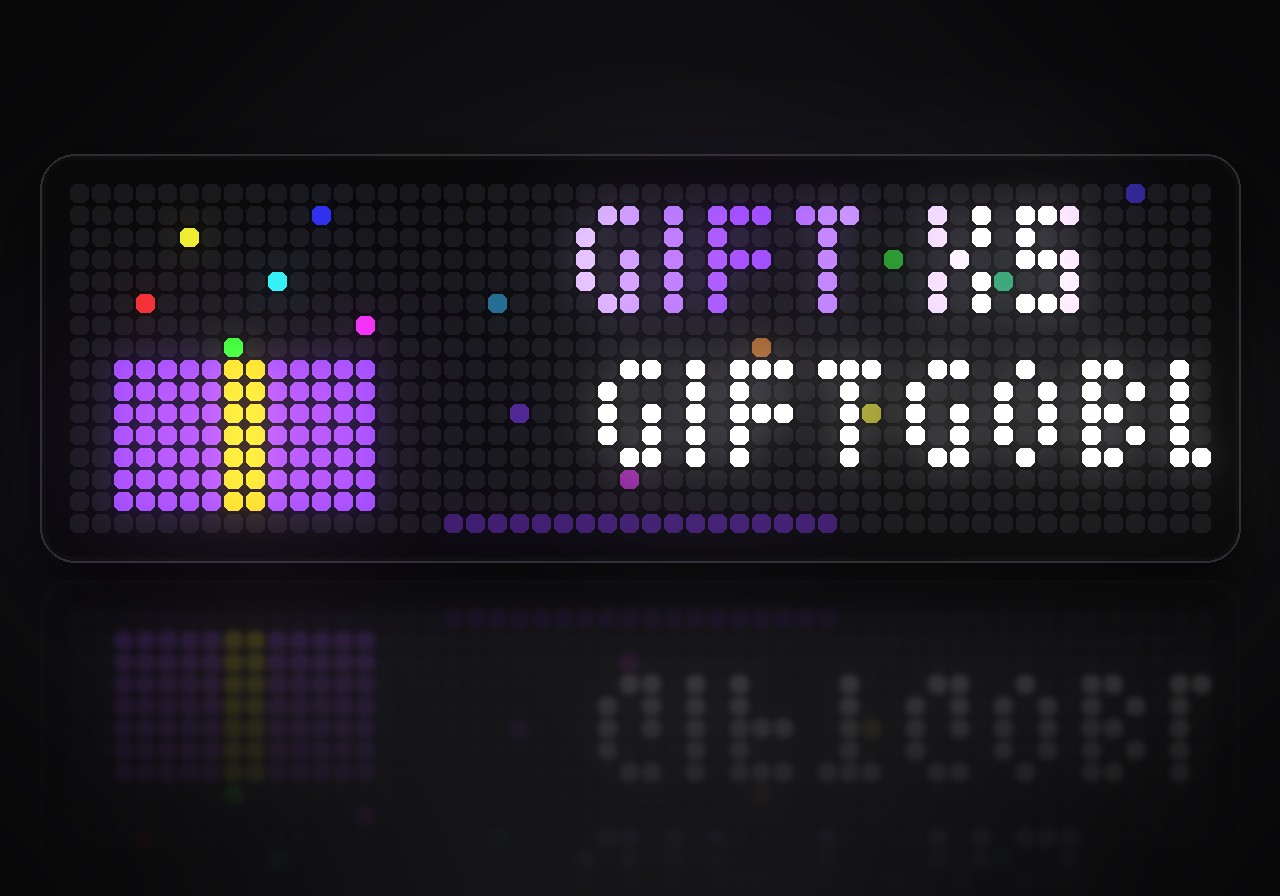
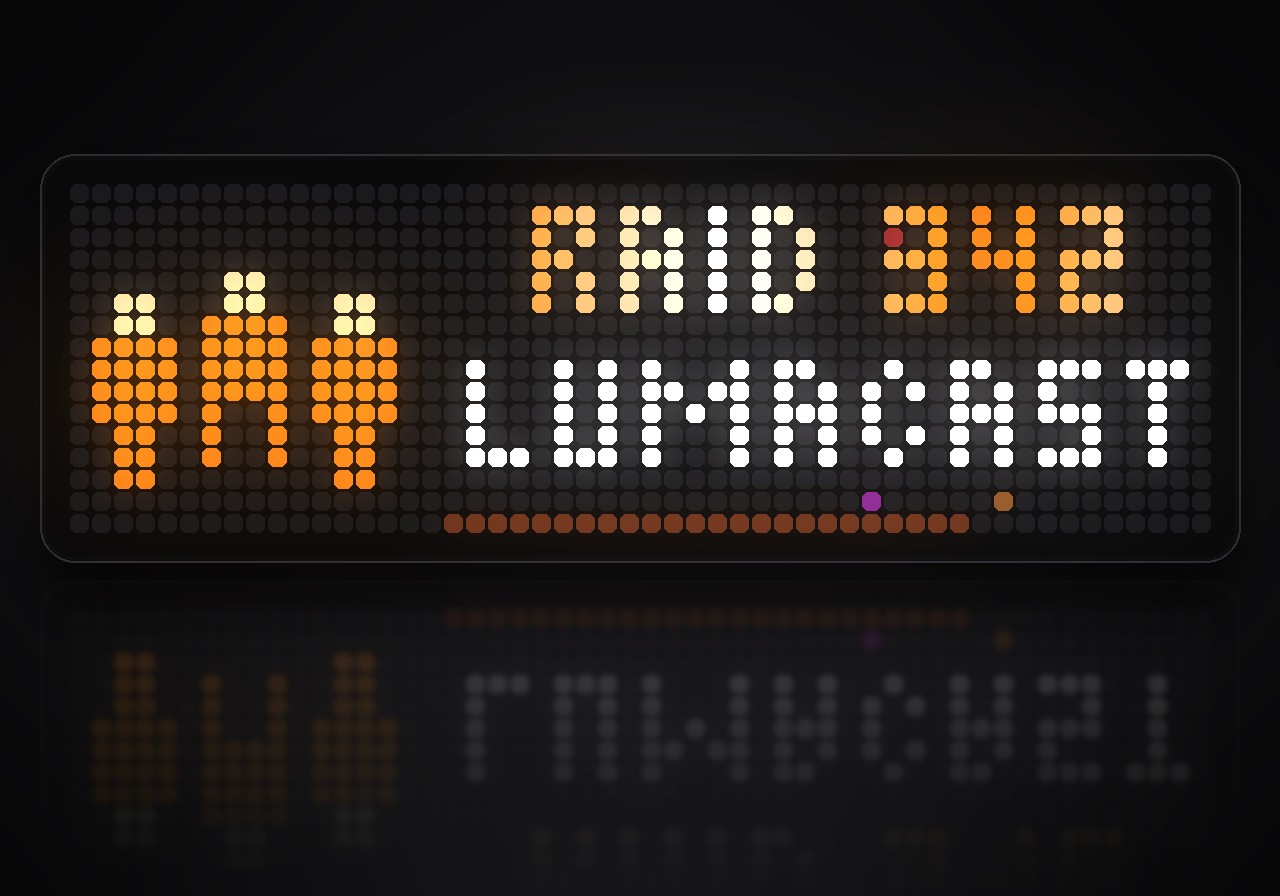
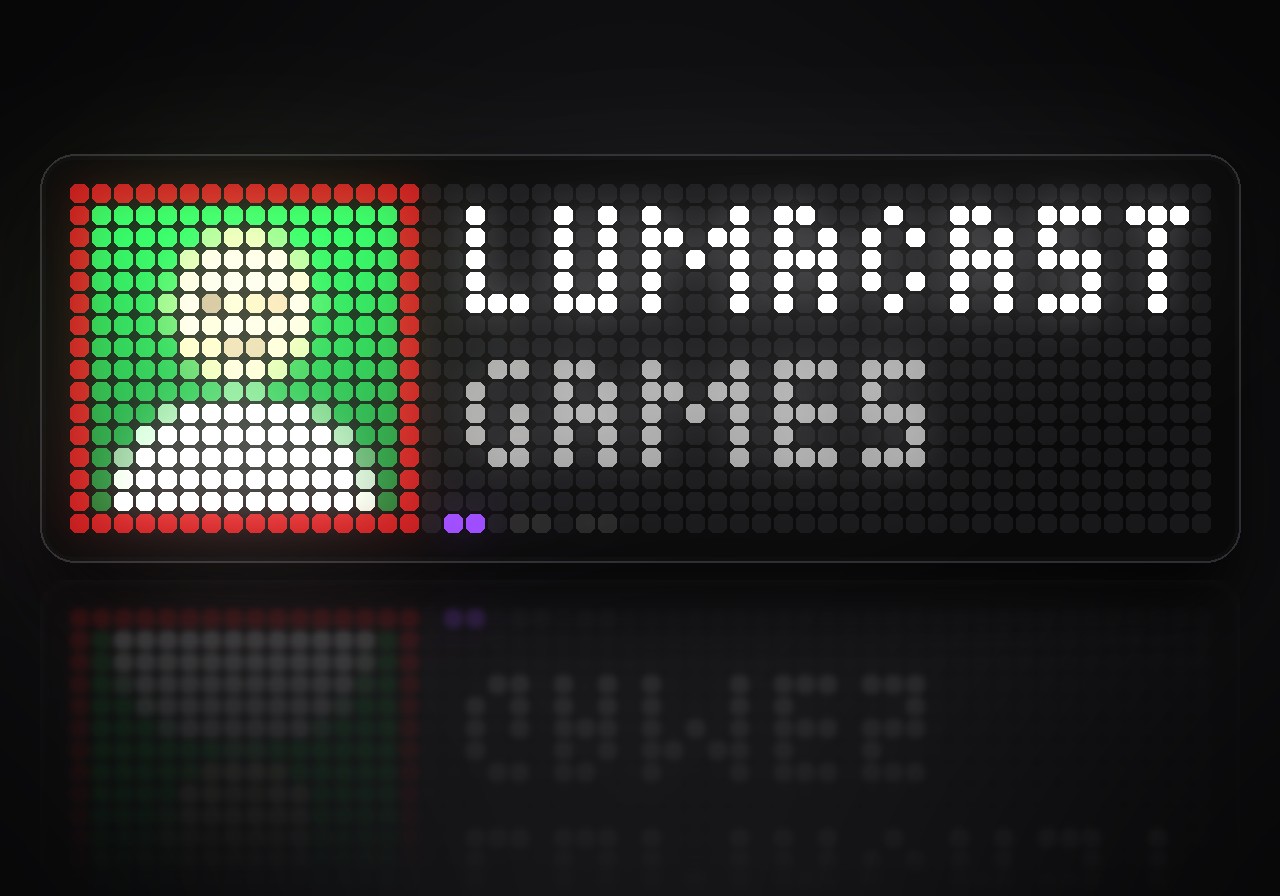
Shows a Twitch channel: live status, viewers and uptime, the chat in color with real emotes, and an animated alert with a jingle for every follow, sub, gift, cheer and raid.
- Topic
- Gaming
- Includes
- Script
Runs on
- Does not run on 32×8 (TC001 & DIY) Made for 52×16 (TC002). Needs an AWTRIX that talks TCP and an AWTRIX that signs in to services.
- Runs on 52×16 (TC002) Sign-in: open the app's settings on your AWTRIX, enter your client ID and press Sign in.
- Does not run on 32×8 with AWTRIX 3 (TC001 & DIY) Made for AWTRIX NG.
Choose your display in the next step.
Script description
Stream Pulse shows a Twitch channel on your clock: whether it is live, how many people are watching, and what the chat is saying, each chatter in their own name color. When someone follows, subscribes, gifts subs, cheers or raids, the app jumps to the front with an animation and a short jingle made for that event.
What's inside
- Live at a glance: the channel's picture with a pulsing red frame while it is live. The top line rolls between viewers, time live, followers and chat pace; the second line shows the category or the stream title.
- The chat, in color: every chatter in their own Twitch name color, with a mark for the broadcaster, moderators, VIPs and subscribers. The first emote of a message is shown as the real picture.
- Six alerts with their own show: a beating heart for a follow, a gold star for a sub with its months, a gift box that pops open, gems in the color of the cheer, raiders storming across the panel, and radio waves when the channel goes live. Each one has its own short tune.
- Smart about bursts: a gift of twenty subs is one alert, not twenty. Alerts queue up and play one after another.
- Chat meter: the bottom row fills with the messages of the last minute and flickers when the chat explodes.
- Who's live: the channels you follow that are live right now, with picture, viewers and category.
- Respects your mods: messages a moderator deletes, and those of chatters who get timed out or banned, disappear from the clock too.
- Works without signing in: the chat and the alerts for subs, gifts, bits and raids run with just a channel name.
What you need
- An Ulanzi TC002 with AWTRIX NG 1.2.0 or later.
- A Twitch channel to watch: yours or anyone's.
- For viewers, followers, follow alerts and the channels you follow: a free Twitch developer application for the sign-in. You create it once in a few minutes:
- Open the Twitch developer console (dev.twitch.tv/console) and register an application. Twitch asks for two-factor authentication on your account first.
- Enter the OAuth redirect URL
https://awtrix.de/oauth/callback, choose the category Other and the client type Confidential. - Copy the Client ID, press New Secret and copy the secret.
The app only reads: who follows the channel and which channels you follow. It cannot chat, change your channel or see anything private.
How to use it
Open the web UI of your clock, go to Apps and press the gear next to StreamPulse. Enter the channel's name or paste its link. To sign in, paste the client ID and secret and press Sign in, then allow access on Twitch's page. Leave the channel empty to show your own.
| On the clock | What it does |
|---|---|
| Middle button | the next page: channel, chat, followed channels; during an alert, skip it |
| Hold right | play every alert once, to see and hear them |
| Turn the knob | leaf through the chat or the live channels you follow |
| Left / right, short | the next or previous app, as always |
Settings
Open the gear next to StreamPulse in the web UI's Apps list:
- Channel: the channel, how often Twitch is asked (15 to 300 seconds), and whether the app stays in the rotation always or only while the channel is live or its chat is busy.
- Pages: the chat page and the followed channels page on or off.
- Display: category or title on the second line, emotes as pictures, and the accent color.
- Alerts: alerts on or off, their sounds, and the smallest cheer that gets an alert.
Sign in to view and copy the code of this script.
Discussion 0
Ask a question, suggest a change or share how you use it.
No comments yet. Start the conversation.
Have an idea?
Sign in to ask questions and join the conversation.