Abfahrt – Live Departures
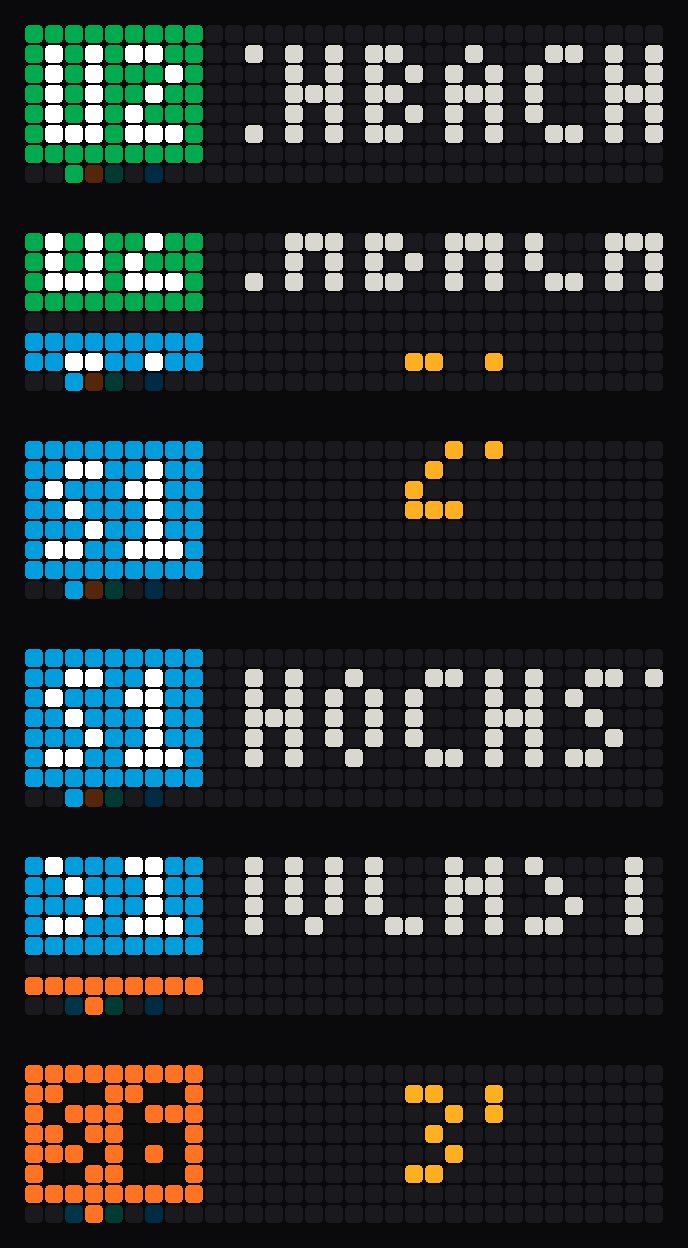
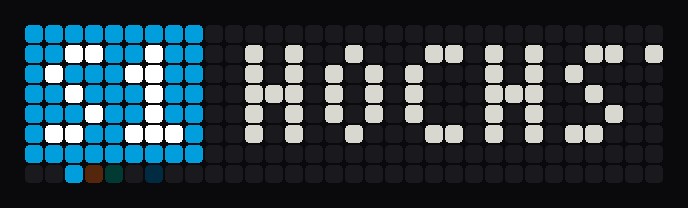
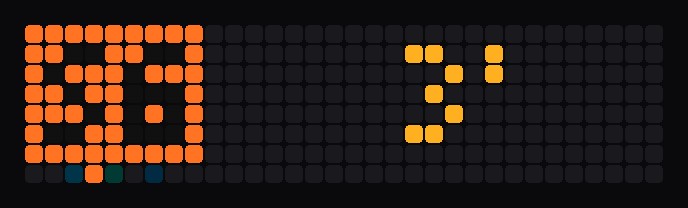
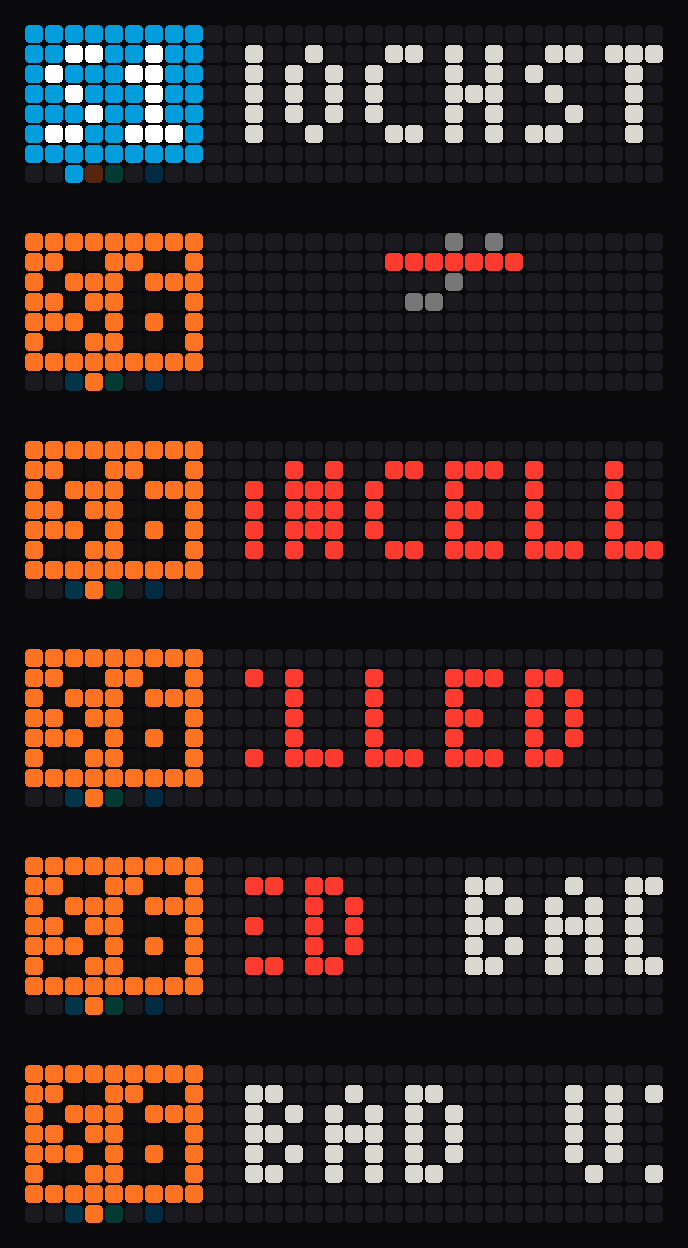
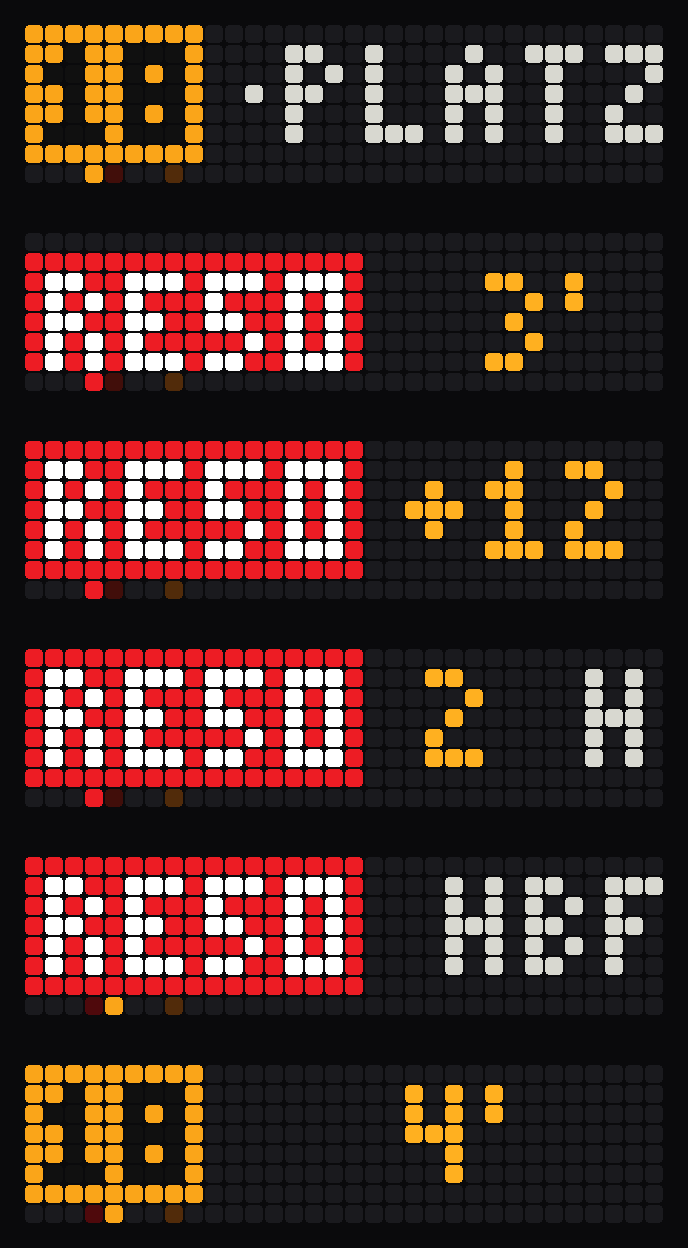
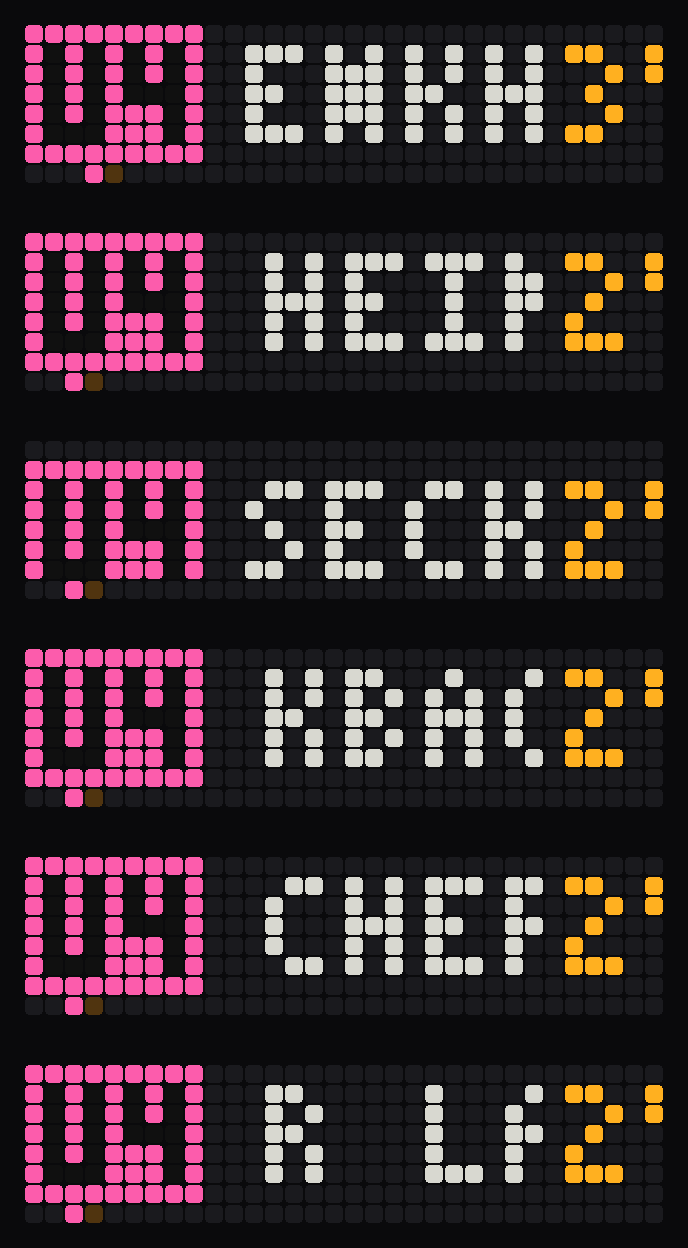
On your display
Live public transport departures for your stop: line colours, real-time countdown, delays, cancellations, line and destination filter.
- Topic
- Miscellaneous
- Includes
- Script
Runs on
- Runs on 32×8 (TC001 & DIY)
- Runs on 52×16 (TC002)
- Does not run on 32×8 with AWTRIX 3 (TC001 & DIY) Made for AWTRIX NG.
Choose your display in the next step.
Script description
Shows the next departures of any public transport stop on your clock, with real-time data from Transitous. Works in Germany and many other countries.
What you see
- Board layout (default): each departure gets a time line (minutes, delay like
+7) and a destination line. The lines roll upwards like a station departure board. The line badge stays put within a departure. - Compact layout: line, destination and minutes in one row.
- Timeline in the bottom pixel row: 1 pixel = 1 minute, every departure is a dot in its line colour.
- Line badges in the official line colours, delays in orange, cancellations struck through.
- Minutes turn red / orange / green relative to your walking time.
- Long destinations scroll once to the end; the app moves on only after they could be read.
- Clear status messages instead of an empty screen: no connection, stop not found, no stop set, or no matching departure (with a list of what was seen).
Setup
- Install the script, then open the Apps tab and click the gear icon next to Abfahrt.
- Stop: type the name of your stop, e.g.
Frankfurt HauptwacheorOffenbach Marktplatz. The script looks up the stop ID by itself. You can also paste a MOTIS stop ID (e.g.de-DELFI_de:06412:1). - Optional, Only lines: line filter, comma-separated, e.g.
S5, U3. - Optional, Only towards: destination filter, comma-separated, e.g.
SüdbahnhoforBad Vilbel, Friedberg. With Check stops on the way switched on, trains that only pass through your destination are shown too (e.g. an S6 to Friedberg via Bad Vilbel). Both filters can be combined. - Optional, Walking time: hides departures you can no longer catch.
Other settings
| Setting | Meaning |
|---|---|
| Transport modes | MOTIS modes, e.g. add BUS |
| Layout | board or compact |
| Departures | Departures per turn (1–5) |
| Minimum per line | Seconds each line stays at least |
| Scroll speed | Speed of long destinations |
| Large minutes / Timeline | Big digits, timeline row |
| Shorten destinations | Drops your own town and "Bahnhof", Hauptbahnhof → Hbf |
| Language | On-screen words: de (jetzt, fällt aus) or en (now, cancelled) |
| Refresh | How often departures are loaded |
Buttons
Middle: reload now · Left / Right: previous / next departure
Good to know
- Made for 32×8 clocks. On the TC002 only the top half is used.
- Built to fit ESP32 clocks without PSRAM. If saving fails with "not enough memory", restart the clock and save again.
- To save memory, the script reads about the next 4 departures per update. If a filter leaves too few, it loads up to two more batches (about 12 departures in total).
- If memory gets tight while a response arrives, the script halves its buffer and retries, then grows it back.
- "No matching departure. Seen: …" lists the lines and destinations that were found, so a typo in a filter is easy to spot.
- With a new destination filter, some departures appear after a few seconds, because the script first checks which lines pass your destination. The result is remembered.
Data: Transitous. Sources and licences: transitous.org/sources. Please respect the usage policy.
Sign in to view and copy the code of this script.
Discussion 0
Ask a question, suggest a change or share how you use it.
No comments yet. Start the conversation.
More scripts in Miscellaneous
Something wrong with this script? Report it.
Have an idea?
Sign in to ask questions and join the conversation.