Bus Stop
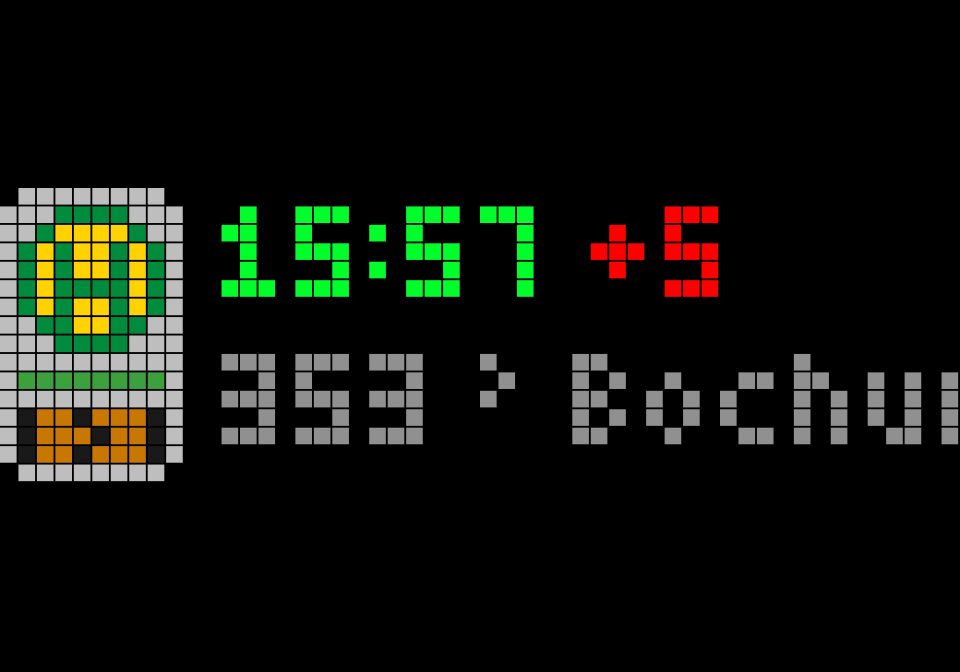
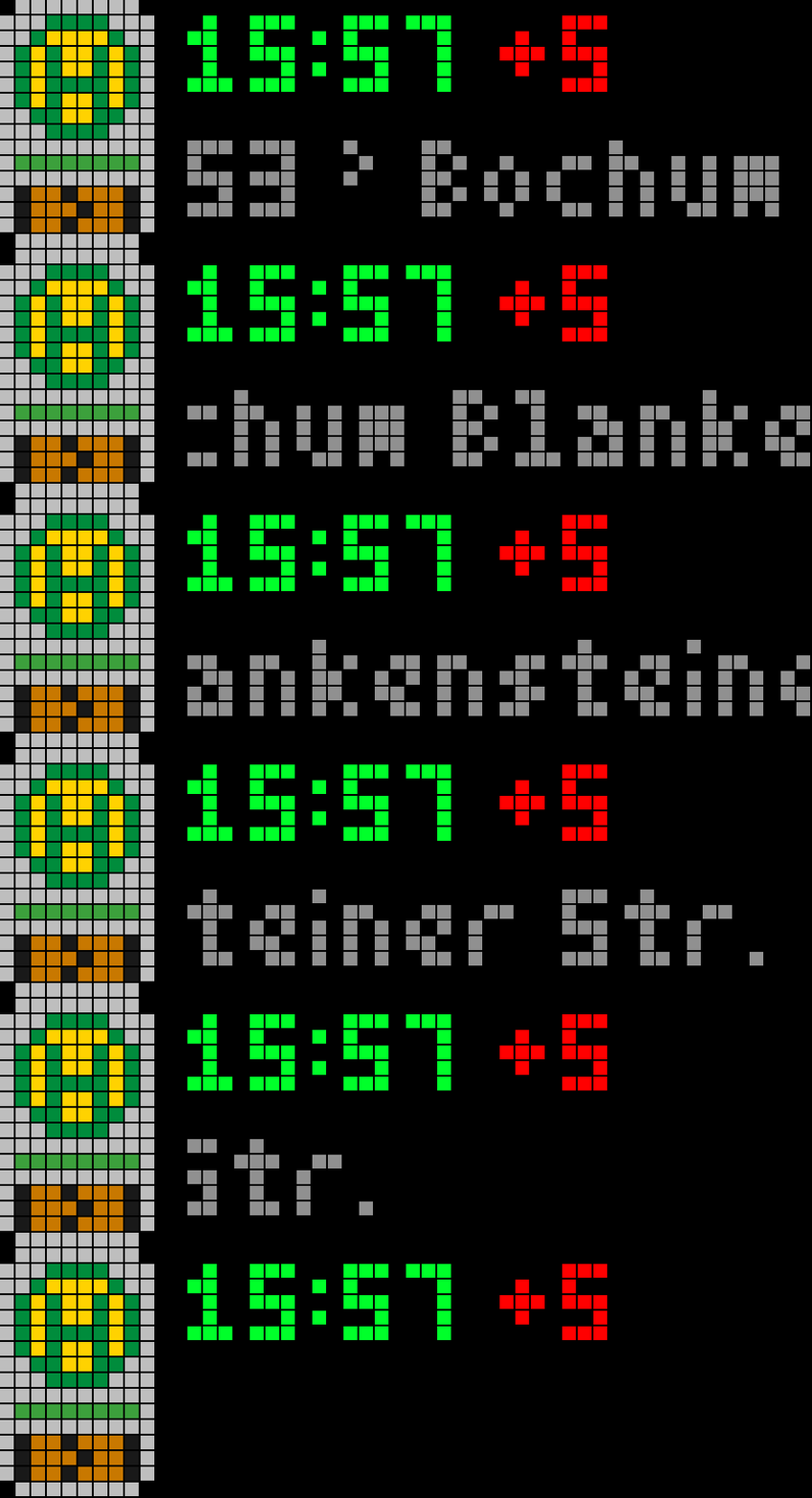
On your display
Bus Stop shows the next departure of your bus line right on your clock, including live delays.
- Topic
- Miscellaneous
- Includes
- Script
Runs on
- Does not run on 32×8 (TC001 & DIY) Made for 52×16 (TC002).
- Runs on 52×16 (TC002)
- Does not run on 32×8 with AWTRIX 3 (TC001 & DIY) Made for AWTRIX NG.
Choose your display in the next step.
Script description
Bus Stop shows the next departure of your bus or tram line right on your clock, including live delays.
The top row shows the scheduled departure time, followed by the delay: +X in red when the vehicle is late, +0 in green when it's on time. The bottom row scrolls the line number and its destination. Cancelled trips are shown in red. A bus stop icon (yellow H on a stop pole) sits on the left, or you can use any icon from the AWTRIX Hub instead.
Timetable and live data come from the nationwide DELFI database via efa.vrr.de. It's free, needs no API key and covers buses, trams and subways all over Germany. Times are converted to your local time automatically.
Settings
- Stop: town and stop name, e.g. "Gelsenkirchen Wissenschaftspark". Adding the town makes sure the right stop is found.
- Line: the line number, e.g. 302 or NE12.
- Direction (optional): part of the destination name. Both directions usually share the same stop, so use this to see only one of them. Leave it empty to show the next departure either way.
- Refresh: how often departures are updated (default 60 s).
- Icon (optional): an AWTRIX Hub icon name. Leave it empty for the built-in bus stop icon.
Press the middle button to refresh right away.
To watch both directions or several lines, install the app more than once with different settings.
Requires an Ulanzi TC002 (52×16 display).
Sign in to view and copy the code of this script.
Discussion 0
Ask a question, suggest a change or share how you use it.
No comments yet. Start the conversation.
More scripts in Miscellaneous
Something wrong with this script? Report it.
Have an idea?
Sign in to ask questions and join the conversation.