Automatic Brightness Controls
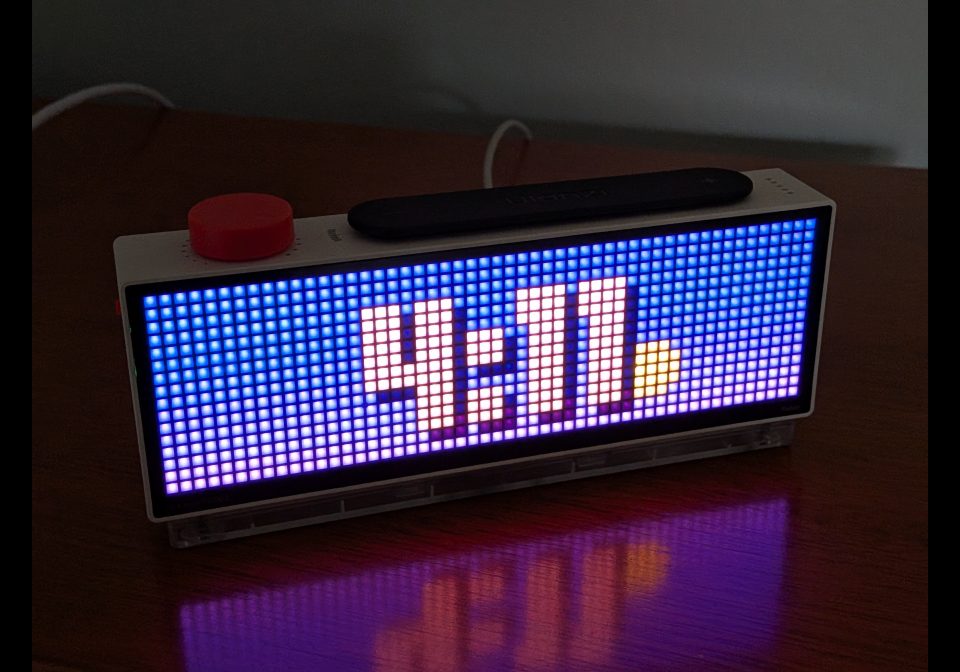
On your display
Let's you control the brightness of your display based on the current time
- Topic
- Miscellaneous
- Includes
- Script
Runs on
- Runs on 32×8 (TC001 & DIY)
- Runs on 52×16 (TC002)
- Does not run on 32×8 with AWTRIX 3 (TC001 & DIY) Made for AWTRIX NG.
Choose your display in the next step.
Script description
AutoBrightness is a headless background script that manages your device's overall LED brightness throughout the day so it stays readable in daylight without being harsh at night:
• Scheduled Day & Night Levels: Set independent target brightness values (1–255) for daytime (default 140) and nighttime (default 12).
• Smooth Gradual Transitions: Instead of an abrupt jump, brightness ramps up linearly starting at your configured Day start hour (default 6:00 AM) and ramps down before your Night start hour (default 10:00 PM) over a configurable Fade duration (1–120 minutes, default 30).
• Zero-Overhead Headless Mode: Runs silently in the background alongside your active apps, checking once per minute and only updating device settings when the target brightness value changes.
Sign in to view and copy the code of this script.
Discussion 0
Ask a question, suggest a change or share how you use it.
No comments yet. Start the conversation.
More scripts in Miscellaneous
Something wrong with this script? Report it.
Have an idea?
Sign in to ask questions and join the conversation.