Run & Ride Stats
On your display
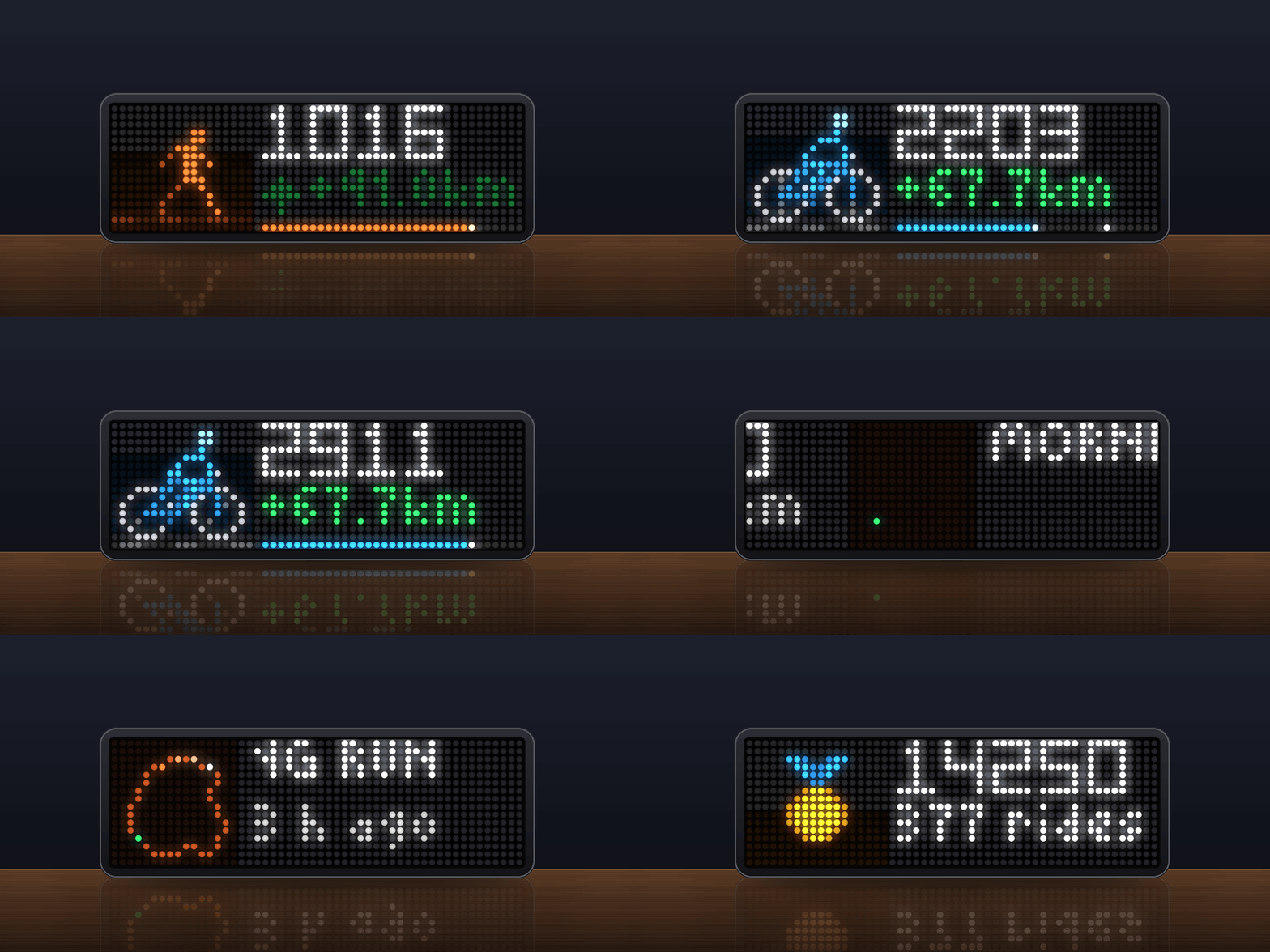
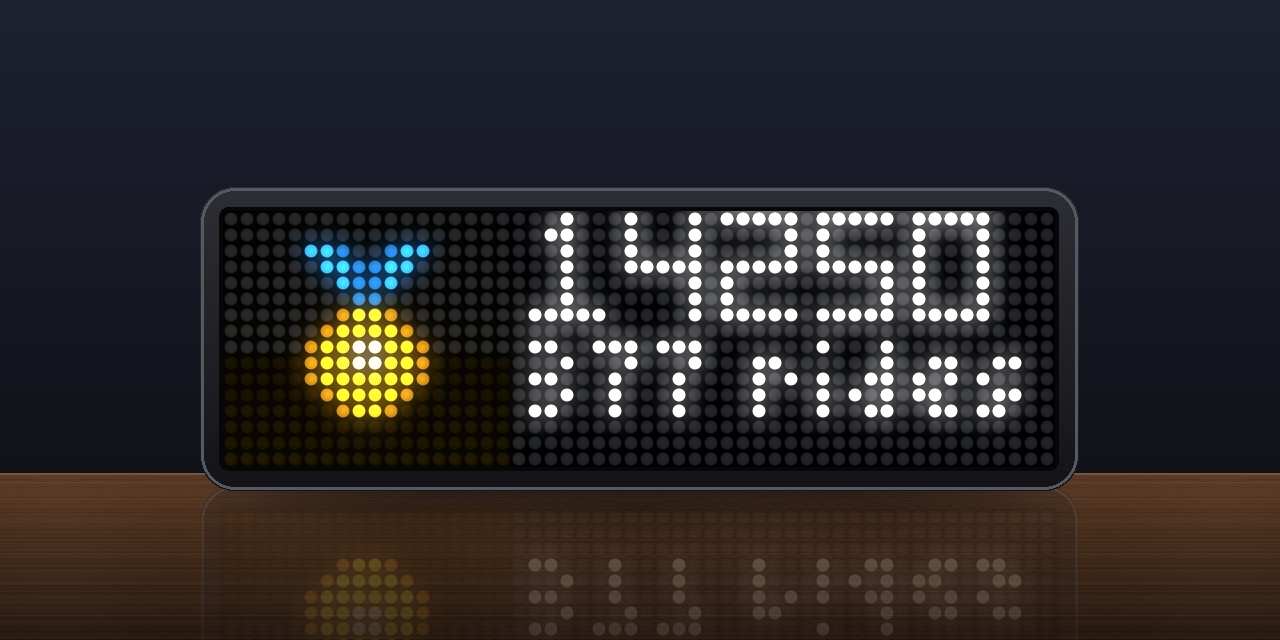
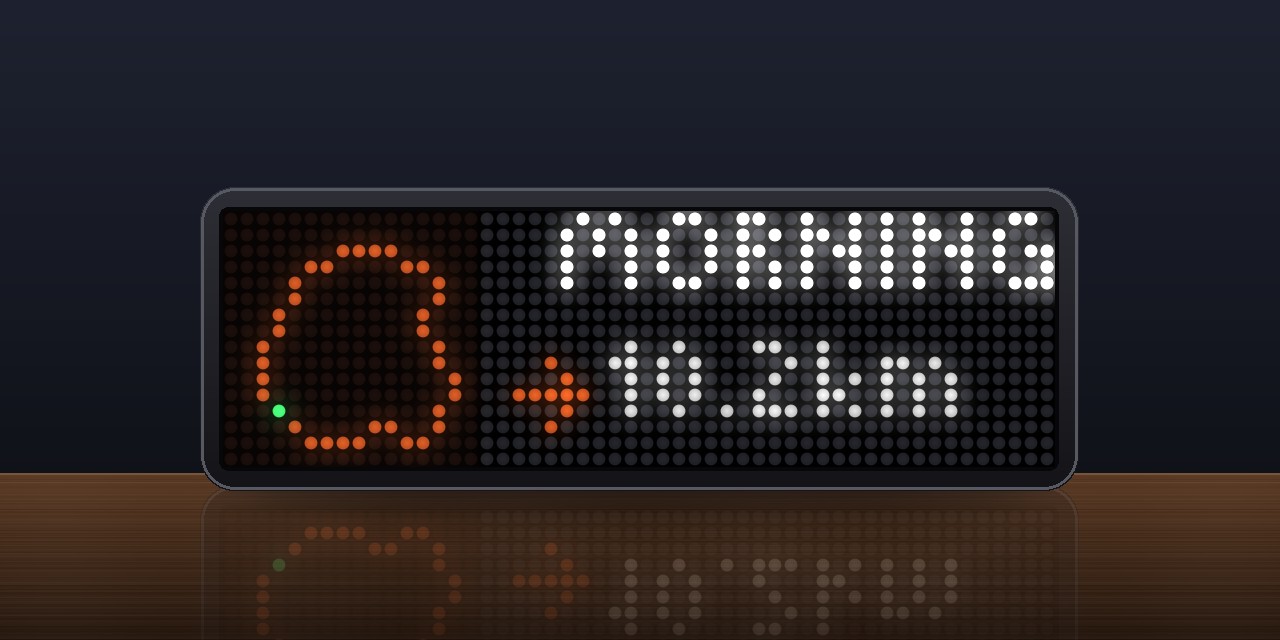
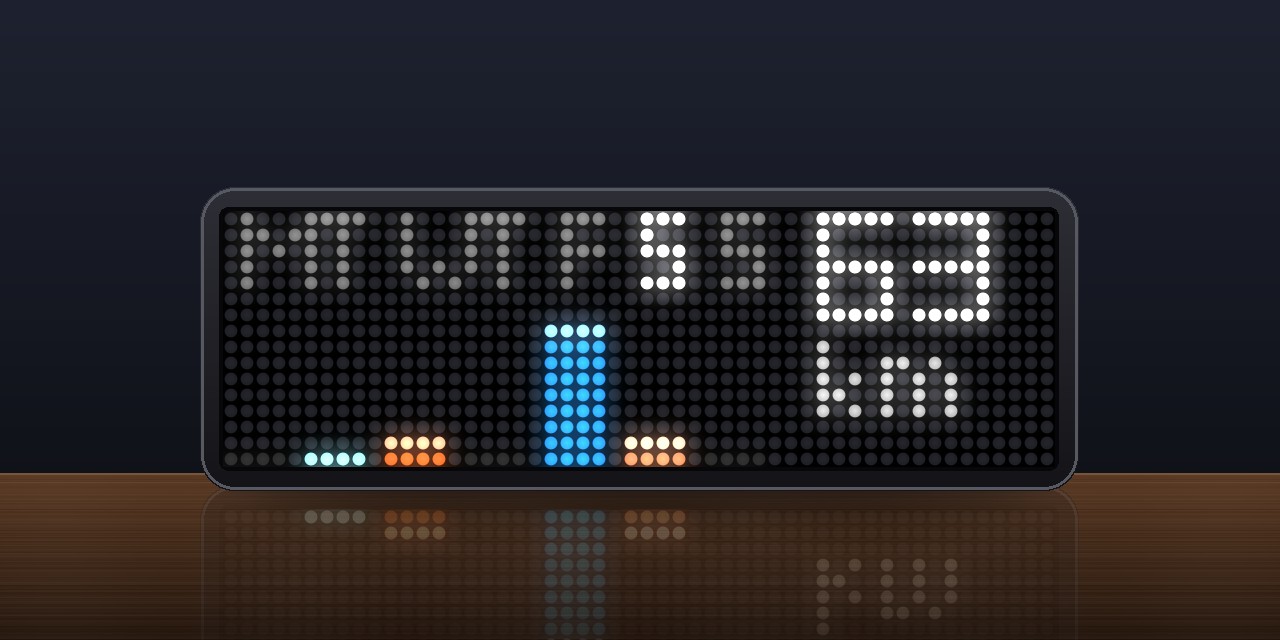
Your running, riding and swimming from Strava on the Ulanzi TC002. It shows the year against your goal, this week, your last activity and all-time totals, and a note with a chime for each new activity.
- Topic
- Social
- Includes
- Script
Runs on
- Does not run on 32×8 (TC001 & DIY) Made for 52×16 (TC002). Needs an AWTRIX that signs in to services.
- Runs on 52×16 (TC002) Sign-in: open the app's settings on your AWTRIX, enter your client ID and press Sign in.
- Does not run on 32×8 with AWTRIX 3 (TC001 & DIY) Made for AWTRIX NG.
Choose your display in the next step.
Script description
Features
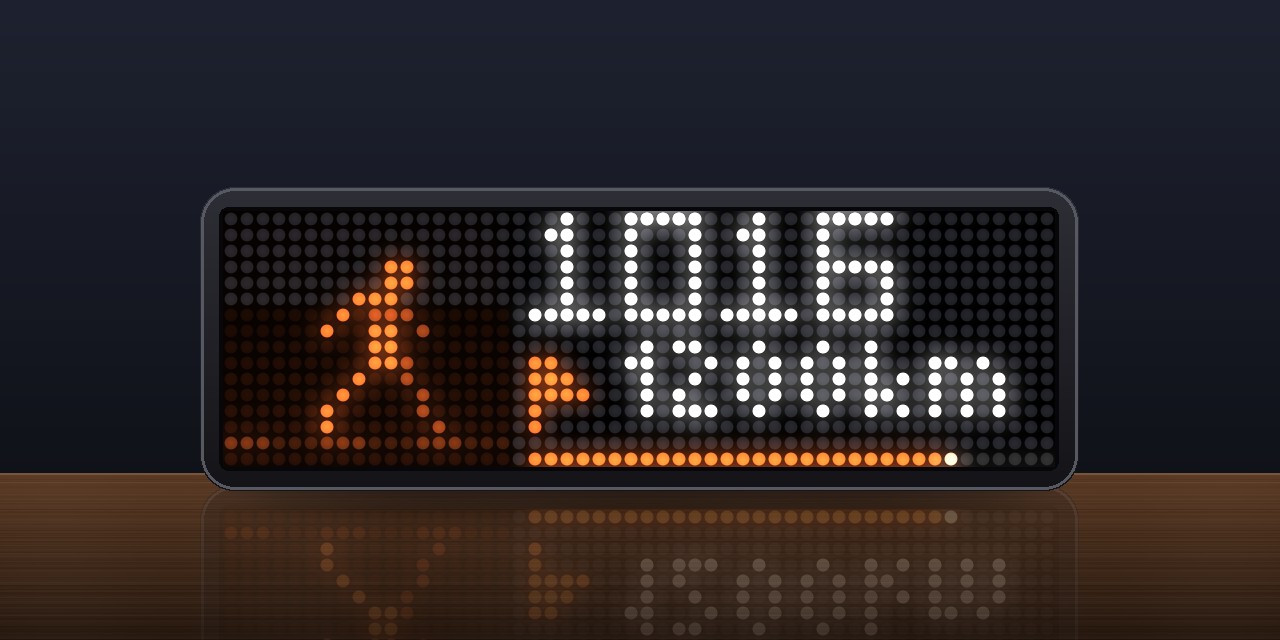
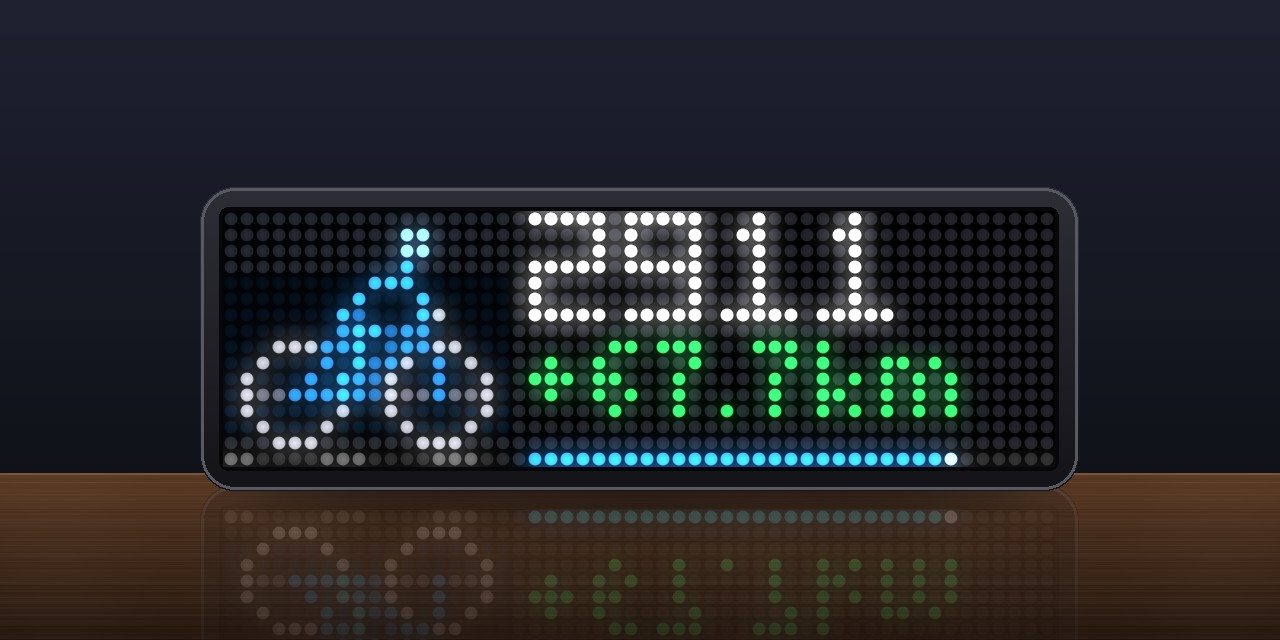
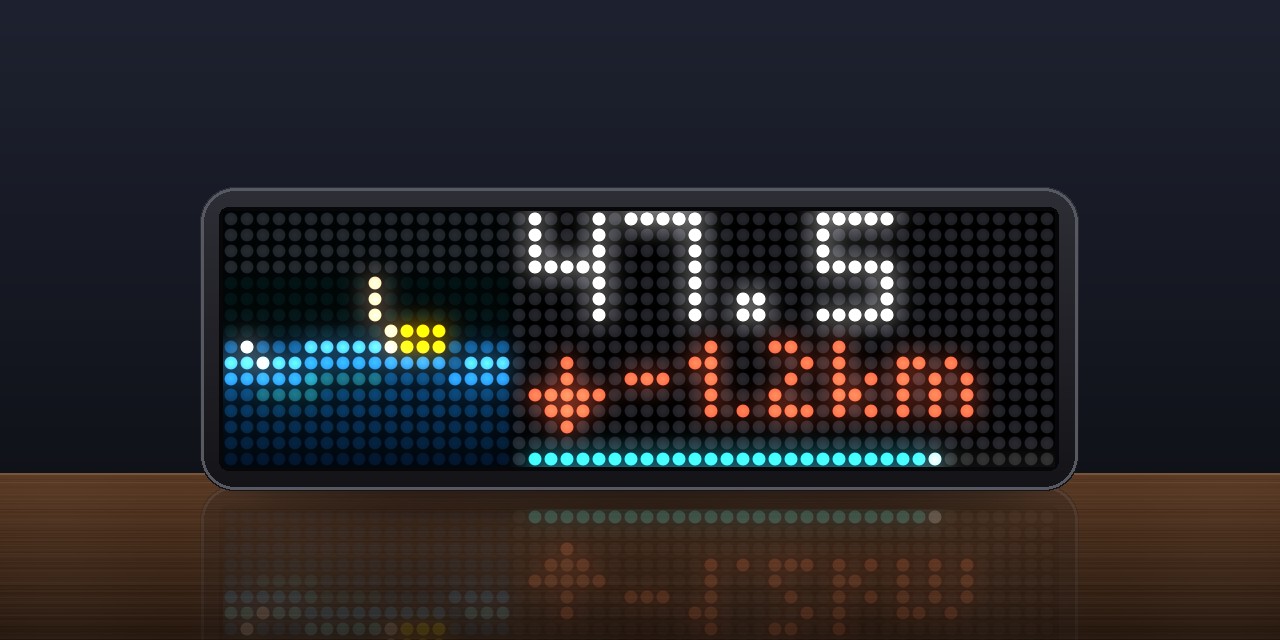
- The sports move: a runner on a running track, a rider pedalling with turning wheels, a
swimmer's crawl through the waves. - Year:
- this year's distance for the sport, counting up when the view appears;
- with a yearly goal: a bar that fills up, a blinking mark for where you would be today, and
how far ahead (green) or behind (red) you are; - the goal, the count, the hours and the elevation, one after the other, each with its sign.
- Week: Monday to Sunday as bars that grow one after the other, each in the color of the
day's longest sport, today's glowing, with the week's total. - Last activity:
- its route as a little map, drawn from Strava's summary of the route, with a light running
along it and the start in green; indoors the sport moving instead; - the name, and one after the other how long ago, distance, moving time, pace (min/km for
running and walking, km/h for riding, min/100 m for swimming), elevation, heart rate (a
beating heart) and kudos.
- its route as a little map, drawn from Strava's summary of the route, with a light running
- All time: a medal that glints, the distance, count, hours and elevation of each sport, and
the longest ride. - The views slide from one to the next.
- New activity: a note over every app ("New Run: 10.2 km 52:10 5:05/km"), with a chime or a
fanfare. It can be turned off. - Knob: press for the next view, turn to switch between running, riding and swimming in the
year and all-time views, hold to fetch again. After 15 s the app goes back to its first view. - Units: km or miles, as set in your Strava profile, or chosen in the settings.
- Easy on Strava: two requests per refresh (every 15 minutes by default) plus one per start for
your profile. If Strava says it is busy (429), the app waits 15 minutes. - Offline: the last numbers stay after a restart. A red corner says the newest could not be
fetched. - Languages: English and German.
Setting it up
You need your own Strava API app; it is free. Strava requires a Strava subscription to create one,
and a new app works only with your own account, which is all the clock needs.
- At strava.com/settings/api, create an app. Name, website
and description are up to you. As Authorization Callback Domain enterawtrix.de. - Copy the Client ID and the Client Secret.
- On the clock, open the web interface by its IP address, go to Apps, and open the app's
settings. Enter the Client ID and the secret in the Sign-in block and press Sign in. - Allow access on Strava's page. You are sent back through
awtrix.deto the clock, and the
block says Signed in.
The app asks for read,activity:read: your profile, your totals and your activities. It cannot
change anything. The sign-in stays on the clock and is renewed by the clock; awtrix.de only passes the sign-in on
and keeps nothing.
Settings
| Setting | |
|---|---|
| Sport, Start with | the sport and the view the app starts with |
| Units | strava (as in your profile), km or mi |
| Yearly goal, running / riding / swimming | in km, or miles when the app shows miles; 0 for no goal |
| Note for a new activity, Sound | the note and its sound (chime, fanfare, off) |
| Refresh every | minutes between fetches, 15 by default |
| Language | English or German |
Sign in to view and copy the code of this script.
Discussion 0
Ask a question, suggest a change or share how you use it.
No comments yet. Start the conversation.
Have an idea?
Sign in to ask questions and join the conversation.