DAX Market
On your display
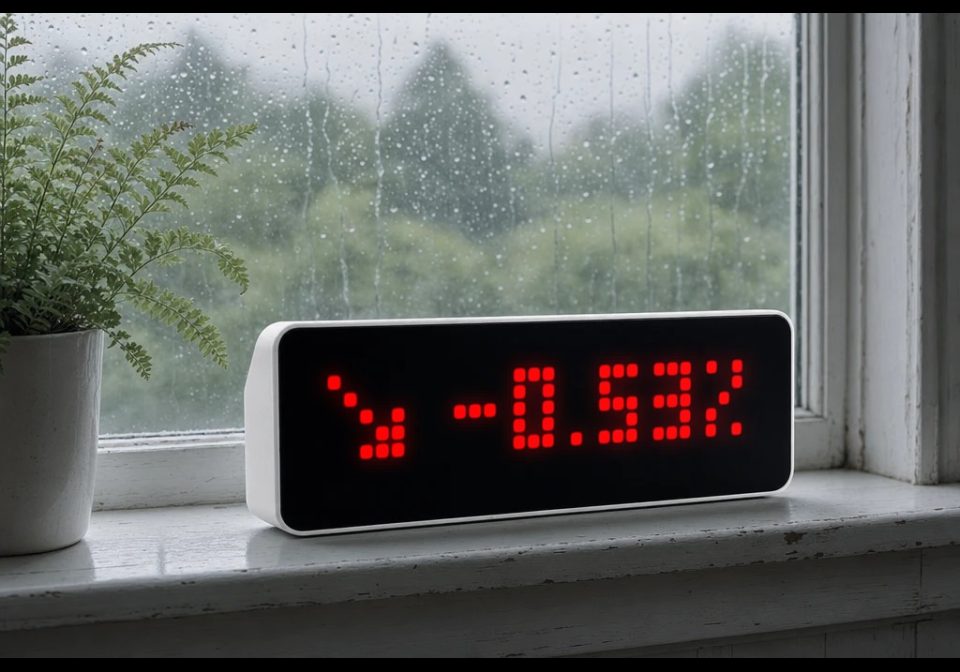
Shows the German DAX index, daily change and percentage directly on AWTRIX NG.
- Topic
- Miscellaneous
- Includes
- Script
Runs on
- Runs on 32×8 (TC001 & DIY)
- Runs on 52×16 (TC002)
- Does not run on 32×8 with AWTRIX 3 (TC001 & DIY) Made for AWTRIX NG.
Choose your display in the next step.
Is this your script?
If you created this script, open your saved edit link to add it to your account. You can then manage it whenever you sign in. Adding it to your account replaces the edit link.
Script description
DAX Market for AWTRIX NG
A native AWTRIX NG script that displays the current German DAX index directly on the device. No Home Assistant, Node-RED, MQTT or other external service is required.
Features
- Current DAX index value
- Daily change in points
- Daily percentage change
- Green ↗ indicator when the DAX is up
- Red ↘ indicator when the DAX is down
- White → indicator when unchanged
- Short
DAXintro when the app enters the rotation - Configurable market hours
- Configurable refresh interval
- Configurable view duration
- Last successful values are kept if the data source is temporarily unavailable
- Red status pixel after an extended period without a successful update
- No network requests outside configured market hours
Data source
Market data is fetched directly from Yahoo Finance using the ^GDAXI symbol.
No API key is required.
The script only extracts the required regularMarketPrice and previousClose values instead of parsing the complete JSON response, keeping memory usage low.
Default schedule
Monday – Friday
09:00 – 18:00
Data refresh: every 5 minutes.
Installation
- Open the AWTRIX NG web interface.
- Go to Scripts.
- Create a new script named
DAX. - Paste the script and save it.
- Configure the app under Apps → DAX → Settings if required.
The script runs completely standalone on AWTRIX NG.
Sign in to view and copy the code of this script.
Discussion 0
Ask a question, suggest a change or share how you use it.
No comments yet. Start the conversation.
More scripts in Miscellaneous
Something wrong with this script? Report it.
Have an idea?
Sign in to ask questions and join the conversation.