Super Alarm Clock
On your display
A Mario alarm clock for kids on the TC002
- Topic
- Miscellaneous
- Includes
- Script
Runs on
- Does not run on 32×8 (TC001 & DIY) Made for 52×16 (TC002). Needs the built-in synthesizer.
- Runs on 52×16 (TC002)
- Does not run on 32×8 with AWTRIX 3 (TC001 & DIY) Made for AWTRIX NG.
Choose your display in the next step.
Flow description
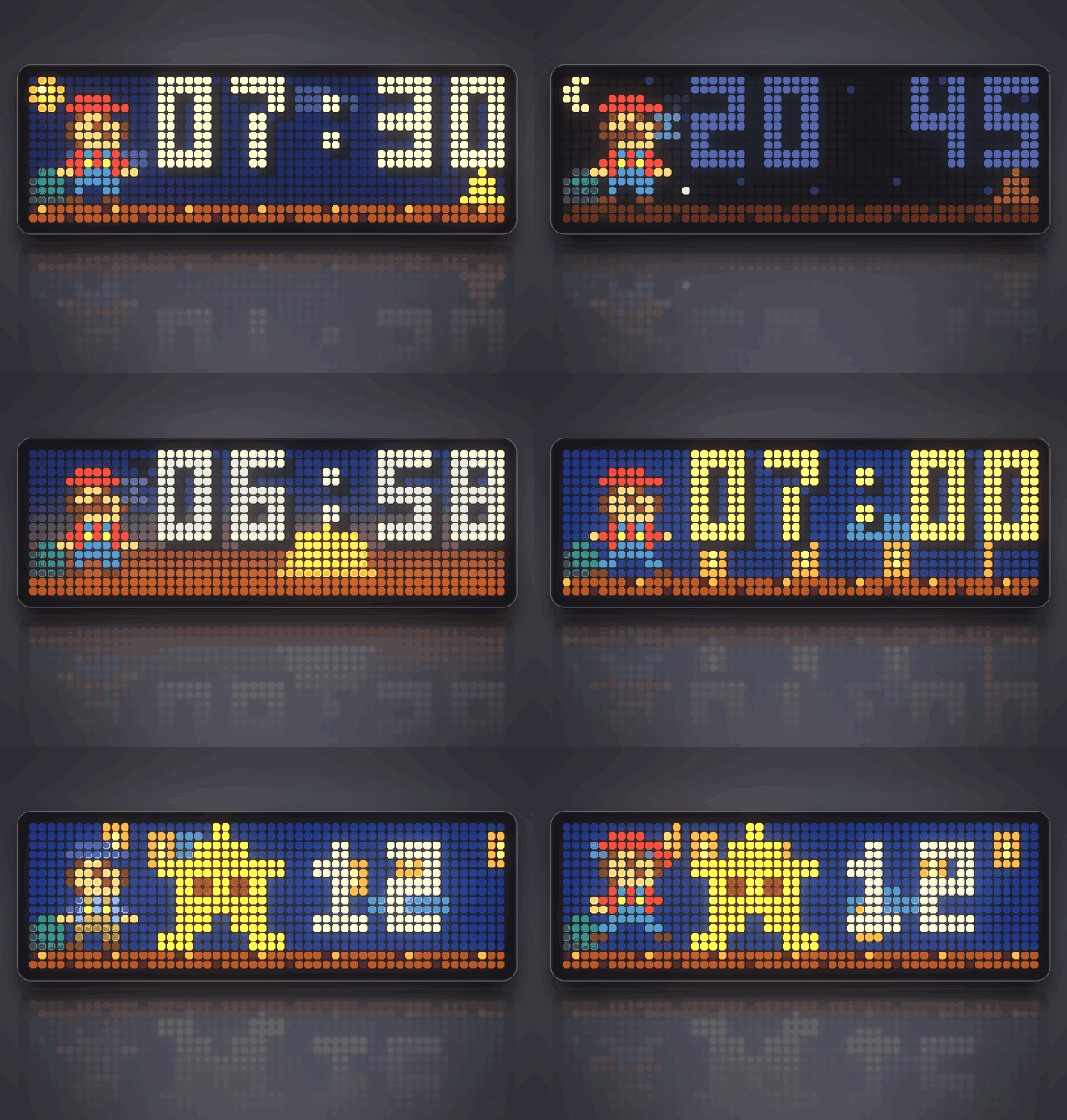
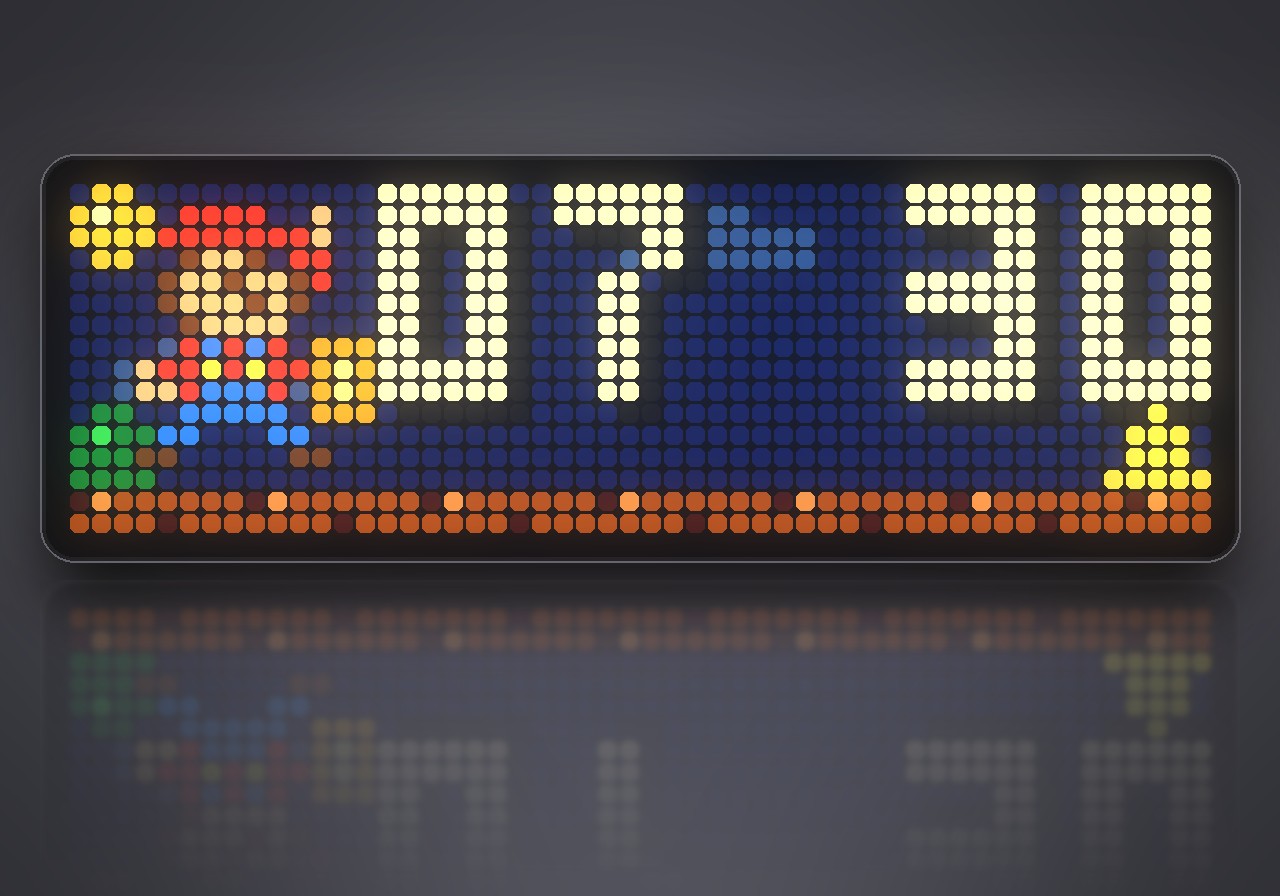
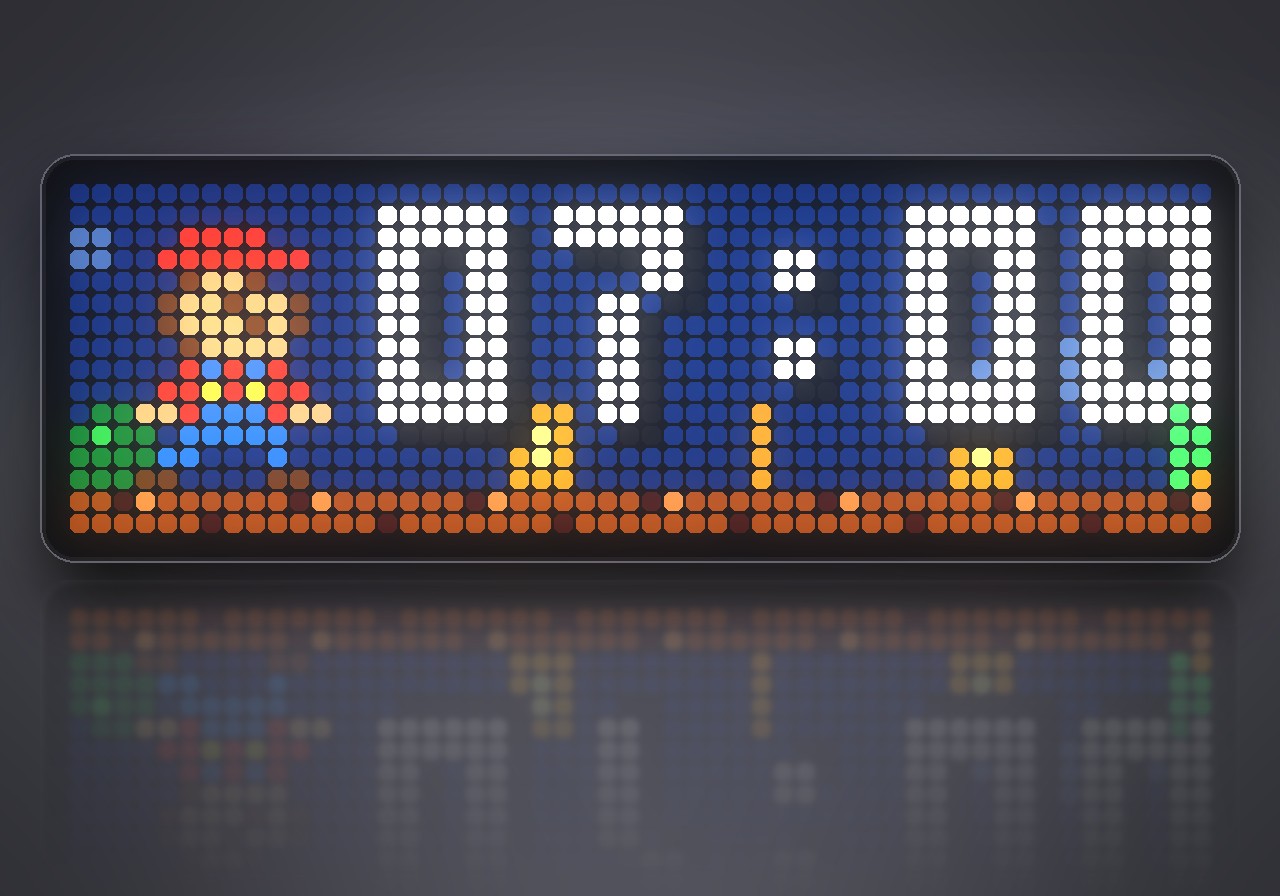
Wake up with Mario: a pixel-art alarm clock for kids on the TC002 that runs, jumps, collects coins and plays the Mario theme in NES style.
What's inside
- Two weekly alarms: separate times for school days and weekends, daily, or off.
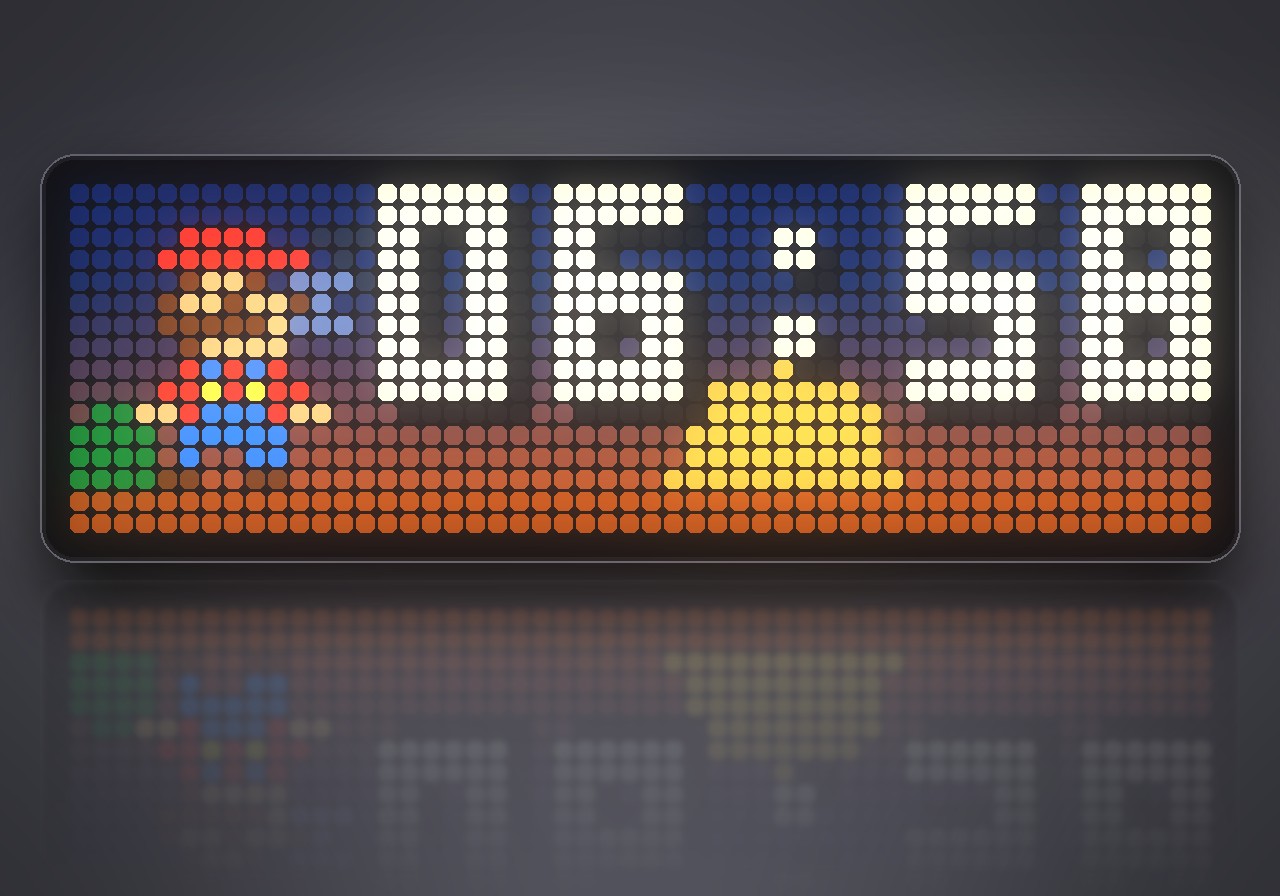
- A silent sunrise: the sky warms from the horizon and the sun climbs behind the clock in the minutes before the alarm.
- A real wake-up show: Mario runs over a scrolling brick floor and jumps every bar, the clock bounces to the beat and coins roll past. A blinking green arrow shows which button gets you up.
- Mario music: the Super Mario Bros. overworld theme arranged for the built-in synthesizer with pulse, triangle and noise voices. Prefer your own tune? Enter song notes and they play instead.
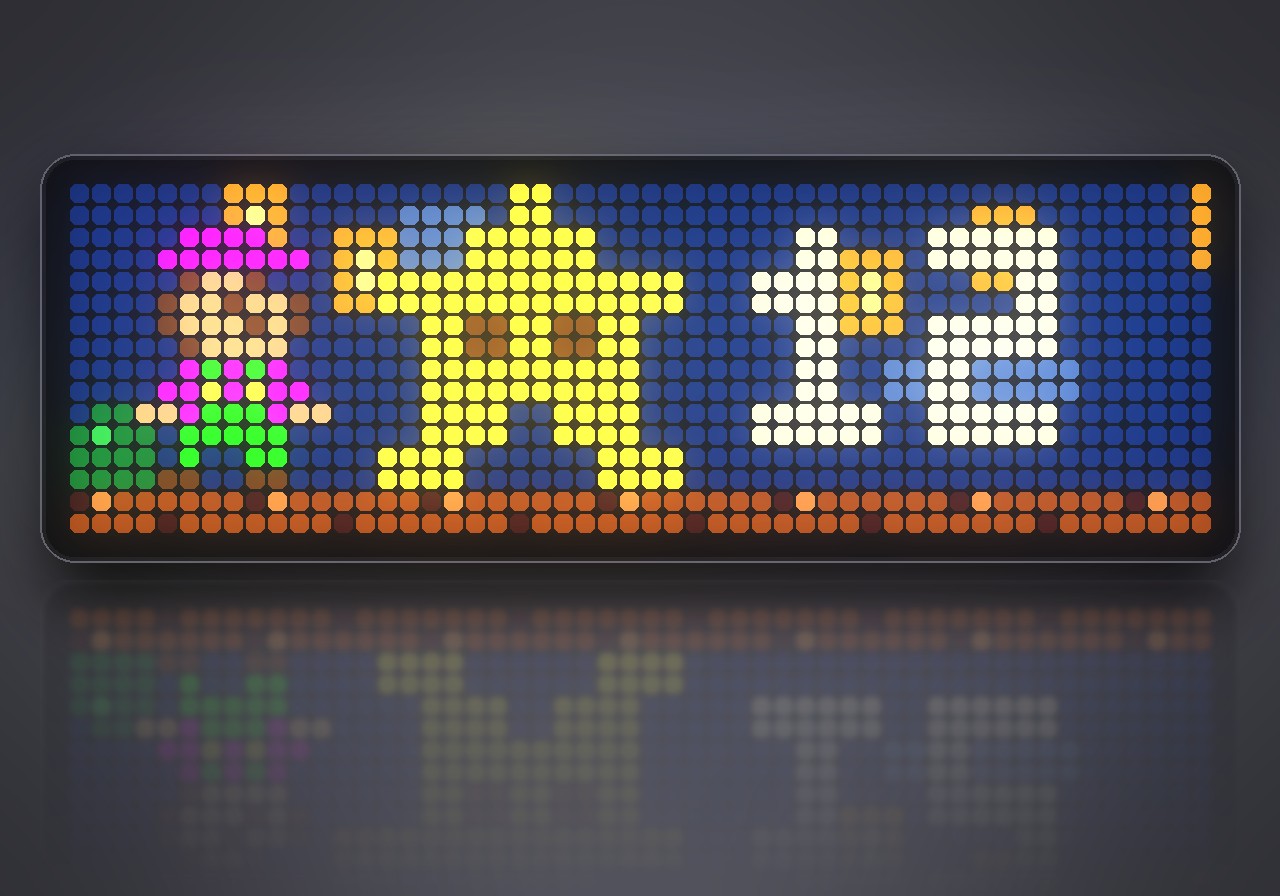
- Stars for getting up: get up without snoozing and Mario earns a star. Star-power Mario, a burst of coins and a short fanfare celebrate it, and the big star shows how many have been collected.
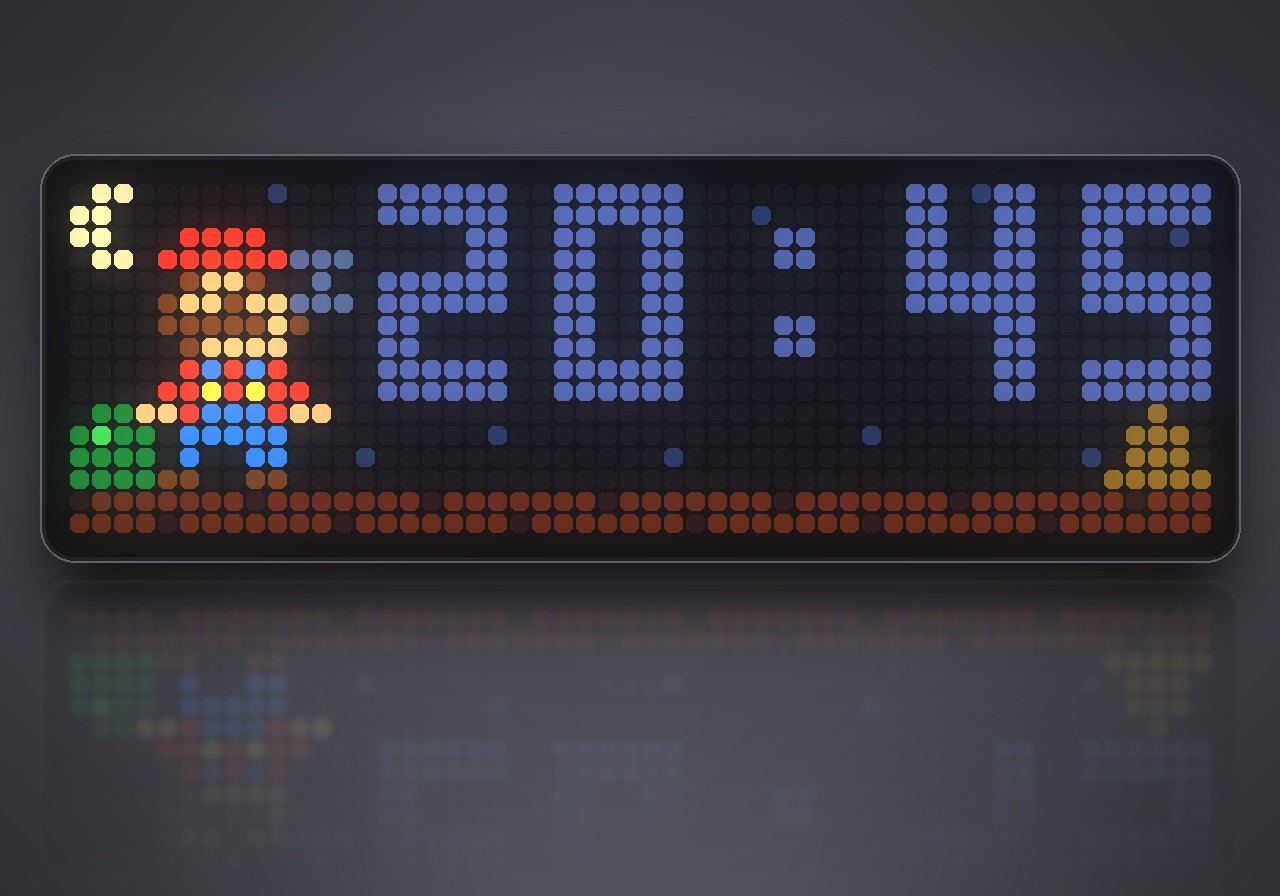
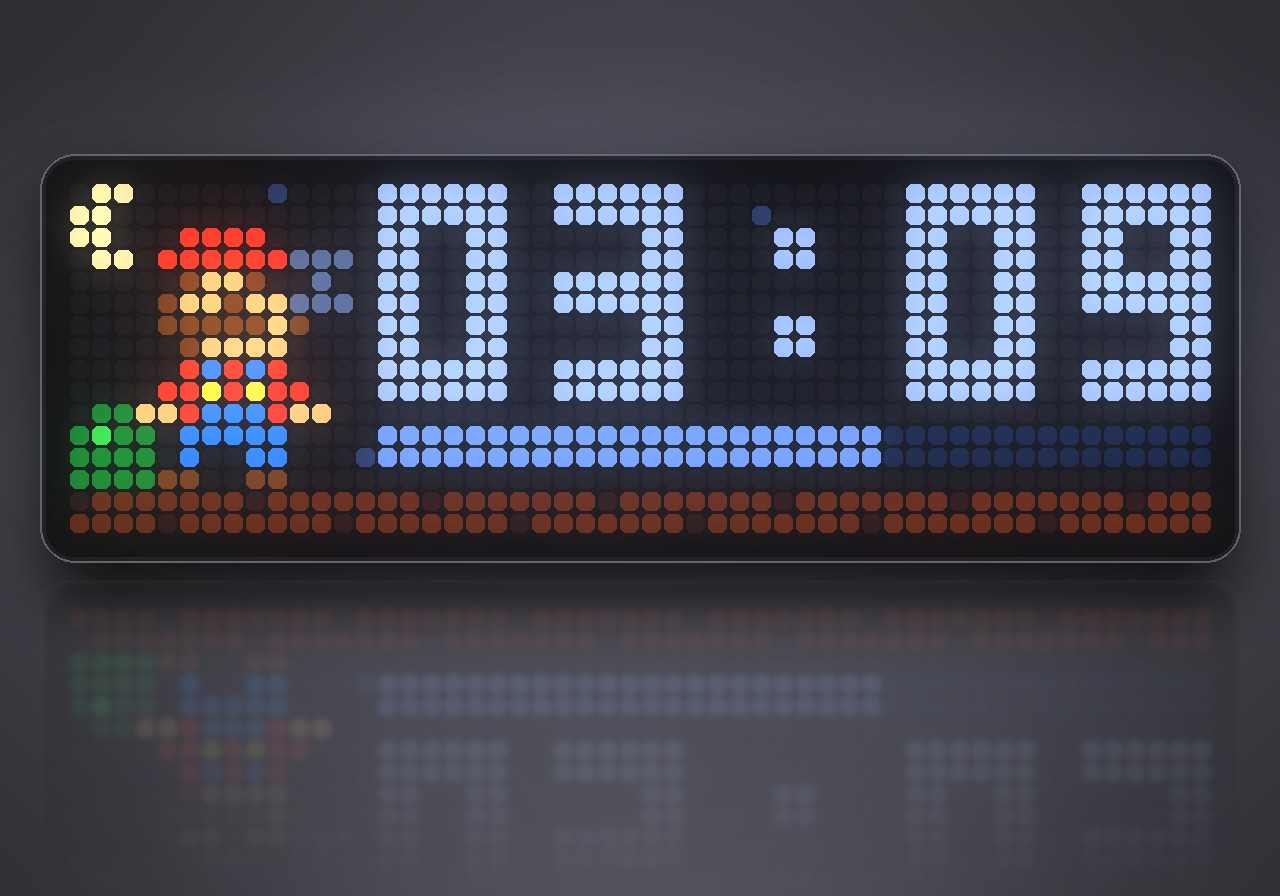
- Bedtime mode: from bedtime until the time to get up, Mario sleeps under the moon and twinkling stars, so children see at a glance whether it is time to get up yet. When the time comes he wakes up with a jump.
- A living clock: by day Mario blinks, jumps for every new minute and pops a coin, while clouds drift across the sky.
- Snooze with a limit: a sleeping Mario, a countdown and a progress bar. You choose the snooze time and how often it is allowed.
- No text on the display: Mario, pictures and digits only, so it works in every language.
- Survives a restart: a running alarm or snooze picks up again; expired ones are ignored.
What you need
An Ulanzi TC002 with AWTRIX NG and the correct local time. The music comes from the clock's built-in synthesizer; no sound files and no internet music service are needed. The master and app volume must not be at 0.
How to use
Install the script, open the gear button next to Super Alarm Clock in the Apps list, set the times and switch Alarm on on. Keep the app itself enabled: it checks the time in the background even while it is not on screen.
| Screen | Left | Middle | Right |
|---|---|---|---|
| Clock | Previous app | 12-second music preview | Next app |
| Preview | - | Stop the preview | - |
| Alarm | - | Snooze, or stop after the snooze limit | Get up: stop, star, fanfare |
| Snooze | - | Wake now | Get up |
| Sunrise | Skip the light show | Skip the light show | Skip the light show |
Skipping the light show keeps the alarm armed. Holding the middle button keeps the clock's normal menu.
Settings
| Group | Settings |
|---|---|
| Alarm times | Alarm on, two times, days for each (Mon-Fri, Sat-Sun, Daily, Off) |
| Waking up | Sunrise lead time, snooze time, snoozes allowed, automatic stop, collect stars |
| Music | Volume, start quietly, fanfare when getting up, custom notes and tempo |
| Bedtime | Mario sleeps at night, bedtime, time to get up |
| Display | Show in app rotation, brightness while Mario is on screen, a jump every minute |
With Show in app rotation off, the clock stays out of the normal app rotation and only appears for the sunrise, the alarm and snoozing.
Sign in to view and copy the code of this flow.
Discussion 0
Ask a question, suggest a change or share how you use it.
No comments yet. Start the conversation.
More flows for AWTRIX NG Scripts or Miscellaneous
Something wrong with this flow? Report it.
Have an idea?
Sign in to ask questions and join the conversation.