Sound Showcase
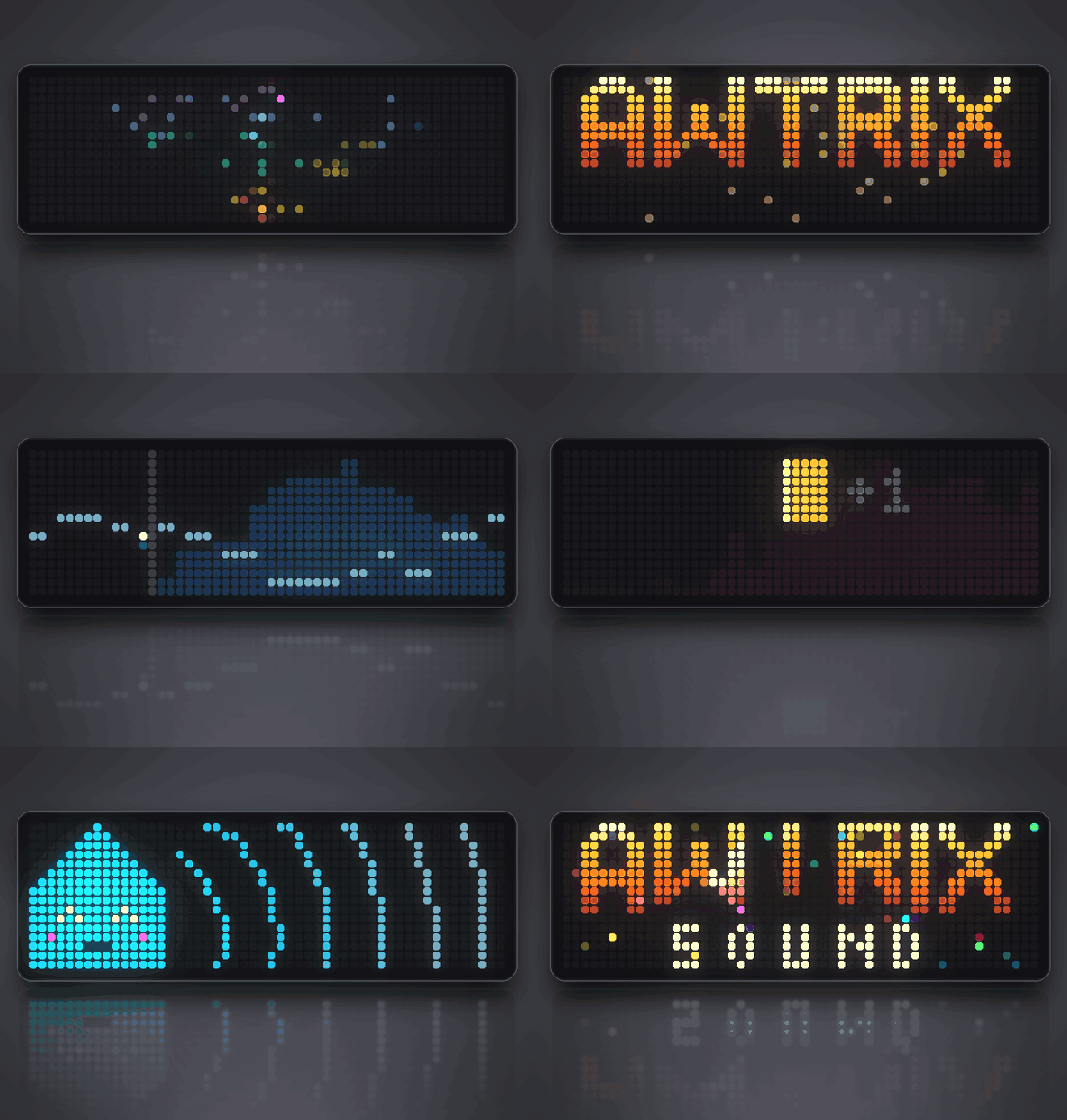
On your display
A three-and-a-half-minute sound trailer for the Ulanzi TC002: the clock narrates everything it can do with sound in its own voice, from synthesizer, drums and music to effects, pitch detection and its microphone, each with its own animation.
- Topic
- Miscellaneous
- Includes
- Script · 2 sounds (101.0 KB)
Runs on
- Does not run on 32×8 (TC001 & DIY) Made for 52×16 (TC002). Needs a voice that reads text aloud, the built-in synthesizer and sound effects over music.
- Runs on 52×16 (TC002)
- Does not run on 32×8 with AWTRIX 3 (TC001 & DIY) Made for AWTRIX NG.
Choose your display in the next step.
Flow description
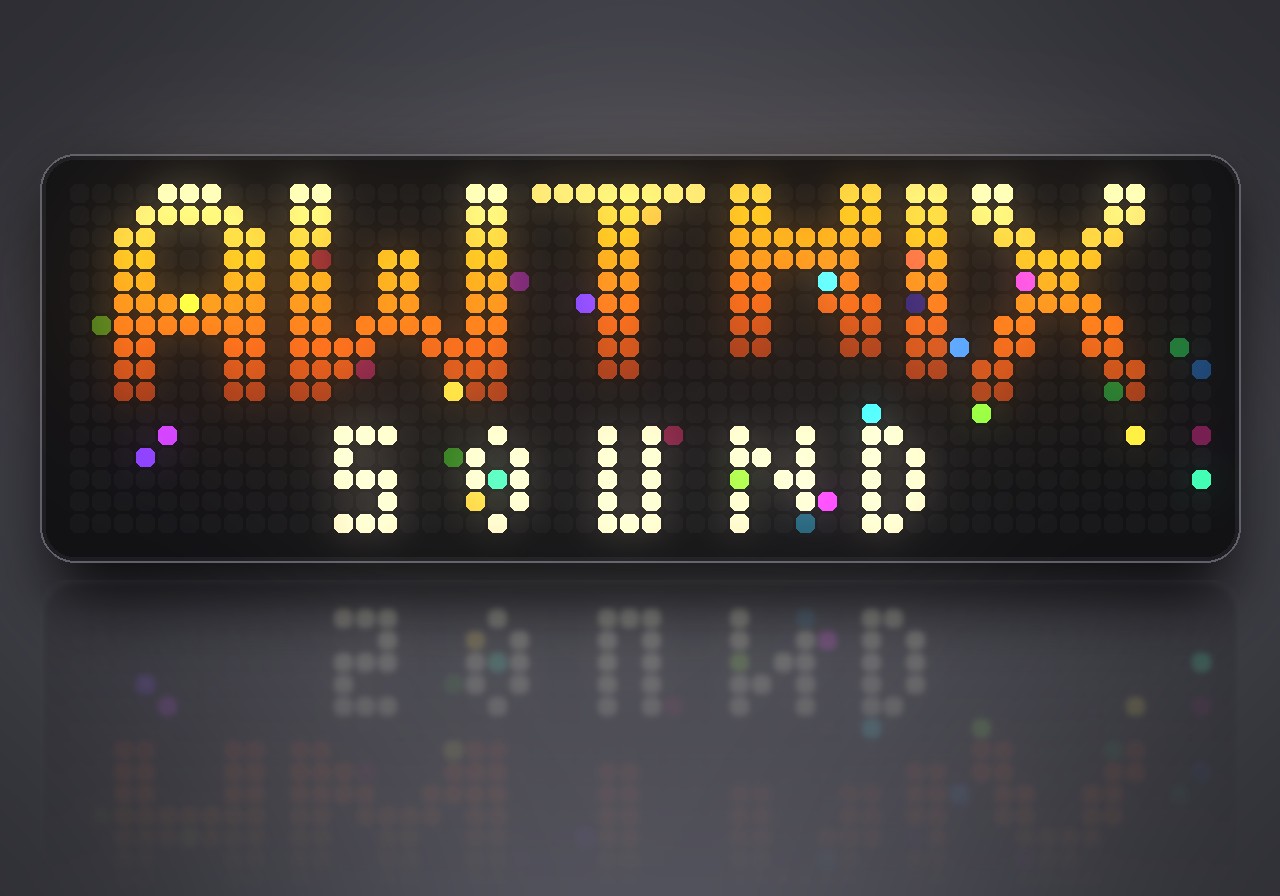
The sound trailer before the film, played on 832 LEDs. Sound Showcase lets your Ulanzi TC002 present everything it can do with sound, narrated in its own voice, and gives every sound its own animation on the 52×16 panel. There is nothing to press: start it, sit back and listen for three and a half minutes.
What's inside
- Its own voice: the clock introduces itself and tells you the time.
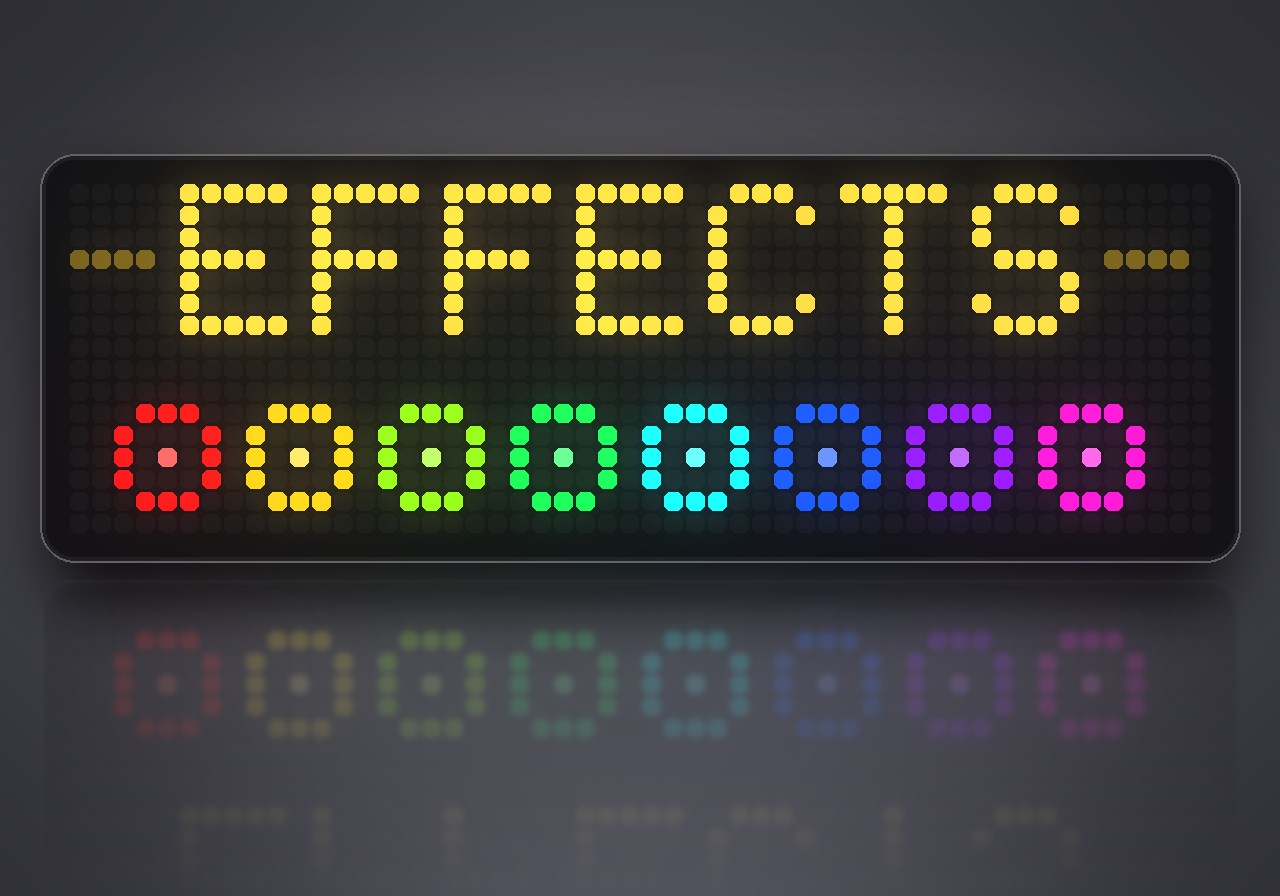
- A synthesizer you can see: sine, triangle, square, sawtooth and noise, each drawn by an oscilloscope, then a filter sweep, echo, glide and distortion.
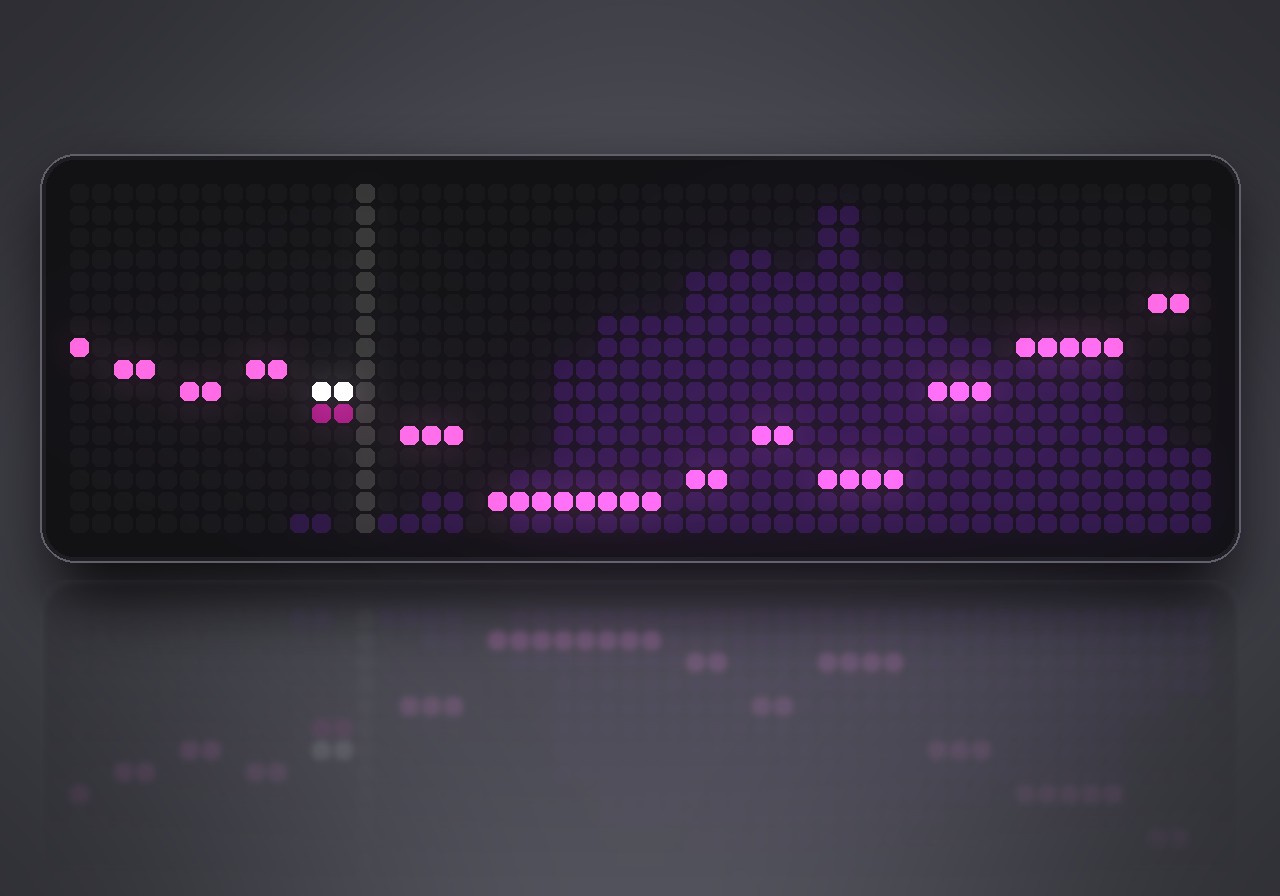
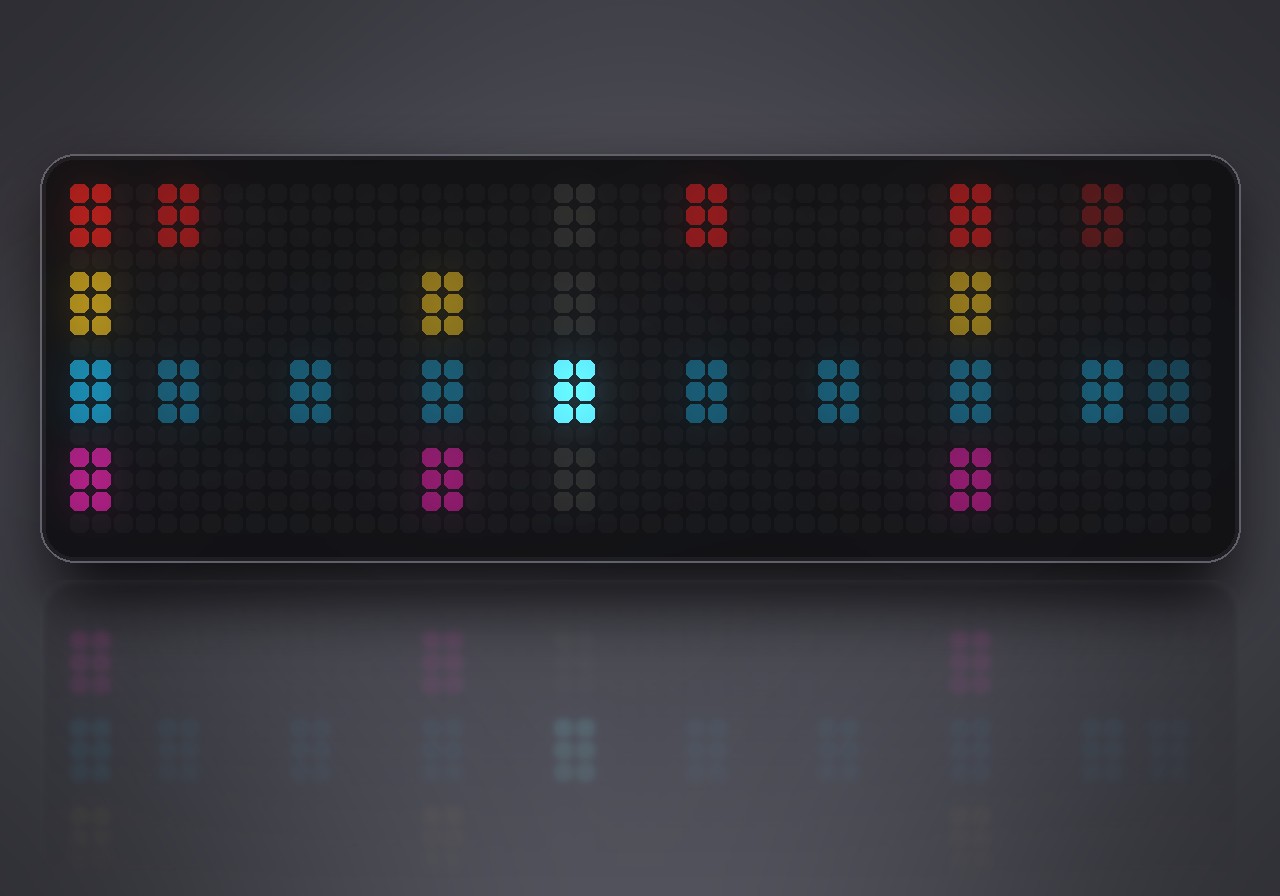
- Drums and music: kick, snare, hi-hat and clap with an animation for every hit, a groove on a step sequencer, then a full song over a piano roll and a live spectrum.
- The mixer at work: the music ducks while the voice speaks.
- Sound effects: lasers, a coin, an explosion and a power-up, all at once, and a tape stop that switches the panel off like an old TV.
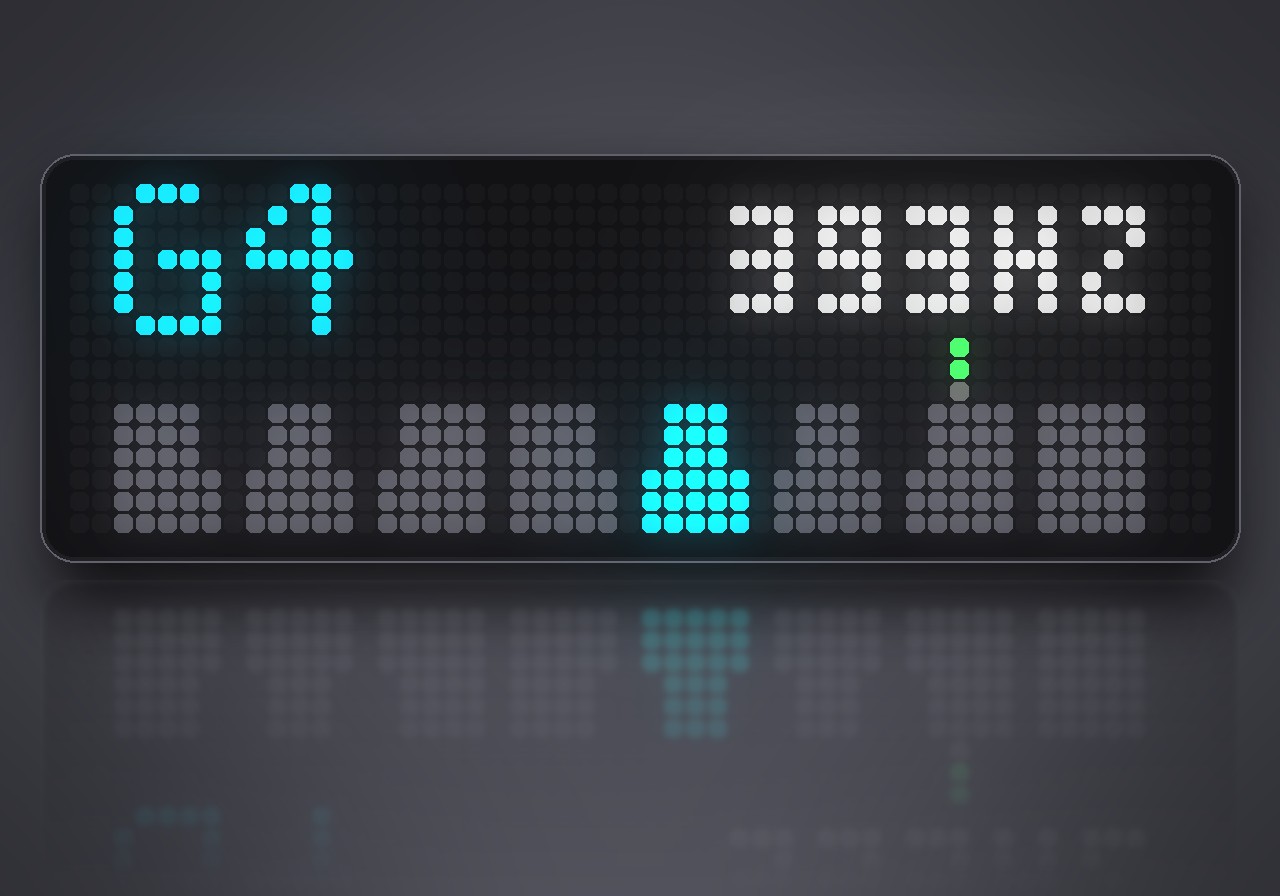
- Ears: the clock follows the melody of its own voice, names the notes of Ode to Joy on a tuner and counts your claps through its microphone.
- Home Assistant: how to ask Home Assistant through the clock.
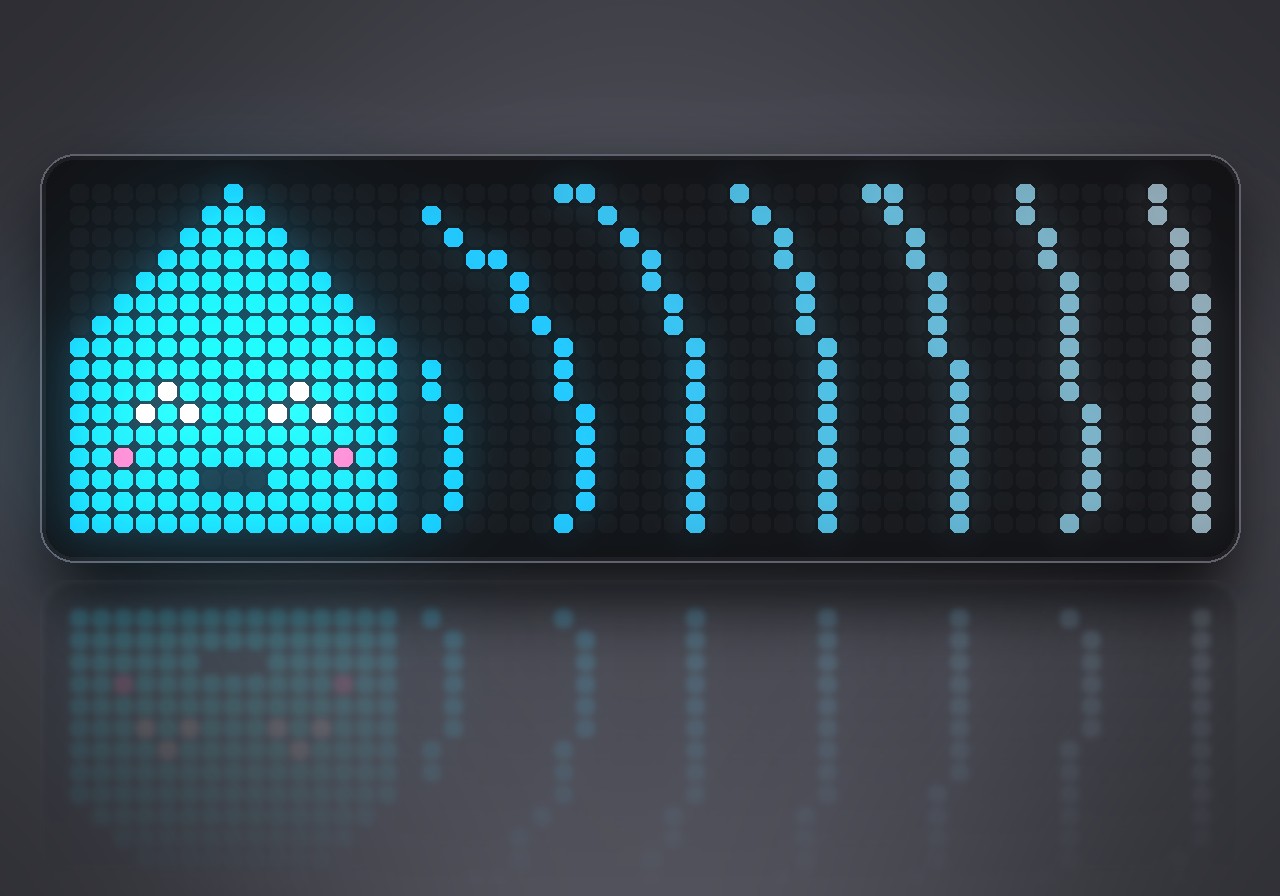
- Ringtone, recorded sound and radio: The Entertainer as a ringtone, a summer storm from an MP3 and a tuning dial between radio stations.
- A finale: the opening chord again, the logo, confetti and applause.
Apart from those two classics, every note is original, and all of it is played live by the clock's own synthesizer.
What you need
- An Ulanzi TC002 with AWTRIX NG. The show fills its 52×16 panel and uses the clock's voice, synthesizer and microphone.
- Installing from the Hub brings the sound files along: 2 files, 101 KB.
- The voice speaks English, whatever language the clock is set to.
How to watch
Sound Showcase does not run in the app rotation. To start it, hold the middle button on the clock for a second, choose Scripts, then Sound Showcase. The show ends on the logo. Hold the middle button to leave at any time; the next start begins from the top.
- The show plays at the Apps volume of the mixer on the web UI's Audio page.
- A radio station that is playing pauses during the show and comes back afterwards.
- In the microphone chapter, clap or say hello. The clock listens when System → Audio → Music source is Automatic or Microphone; set to Playback, it hears nothing and calls you shy.
Sign in to view and copy the code of this flow.
Discussion 0
Ask a question, suggest a change or share how you use it.
No comments yet. Start the conversation.
More flows for AWTRIX NG Scripts or Miscellaneous
Something wrong with this flow? Report it.
Have an idea?
Sign in to ask questions and join the conversation.