AWTRIX GP
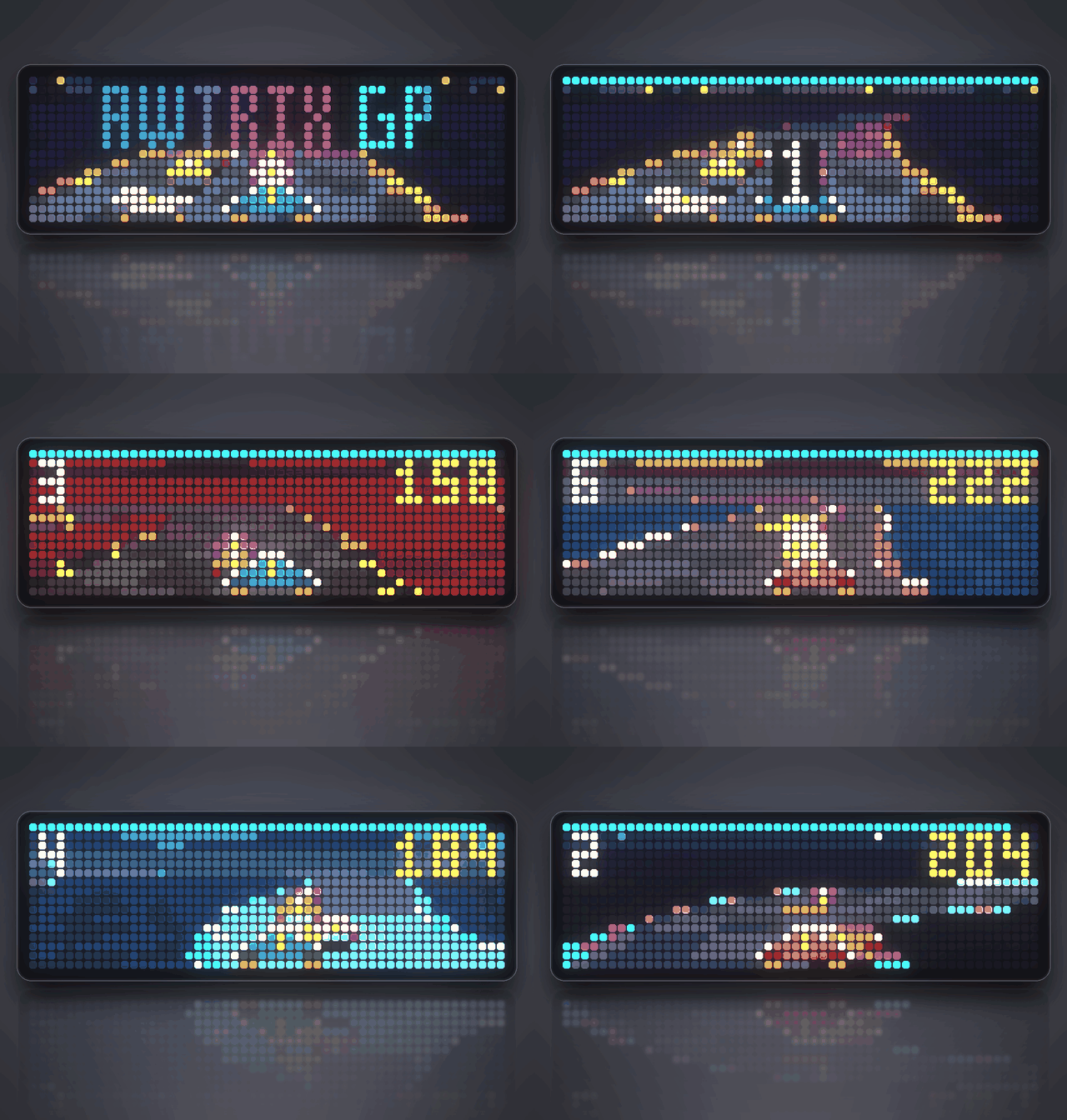
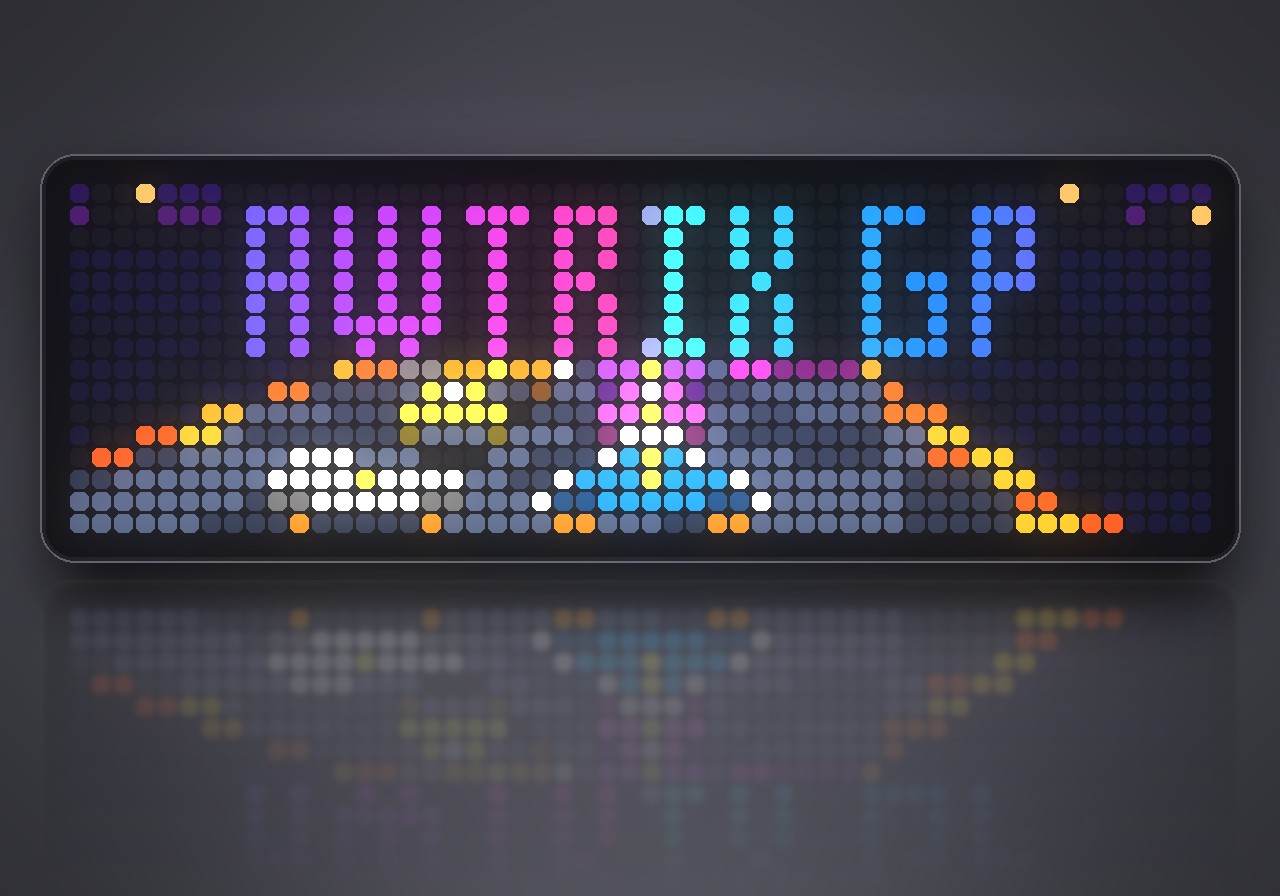
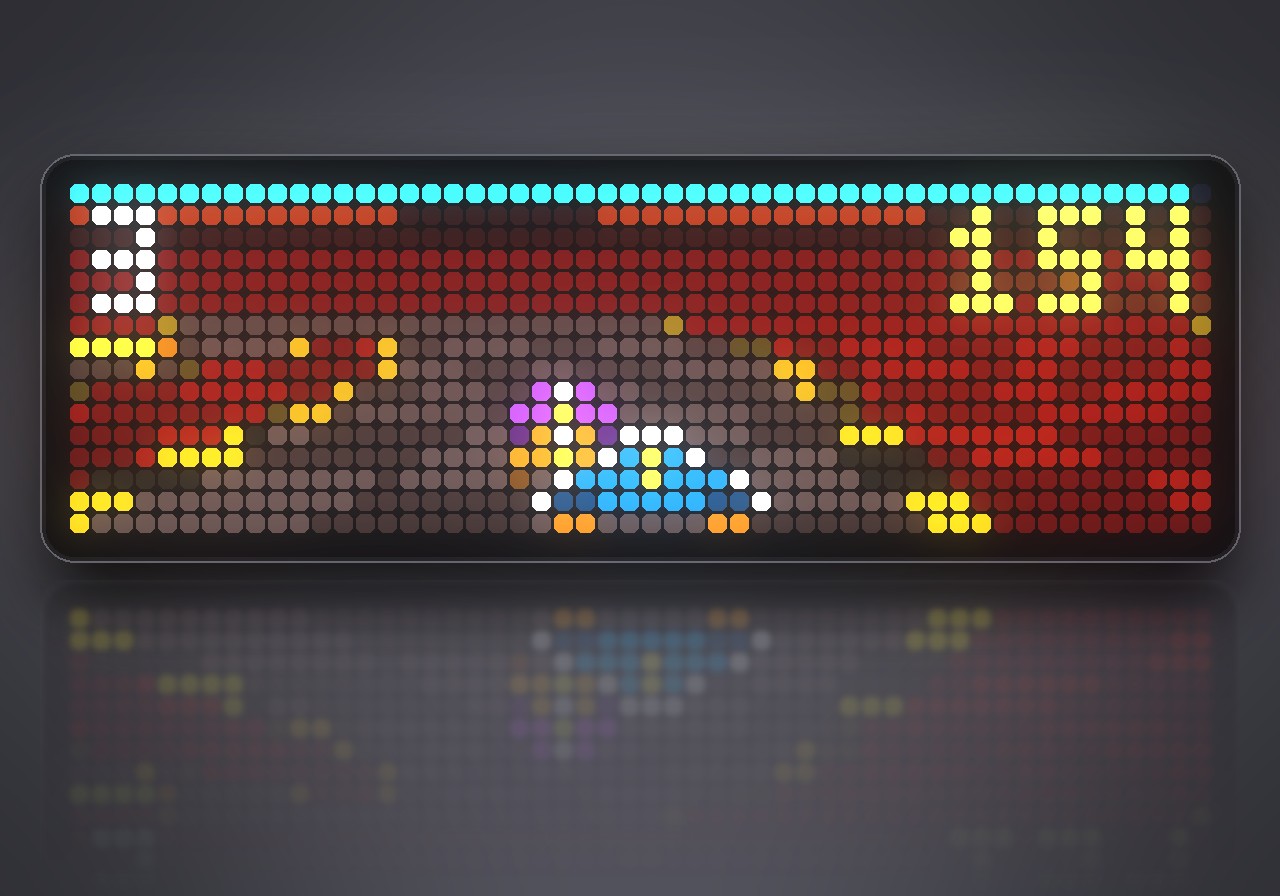
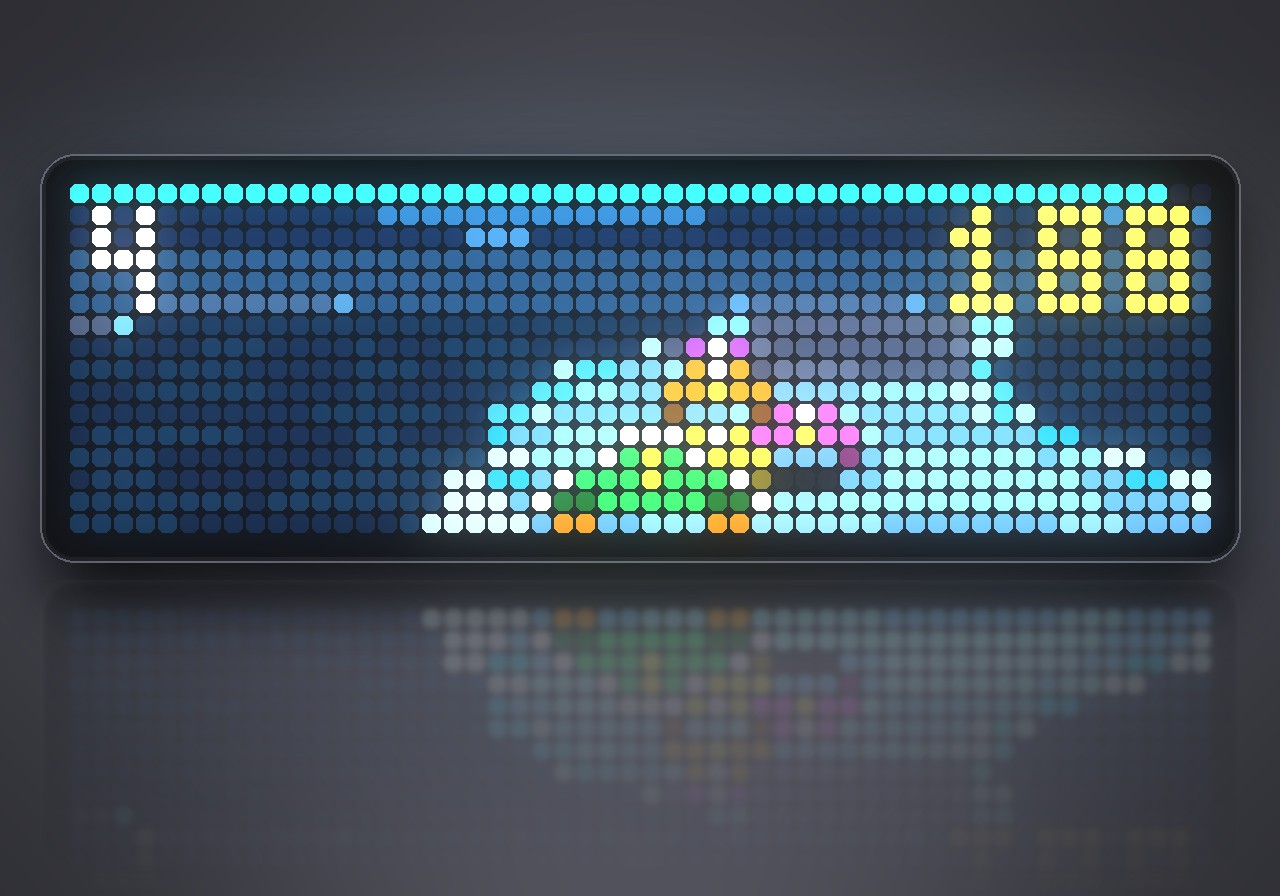
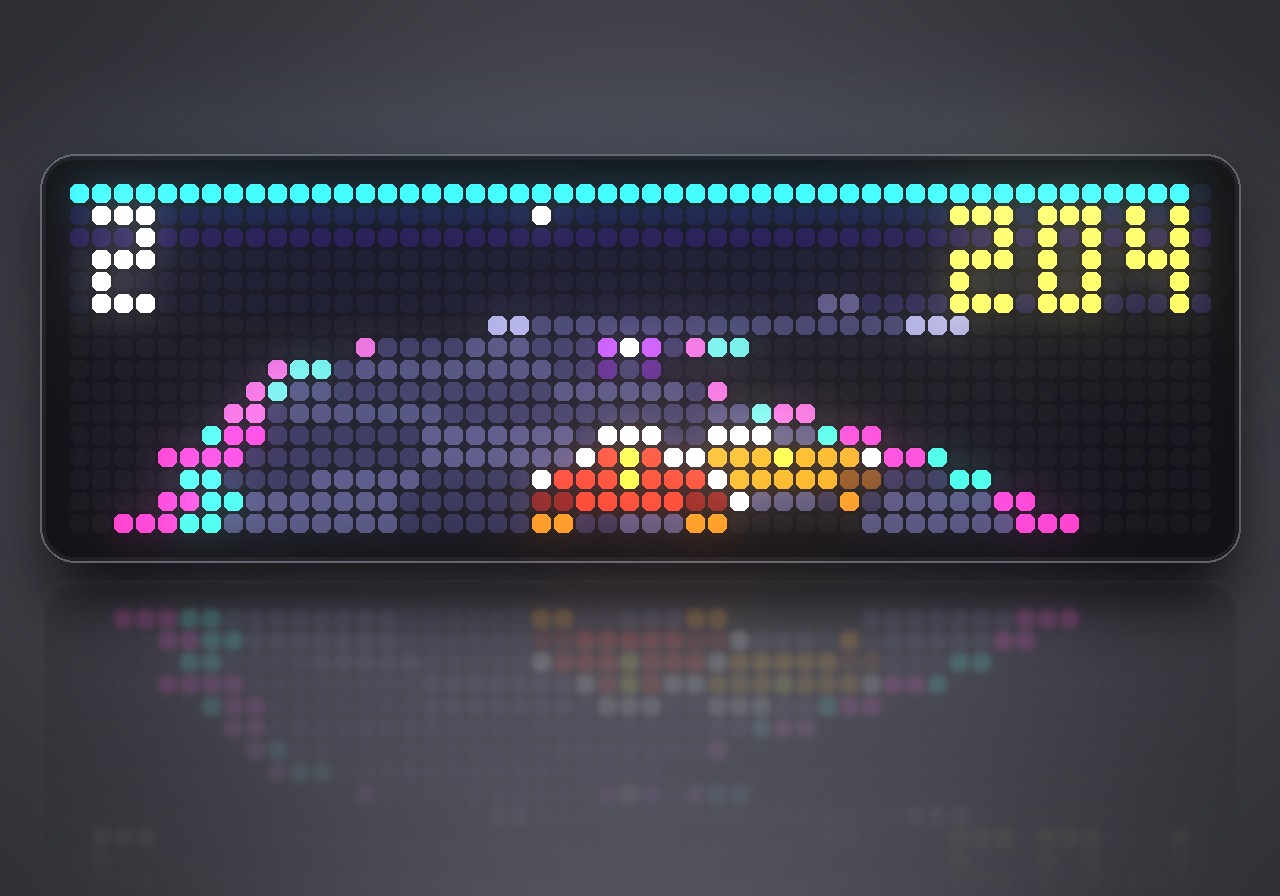
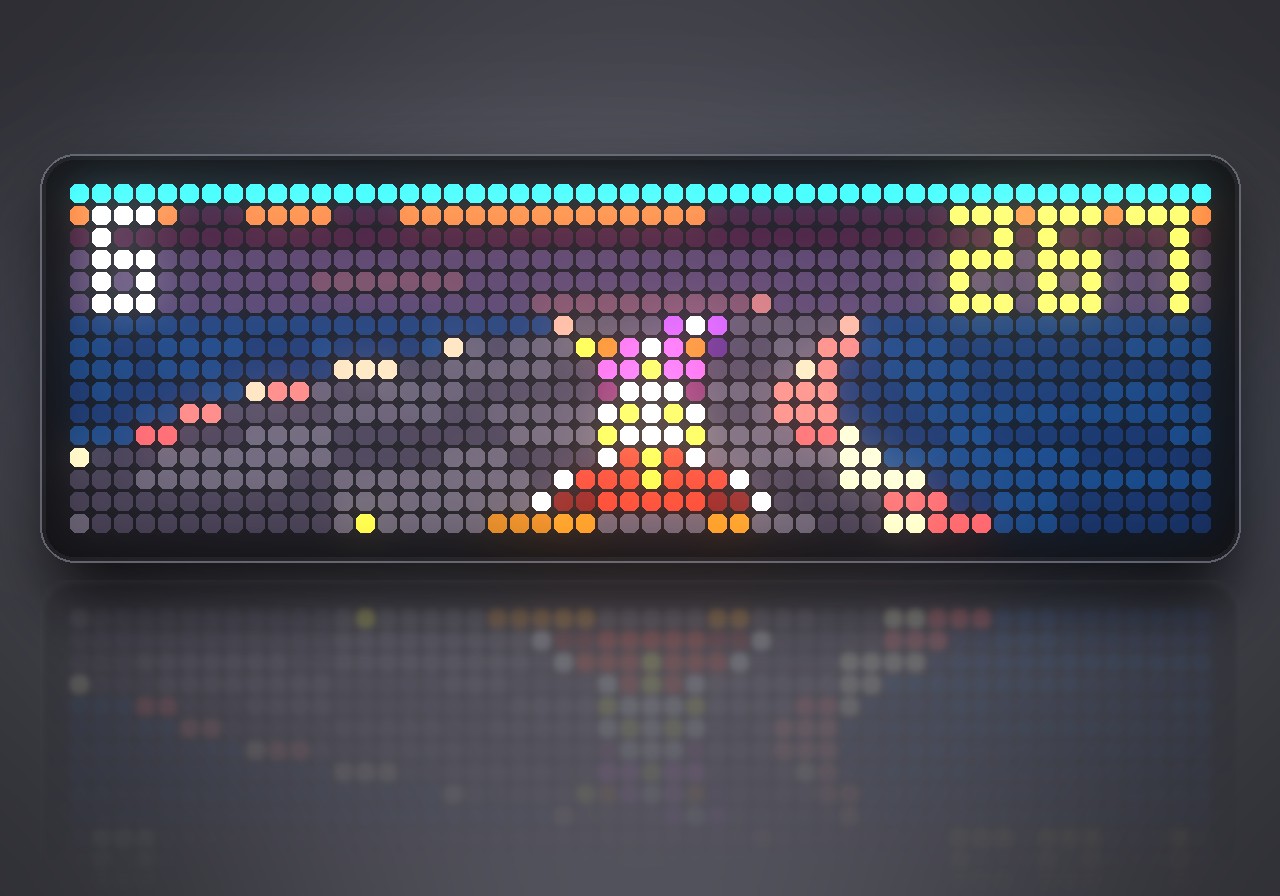
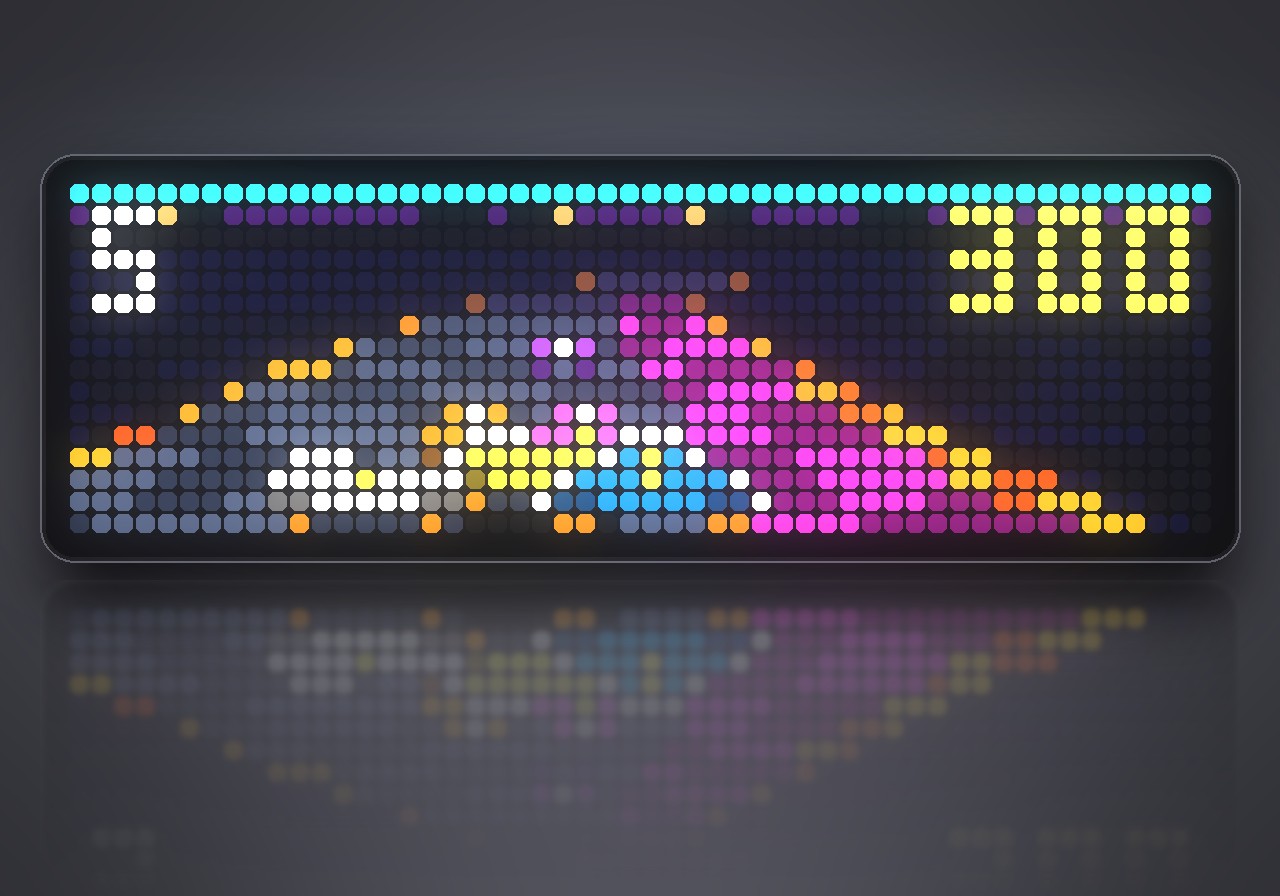
On your display
A futuristic hover racer on the whole 52×16 panel of the Ulanzi TC002: five tracks, five CPU rivals, three machines, Grand Prix and Time Attack, and its own soundtrack. Played with a Bluetooth gamepad.
- Topic
- Gaming
- Includes
- Script · 11 sounds (22.8 KB)
Runs on
- Does not run on Ulanzi TC001 Needs a Bluetooth gamepad, layered sound effects and the built-in synthesizer. Needs a panel of at least 52×16; its panel is 32×8.
- Runs on Ulanzi TC002 Gamepad: turn Bluetooth on and pair one under System → Gamepad on your AWTRIX.
- Does not run on ESP32 (DIY) Needs a Bluetooth gamepad, layered sound effects and the built-in synthesizer.
- Does not run on ESP32-S3 (DIY) Needs a Bluetooth gamepad, layered sound effects and the built-in synthesizer.
- Does not run on Ulanzi TC001 with AWTRIX 3 Made for AWTRIX NG.
Choose your display in the next step.
Flow description
Full throttle on 832 LEDs. AWTRIX GP turns the whole 52×16 panel of your Ulanzi TC002 into a futuristic hover racer in the spirit of the 16-bit classics: a scrolling Mode-7 track, five rival pilots, boost, dash plates and a pit lane. You play it with a Bluetooth gamepad, and it runs entirely on the clock, with no PC or phone involved.
What's inside
- Five tracks: Neon City, Sunset Bay, Frost Peak, Magma Run and Star Circuit, each with its own look, surfaces and soundtrack.
- Grand Prix: five races of three laps against five CPU pilots, with points by place (10/7/5/3/2/1) and three spare machines. Your progress is saved between sessions.
- Time Attack: race alone; the best time and best lap are kept for every track and machine.
- Three machines: COMET (balanced), BLAZE (fastest, but fragile) and TITAN (quick off the line, heavy and tough).
- Energy: barriers, collisions and boosting cost energy. The pink pit lane refills it, and at zero your machine explodes.
- Surfaces: yellow dash plates throw you forward, sand slows you down, and ice has little grip.
- Full sound: 11 sound effects and a soundtrack played by the clock's own synthesizer. Everything is original and made for this game.
What you need
- An Ulanzi TC002 with AWTRIX NG. The game fills its 52×16 panel.
- A Bluetooth gamepad, paired under System → Gamepad in the web UI.
- Installing from the Hub brings the sound effects along: 11 files, 23 KB.
How to play
AWTRIX GP does not run in the app rotation. To start it, hold the middle button on the clock for a second, choose Scripts, then AWTRIX GP. The title shows a demo race; press A to open the menu. Hold the middle button again to leave; your settings and progress stay.
| Action | Button |
|---|---|
| Steer | left stick or D-pad |
| Accelerate | A or RT |
| Brake | B or LT |
| Lean into a turn | L1 / R1 |
| Boost (from lap 2, costs energy) | X or Y |
| Pause | START (SELECT in the pause quits) |
Tip: press the gas in the last moment before GO for a rocket start.
Settings
Open the gear next to AWTRIX GP in the web UI's Apps list:
- Skill: easy, normal or hard. Hard makes the CPU pilots faster and hits cost more energy.
- Sound and Music: switch the effects and the soundtrack on or off.
Sign in to view and copy the code of this flow.
Discussion 0
Ask a question, suggest a change or share how you use it.
No comments yet. Start the conversation.
More flows for AWTRIX NG Scripts or Gaming
Something wrong with this flow? Report it.
Have an idea?
Sign in to ask questions and join the conversation.