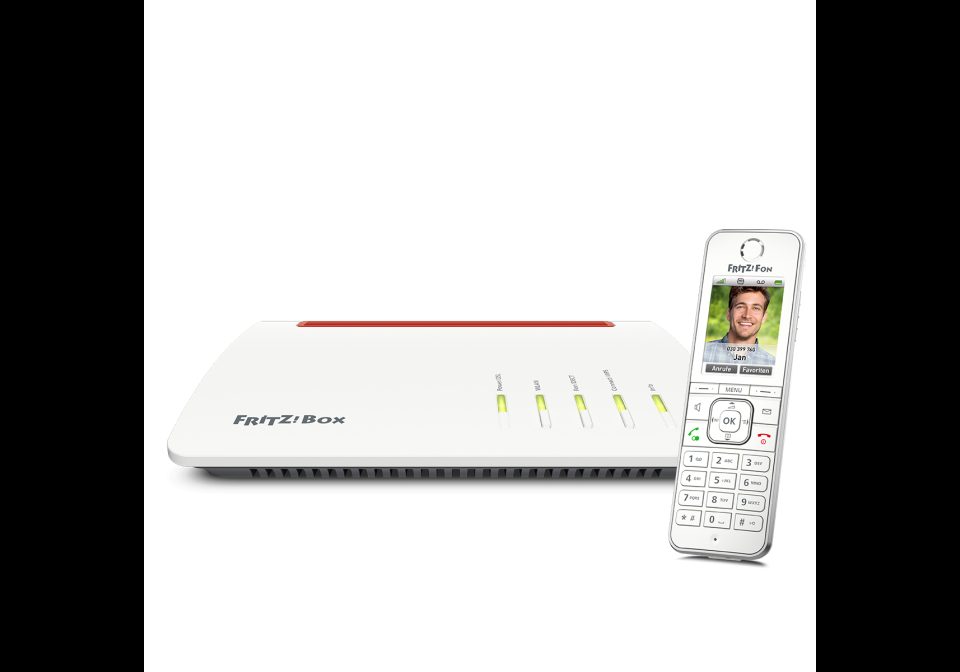
Fritz!Box Incoming Call
Use with Node-RED
Whenever a call is inbound to the Fritz!Box, a notification is shown on the Awtrix.
- Topic
- Smarthome
- Includes
- Flow · 1 icon
Runs on
- Does not run on 32×8 (TC001 & DIY) Made for AWTRIX 3.
- Does not run on 52×16 (TC002) Made for AWTRIX 3.
- Runs on 32×8 with AWTRIX 3 (TC001 & DIY)
Is this your flow?
If you created this flow, open your saved edit link to add it to your account. You can then manage it whenever you sign in. Adding it to your account replaces the edit link.
Flow description
The Symbol is a ringing phone, the text is the number of the caller.
The Fritzbox Node needs to be properly configured, as well as your own MQTT Server.
Adjust the Awtrix topic to your needing.
The notification would actually repeat 10 times. That is, to keep it up long enough. Conveniently though, when the caller hangs up, the notification is dismissed through the second output.
Sign in to view and copy the code of this flow.
These icons are attached to the flow. Send them to your AWTRIX separately; they are not included in the script installation.

8×8 px
Sign in to download these icons or send them to your AWTRIX.
Discussion 0
Ask a question, suggest a change or share how you use it.
No comments yet. Start the conversation.
Have an idea?
Sign in to ask questions and join the conversation.