FlowAWTRIX NG
Hub Update Test
On an AWTRIX display
On your display
Try a manual script update from the AWTRIX Web UI.
- Works with
- AWTRIX NG
- Topic
- Miscellaneous
- Includes
- Script
Choose your display in the next step.
Flow description
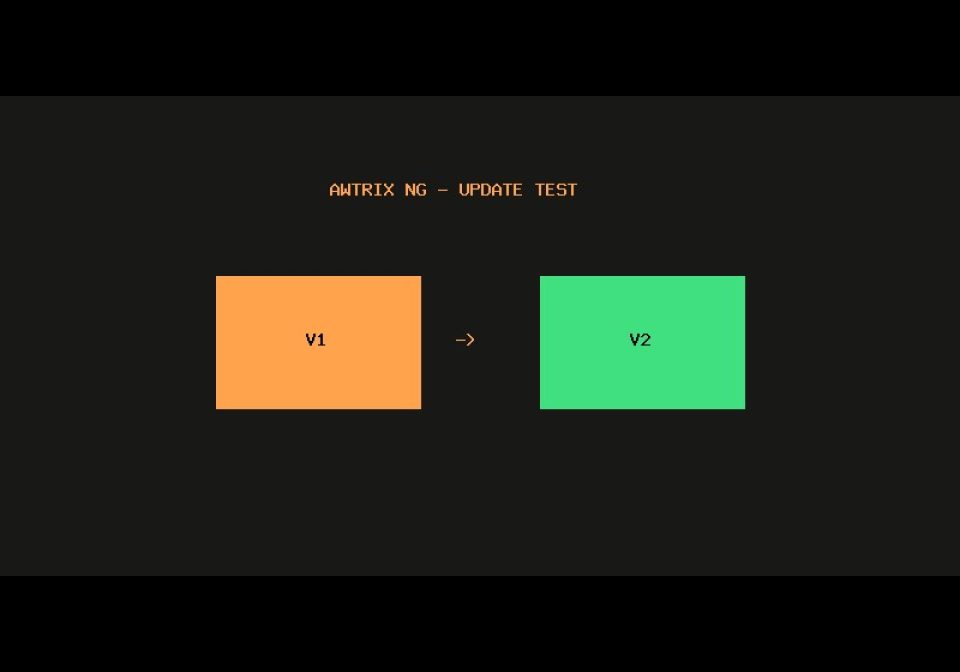
A small update demo. Version 1 shows V1 in orange; version 2 shows V2 in green.
The optional tag setting stays unchanged when updating. No icons, external services or automatic updates are used.
g5wyNFvSbRMv.ax
# @name Hub Update Test
# @author Blueforcer
# @version 2.0
# @desc Manual Hub update demo
# @config tag text "Dein Text" default=OK

class UpdateDemo
  def draw()
    clear()
    text(1, 6, "V2", 0x40E080)
    text(17, 6, store.get("tag", "OK"), 0xFFFFFF)
  end
end
return UpdateDemo()
Community
Discussion 0
Ask a question, suggest a change or share how you use it.
No comments yet. Start the conversation.
More flows for AWTRIX NG Scripts or Miscellaneous
Something wrong with this flow? Report it.
Have an idea?
Sign in to ask questions and join the conversation.