BEATGRID
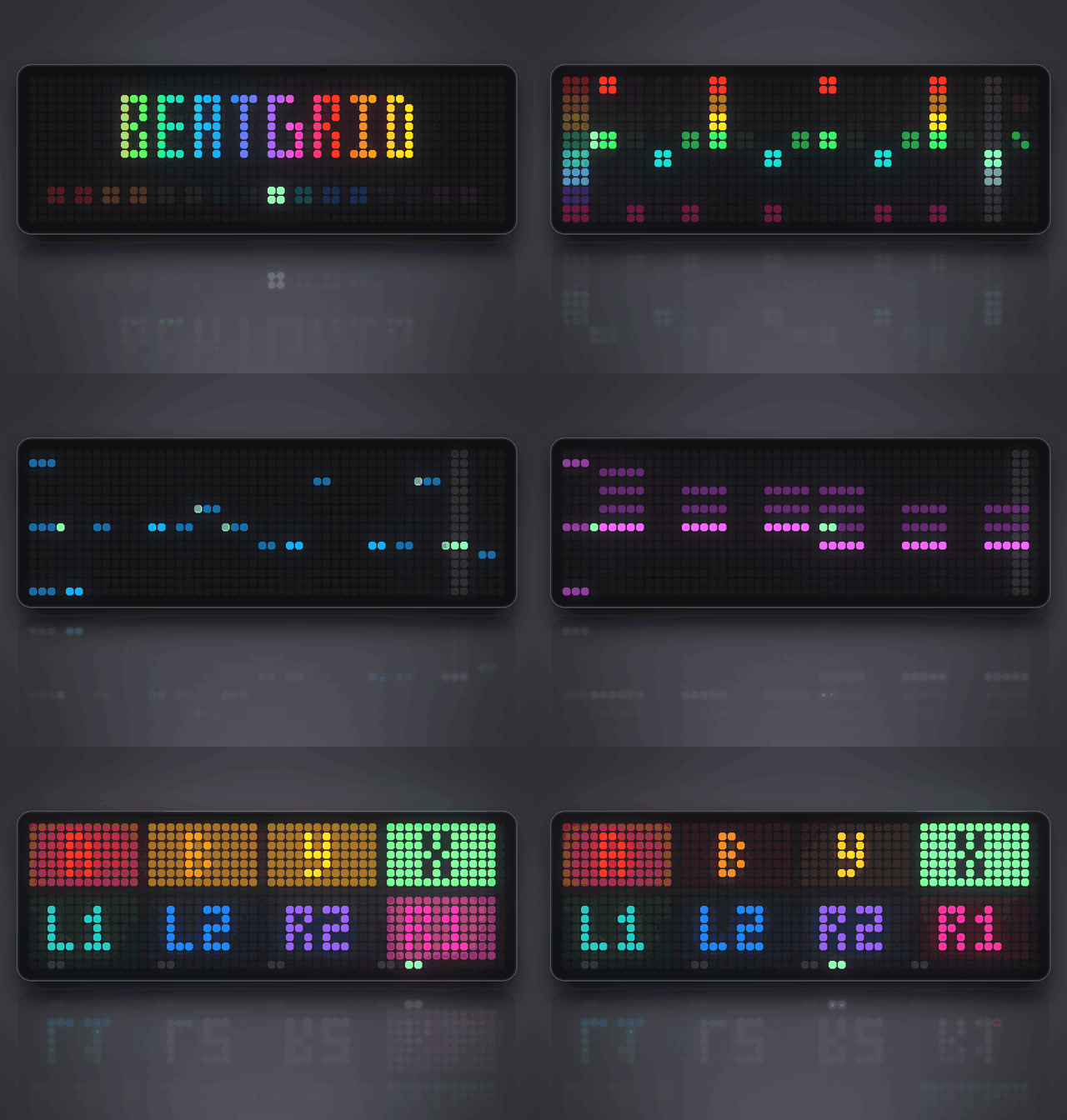
On your display
A groovebox for the Ulanzi TC002, played with a Bluetooth gamepad: 8 drum tracks plus bass, chords and lead, song chains, 6 drum kits and live pads - every sound made by the clock's own synthesizer.
- Topic
- Gaming
- Includes
- Script
Runs on
- Does not run on Ulanzi TC001 Needs a Bluetooth gamepad and the built-in synthesizer. Needs a panel of at least 52×16; its panel is 32×8.
- Runs on Ulanzi TC002 Gamepad: turn Bluetooth on and pair one under System → Gamepad on your AWTRIX.
- Does not run on ESP32 (DIY) Needs a Bluetooth gamepad and the built-in synthesizer.
- Does not run on ESP32-S3 (DIY) Needs a Bluetooth gamepad and the built-in synthesizer.
- Does not run on Ulanzi TC001 with AWTRIX 3 Made for AWTRIX NG.
Choose your display in the next step.
Flow description
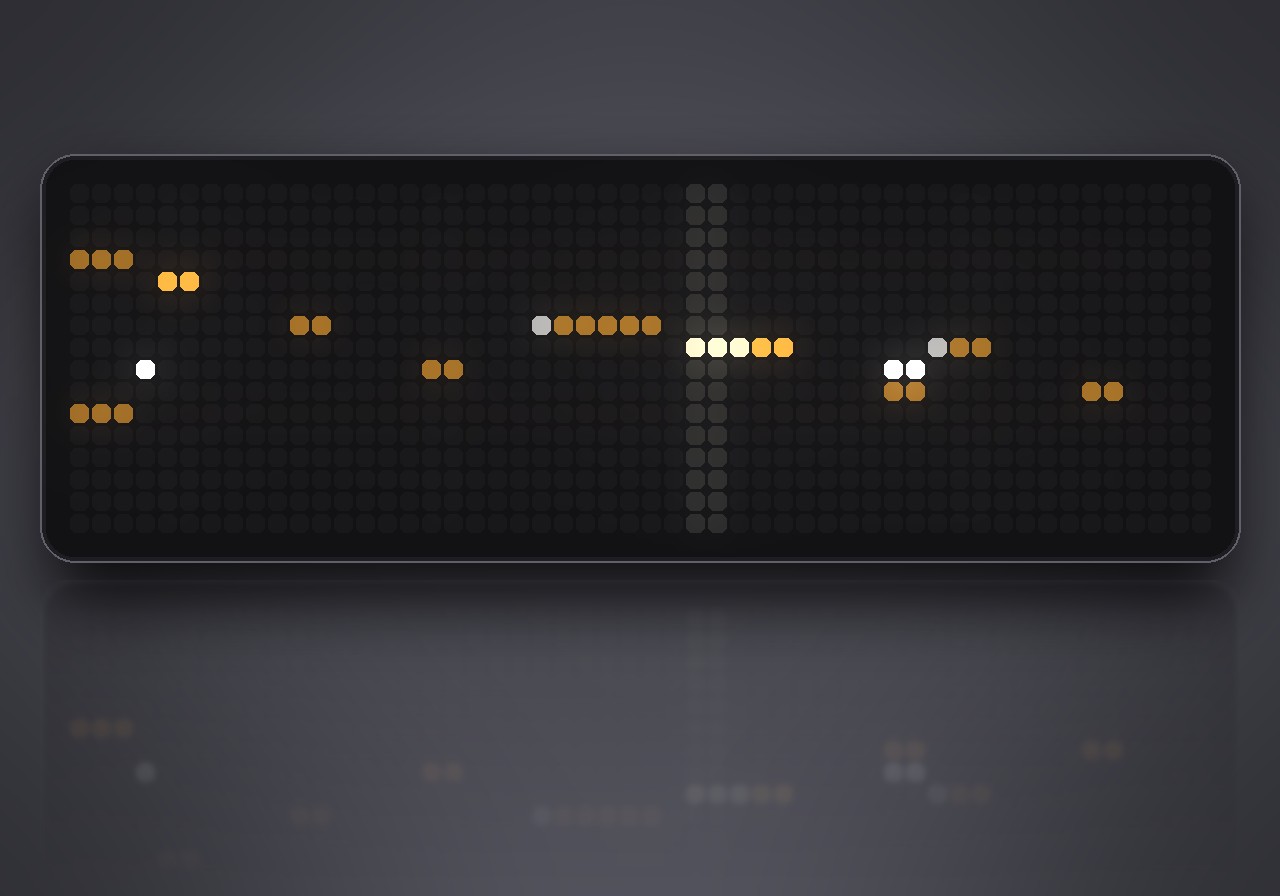
Make beats on your clock. BEATGRID turns the Ulanzi TC002 into a groovebox: a drum machine with a bass, chords and a lead on top, played with a Bluetooth gamepad. Every sound is made live by the clock's own synthesizer - no samples, nothing to upload. Start it and a 16-bar showcase song is ready to play.
What's inside
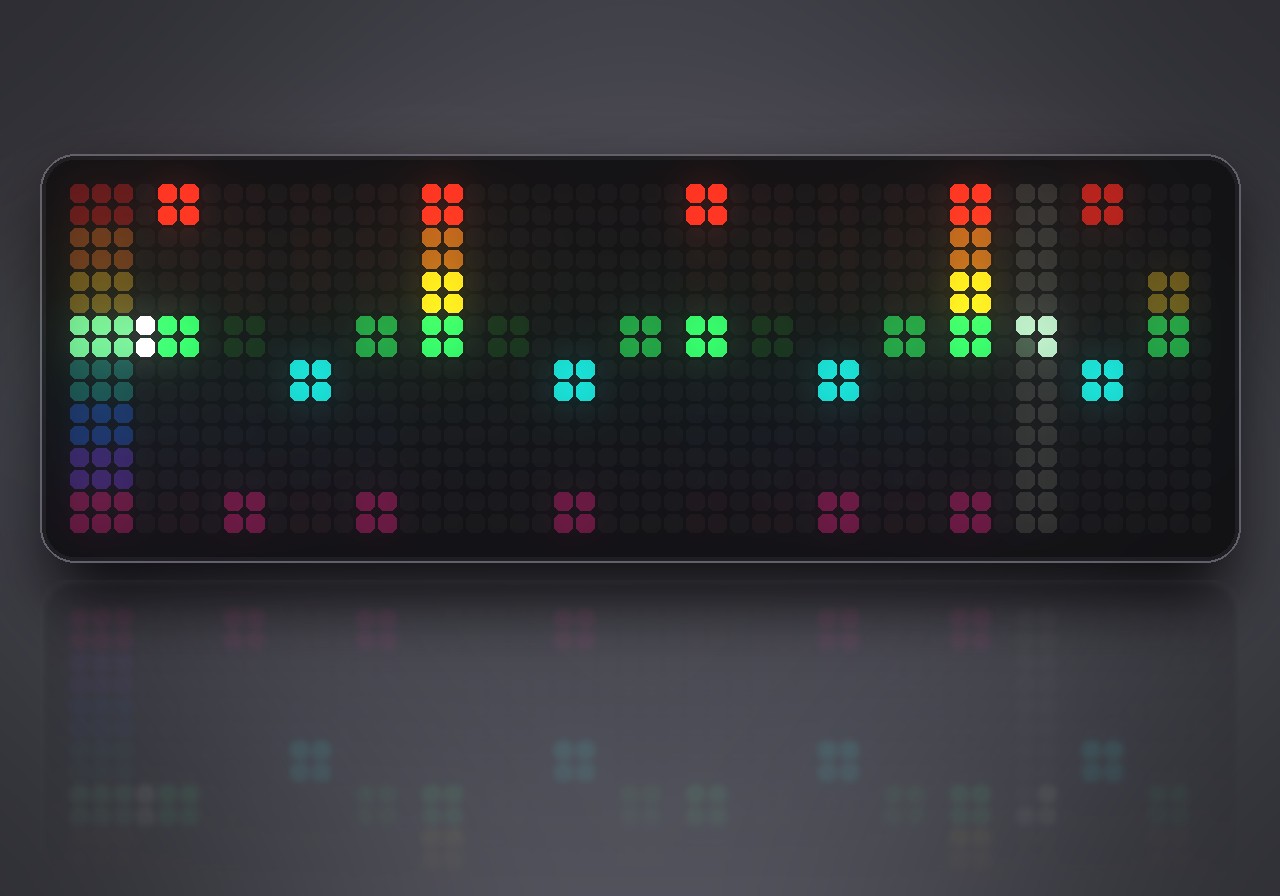
- 8 drum tracks: kick, snare, clap, closed and open hat, two toms and a percussion sound, shown all at once with the playhead running across.
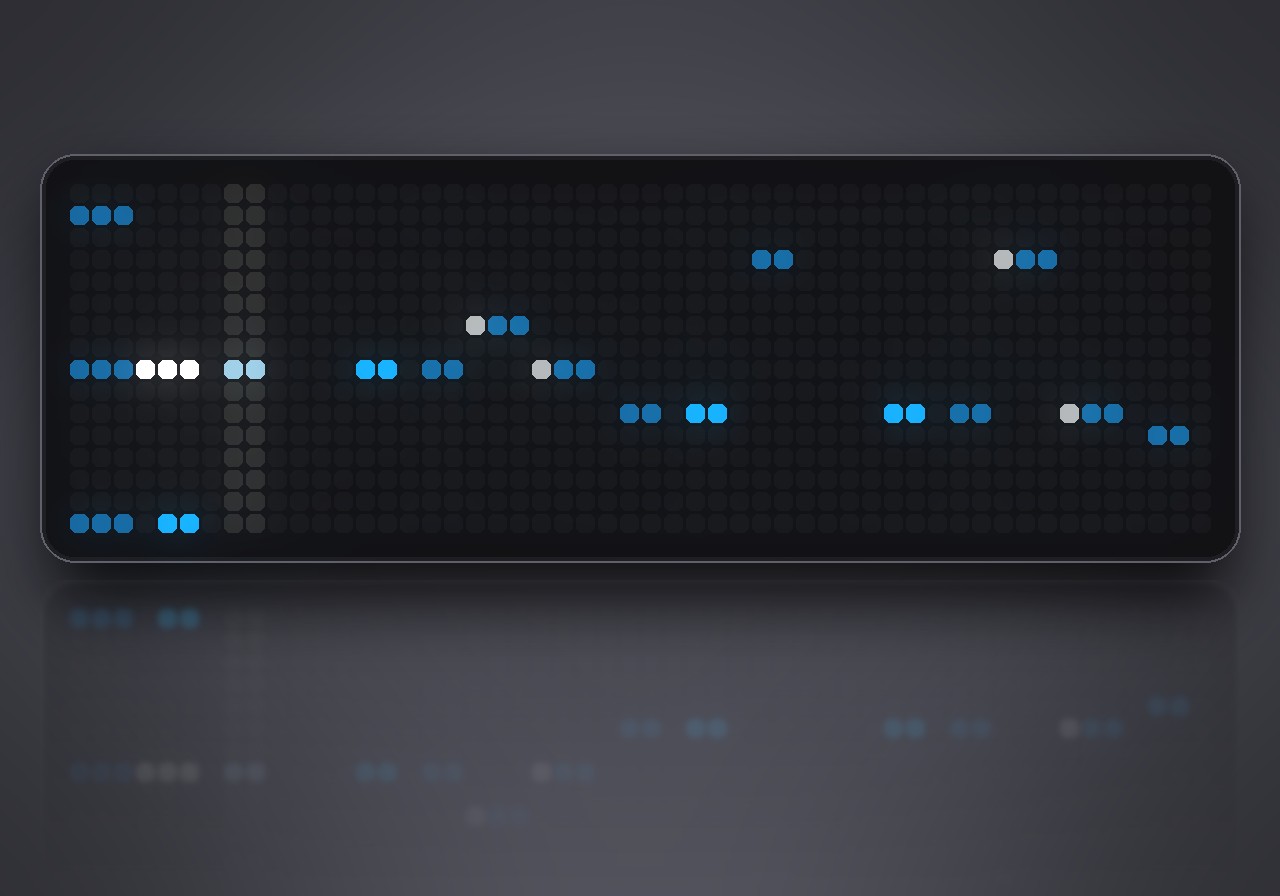
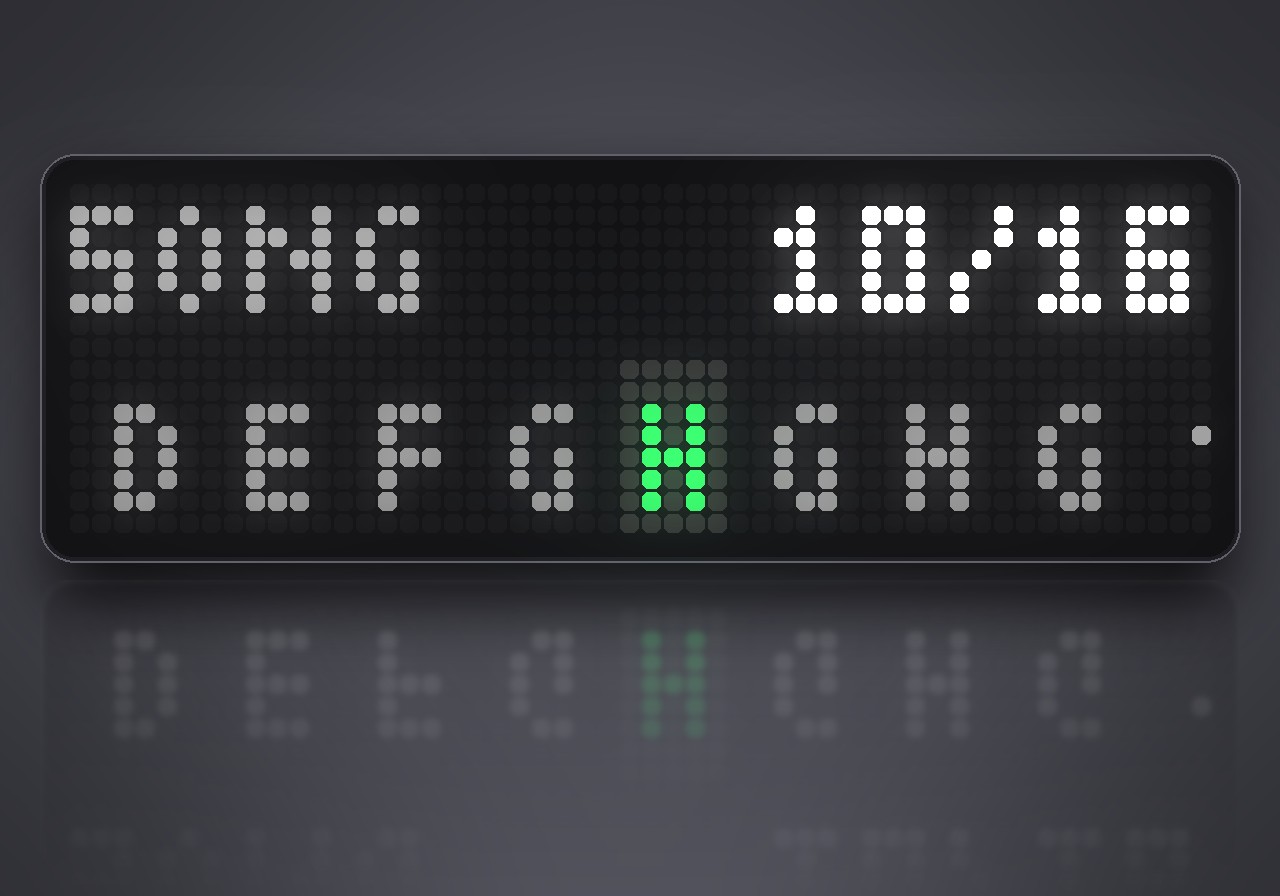
- Bass, chords and lead on a piano roll. Pick a key and a scale and every note fits; change them and the whole song follows, live.
- 6 drum kits - ANALOG, PUNCH, TRAP, LOFI, CHIP and HARD - and every track can take its sound from any kit. 5 sounds per synth track, from acid bass to pads, keys and plucks.
- Expression: accents, ghost notes and rolls on the drums; long notes, accents, slides and chords with the seventh on the synths. The open hat is cut by the closed hat, as it should be.
- 8 patterns chained into a song of up to 16 bars. Jump through the song while it plays.
- Tight timing: tempo, swing and every note are sample-accurate, and every change lands exactly on the next bar line.
- Per track: sound, tune or octave, decay, tone, level and echo; mute and solo.
- Live pads that light up with the beat, with recording onto the grid, a metronome and erase.
- 13 drum styles to start from: house, techno, boom bap, trap, drum & bass, breaks, dembow, disco, electro, rock, funk, lo-fi and chiptune. Tap tempo, 8 scales, 12 keys.
What you need
- An Ulanzi TC002 with an AWTRIX NG firmware that includes the synthesizer. When installing, the web UI tells you if your clock is missing it ("needs synthesized sound").
- A Bluetooth gamepad, paired under System → Gamepad.
How to play
BEATGRID does not run in the app rotation. To start it, hold the middle button on the clock for a second, choose Scripts, then BEATGRID. Hold the middle button again to leave; your patterns, song and sounds are kept.
START plays and stops, SELECT moves through the pages, L2 / R2 change the pattern (in a song: jump back and forth through its bars). Changes are heard from the next bar on.
| Page | What you do there |
|---|---|
| STEPS | D-pad moves, A sets a step (hold A to paint), X velocity, Y roll, B listen, L1 / R1 mute / solo |
| SYNTH | the piano roll for BASS, CHORDS or LEAD (L1 / R1): A sets or removes a note, hold A with left / right to make it longer or shorter and up / down to move it, X accent, Y slide or seventh, B listen |
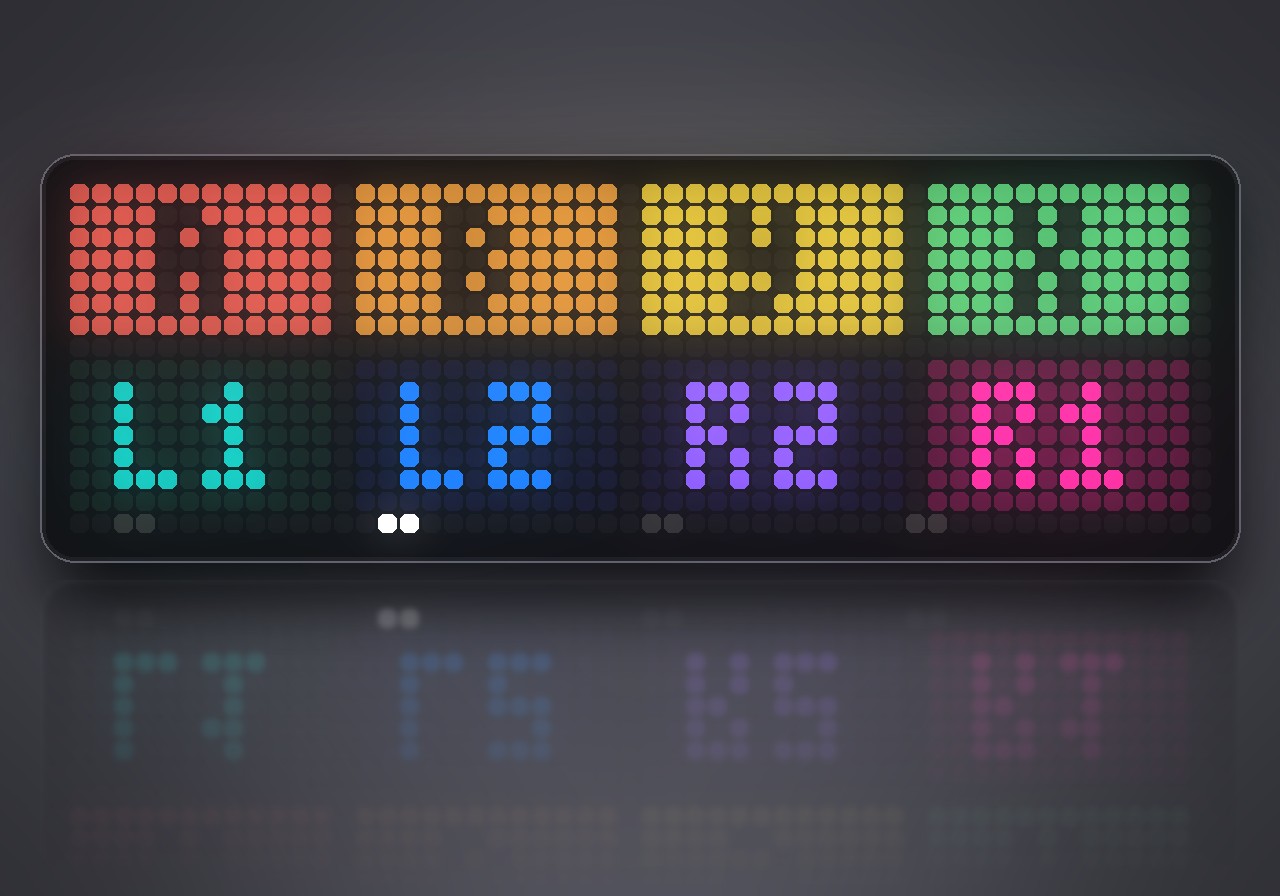
| PADS | A B X Y L1 R1 L2 R2 play the eight drums; D-pad up records, hold down to erase |
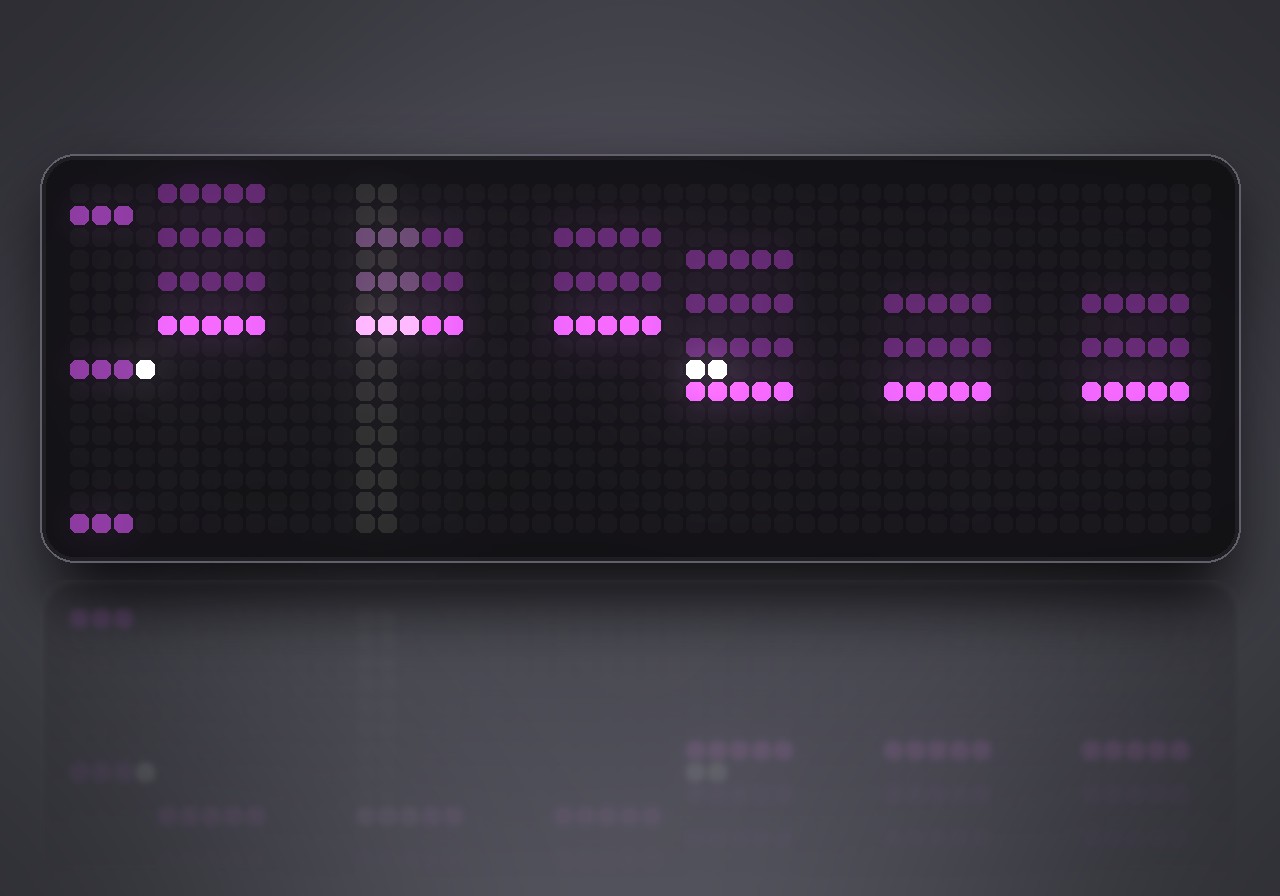
| SOUND | six sliders for the track you worked on last: left / right choose, up / down change, L1 / R1 switch track, Y reset |
| SETUP | pattern, tempo (A taps it), swing, key, scale, kit, styles, song chain, copy / paste / clear, volume, echo, metronome, and the demo song |
The three buttons on the clock work too: the middle one plays and stops, left and right change the pattern.
Settings
Everything is set inside BEATGRID on its SETUP page; there is nothing to set in the web UI. SETUP → DEMO brings the showcase song back at any time.
Sign in to view and copy the code of this flow.
Discussion 0
Ask a question, suggest a change or share how you use it.
No comments yet. Start the conversation.
More flows for AWTRIX NG Scripts or Gaming
Something wrong with this flow? Report it.
Have an idea?
Sign in to ask questions and join the conversation.