FRITZ!Box UpdateChecker
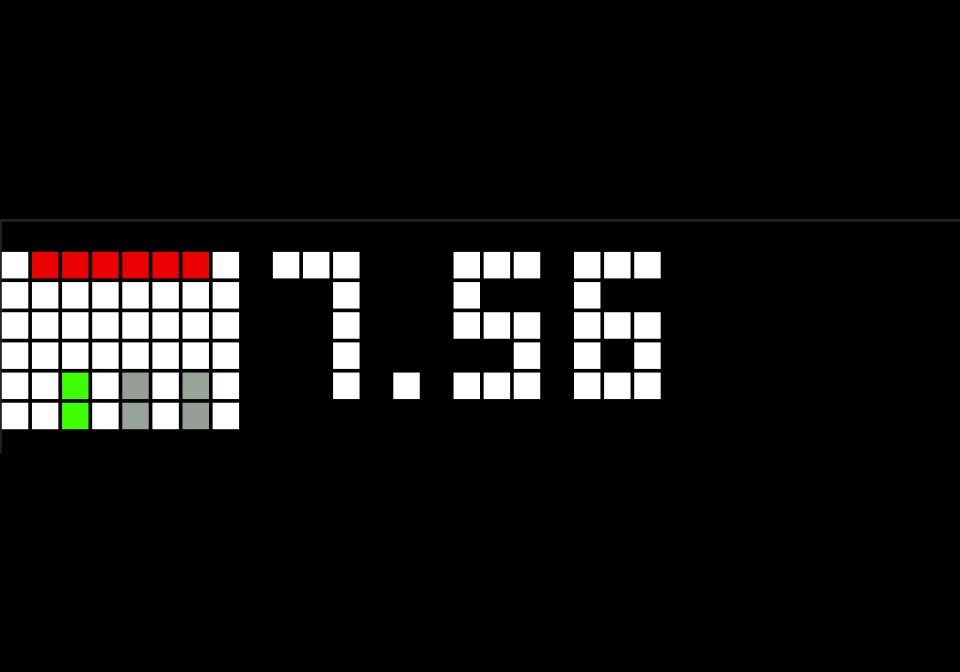
The FRITZ!Box UpdateChecker Flow checks on AVM's website if there is a new firmware release.
Is this your flow?
If you created this flow, open your saved edit link to add it to your account. You can then manage it whenever you sign in. Adding it to your account replaces the edit link.
Flow description
To set up the FRITZ!Box UpdateChecker Flow, enter your corresponding FRITZ!Box model in this link (https://avm.de/service/update-news/download/product//) and paste the link into the AVM FRITZ!Box Node. Then change the prefix in the MQTT node.
Also upload the icon to your Awtrix.
XBJpoqKZ5rzw.json
[
{
"id": "2d40bc09.5ef264",
"type": "tab",
"label": "FRITZ!Box UpdateChecker",
"disabled": false,
"info": ""
},
{
"id": "f0a4082c.142898",
"type": "function",
"z": "2d40bc09.5ef264",
"name": "formatting",
"func": "msg.payload = {\n \"text\": \"FRITZ!Box: \" + msg.payload,\n \"icon\": 51839\n}\nreturn msg;",
"outputs": 1,
"noerr": 0,
"initialize": "",
"finalize": "",
"libs": [],
"x": 860,
"y": 180,
"wires": [
[
"47773375.4048ac"
]
]
},
{
"id": "d909a36.a304f6",
"type": "split",
"z": "2d40bc09.5ef264",
"name": "",
"splt": "OS ",
"spltType": "str",
"arraySplt": 1,
"arraySpltType": "len",
"stream": false,
"addname": "",
"x": 730,
"y": 180,
"wires": [
[
"f0a4082c.142898"
]
]
},
{
"id": "47773375.4048ac",
"type": "mqtt out",
"z": "2d40bc09.5ef264",
"name": "",
"topic": "[prefix]/custom/updateChecker",
"qos": "0",
"retain": "false",
"respTopic": "",
"contentType": "",
"userProps": "",
"correl": "",
"expiry": "",
"broker": "346df2a95aac5785",
"x": 1090,
"y": 180,
"wires": []
},
{
"id": "949577bd.5161b8",
"type": "function",
"z": "2d40bc09.5ef264",
"name": "formatting",
"func": "msg.payload = msg.payload[48];\nreturn msg;",
"outputs": 1,
"noerr": 0,
"initialize": "",
"finalize": "",
"libs": [],
"x": 580,
"y": 180,
"wires": [
[
"d909a36.a304f6"
]
]
},
{
"id": "99c3a094.a9577",
"type": "html",
"z": "2d40bc09.5ef264",
"name": "HTML",
"property": "payload",
"outproperty": "payload",
"tag": "div",
"ret": "text",
"as": "single",
"x": 430,
"y": 180,
"wires": [
[
"949577bd.5161b8"
]
]
},
{
"id": "6afabacf.eddc14",
"type": "http request",
"z": "2d40bc09.5ef264",
"name": "AVM FRITZ!Box",
"method": "GET",
"ret": "txt",
"paytoqs": "ignore",
"url": "avm.de/service/update-news/download/product/fritzbox-7590/",
"tls": "",
"persist": false,
"proxy": "",
"authType": "",
"x": 260,
"y": 180,
"wires": [
[
"99c3a094.a9577"
]
]
},
{
"id": "62ad6523.c5608c",
"type": "inject",
"z": "2d40bc09.5ef264",
"name": "",
"props": [],
"repeat": "600",
"crontab": "",
"once": false,
"onceDelay": 0.1,
"topic": "",
"x": 90,
"y": 180,
"wires": [
[
"6afabacf.eddc14"
]
]
},
{
"id": "995ead22.798f4",
"type": "comment",
"z": "2d40bc09.5ef264",
"name": "FRITZ!Box UpdateChecker",
"info": "To set up the FRITZ!Box UpdateChecker Flow, enter your corresponding FRITZ!Box model in this link (https://avm.de/service/update-news/download/product/<model>/) and paste the link into the AVM FRITZ!Box Node. Then change the prefix in the MQTT node.\nAlso upload the icon to your Awtrix.",
"x": 150,
"y": 120,
"wires": []
},
{
"id": "346df2a95aac5785",
"type": "mqtt-broker",
"name": "",
"broker": "localhost",
"port": "1883",
"clientid": "",
"usetls": false,
"protocolVersion": "4",
"keepalive": "60",
"cleansession": true,
"birthTopic": "",
"birthQos": "0",
"birthPayload": "",
"birthMsg": {},
"closeTopic": "",
"closeQos": "0",
"closePayload": "",
"closeMsg": {},
"willTopic": "",
"willQos": "0",
"willPayload": "",
"willMsg": {},
"sessionExpiry": ""
}
]
This flow uses the following icons. Add them to your AWTRIX along with the flow.
8×8 px
Sign in to download these icons or send them to your AWTRIX.
Discussion 0
Ask a question, suggest a change or share how you use it.
No comments yet. Start the conversation.
Have an idea?
Sign in to ask questions and join the conversation.