Doom
On your display
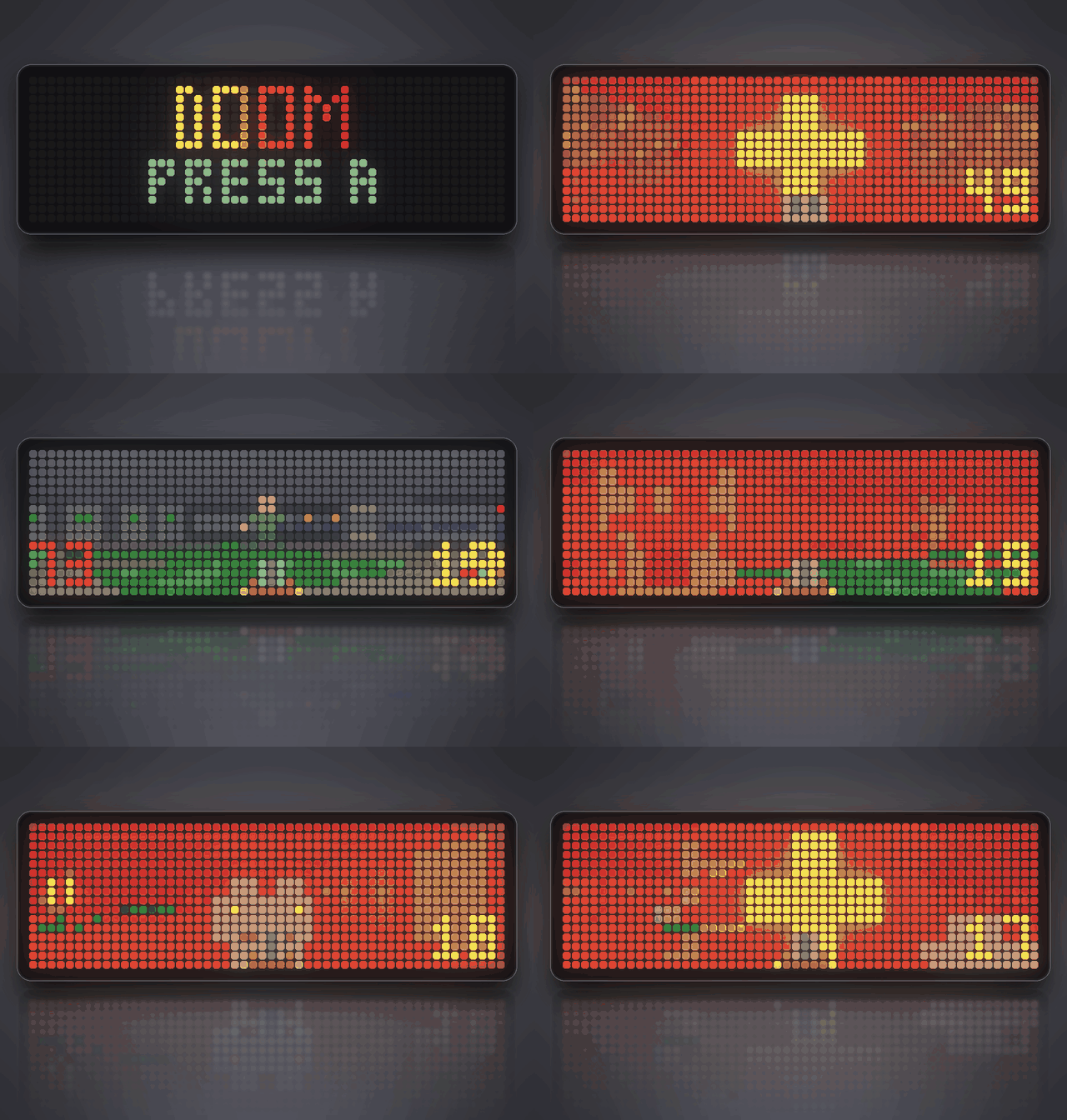
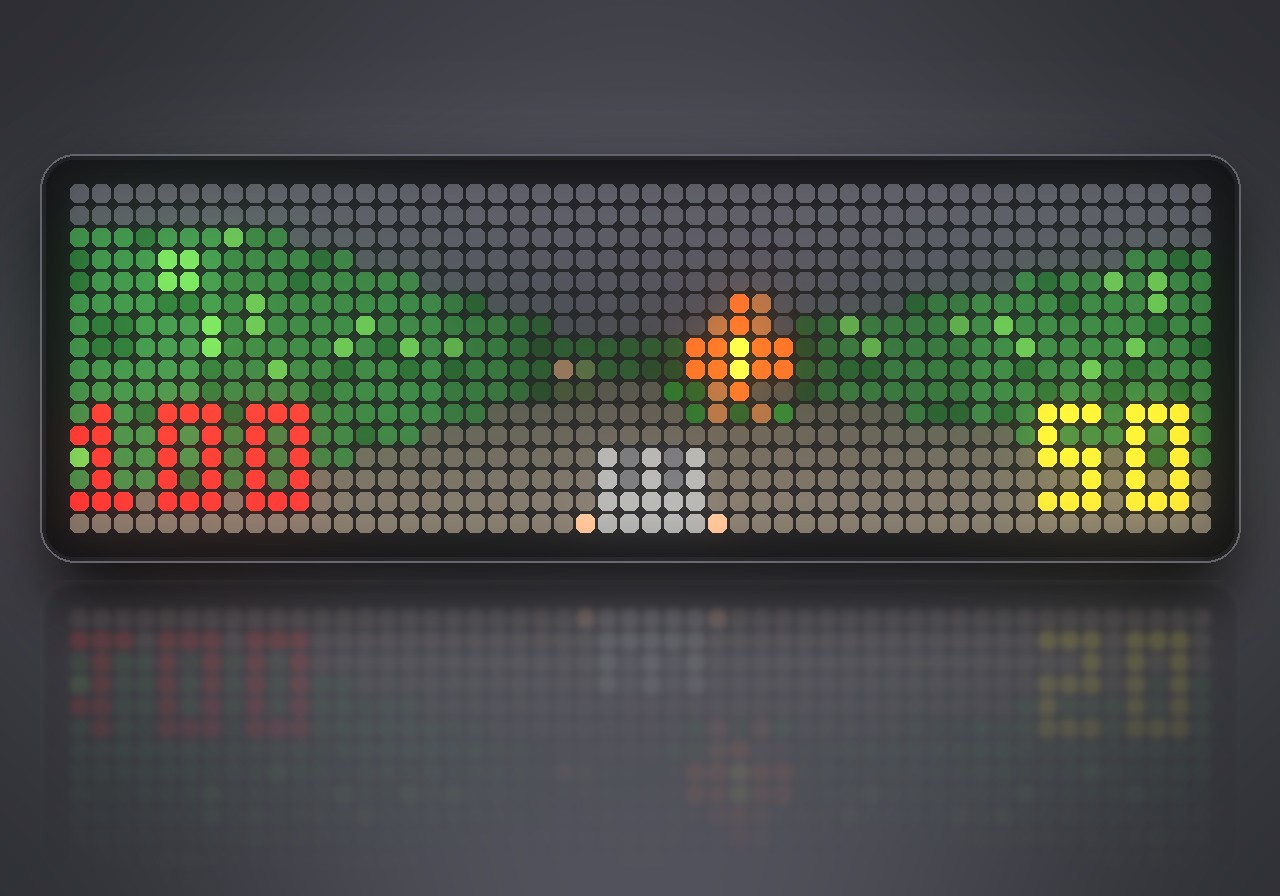
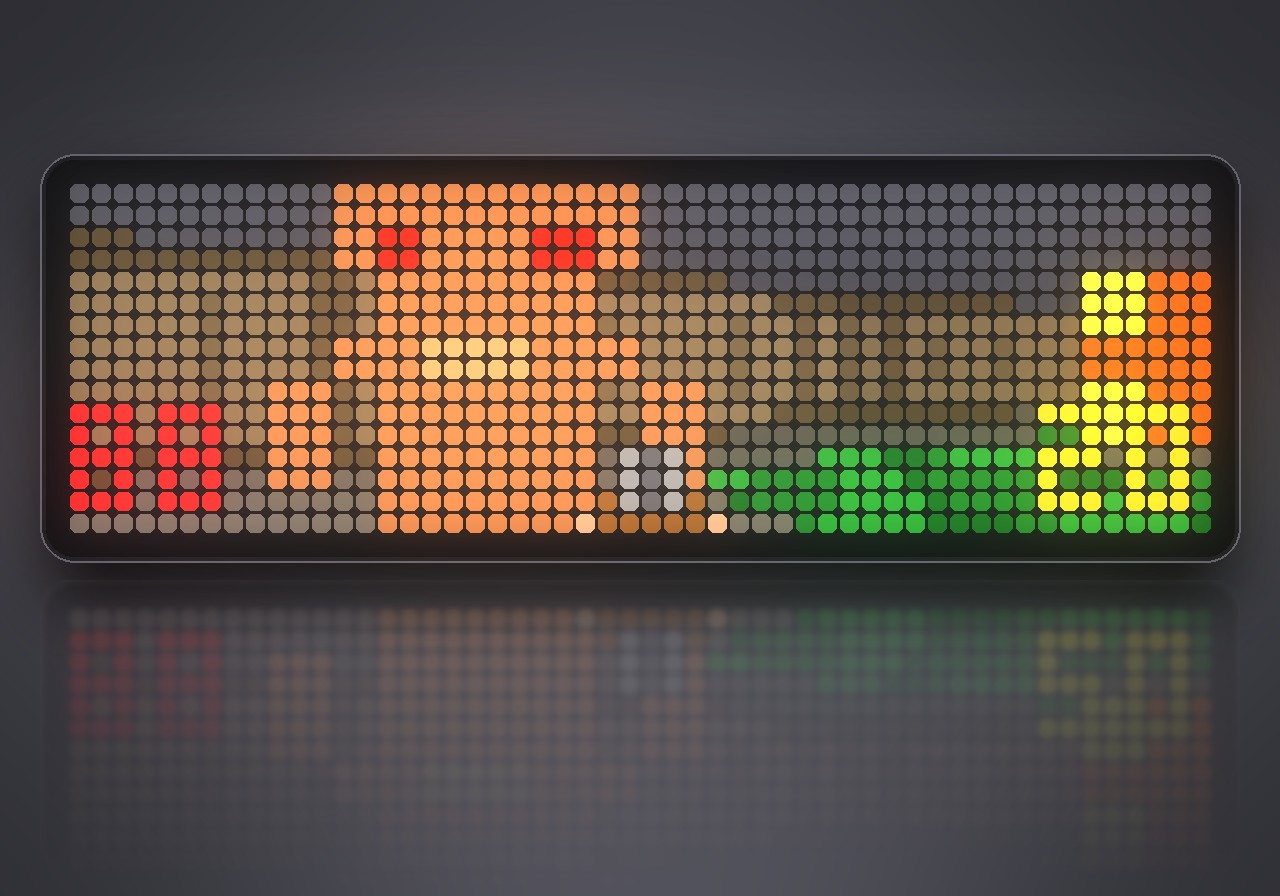
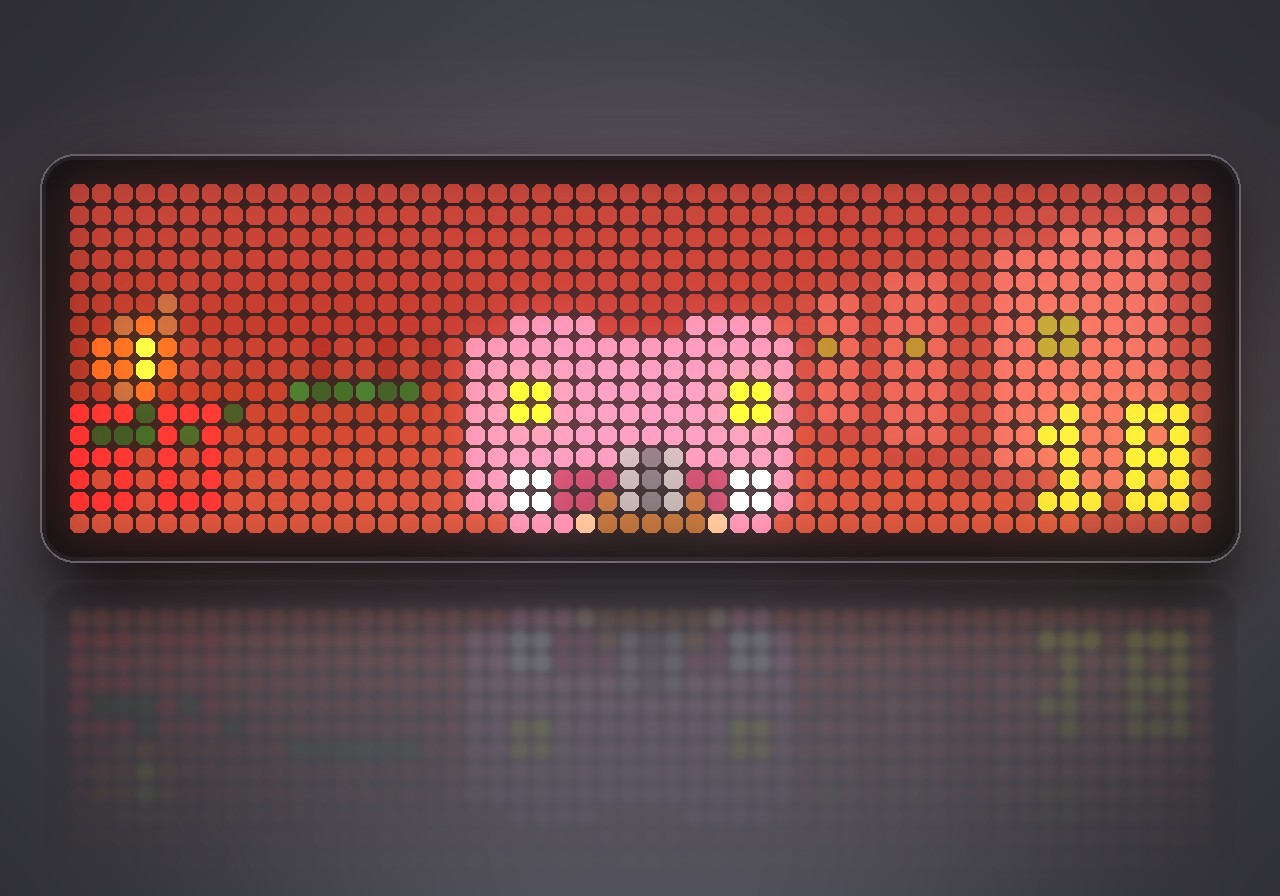
A Doom-like shooter on the whole 52×16 panel of the Ulanzi TC002: three levels, four kinds of monsters, keys, doors and its own soundtrack. Played with a Bluetooth gamepad.
- Topic
- Gaming
- Includes
- Script · 19 sounds (49.5 KB)
Runs on
- Does not run on Ulanzi TC001 Needs a Bluetooth gamepad, layered sound effects and the built-in synthesizer. Needs a panel of at least 52×16; its panel is 32×8.
- Runs on Ulanzi TC002 Gamepad: turn Bluetooth on and pair one under System → Gamepad on your AWTRIX.
- Does not run on ESP32 (DIY) Needs a Bluetooth gamepad, layered sound effects and the built-in synthesizer.
- Does not run on ESP32-S3 (DIY) Needs a Bluetooth gamepad, layered sound effects and the built-in synthesizer.
- Does not run on Ulanzi TC001 with AWTRIX 3 Made for AWTRIX NG.
Choose your display in the next step.
Flow description
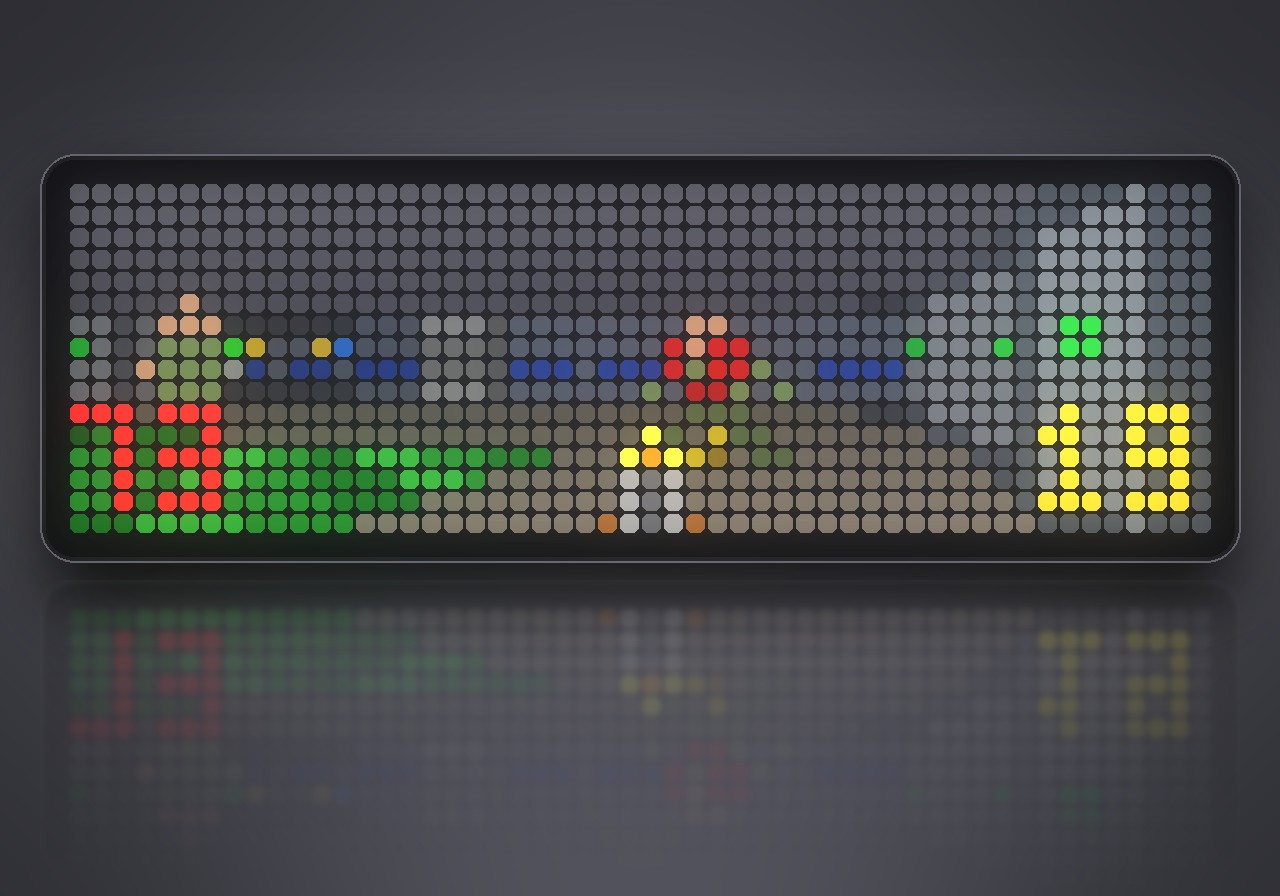
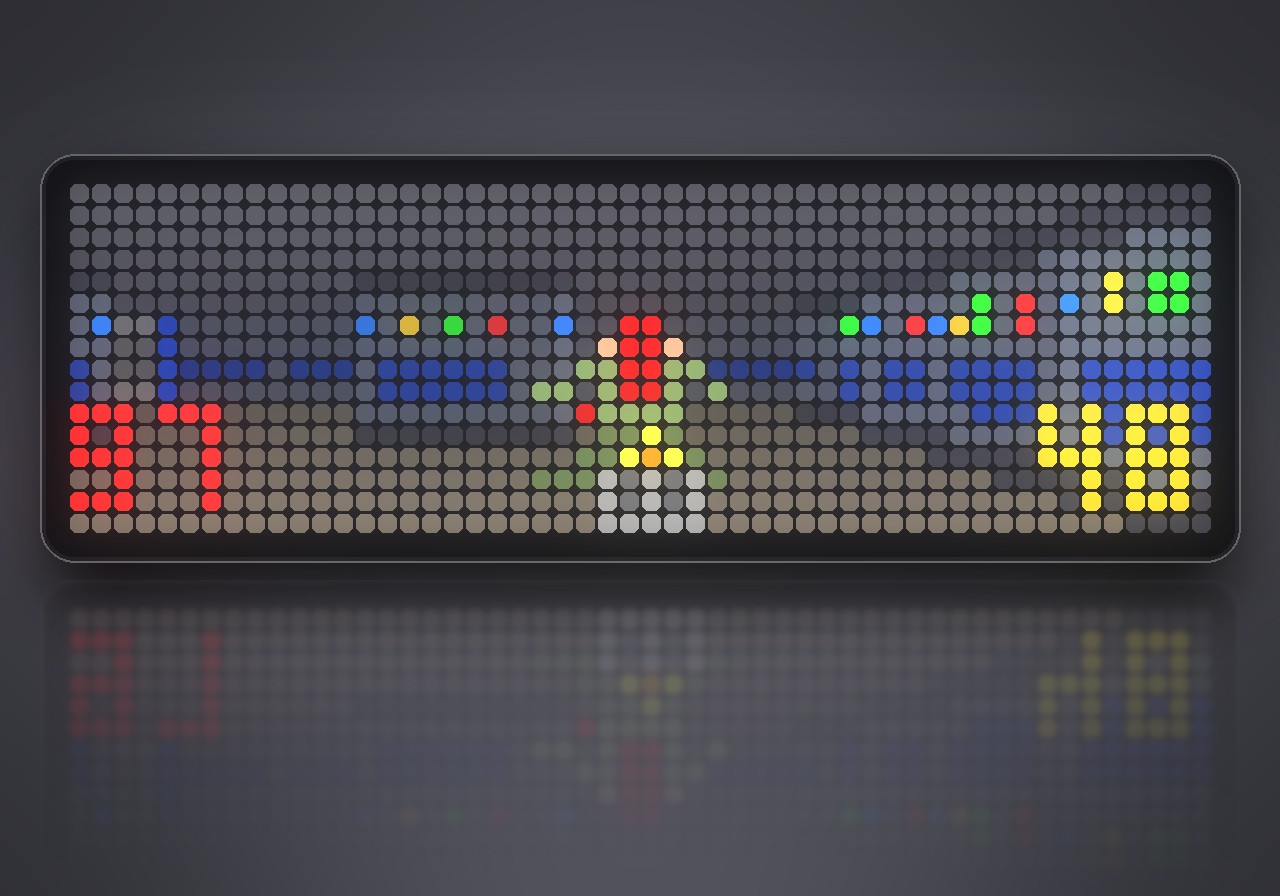
Rip and tear on 832 LEDs. Doom turns the whole 52×16 panel of your Ulanzi TC002 into a first-person shooter: textured walls, glowing nukage, doors that slide open, and monsters that hunt you down and fight back. You play it with a Bluetooth gamepad, and it runs entirely on the clock, with no PC or phone involved.
What's inside
- Three levels: Hangar, Nuclear Plant and Toxin Refinery, each with its own layout, secrets and exit switch.
- Four kinds of monsters: zombiemen, shotgun guys, fireball-throwing imps and charging demons.
- Four weapons: fist, pistol, shotgun and chaingun, plus ammo, medikits, stimpacks and armor to pick up.
- Keys and doors: red, blue and yellow keycards open the matching doors.
- Automap: press SELECT to see where you are.
- Full sound: 19 sound effects and a soundtrack played by the clock's own synthesizer. Everything is original and made for this game.
- Progress is saved: the game remembers the level you reached.
What you need
- An Ulanzi TC002 with AWTRIX NG. The game fills its 52×16 panel.
- A Bluetooth gamepad, paired under System → Gamepad in the web UI.
- Installing from the Hub brings the sound effects along: 19 files, 51 KB.
How to play
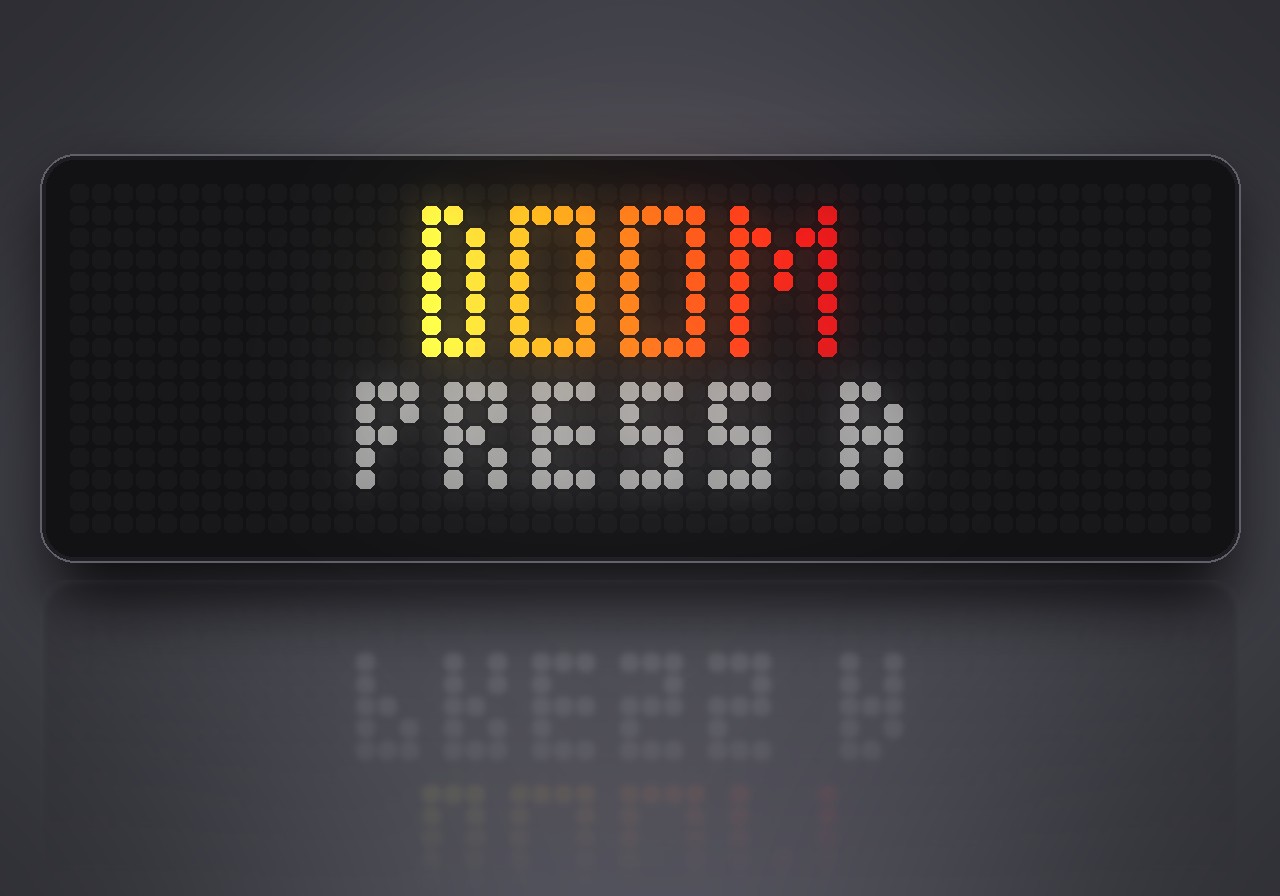
Doom does not run in the app rotation. To start it, hold the middle button on the clock for a second, choose Scripts, then Doom, and press A or START on the title screen. Hold the middle button again to leave; your settings and progress stay.
| Action | Button |
|---|---|
| Walk and strafe | left stick |
| Turn | right stick |
| Walk and turn | D-pad |
| Run | hold B |
| Fire | R1, R2 or RT |
| Open doors, press switches | A |
| Previous / next weapon | X / Y |
| Automap | SELECT |
| Pause | START (SELECT in the pause quits) |
Settings
Open the gear next to Doom in the web UI's Apps list:
- Skill: easy, normal or hard.
- Sound and Music: switch the effects and the soundtrack on or off.
- Turn speed: how fast the stick and the D-pad turn you.
Sign in to view and copy the code of this flow.
Discussion 0
Ask a question, suggest a change or share how you use it.
No comments yet. Start the conversation.
More flows for AWTRIX NG Scripts or Gaming
Something wrong with this flow? Report it.
Have an idea?
Sign in to ask questions and join the conversation.