Tuner
On your display
A tuner for the Ulanzi TC002: guitar, bass, ukulele and violin presets that find the string you play, plus a chromatic mode for any note you sing or play.
- Topic
- Miscellaneous
- Includes
- Script
Runs on
- Does not run on Ulanzi TC001 Needs a microphone that hears notes. Needs a panel of at least 52×16; its panel is 32×8.
- Runs on Ulanzi TC002
- Does not run on ESP32 (DIY) Needs a microphone that hears notes.
- Does not run on ESP32-S3 (DIY) Needs a microphone that hears notes.
- Does not run on Ulanzi TC001 with AWTRIX 3 Made for AWTRIX NG.
Choose your display in the next step.
Flow description
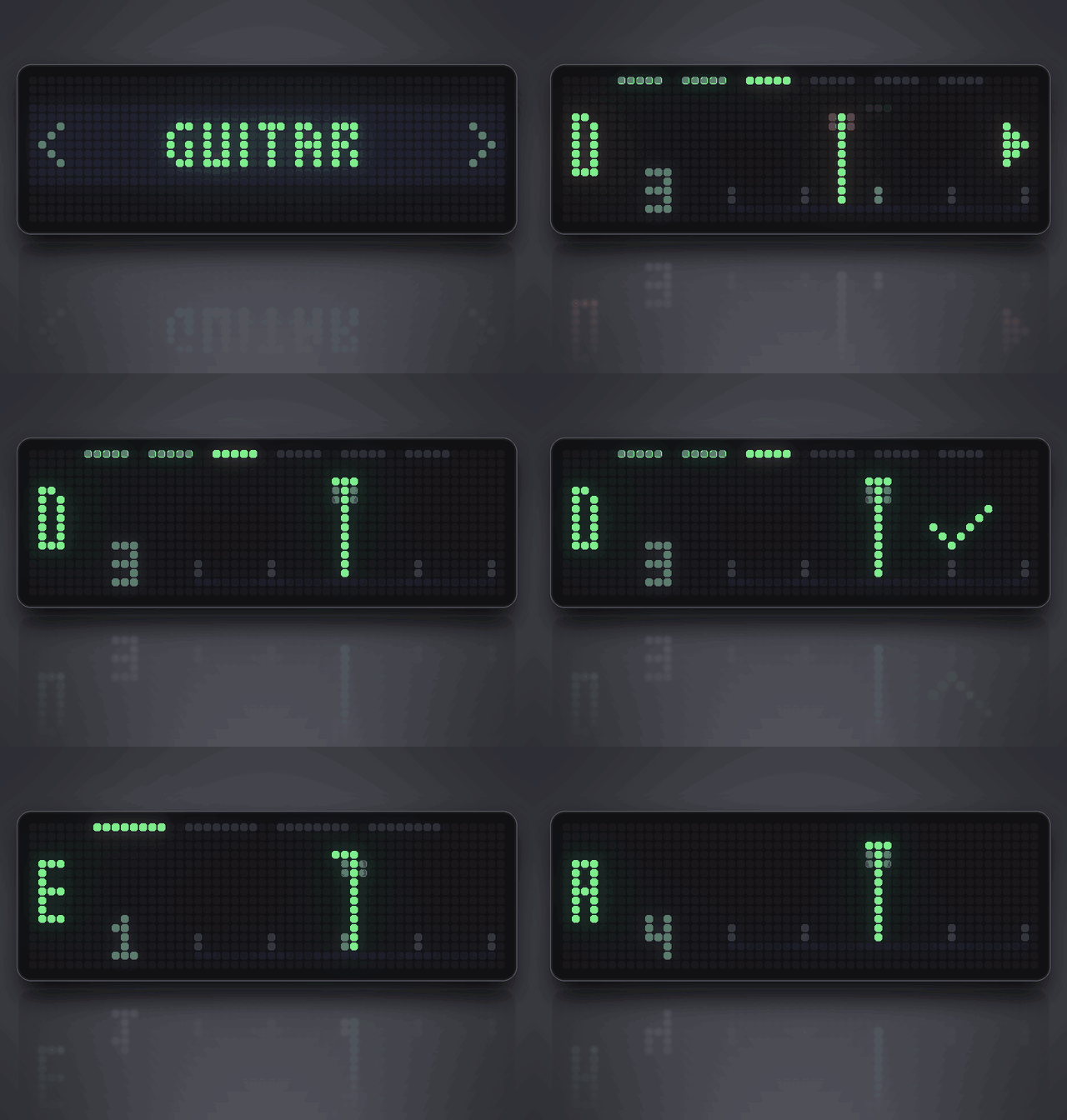
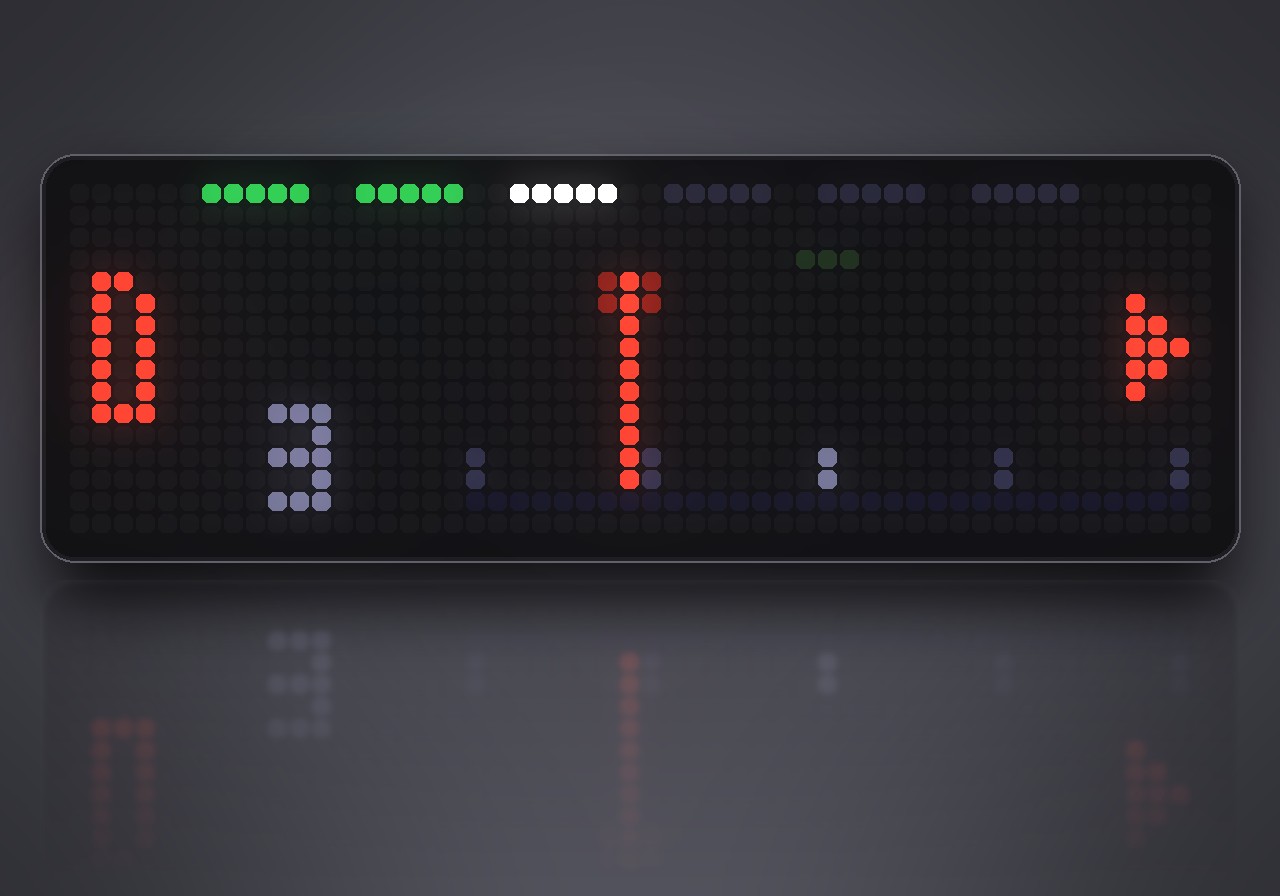
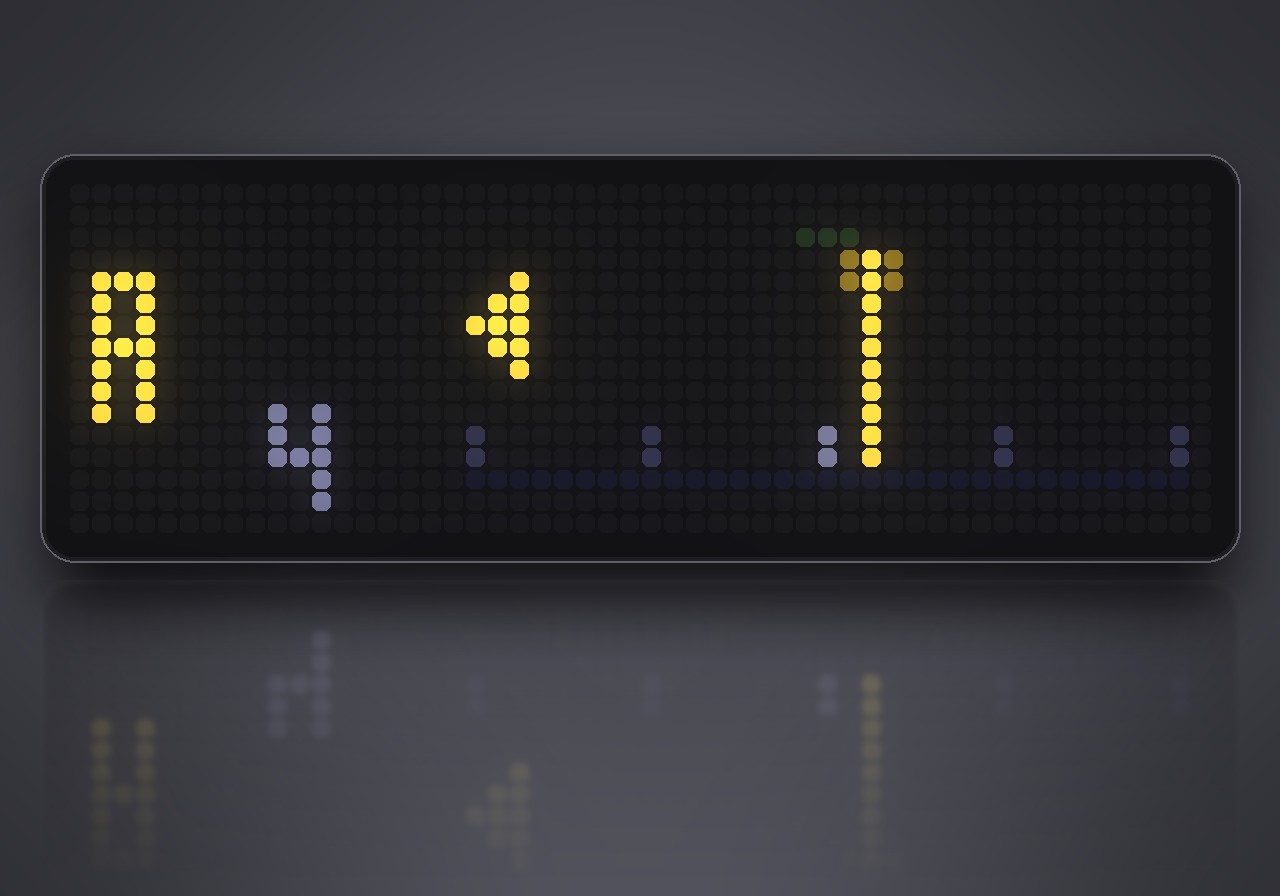
Tune by light. Tuner turns your Ulanzi TC002 into a clip-free tuner: play a string, and the clock shows the note, a needle and which way to turn the peg. The clock's own microphone does the listening, so there is nothing to attach.
What's inside
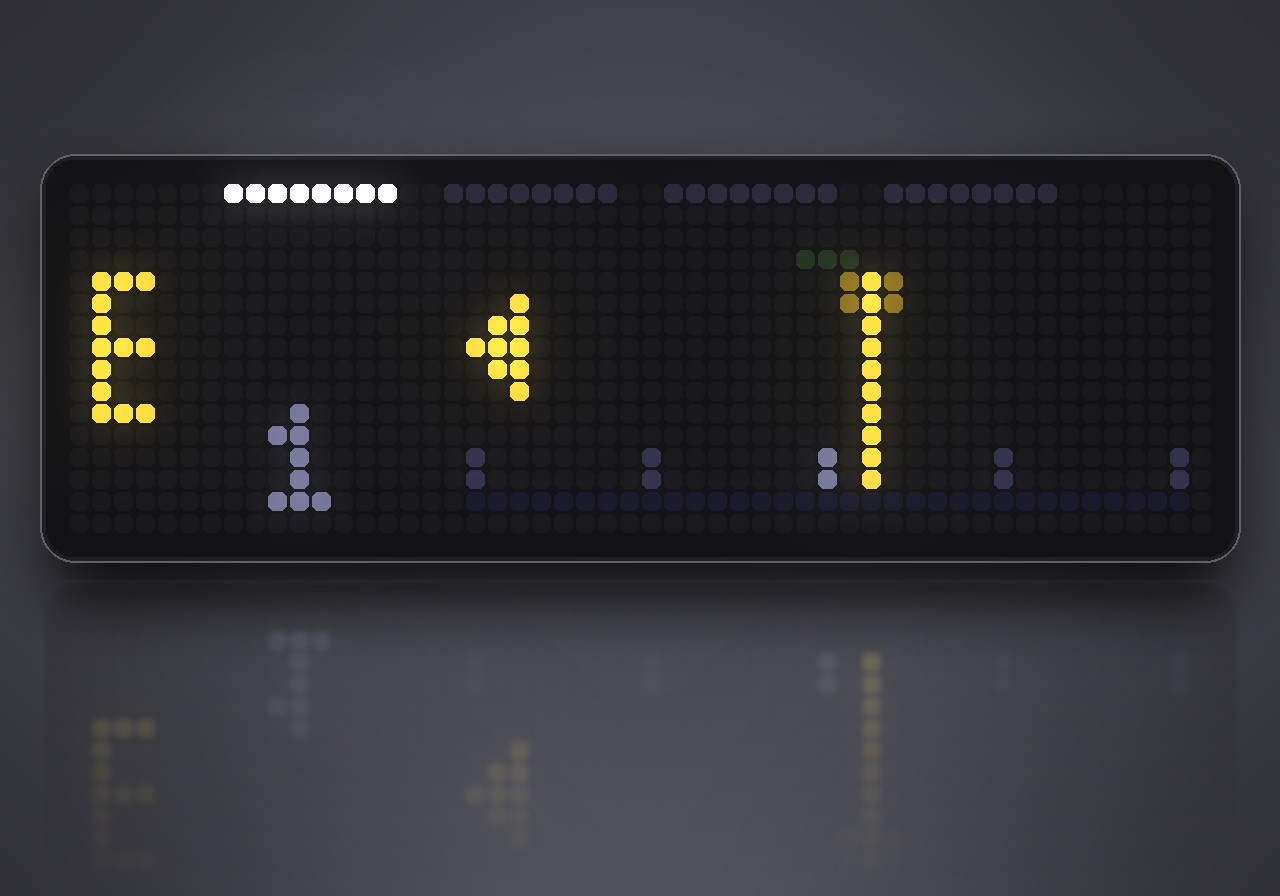
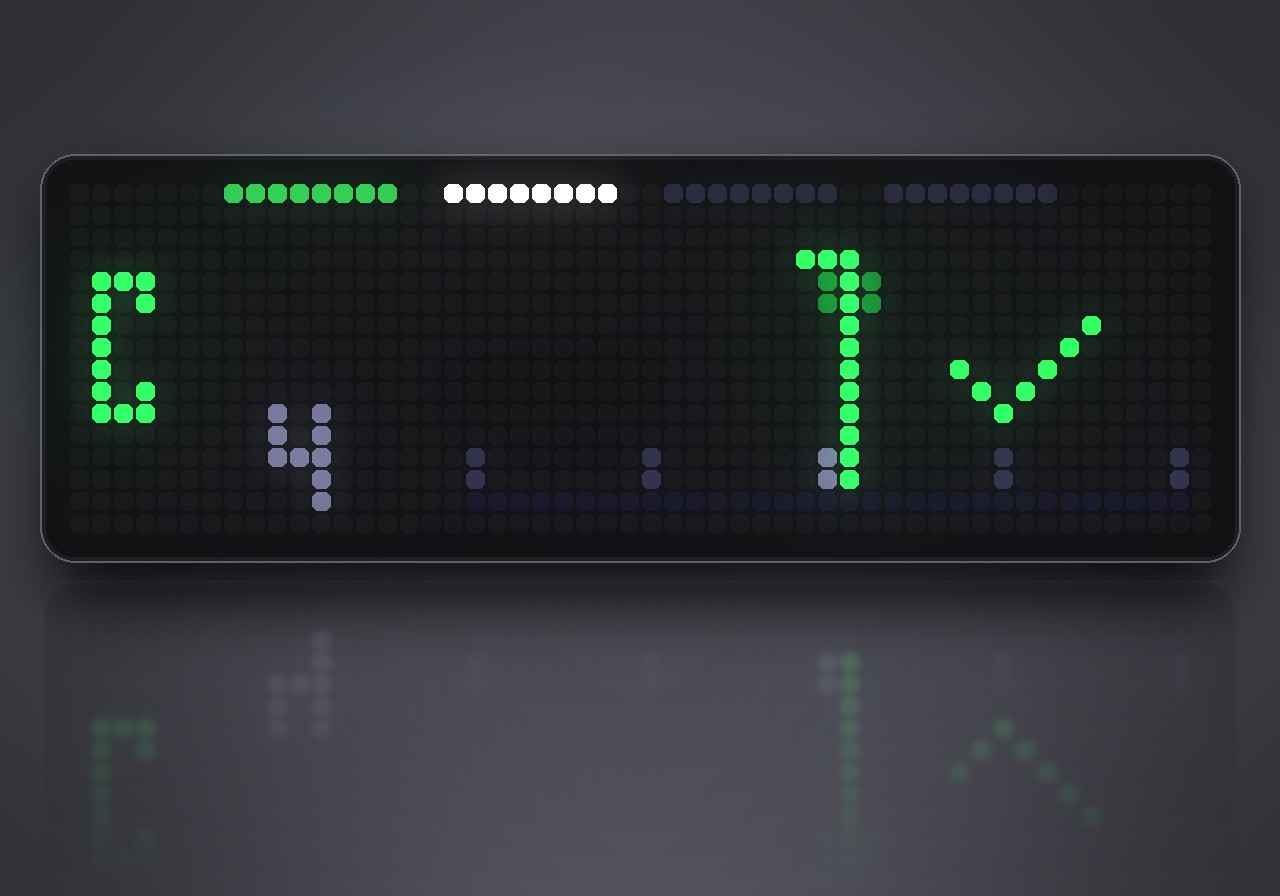
- Guitar, bass, ukulele and violin presets. The tuner finds the string you are playing by itself. A row along the top shows every string; strings you have tuned turn green.
- Chromatic mode for any note you play, sing, hum or whistle.
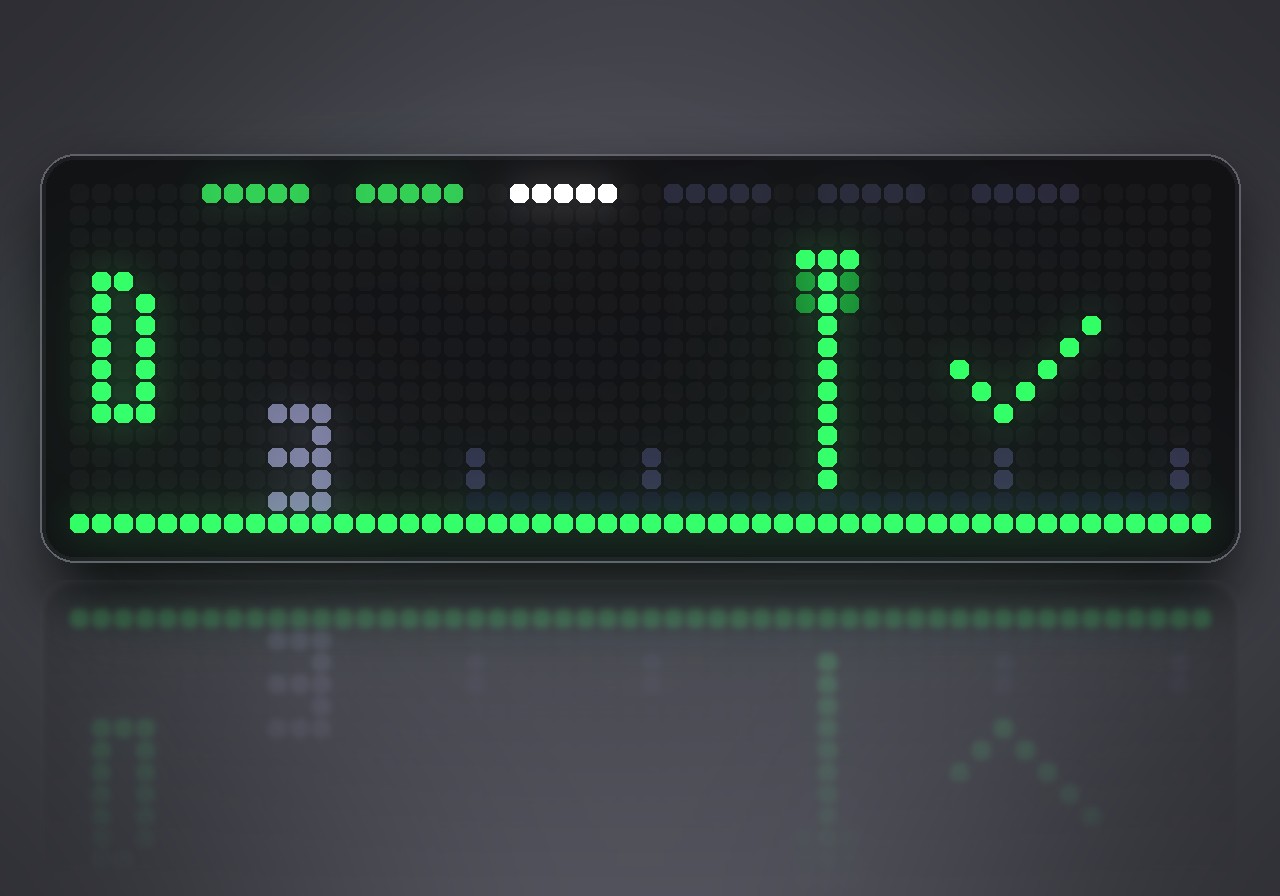
- A clear needle from −50 to +50 cents. Green means within 5 cents, yellow within 20, red further off, and a triangle points the way to turn.
- Confirmation: hold a note in the green for a second and a tick appears.
- Bass that works: the low strings are recognised through their overtone, so even the low E is tuned correctly.
- Adjustable concert pitch from 432 to 446 Hz.
What you need
- An Ulanzi TC002 with an AWTRIX NG firmware that can hear pitch (it shows Pitch detection among its features).
How to use
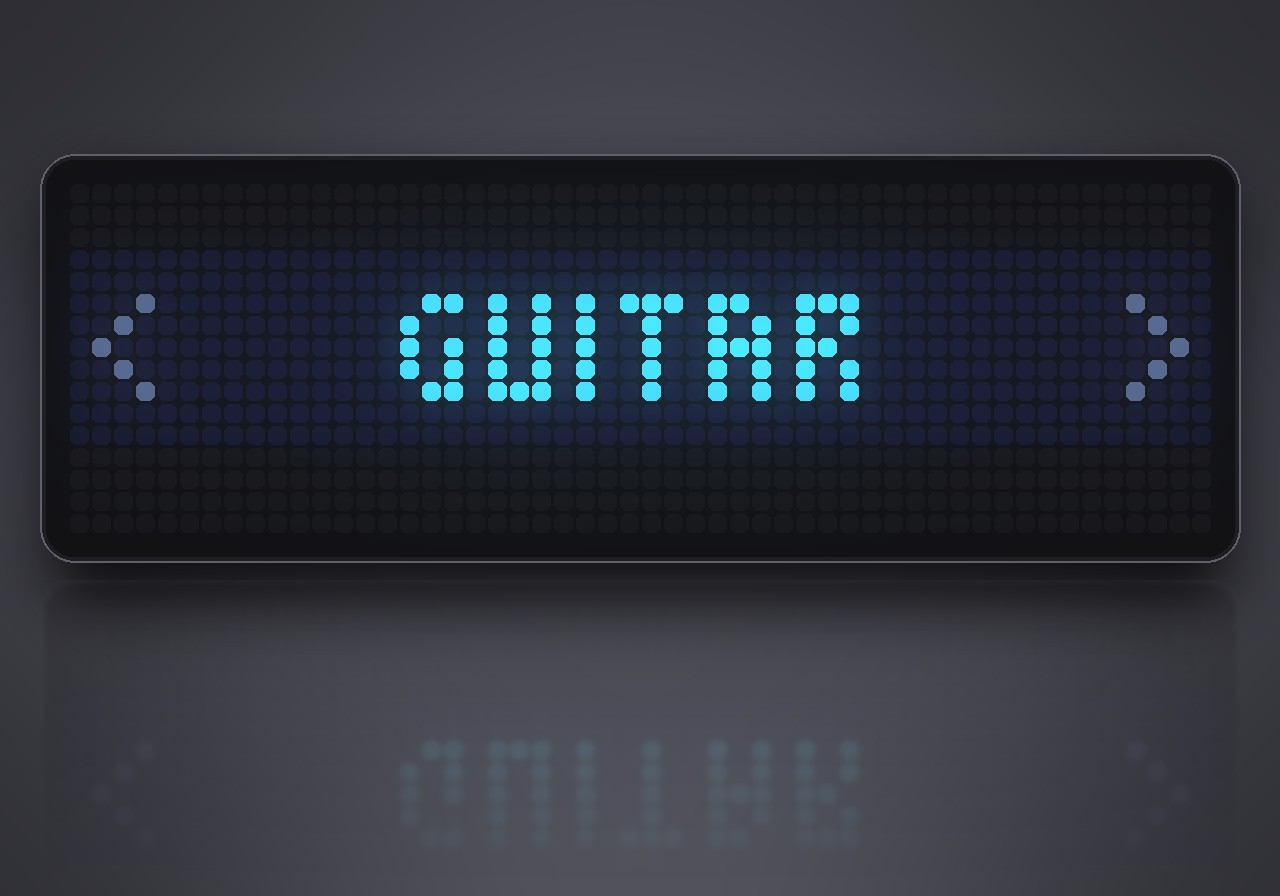
Tuner does not run in the app rotation. To start it, hold the middle button on the clock for a second, choose Scripts, then Tuner. Hold the middle button again to leave.
| Button | What it does |
|---|---|
| Left / right | change the mode: chromatic, guitar, bass, ukulele, violin |
| Select | clear the strings marked as tuned |
Tip: pluck one string at a time and let it ring. The needle settles within a moment.
| Mode | Strings |
|---|---|
| Guitar | E A D G B E |
| Bass | E A D G |
| Ukulele | G C E A |
| Violin | G D A E |
Settings
Open the gear next to Tuner in the web UI's Apps list:
- Start in: the mode the tuner opens with.
- Concert A: the reference pitch, 432–446 Hz (440 Hz by default).
Sign in to view and copy the code of this flow.
Discussion 0
Ask a question, suggest a change or share how you use it.
No comments yet. Start the conversation.
More flows for AWTRIX NG Scripts or Miscellaneous
Something wrong with this flow? Report it.
Have an idea?
Sign in to ask questions and join the conversation.