Do Not Disturb



On your display
A do-not-disturb sign on the TC002
- Topic
- Miscellaneous
- Includes
- Script
Runs on
- Does not run on 32×8 (TC001 & DIY) Made for 52×16 (TC002).
- Runs on 52×16 (TC002)
- Does not run on 32×8 with AWTRIX 3 (TC001 & DIY) Made for AWTRIX NG.
Choose your display in the next step.
Flow description
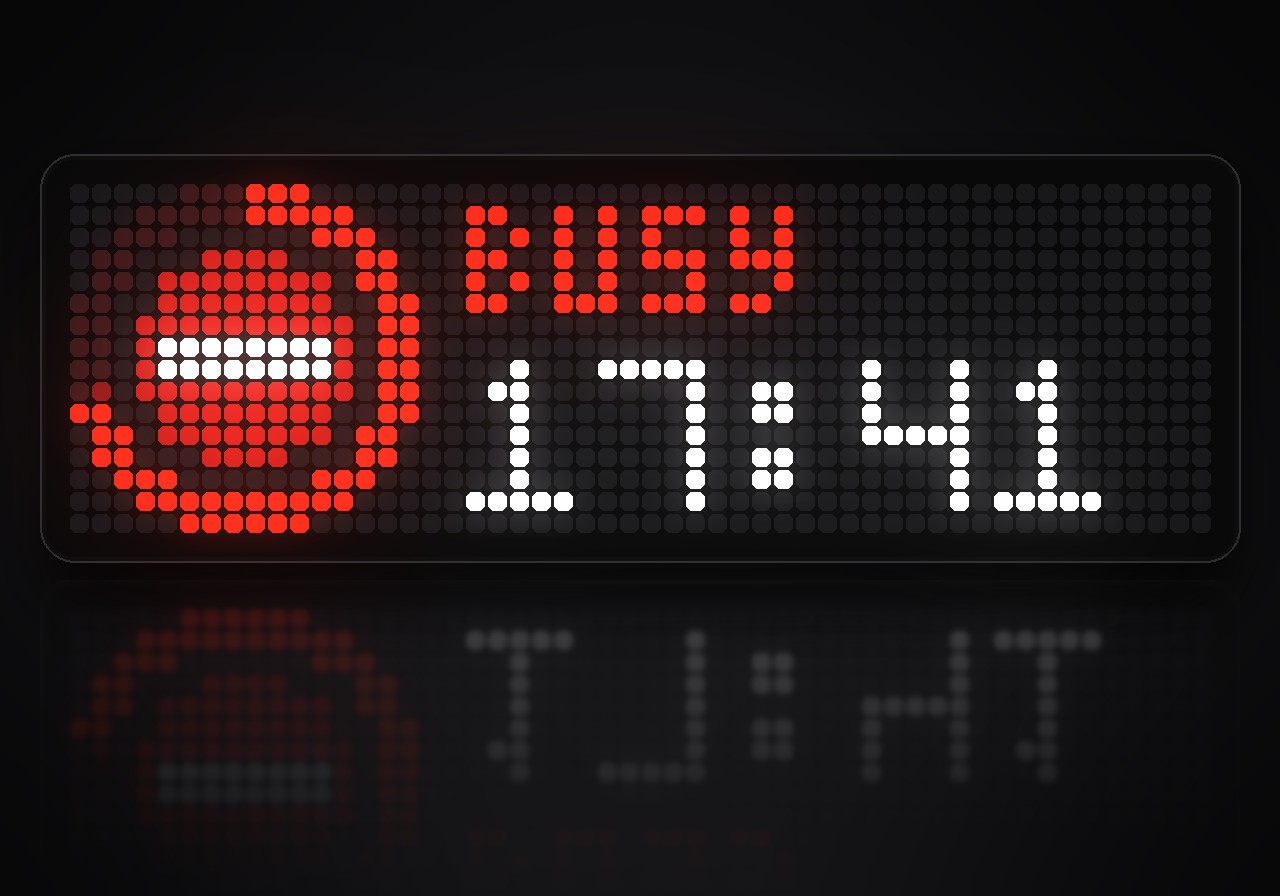
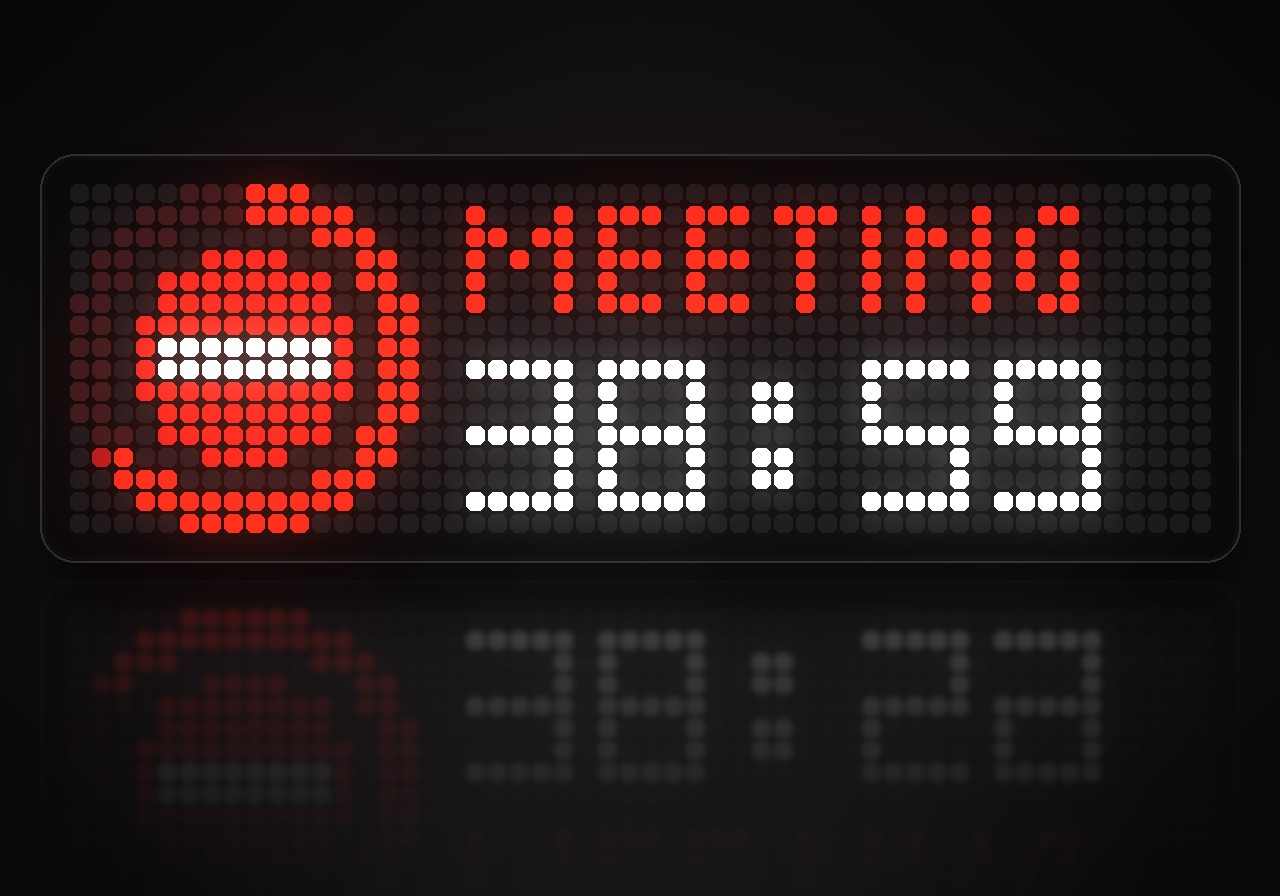
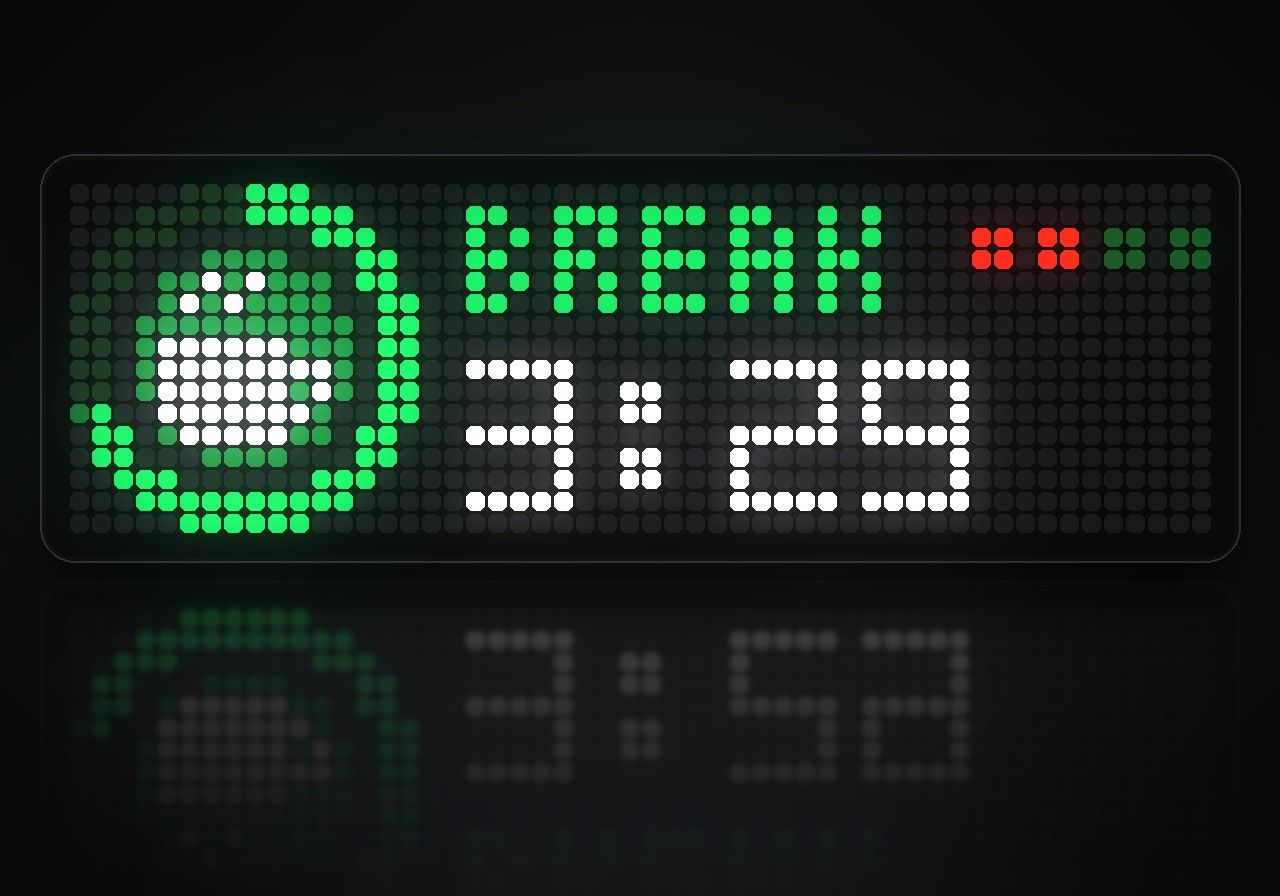
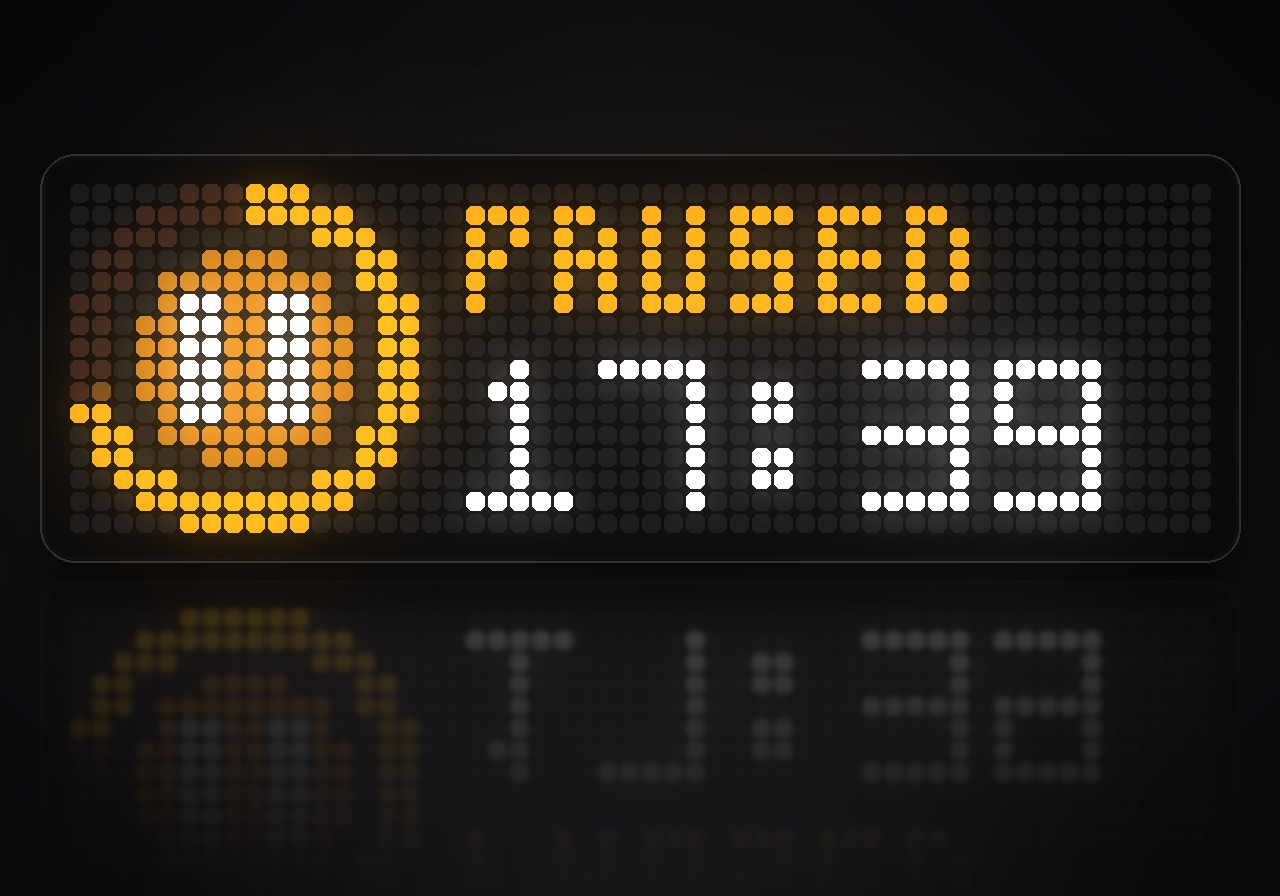
Busy or free, readable from across the room. Do Not Disturb turns the TC002 into a sign for your desk or door: a red no-entry sign while you are busy, a green tick when you are free, and a ring that shows how much time is left. Start it with the clock's buttons, or let Home Assistant switch it when a meeting begins.
What's inside
- Busy or free at a glance: a big status sign with a progress ring, the status word and the time left.
- Three ways to be busy: a timer that frees you again by itself, busy without end with the time counting up, and Pomodoro with focus rounds, short breaks and a long break.
- Your message: "Meeting", "In a call", "Back at 3" in place of the status word; long messages scroll.
- Pick on the clock: turn the knob or hold left and right to choose the time, press the middle button to start and pause.
- A chime at the end: "DONE" flashes, and a short chime sounds when time is up.
- Control from afar: busy, free, pause, more time and messages over MQTT or with one HTTP request, and the status back as JSON for Home Assistant.
- Stays where it belongs: keeps the display while you are busy, and can leave the rotation while you are free.
- Keeps going: a running timer carries on through a restart or a power cut.
What you need
- An Ulanzi TC002 with AWTRIX NG 1.1.7 or later, or another AWTRIX NG clock with a 52×16 panel.
- For remote control: the clock's MQTT connection set up in the web UI, or any tool that can send an HTTP request.
How to use it
Do Not Disturb runs in the app rotation. While it is on screen:
| On the clock | Free | Busy |
|---|---|---|
| Middle button | start | pause / go on |
| Turn the knob | choose the time | a minute more or less |
| Hold right | next choice | timer: five minutes more · Pomodoro: next phase |
| Hold left | choice before | stop |
The choices are no end (∞), Pomodoro and your timer lengths. Short presses on left and right still switch apps, and pressing the knob works as everywhere else on the clock.
Control from afar
Send a command to the topic dnd/set, or put it into the app's data over HTTP:
curl -X PATCH http://<clock>/api/v1/apps/DoNotDisturb/data \
  -H 'Content-Type: application/json' -d '{"cmd":"busy 30 In a call"}'
| Command | What it does |
|---|---|
busy · busy 30 · busy 30 In a call |
busy without end, for 30 minutes, with a message |
pomodoro |
start Pomodoro |
free |
free again |
pause · resume · toggle |
|
add 10 · add -5 |
more or less time |
skip |
the next Pomodoro phase |
text Back at 3 |
change the message; text alone clears it |
On every change the app reports {"state":"busy","mode":"timer","seconds":1800,…} on dnd/state.
Settings
Open the gear next to Do Not Disturb in the web UI's Apps list:
- Timer: the timer lengths to choose from, and whether the app keeps the display while you are busy.
- Pomodoro: focus, short and long break, rounds until the long break, and whether the next focus starts by itself.
- Display: show or hide the app while you are free, the busy and free colours, the chime.
- Remote: the MQTT topic.
Sign in to view and copy the code of this flow.
Discussion 0
Ask a question, suggest a change or share how you use it.
No comments yet. Start the conversation.
More flows for AWTRIX NG Scripts or Miscellaneous
Something wrong with this flow? Report it.
Have an idea?
Sign in to ask questions and join the conversation.